
Freemium
Quick take Spotlight Social Feeds is one of the cleaner choices for WordPress sites that want Instagram to function as…

Feed Them Social is a practical WordPress social-feed plugin for site owners who want Instagram, Facebook, and YouTube content inside WordPress without maintaining custom API integrations. The free plugin covers the basic feed workflow, while paid extensions add deeper feed types, larger feed controls, combined streams, and platform-specific extras. I would shortlist it when you want several social networks from one vendor and prefer a WordPress-native setup over a hosted social-wall service.
It is less compelling if your entire use case is a polished Instagram-only gallery with advanced moderation, analytics, and shopping links. In that case, a specialist Instagram feed tool may offer a more focused workflow. Feed Them Social makes the most sense when breadth across networks matters more than having the deepest feature set for one network.
You can use Feed Them Social for a simple Instagram gallery, a Facebook Page feed, a YouTube channel or playlist feed, or a broader social section that combines several sources. That makes it suitable for local businesses, creators, clubs, nonprofits, and editorial sites that want recent social activity visible on their own domain. The most useful pattern is to define one clear purpose per feed, such as recent Instagram work on a portfolio page or current YouTube videos on a resources page, rather than placing every available network into one oversized wall.
| Capability | Free | Premium extension |
|---|---|---|
| Core social feeds | Yes | Yes |
| Instagram feeds | Basic supported workflow | More feed controls, hashtag options, larger feed behavior |
| Facebook Page feeds | Core Page feed options | Additional Page, video, photo, album and presentation options |
| YouTube feeds | Core feed setup | Additional playlist, popup, column and load-more controls |
| Responsive output | Yes | Yes |
| Reusable feed setup | Yes | Yes |
| Unlimited feed records | Yes | Yes |
| Load more controls | Basic availability varies by feed | Expanded controls |
| Combined multi-network stream | Separate extension required | Not included in Premium by itself |
| Support and updates | Free plugin support | License-based support and updates |
The paid decision is not simply about removing a limit. Premium expands the controls for individual networks, while Combined Streams remains a separate extension. If your requirement is specifically to mix networks into one chronological feed, price that extension separately rather than assuming the main Premium license includes it.
Stay with the free plugin when you need one or more straightforward social feeds, can work within the available platform options, and do not need advanced presentation or deeper feed-specific controls. A small business that only wants recent Instagram posts or a YouTube channel block often does not need to pay immediately. Start with the actual feed on the real page, confirm that the available layout and update behavior are sufficient, and upgrade only when a missing control affects the visitor experience.
Premium becomes more relevant when the feed is a meaningful part of the site rather than a small supporting block. Expanded Facebook media feeds, Instagram hashtag use, more YouTube presentation controls, richer popup behavior, and more control over load-more behavior can justify the license. Agencies should also consider the site-count tiers because a single-site license and an unlimited-site license serve very different deployment models.
The modern workflow stores feed settings as editable feed records. That is a meaningful improvement over older long-shortcode workflows because access tokens, styling, post counts, and platform options can be changed without rebuilding every page embed. Create the feed first, verify the data source, then place the generated shortcode in the final page only after the preview is correct.
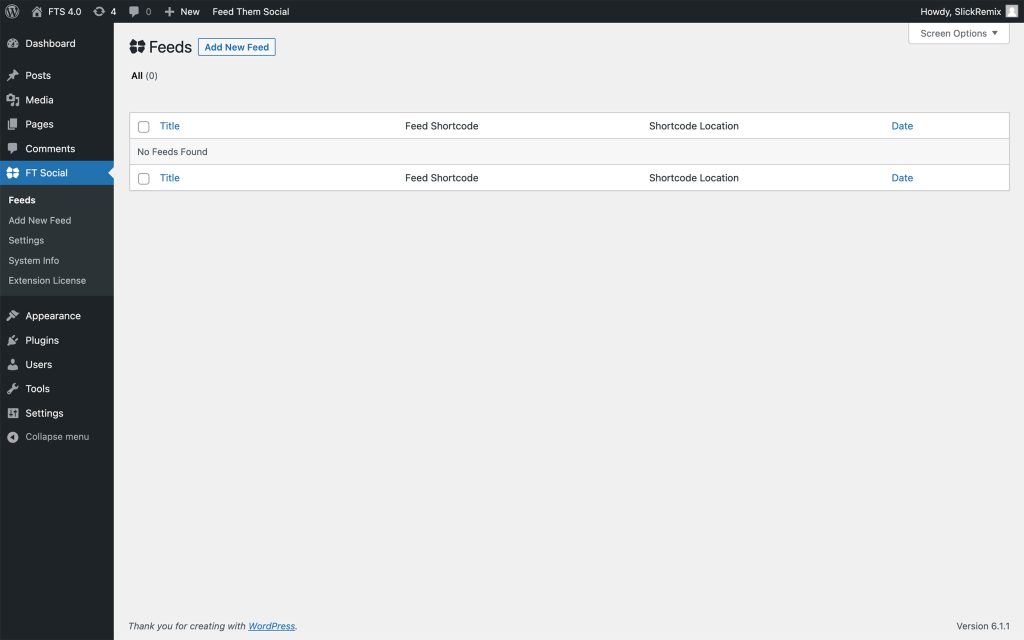
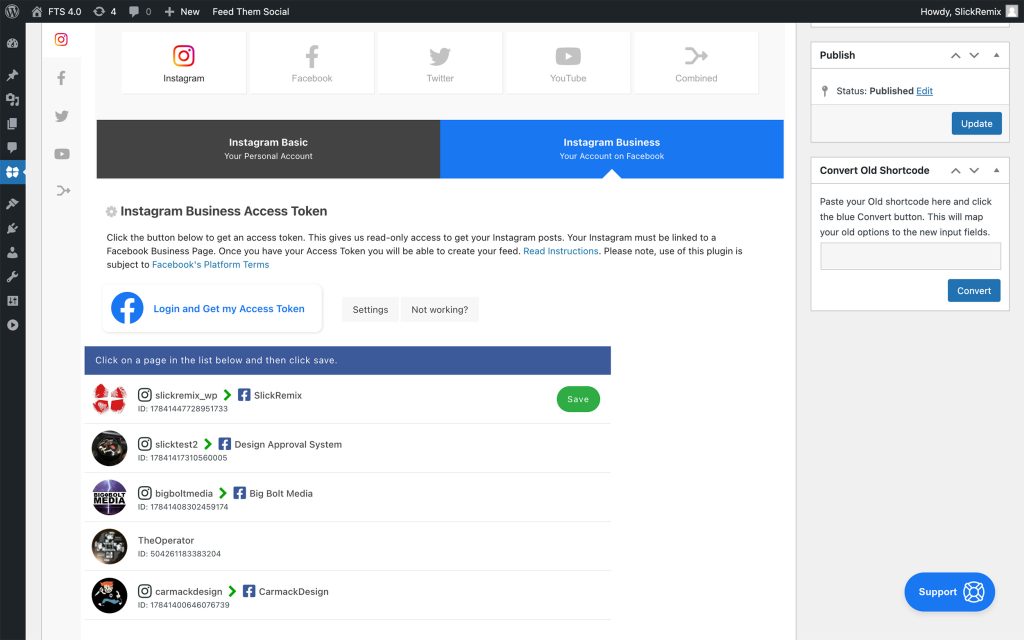
Instagram setup starts by choosing the Instagram feed type and connecting the account. Treat the connection step as an operational dependency, not a one-time design task. Meta permissions and access tokens can change, so whoever maintains the site should know where the feed connection lives and what to check if posts stop updating. Avoid burying this knowledge with a single developer account that the store owner cannot access later.
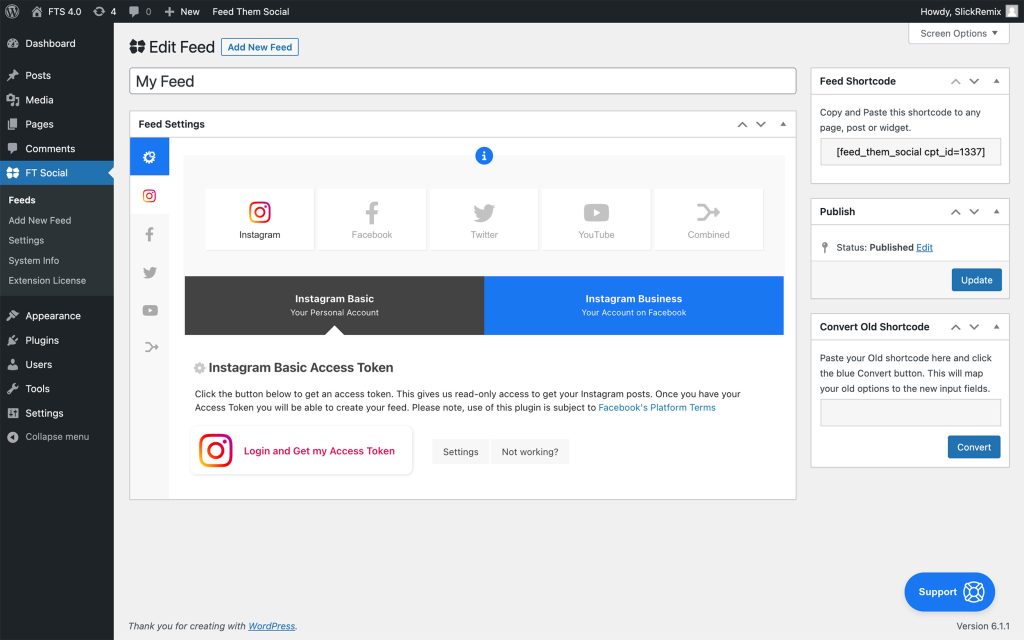
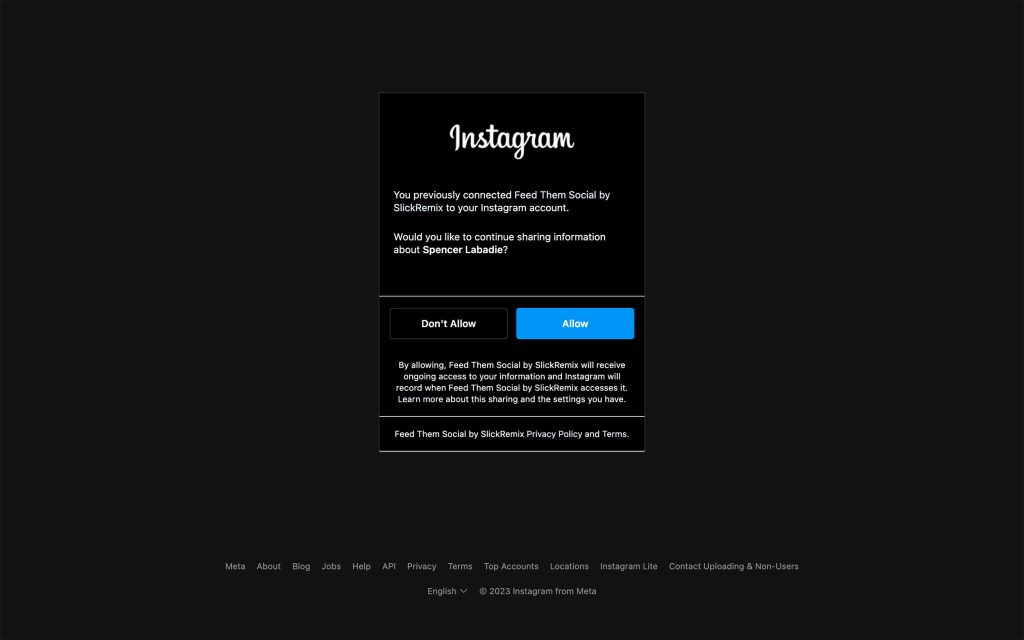
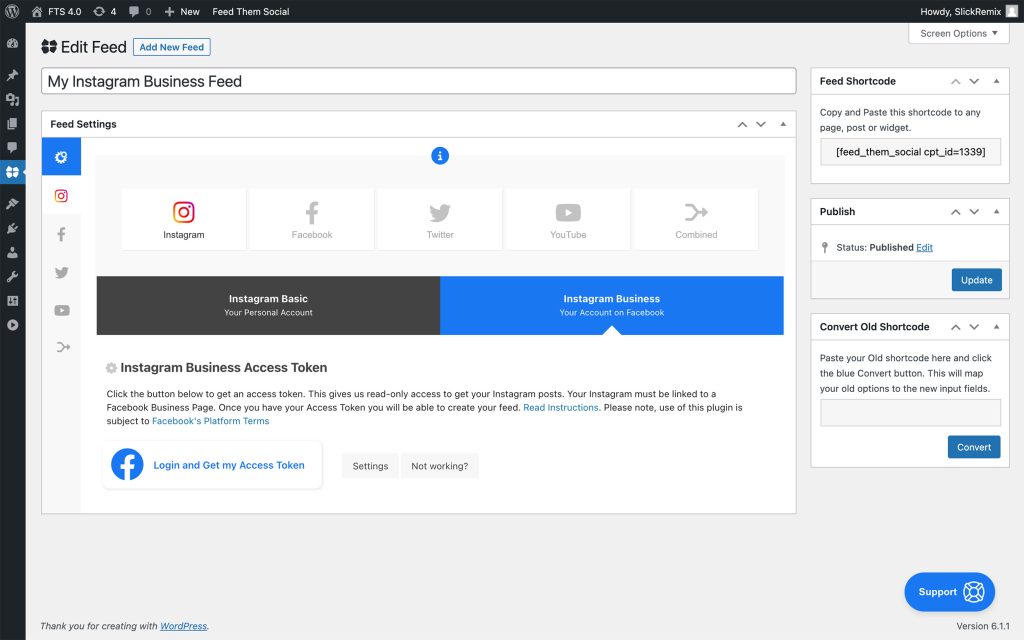
Business-account workflows expose the account and page connection steps needed for supported Instagram business data. Once the token is validated, the feed can be created and its settings adjusted. For production sites, document which business account and Facebook Page are connected, especially when an agency manages several client properties. That reduces confusion when a client later changes account ownership or Meta permissions.
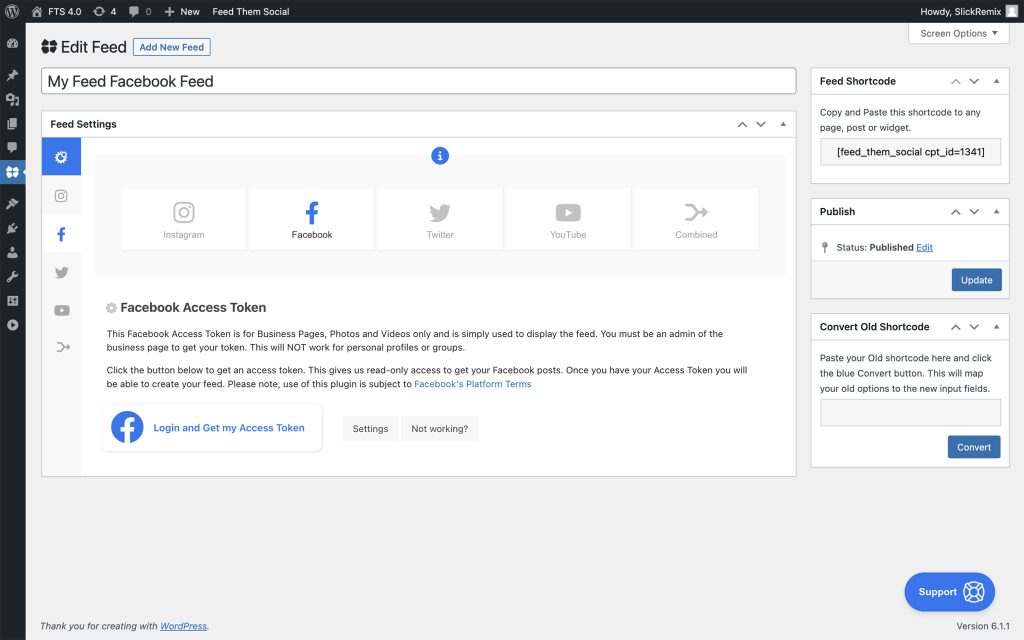
Facebook feeds use a similar authorization model. The important implementation decision is which Facebook content actually deserves a place on the website. A compact Page feed can reinforce activity, while large photo, album, and video feeds can compete with the site content and add extra media weight. Keep the feed focused, test the empty and expired-token states, and confirm the output still makes sense if Facebook returns fewer fields than expected.
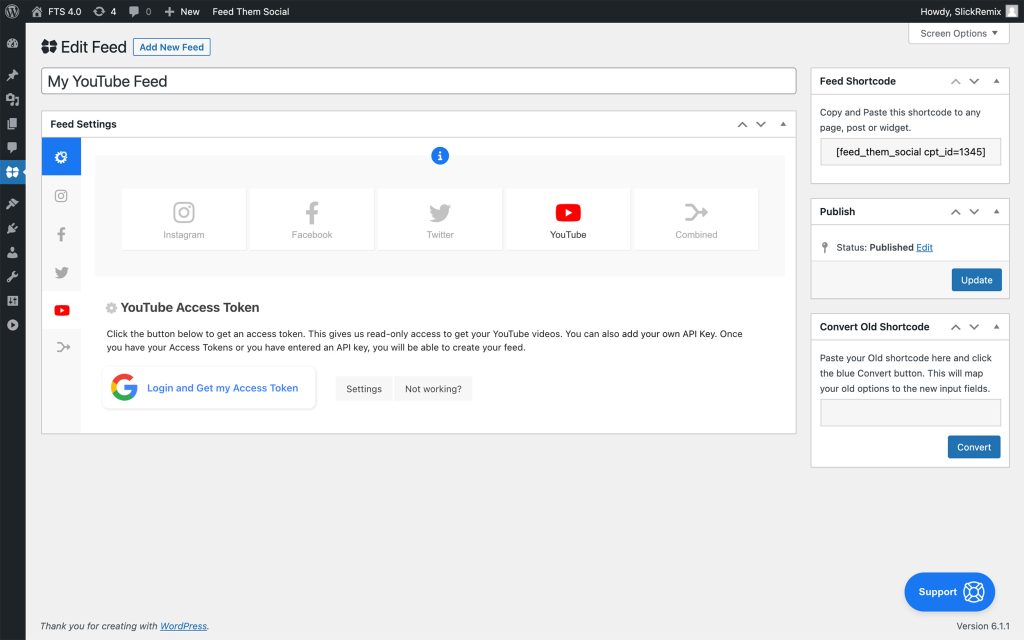
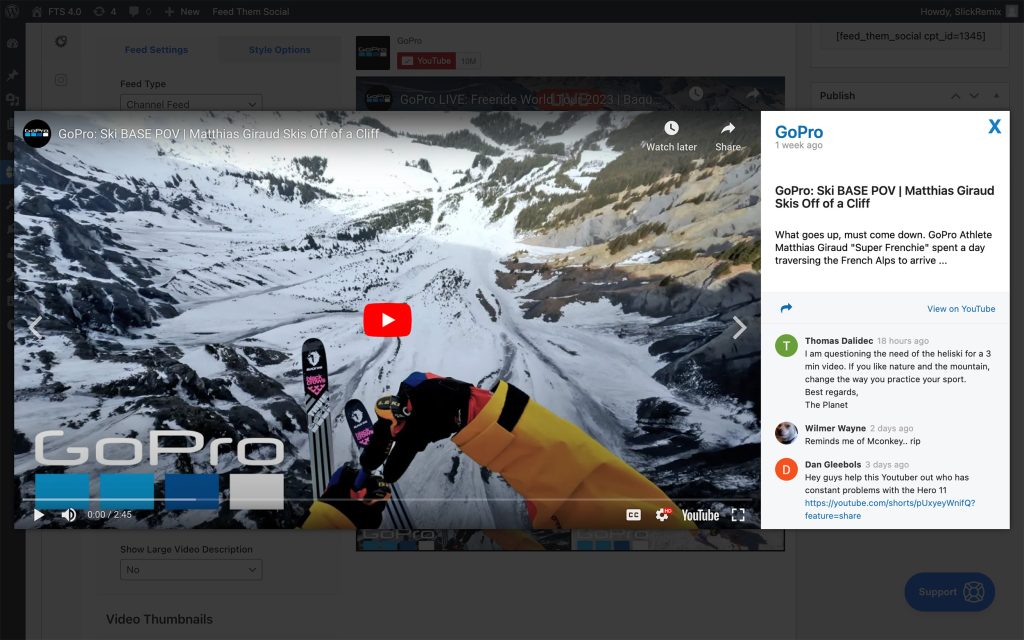
For YouTube, Feed Them Social can surface channel and playlist content. The official setup guidance recommends using the simple token flow for testing but an API key for a live feed because production usage needs a more reliable request allowance. That API requirement should be part of launch documentation. If a feed suddenly stops updating, the API key, quota, channel identifier, and cache are the first places I would check.
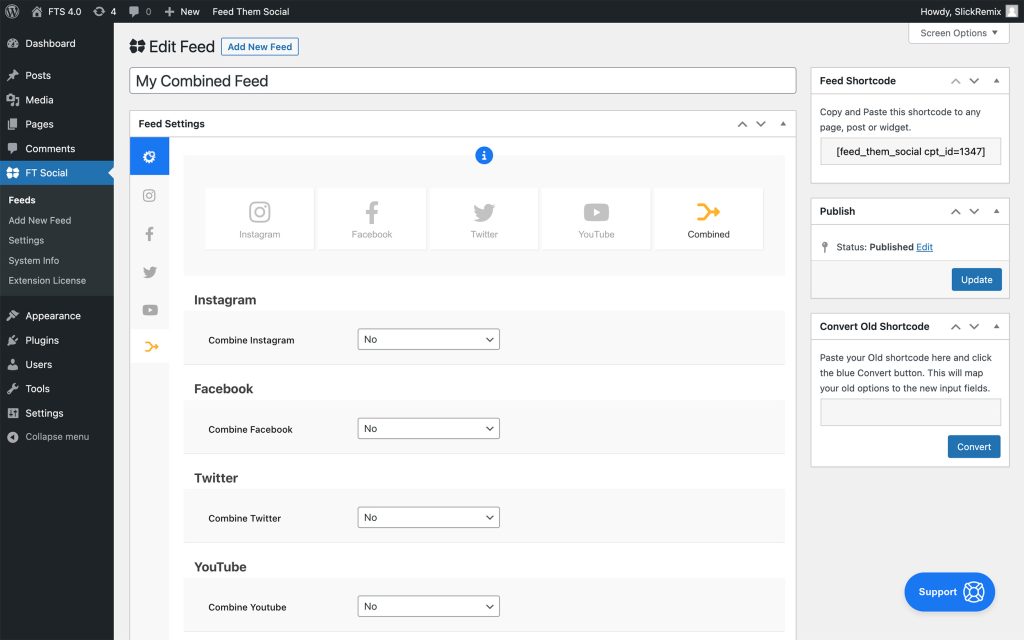
Combined Streams is designed for sites that want supported Facebook, Instagram, and YouTube posts mixed into one feed. It is a separate paid extension, so it should be evaluated as its own purchase. Combined feeds work best when the networks have a similar editorial purpose. Mixing unrelated corporate announcements, personal Instagram photos, and long-form YouTube posts can produce a visually inconsistent block even when the technical feed works perfectly.
Social feeds depend on external APIs, so caching is part of reliability. Feed Them Social exposes cache timing controls, and its documentation warns against leaving developer mode enabled on production because repeated uncached requests can run into network API limits. Set a refresh interval that matches how often the source account actually posts. A feed that changes a few times per week does not need to query an API on every page request.
Treat the feed as a content component, not a replacement for the whole page. Keep image widths consistent with the article or landing-page container, check captions on narrow screens, and test any popup or load-more interaction on touch devices. Social media images can add substantial transfer size, so use the minimum post count needed to establish freshness and let visitors load more only when they want additional content.
Social feeds often fail for organizational reasons rather than WordPress bugs. If the Instagram or Facebook connection belongs to a former employee, an agency account, or a personal profile that nobody else can access, reconnecting the feed can become difficult. Record which Meta or Google account authorizes each feed, who controls that account, and where API keys are stored. When staff or agency relationships change, review social-feed access as part of the handoff instead of waiting until a token expires.
When a feed stops updating, check the source account first, then the access token or API key, plugin cache, feed record, and network API response. Confirm that the source page or channel still exists and that required permissions have not changed. After reconnecting, clear only the relevant feed cache before purging the entire site. This sequence makes troubleshooting faster and avoids unnecessary theme, CDN, or database changes for a problem that originated with an external social platform.
A recurring feed should have an owner and a purpose. Document where each feed is embedded, which network account supplies it, how often it should refresh, and whether the website editor is expected to moderate or style it. If a feed is removed from a campaign page, decide whether to delete the feed record or keep it for reuse. Simple documentation prevents unused feeds, stale tokens, and duplicate configurations from accumulating in the WordPress dashboard.
The largest trade-off is dependency on the social platforms themselves. Facebook, Instagram, and YouTube can change APIs, permissions, and available data independently of WordPress. The plugin can simplify the integration, but it cannot remove those upstream rules. Also separate the main Premium extension from optional products such as Combined Streams or TikTok Premium when estimating cost. Those are distinct licenses with their own capabilities.
Feed Them Social fits small businesses, creators, nonprofits, local organizations, and agencies that want multiple social networks presented through a familiar WordPress workflow. It is particularly useful when one site needs Instagram today but may also need Facebook or YouTube later. Instagram-only marketers who depend heavily on visual moderation, shoppable feeds, campaign analytics, or deep UGC workflows should compare specialist social-feed plugins before deciding.
Pricing checked October 16, 2026. The core Feed Them Social plugin is free. Feed Them Social Premium costs $50/year for 1 site, $75/year for 2-5 sites, $150/year for 6-25 sites, and $199/year for unlimited sites. The vendor bills these licenses yearly until cancelled. Other extensions, including Combined Streams and TikTok Premium, are separate purchases, so calculate the real stack based on the networks you need.
The current WordPress.org version of Feed Them Social is 4.4.3. The Premium extension changelog lists 2.0.3. For a live site, update the free and paid components together only after confirming the feed still authenticates and renders correctly, because platform API behavior can matter as much as WordPress compatibility.
Feed Them Social is a sensible choice when you want a WordPress-managed feed system that can cover several major social networks without moving the entire experience to a hosted widget platform. Start free, prove the exact feed layout you need, then add Premium or a separate extension only for capabilities that matter to the site. That staged approach keeps both licensing and social API complexity under control.
Yes. The core WordPress plugin is free. Paid extensions add deeper feed controls and additional feed types.
Pricing checked October 16, 2026. Premium starts at $50/year for one site, with higher tiers for more sites.
Yes. The plugin supports workflows for Instagram, Facebook, and YouTube feeds. Features vary between the free plugin and paid extensions.
No. Combined Streams is a separate extension for mixing supported networks into one feed.
The vendor recommends using a YouTube API key for a live feed so the site has a more appropriate request allowance than a simple test connection.
The current WordPress.org version is 4.4.3.
It best fits WordPress sites that want to manage several social networks from one plugin and prefer a self-managed feed workflow.
Quick take Spotlight Social Feeds is one of the cleaner choices for WordPress sites that want Instagram to function as…
A modular WordPress suite for social feeds, reviews, Social Wall and feed analytics across major social networks.
Combines social feeds, business reviews, testimonials, notification popups, and social chat in one WordPress social-proof plugin.
Log in or create an account to continue.