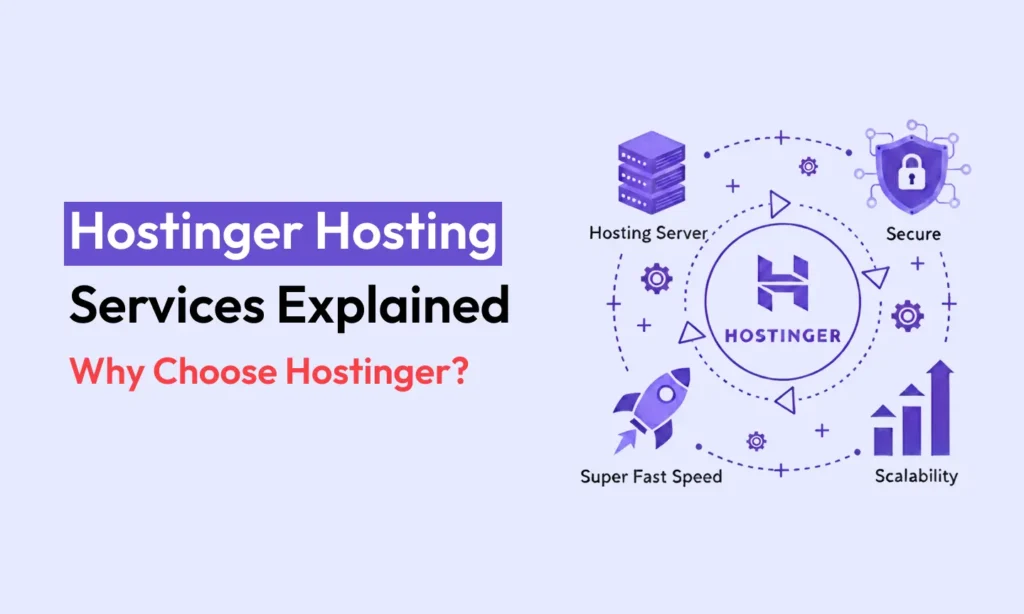
Hostinger is a well-known web hosting company. Over 4 million websites use their services. They offer many types of hosting. This includes shared web hosting, managed WordPress hosting, and solutions for online stores. They also provide cloud hosting, VPS hosting, and special plans for agencies. Hostinger even has services for business email and email marketing.
Each Hostinger hosting service is made for different people. Some are for beginners, while others are for small businesses or developers. In this guide, we will look at each Hostinger service. We will explain how they are different. This will help you choose the best hosting plan for your needs.
Web Hosting (For Beginners)
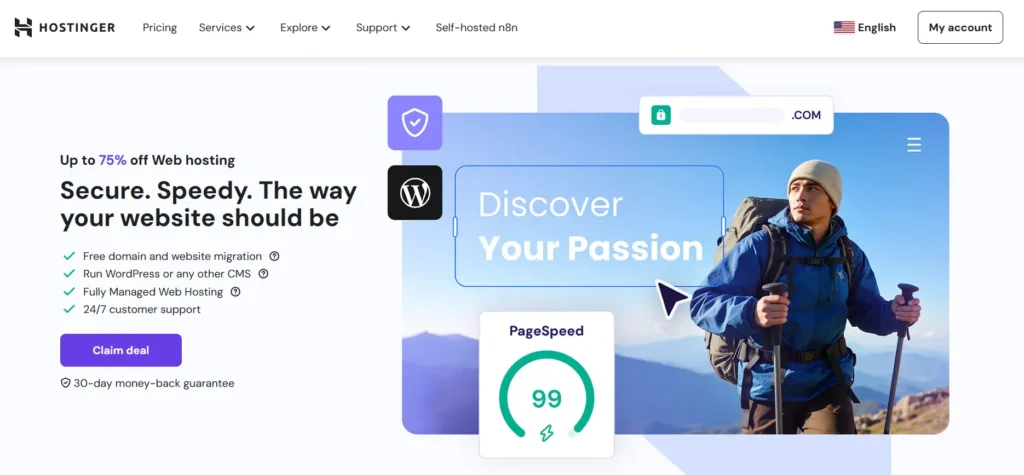
Hostinger’s Web Hosting plans are also called shared hosting. These are great for small websites and for people just starting. Hostinger says this is “Perfect for beginners. Everything you need to take your idea online.” These plans use fast LiteSpeed web servers. They also come with Hostinger’s own hPanel, which is a simple control panel.
Key Features
- Many Plans: Shared hosting has Premium, Business, and Cloud Startup plans. With long-term discounts, they cost around $2.99, $3.99, and $7.99 per month. The Premium plan lets you have 25 websites with 25 GB of storage. The Business plan supports 50 sites with 50 GB of storage. All plans include free SSL, weekly or daily backups, and support anytime.
- Free Domain: If you choose a plan other than the basic single-site one, you get a free domain name for one year. You can manage your domains from the Hostinger dashboard.
- Easy Tools: The hPanel control panel makes tasks easy. You can install WordPress, create emails, and manage your site’s files. Every plan has security features like a firewall and malware scanning. Hostinger also promises 99.9% uptime. You get a free website builder and AI tools with every plan.
Who Should Use It?
Shared Web Hosting is best if you need a simple, all-in-one package. It is good for blogs, portfolios, or small business websites. If you have a simple WordPress site, this plan has everything you need. It’s great for people who are not technical and want everything included.
Things to Think About
Shared plans have limited server power (CPU, RAM). If your site stays small, a shared plan is fine. But if you get a lot of visitors, you might need more power. In that case, look at Hostinger’s Cloud or VPS options. It’s good to know that all shared plans are already optimized for WordPress. This means they have features to make your WordPress site faster.
Managed WordPress Hosting
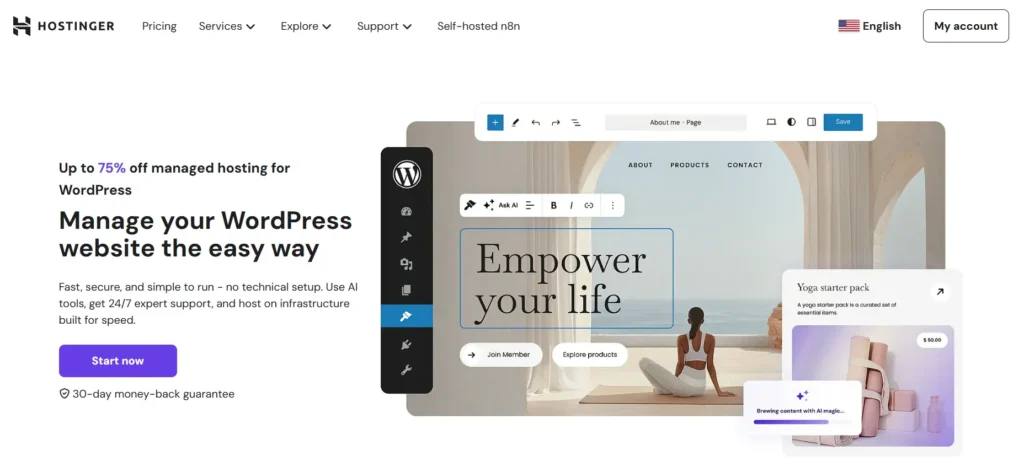
Hostinger’s Managed WordPress Hosting is made just for WordPress websites. These plans are the same as the shared plans but with extra features for WordPress. They are “WordPress-optimized” and include AI tools. An AI assistant named Kodee can help you with tasks like posting articles or managing your online store.
Key Features
- Faster Performance: These plans use special technology like LiteSpeed Cache to make your site faster. Your pages can load up to 40% quicker. High-level plans also include a free CDN service for even better speed.
- Expert Help: You get 24/7 support from WordPress experts. They respond very quickly in live chat. Hostinger’s team will handle technical tasks for you, like updating WordPress and its plugins.
- Strong Security: Your site is always protected. Managed plans have a firewall, daily malware scans, and protection from attacks. You do not need to worry about updating your site.
- WordPress Tools: You get special tools for WordPress. This includes a one-click staging site to test changes safely. You also get automatic daily backups and an AI tool that can find and fix common problems.
- Email Marketing: These plans connect with Hostinger Reach, an email marketing tool. You can collect emails from your site and send newsletters easily.
Who Should Use It?
Choose Managed WordPress Hosting if your website uses WordPress. It is perfect if you want a stress-free experience. This is great for blogs, content websites, or online stores using WooCommerce. Hostinger handles the technical work so you can focus on your content. As the company says, you can “concentrate on building content without dealing with technical server setup.”

Managed Hosting for WooCommerce
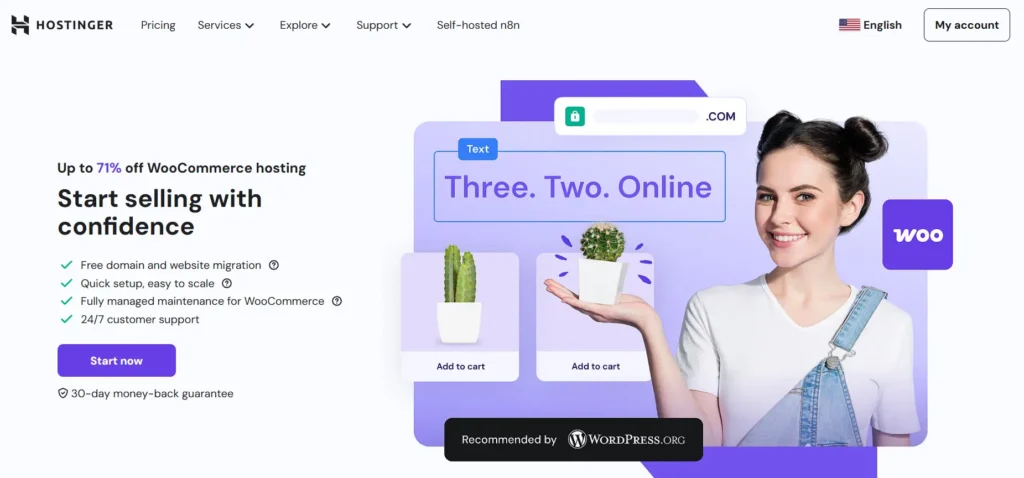
For online stores, Hostinger provides Managed WooCommerce Hosting. This is their WordPress hosting with extra features for selling online. These plans are ready for WooCommerce from the start and include helpful ecommerce tools.
Key Features
- Ready for WooCommerce: You can install WooCommerce with one click and start selling. The plans can handle many products. The basic Business plan is good for about 50 products. The Cloud plan can support thousands.
- Great Performance: The same LiteSpeed technology makes your shop pages load fast. Hostinger guarantees 99.9% uptime so you don’t lose sales. A global CDN helps your store be fast for customers everywhere.
- Secure and Safe: Your store gets free SSL certificates, daily backups, and malware protection. This keeps customer information safe. A feature called object caching makes your shopping cart faster.
- Ecommerce Tools: These plans come with special tools for selling. An AI Ecommerce Builder helps you add products. You can also set up payments and shipping easily. You get tools for marketing, like recovering abandoned carts.
- Plans: The Business Woo plan starts around $3.99 per month. It supports 50 sites with 50 GB storage. The Cloud Startup Woo plan is about $7.99 per month. It supports 100 sites with 100 GB storage and adds more power. Both come with a free domain for one year.
Who Should Use It?
Pick WooCommerce hosting if you want to build an online store with WordPress. These plans make it easy to set up your shop and handle payments. They give you the performance and security needed for ecommerce. For a small or growing online business, these plans are a great choice.
Hostinger Managed Cloud Hosting
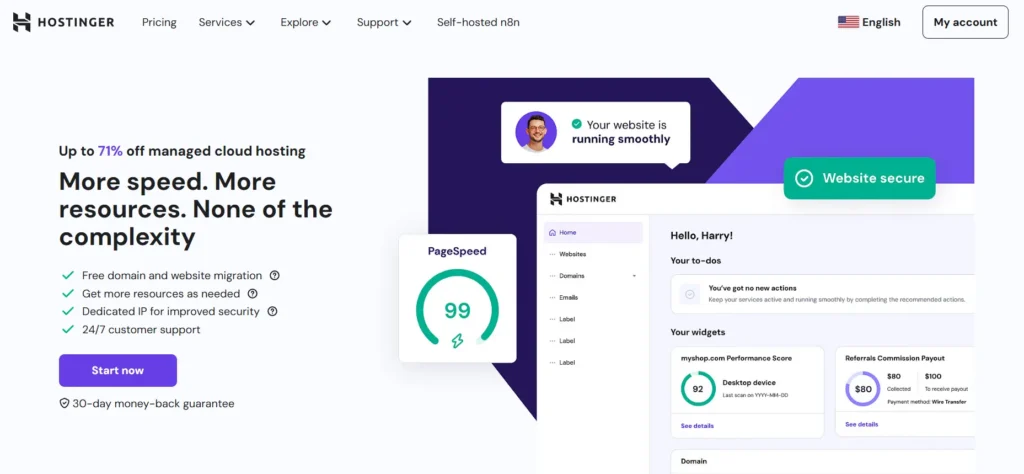
Hostinger’s Managed Cloud Hosting is a more powerful solution. It is for sites that need better performance and can grow bigger. Cloud hosting gives you the power of a private server but is as simple as shared hosting. Hostinger says it gives you “4× more speed and 20× more resources” than regular hosting.
Key Features
- Top Performance: Each Cloud plan comes with fast NVMe SSD storage and more CPU and RAM. Even the entry Cloud Startup plan is much more powerful than shared hosting. A global CDN is included to make your site faster for visitors around the world.
- Dedicated IP and Security: Cloud plans include a free dedicated IP address. This is better for security and sending emails. You still get free SSL, a firewall, and daily backups. Your site is isolated, so other users cannot slow you down.
- Easy to Scale: You can upgrade your Cloud plan anytime. Hostinger offers three tiers: Cloud Startup, Cloud Professional, and Cloud Enterprise. Each step gives you more power. All plans come with priority support.
- Simple Management: These plans are fully managed. Hostinger takes care of setup, security, and updates. You get lots of power without needing to be a server expert.
Who Should Use It?
Cloud Hosting is the next step when your site outgrows shared hosting. It is perfect for busy websites or online stores with many visitors. It is also good for agencies managing many client websites. You get great performance and reliability without the technical hassle.
Hostinger VPS Hosting
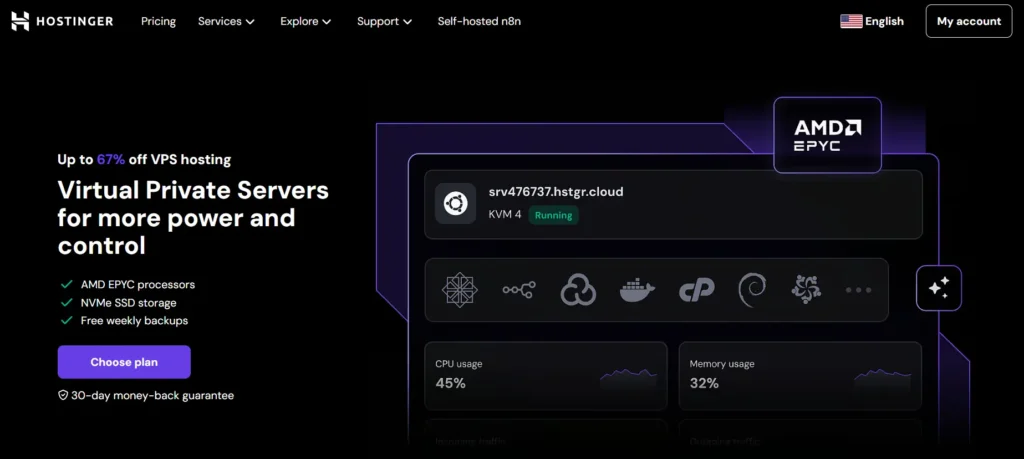
Hostinger’s Virtual Private Server (VPS) Hosting is for users who want full control and power. With a VPS, you get a part of a server just for you. These are unmanaged, which means you set up and manage the server yourself. This is for developers or businesses with special technical needs.
Key Features
- Your Own Resources: You get guaranteed CPU, RAM, and storage that you do not share. Plans range from a small KVM 1 to a large KVM 8, with lots of power options.
- Complete Control: You can install any operating system (like Linux or Windows) and any software you want. You get root access to the server.
- High Speed: VPS plans use fast storage and have a high-speed network connection. They include weekly backups and a firewall.
- Self-Managed: As Hostinger says, with a VPS “you need to have some IT knowledge to manage the server.” Support does not cover fixing your software. This is for people comfortable with server administration.
Who Should Use It?
VPS hosting is for developers and technical users. You can host complex web apps, game servers, or anything that needs a custom setup. The main difference between VPS and Cloud hosting is freedom. VPS gives you total control, but you are responsible for management.
Agency Hosting (Hostinger Pro)
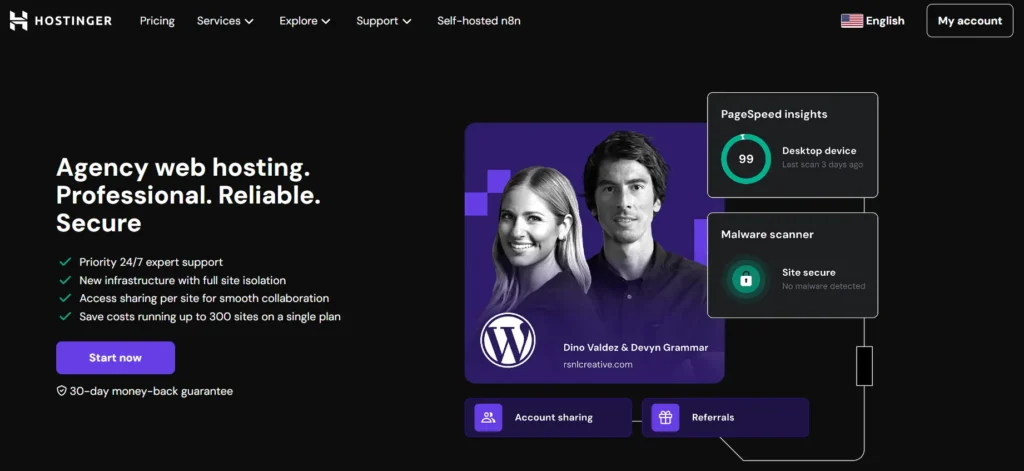
Hostinger Pro is also known as Agency Hosting. It is made for web developers and agencies that manage websites for clients. You get one main account to host hundreds of sites, with tools to work with your team and clients.
Key Features
- Lots of Resources: Agency plans have much more CPU and RAM than other plans. Even the starting plan can handle up to 100 websites.
- Site Isolation: Each website runs in its own container. This makes it more secure and stable. A problem with one client’s site will not affect others.
- Easy Collaboration: You can invite clients or team members to manage specific sites. This is better than sharing your main password.
- Developer Tools: You get the hPanel, Git, SSH, and one-click installers. All plans include daily backups and a free CDN.
- Priority Support: Agency customers get faster support from experts.
Who Should Use It?
This is the best option if you are an agency or freelancer managing many client sites. It simplifies your work by keeping everything under one account. For a single business, regular hosting is better. But for managing multiple projects, Hostinger Pro is very efficient.
n8n Hosting (Automation)
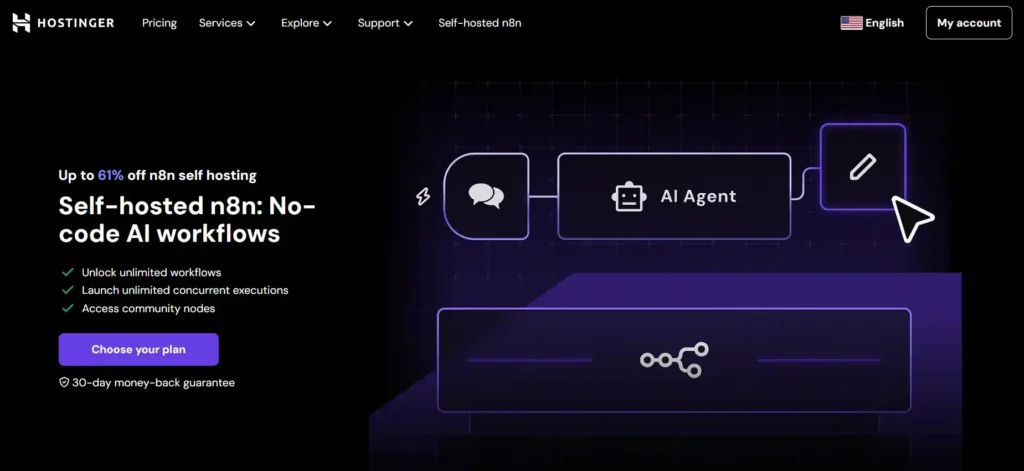
Hostinger also offers a special hosting for n8n. This is an open-source tool for workflow automation, like a free Zapier. Hostinger bundles n8n with a VPS, so you can run your own automation server.
Key Features
- Workflow Automation: n8n lets you connect different apps and automate tasks with a visual editor. You can run unlimited workflows.
- Pre-installed n8n: The VPS comes with n8n already installed for an easy start. There are also many pre-made templates you can use.
- Same as VPS: The hardware is the same as Hostinger’s standard VPS plans. You get the same power and resource options.
- Data Control: Because you host it yourself, you have full control over your data.
- Support: Hostinger provides guides and chat support to help you set it up.
Who Should Use It?
This service is for developers and businesses that want powerful automation without high costs. You can automate marketing, data tasks, and more. It is a great option if you have some technical skill and want a private, flexible automation tool.
Email Services
Hostinger also helps with professional email.
- Business Email: You can create email addresses with your domain name (like you@yourcompany.com). Plans start at a low price per month and include storage, security, and spam protection.
- Email Marketing (Hostinger Reach): This is an AI-powered tool for sending email campaigns. There is a free plan to get started. You can design emails, manage subscribers, and see how your campaigns perform.
Hostinger Website Security Features
Website security is very important for every site owner. Hostinger provides many security tools to protect your website from threats. All plans come with free SSL certificates, which keep your visitors’ data safe. Built-in firewalls and regular malware scanning help stop hackers and viruses. Hostinger’s daily or weekly automatic backups let you restore your website if anything goes wrong.
You also get DDoS protection, so your site stays up even if someone tries to overload it with traffic. With these features, your website is secure whether you are running a blog, store, or business site. This makes Hostinger a great choice for anyone who wants strong, user-friendly security.
Hostinger Customer Support and Help Resources
Good support is very important when choosing hosting. Hostinger offers 24/7 live chat support with fast response times. Their support team can answer all kinds of questions, from technical problems to simple setup help. Hostinger also has a big knowledge base with guides, tutorials, and FAQs.
These resources help beginners and experienced users alike. Whether you need help installing WordPress or want advice on choosing a domain name, you can find answers easily. Having strong customer support means you will not feel lost if you encounter issues, making Hostinger friendly for everyone.
Hostinger Performance and Uptime Guarantee
Fast websites help improve user experience and SEO rankings. Hostinger’s hosting plans use LiteSpeed web servers, fast NVMe SSDs, and a global CDN to ensure your website loads quickly. The company promises a 99.9% uptime guarantee, which means your site will almost always be available to visitors.
This is important for business websites and online stores, where downtime can cost sales. Hostinger’s data centers are in many regions worldwide, which helps deliver the best speed to your audience. With good performance and high uptime, you can trust your website will run smoothly and attract more visitors.
How to Choose the Right Hostinger Plan
- Small business or blogger: Start with a Web Hosting Premium plan. It is affordable and has what you need for one or a few sites.
- WordPress website: Use Managed WordPress Hosting. You get special features for speed and security that save you time.
- Ecommerce store: Choose WooCommerce Hosting. It ensures your store is fast, secure, and ready for customers.
- High-traffic site: Move to Cloud Hosting. It gives you more power and resources when your site gets popular.
- Developer or tech user: Consider VPS Hosting. It gives you full control to build custom applications.
- Agency or freelancer: Use Hostinger Pro (Agency). It is built to manage many client websites from one place.
- Automation workflows: Go with Self-hosted n8n. This is a powerful and low-cost way to run your own automations.
Frequently Asked Questions
What is Hostinger best known for?
Which Hostinger hosting plan should I choose?
Is Hostinger hosting good for WordPress?
What’s the difference between Hostinger’s Shared Hosting and Managed WordPress Hosting?
Does Hostinger provide WooCommerce hosting?
What is the difference between Hostinger Cloud Hosting and VPS Hosting?
VPS Hosting is unmanaged; you get full root access and control over the server. It’s better for developers who want custom environments like Node.js, Python, or Docker.
Does Hostinger offer email hosting?
What is Hostinger n8n hosting?
Does Hostinger include a free domain name?
Is Hostinger reliable and secure?
They have plans from simple shared hosting to powerful cloud servers. By understanding each type, you can find the perfect service for your project.