RecommendedEditors Choice
Turns WordPress into an online store for selling products, managing orders, accepting payments, and extending store features.
Variation Swatches for WooCommerce is a useful conversion and usability upgrade for stores with visual product variations. It is especially valuable for fashion, accessories, furniture, beauty, and other stores where buyers want to see color or style choices before selecting them.
Best fit: Variation Swatches for WooCommerce makes the most sense for WooCommerce stores with visual product variations such as colors, styles, sizes, patterns, or materials. A different tool will usually make more sense for stores without variable products or catalogs where default dropdowns already communicate the available options clearly.
WooCommerce variable products often rely on plain dropdowns for options such as color, size, style, or material. That works, but it is not always the clearest shopping experience. Variation Swatches for WooCommerce turns those options into visual swatches that customers can understand at a glance.
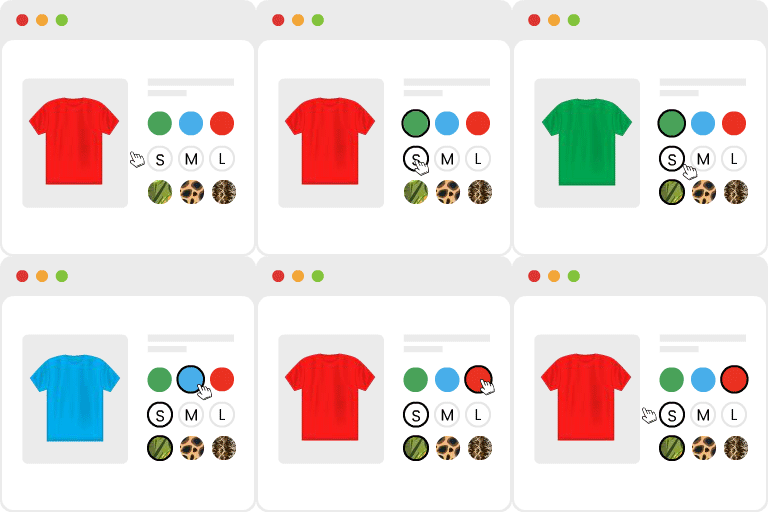
The plugin enhances WooCommerce variable products by replacing standard select boxes with swatches. Depending on the attribute, stores can use colors, images, labels, or button-style choices to present variations more clearly.
This is one of those plugins where shoppers can immediately understand the benefit. A row of visual colors or sizes is easier to scan than a long dropdown, and it can reduce friction when a product has several variation attributes.
The plugin also lets stores improve the product-selection experience without rebuilding WooCommerce product data.
Swatches do not fix poor product photography, confusing attributes, or an overly complicated variation structure. Stores with many attributes should be careful not to create an interface that becomes visually crowded.
Theme and product-template compatibility also matters. Test swatches on product pages, archives, quick-view interfaces, and mobile layouts before rolling them out across a large store.
A free version is available from WordPress.org. GetWooPlugins offers paid options with more advanced swatch and catalog features.
It is best for WooCommerce stores selling products with visible options such as color, pattern, style, size, material, or finish.
There are several WooCommerce swatch plugins with similar goals. Compare them based on archive-page support, image swatches, tooltip controls, variation-gallery behavior, and compatibility with your theme or builder.
Variation swatches improve product selection only when the visual choices remain easy to scan. A product with a few colors or materials is a natural fit, but a catalog with dozens of attributes can become harder to use if every option is turned into a prominent swatch. Group attributes carefully and use images only where the visual difference actually helps the shopper understand the choice.
Compatibility testing matters on stores with custom product templates, quick-view features or heavily modified themes because variation interfaces are often extended by several components at once. Check product pages on mobile as well as desktop, including unavailable combinations and long attribute labels. The free version is a sensible starting point when the goal is replacing default dropdowns with clearer color, image, label or button choices. Paid catalog features are more useful when swatches also need to appear in listing or other advanced shopping interfaces.
Variation Swatches for WooCommerce is a focused store-experience improvement. If customers regularly choose between colors, styles, or other variations, visual swatches usually communicate those choices more clearly than the default WooCommerce dropdown.
Yes. It can display supported product attributes as visual swatches instead of standard dropdown controls.
Yes. Color swatches are one of the core use cases.
Image swatches are supported for visual attribute choices.
Yes. The plugin is available free on WordPress.org, with commercial upgrades available.
It is designed for WooCommerce, but custom product templates and heavily modified themes should always be tested for compatibility.
WooCommerce stores with visual product variations such as colors, styles, sizes, patterns, or materials.
Turns WordPress into an online store for selling products, managing orders, accepting payments, and extending store features.
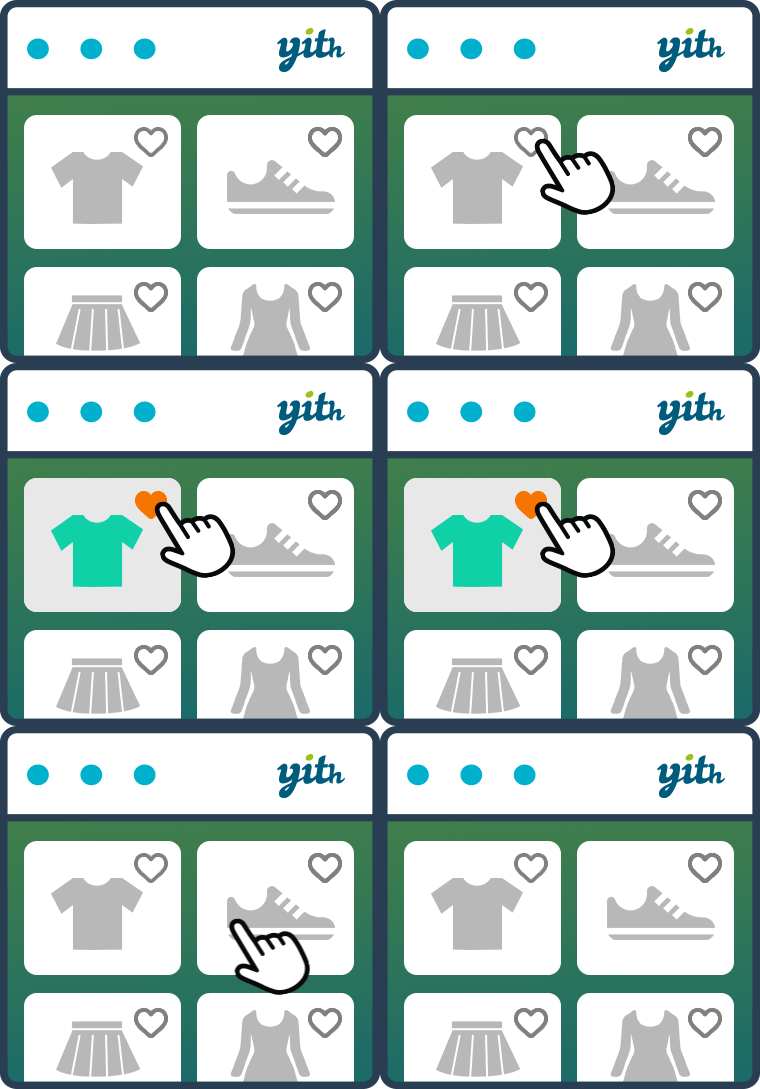
YITH WooCommerce Wishlist lets shoppers save products, preserve selected variations, and revisit or share favorite items later.
Create WooCommerce percentage, bulk, quantity and order-total discounts with product and cart conditions, then expand to advanced offers in Pro.
Log in or create an account to continue.