



Security problems usually feel invisible until they become expensive. A hacked login, injected spam page, malicious file, or compromised admin account can turn into downtime, lost rankings, angry customers, and hours of cleanup. The worst time to choose a WordPress security plugin is after that has already happened.
I prefer security plugins that solve a clear problem without turning the dashboard into a wall of warnings. For this list, I focused on six tools that cover different needs: firewall protection, malware scanning, login hardening, vulnerability monitoring, cleanup, and simpler all-in-one protection.
TL;DR: Best WordPress Security Plugins in 2026
- Wordfence Security — Best overall for a broad firewall, scanner, and login-security toolkit.
- Solid Security — best for login hardening and user-account protection.
- Sucuri Security — Best when you want a cloud firewall and external protection layer.
- MalCare — best for cloud malware scanning and guided cleanup.
- Patchstack — best for plugin and theme vulnerability monitoring and virtual patching.
- All-In-One Security — Best free toolkit for practical WordPress hardening.
1. Wordfence Security — Best Overall

Wordfence is one of the first plugins I consider when a WordPress site needs a broad security layer. Its firewall, malware scanner, login protection, two-factor authentication, and live traffic tools cover the problems most site owners actually worry about.
What I like is that you can see what the plugin is doing. Scan findings are relatively easy to understand, and file-change alerts give you something concrete to investigate. On resource-limited hosting, however, scans should be scheduled sensibly because local scanning uses server resources.
Key features
- Web application firewall
- Malware and file-integrity scanning
- Two-factor authentication
- Brute-force login protection
- Live traffic monitoring
- Security alerts
Pros: Broad protection, strong free version, transparent scan results, mature ecosystem.
Cons: Local scans can be heavy on small servers; premium real-time rules cost extra.
Best for: Most business, blog, and ecommerce sites that want one central security plugin.
Pricing: Free version available; premium licenses are sold on Wordfence.
2. Solid Security — Best for Login Hardening
Solid Security is a good fit when your main concern is reducing common account and configuration risks. It focuses heavily on login protection, two-factor authentication, password policies, user security, file-change detection, and hardening controls.
I find it most useful on sites with multiple editors, staff members, or client accounts. Security often fails through weak credentials and poor account hygiene rather than exotic attacks, so those controls matter.
Key features
- Two-factor authentication
- Brute-force protection
- Password policy controls
- User security groups
- File-change detection
- Site security scanning
Pros: Strong account protection, useful policy controls, good fit for multi-user sites.
Cons: Some advanced features require paid plans; security options can overlap with host-level protection.
Best for: Membership, editorial, agency, and business sites with several user accounts.
Pricing: Free and paid options are available from SolidWP.
3. Sucuri Security — Best for Cloud Firewall Protection
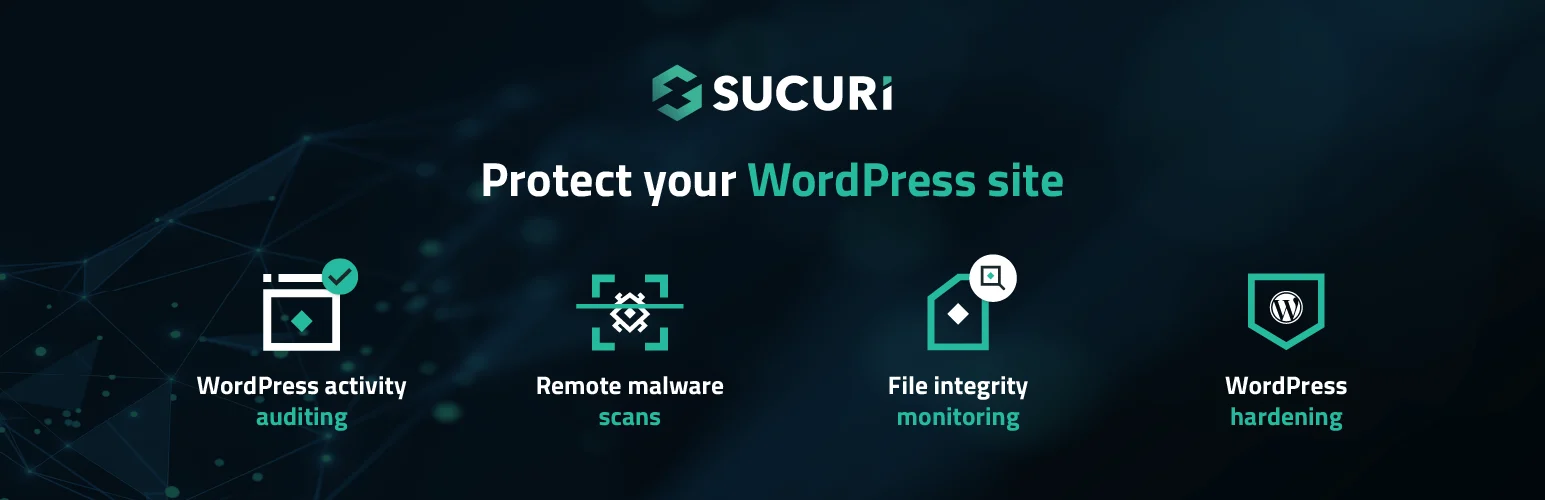
Sucuri becomes especially interesting when you want traffic filtered before it reaches WordPress. Its paid website firewall works at the cloud edge, while the WordPress plugin adds auditing, integrity checks, hardening, and security monitoring.
For a business site that has already experienced attacks, I prefer this approach over relying only on a local plugin. Blocking malicious traffic upstream can reduce the burden on WordPress and the origin server.
Key features
- Cloud web application firewall on paid plans
- Malware scanning
- File-integrity monitoring
- Security hardening
- Blocklist monitoring
- Security activity auditing
Pros: Filters attacks before WordPress, useful incident-response services, strong external monitoring.
Cons: The most valuable firewall and cleanup services are paid; plugin alone is not the full Sucuri service.
Best for: Businesses that want cloud firewall protection and professional cleanup options.
Pricing: Free WordPress plugin; paid website security plans are available at Sucuri.
4. MalCare — Best for Malware Scanning and Cleanup
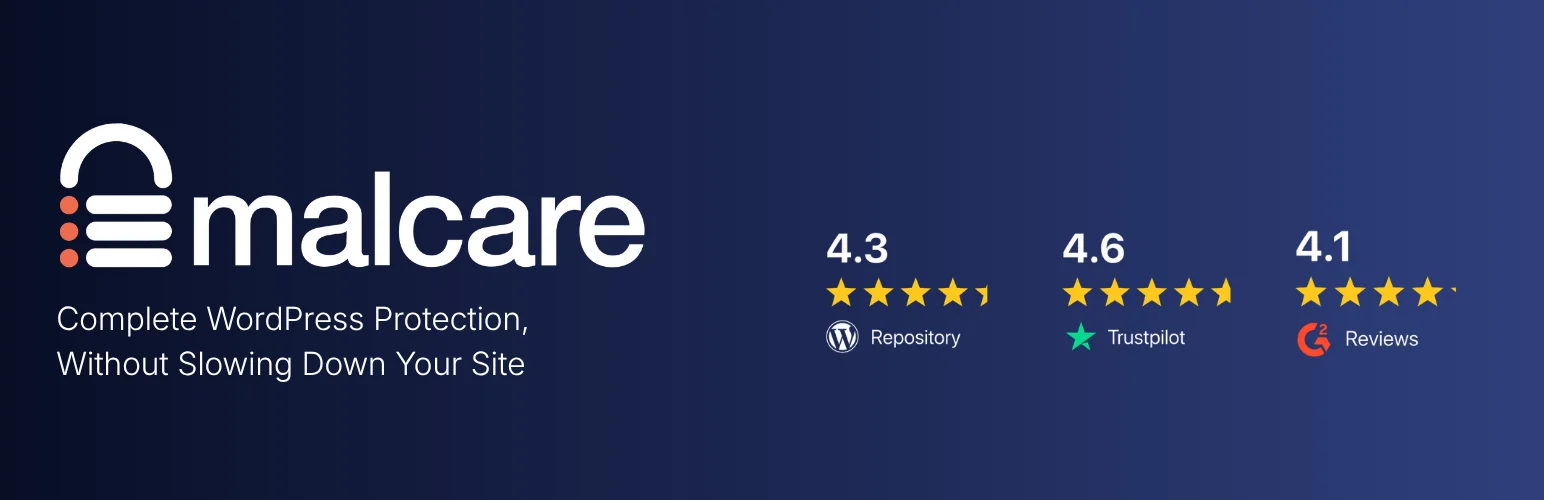
MalCare is built around a problem I care about on busy sites: security scanning should not make the site itself feel slower. Its scanning happens on MalCare’s infrastructure rather than relying entirely on the WordPress server.
The plugin is particularly appealing when cleanup is a priority. If you manage client sites and need a workflow for detection, firewall protection, and malware removal, it can save time compared with manually hunting through changed PHP files.
Key features
- Cloud-based malware scanning
- One-click malware cleanup
- Firewall protection
- Login protection
- Bot protection
- Centralized security dashboard
Pros: Off-site scans reduce server load, convenient cleanup workflow, agency-friendly management.
Cons: Advanced protection and cleanup require paid plans.
Best for: Agencies and site owners who prioritize malware detection and fast cleanup.
Pricing: Free scanner available; premium plans are listed at MalCare.
5. Patchstack — Best for Plugin Vulnerability Protection
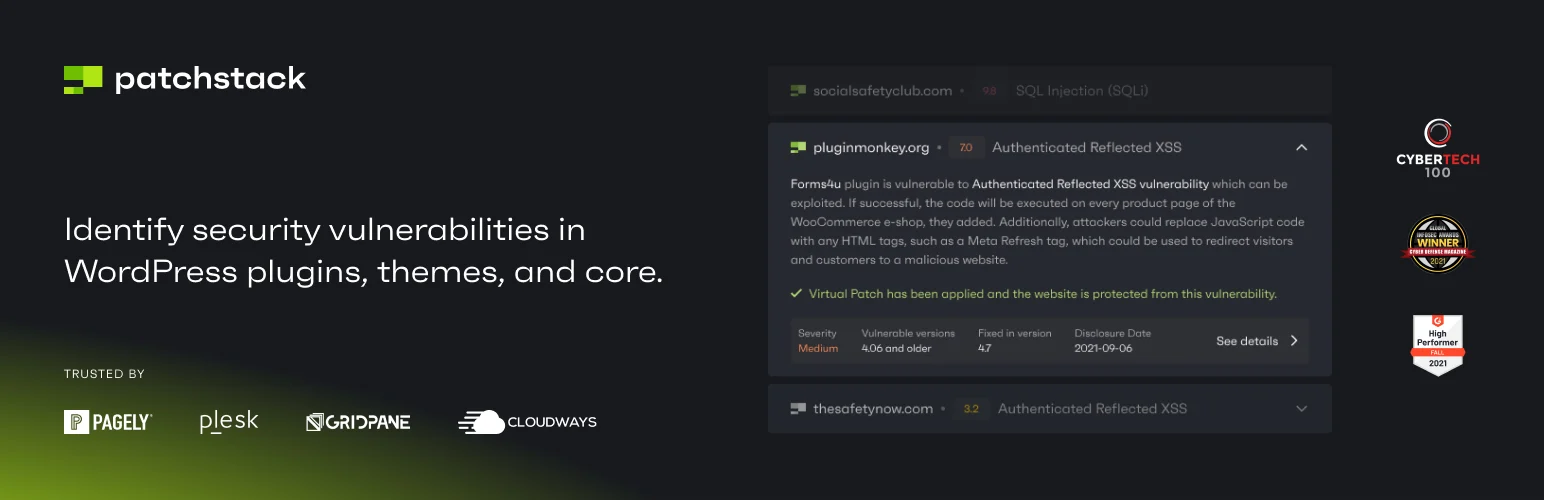
Patchstack takes a vulnerability-first approach. Instead of trying to be every type of security tool, it focuses strongly on known vulnerabilities in WordPress core, themes, and plugins, with virtual patching and firewall protection in its paid offering.
That focus matters because many real WordPress compromises start with vulnerable third-party code. I like Patchstack most when a site runs a large plugin stack and keeping track of disclosures manually would be unrealistic.
Key features
- Plugin, theme, and core vulnerability monitoring
- Virtual patching for supported vulnerabilities
- Threat intelligence
- Security alerts
- Protection rules
- Centralized site monitoring
Pros: Strong vulnerability intelligence, focused protection against plugin/theme flaws, useful for complex sites.
Cons: Not a replacement for backups or broader account-security practices.
Best for: Plugin-heavy WordPress sites and agencies concerned about disclosed vulnerabilities.
Pricing: Free monitoring and paid protection options are available from Patchstack.
6. All-In-One Security — Best Free Hardening Toolkit

All-In-One Security is a practical choice when you want a large set of basic hardening controls without immediately paying for a security subscription. It covers login protection, firewall rules, account security, file protection, spam prevention, and monitoring.
I would use it conservatively. Security hardening should reduce risk, not create lockouts or break legitimate requests. Start with the recommended settings and understand any rule before enabling aggressive restrictions.
Key features
- Login lockdown and brute-force controls
- Firewall rules
- File-system protection
- Database security tools
- User-account hardening
- Security configuration checks
Pros: Generous free toolkit, understandable categories, useful baseline hardening.
Cons: Many settings require judgment; it does not provide the same managed cleanup experience as specialized services.
Best for: Budget-conscious sites that want straightforward hardening and login protection.
Pricing: Free core plugin with premium options available.
What I Would Pair With a Security Plugin
A security plugin is only one layer. Keep WordPress, themes, and plugins updated, use unique passwords and two-factor authentication, and maintain tested backups. If you are hardening the login experience, our guide to custom WordPress login plugins can help with presentation, while the upcoming WordPress backup plugins guide covers recovery.
Conclusion
Wordfence is the strongest all-around starting point for most WordPress sites. Solid Security is particularly useful for account hardening, Sucuri makes sense when you want a cloud firewall, MalCare is attractive for cleanup, Patchstack is excellent for vulnerability-focused protection, and All-In-One Security gives budget-conscious users a broad hardening toolkit.
Frequently Asked Questions
Do I really need a WordPress security plugin?
Not every site needs the same plugin layer, especially if managed hosting already provides a firewall and malware protection. But most sites benefit from login hardening, vulnerability monitoring, or malware scanning that complements the host.
What is the best free WordPress security plugin?
Wordfence and All-In-One Security are both strong free options. Wordfence is better for integrated firewall and malware scanning, while All-In-One Security offers a broad hardening toolkit.
Will a security plugin stop every hack?
No. Security is layered. Vulnerable hosting, stolen credentials, outdated plugins, insecure custom code, and poor backup practices can still create risk.
Can I use two WordPress security plugins together?
Sometimes, but overlapping firewalls, login rules, or scanners can create conflicts and duplicate load. Use one primary security suite unless you clearly understand how the tools complement each other.

