Are you thinking about starting a website but worried about all the technical details? You might have heard about managed WordPress hosting and wondered what it really means.
In this article, I will guide you step by step. We will look at what managed WordPress hosting is, how it works, and why many people choose it, especially if you do not want to handle server tasks yourself. My goal is to help you understand each part, so you can decide if this type of hosting makes sense for your needs.
What is Managed WordPress Hosting?
Let’s use a car as example. You can do all maintenance by yourself. You change the oil, check the engine, and fix problems. Or, you use a full-service garage. The experts do everything for you.
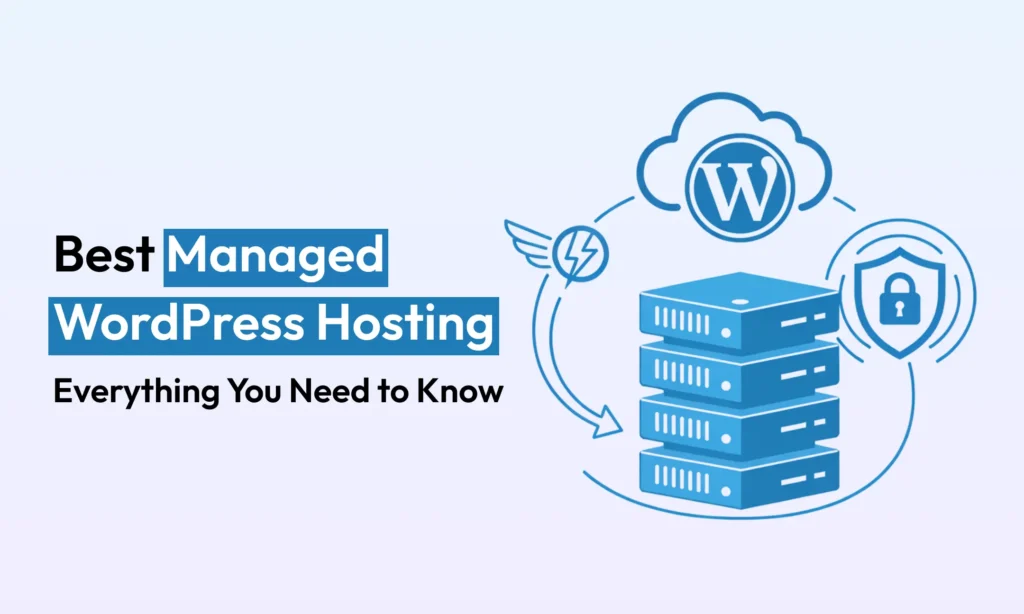
Managed WordPress hosting is like the full-service garage for your website. This is a special hosting type. The company takes care of technical jobs, like the “back-end” work. You get more free time to focus on your site’s content, not server problems.
With a managed WordPress plan, the host sets up the server for WordPress only. It has the right software, up-to-date PHP, and databases. They do routine jobs automatically. This means updates, daily backups, and security scans. You rent a ready WordPress server with experts who help you.
How Does It Work?
The managed host provides a good environment for WordPress. They always use the newest PHP and WordPress caching. This makes your website fast. Often, each website lives in its own closed space, called a container. So, if other sites have problems, your site will still run well.
Your provider usually gives you a Content Delivery Network (CDN). This stores copies of your site in various world locations. If a visitor comes from Japan, they will connect to a server near Japan. So, your site loads fast. You get a free SSL for more security.
On the management side, the host does many things without you asking. Their system updates WordPress, plugins, and PHP. They backup your site every day and store copies in safe places. If something breaks, you can restore your site from a backup. They watch for security threats all day and night. It is like having your own system admin for the website.
The Benefits of Managed WordPress Hosting
Why pick managed hosting? There are many reasons.
1. Speed and Performance: Managed servers work only for WordPress. The hardware uses fast SSD storage and the best caching. So, your pages load much faster. This is important for good Google ranking and happy visitors.
2. Top-notch Security: These hosts put security first. You get a free SSL, strong firewall, and malware scans every day. If something dangerous happens, the experts fix it quickly.
3. Automated Maintenance: Boring but important tasks, like updates and backups, are done for you. This will save you many hours. You avoid mistakes, for example with old plugins.
4. Expert Support: Your plan comes with support from people who know WordPress well. You can call or chat with them any time. They understand more than general tech teams.
5. Scalability: If your website suddenly has more visitors, the hosting service can handle it. They make sure to add resources. Your site does not crash when there is a traffic spike.
6. Peace of Mind: You are free to focus on business or content. No need to deal with server work. Many people feel this is the best part.
When Should You Use Managed Hosting?
A managed host is best when your website is important. This is true for business websites, popular blogs, or online shops. If slow sites or downtime will cost you money or reputation, a managed plan is smart. It is good also if you are not tech savvy.
Some good times to use managed hosting:
- High Traffic: Many visitors? It keeps your site fast.
- Online Stores: Shops need speed and security. Managed hosting works well, especially for WooCommerce.
- Small Businesses: Spend less time on tech, more on your work.
- Mission-Critical Sites: Schools, clinics, and companies cannot have downtime.
- You Want No Tech Worries: You simply want WordPress to work.
If you run a small hobby blog and have little money, shared hosting could be enough.
Managed vs. Shared Hosting
Let’s compare managed hosting and shared hosting.
Shared hosting: Your website is on a server with many others. This is cheap. But memory and speed are shared. If another site is busy, your site gets slow. You do updates and maintenance yourself.
Managed hosting: You get private resources. Other websites cannot slow down yours. The server is optimized only for WordPress. Maintenance is done for you. Support is from people who know WordPress.
Managed vs. Shared Hosting: A Quick Comparison
| Feature | Managed WordPress Hosting | Shared Hosting |
|---|---|---|
| Cost | Higher (starts around $10-$40/mo) | Very Low (starts around $2-$5/mo) |
| Performance | Very Fast. Optimized servers for WordPress. | Slower. Resources are shared with many other sites. |
| Maintenance | Done for you. Host handles updates, backups, security. | DIY. You are responsible for all updates and backups. |
| Support | Expert. 24/7 support from WordPress specialists. | General. Basic support for hosting, not specific to WordPress. |
| Ideal For | Businesses, online stores, serious bloggers, and anyone who wants a hands-off experience. | Small hobby sites, personal blogs, and projects on a tight budget. |
Simple comparison:
- Resources: Shared means divided resources. Managed often means resources for you.
- Optimization: Shared is general. Managed is set for WordPress speed.
- Maintenance: You do it on shared. Host does it on managed.
- Support: Shared is general. Managed is WordPress expert help.
- Cost: Shared is cheap, maybe $2-5/month. Managed is often $10-40/month or more.
You pick based on what you need. Shared is cheaper but needs more work. Managed is for best speed and peace of mind.
Advantages and Disadvantages
Advantages:
- Fast Speed: Your site is always quick and reliable.
- Convenience: No more stress over server tasks.
- Strong Security: Experts protect your website.
- Expert Support: True WordPress help any time.
- Grows with Traffic: Your host can handle more visitors.
Disadvantages:
- Higher Price: Managed hosting costs more.
- Less Control: Some changes to server are not possible. The host controls this for safety.
- Plugin Restrictions: Some plugins may be blocked.
- Feature Overload: For total beginners, all features can feel too much.
- Dependence: You fully depend on your host. If they have a problem, so do you.
You must balance between cost, control, convenience, and performance. For any serious site, managed is often better.
Top Managed WordPress Hosting Providers
Most people don’t enjoy digging through long lists of specs before deciding. That’s why I’ve made a quick comparison of the top managed WordPress hosting providers. It’s side-by-side, so you can easily see the differences.
| Feature | Hostinger | Kinsta | Bluehost | Hosting.com | SiteGround |
|---|---|---|---|---|---|
| Stack | LiteSpeed + SSD | Google Cloud + CF Enterprise | NVMe SSD + CF CDN | Google Cloud + CF Enterprise + WP Rocket | Google Cloud + NGINX |
| Backups | Daily | Daily + on-demand | Auto | Daily | Daily (+ on-demand higher plans) |
| CDN/Security | Free SSL + CDN | Global CDN + WAF | SSL + Cloudflare + Jetpack | CF Enterprise + WAF + malware scan | CDN + SSL + anti-bot |
| Dev Tools | Staging, SSH, WP-CLI | APM, SSH, Git, WP-CLI | AI builder, staging | Redis, WP Rocket, staging | Git, staging, WP-CLI |
| Support | 24/7 chat/email | 24/7 WP experts | 24/7 WP support | 24/7 phone/chat (experts) | 24/7 WP team |
| Extras | Free domain, AI tools | WooCommerce boost, analytics | Free domain, email, SEO tools | Free migrations, onboarding | 100% green energy |
| Price | $2.99+ | $30+ | $3–10 | $1 intro → $30+ | $5–15 |
| Best For | Budget blogs | High-traffic, stores | SMBs, bloggers | Agencies, publishers | SMBs, WooCommerce |
Think of this table as a quick guide. It highlights the strengths, prices, and ideal use for each host. Next, we’ll look closer at each provider. This will help you choose the one that fits your website best.
Hostinger

Hostinger (est. 2004) has grown into a global hosting giant. It employs 900+ people and serves over 16 million users worldwide. Its Managed WordPress plans run on LiteSpeed servers with smart caching and SSD storage for speed.
Hostinger is known for rock-bottom prices. For example, entry WP plans start around $2.99 per month with discounts, while still including essentials like free domain registration, free SSL, and global data center options. In 2025, Hostinger even added AI tools (Kodee) to help build and optimize sites.
Key features:
- LiteSpeed web server and built-in caching for fast page loads
- 99.9% uptime with daily backups and 24/7 support
- One-click staging environments and developer tools (SSH, WP-CLI)
- Free domain name and SSL on most plans
- Unlimited or high traffic plans with WooCommerce optimization
- Budget-friendly pricing (great for bloggers and small businesses)
Kinsta
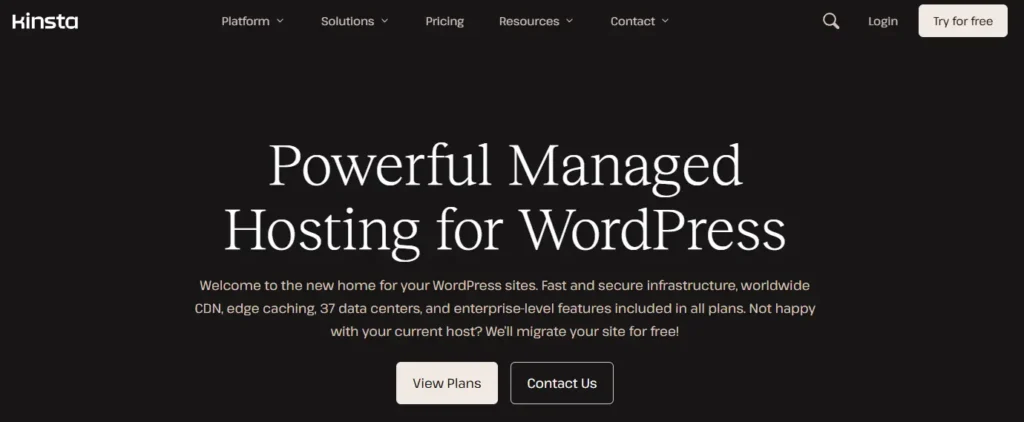
Kinsta is a high-end managed WordPress host built on Google Cloud Platform. Founded in 2013, Kinsta uses compute-optimized C2 servers, and each site runs in its own LXD container. This means 100% dedicated resources per site. It also integrates a free Cloudflare Enterprise layer with DDoS protection and a global CDN across all plans.
Kinsta offers 37 data center locations worldwide, so you can host near your audience. Plans include premium features: free CDN and DNS, automatic hourly or daily backups, unlimited free migrations, 1-click staging, and advanced dev tools, a built-in APM profiler, SSH, Git, and WP-CLI. WooCommerce and Easy Digital Download stores get special performance optimizations to ensure smooth transactions under load.
Key features:
- Google Cloud (C2) servers and isolated containers for max speed and stability
- Free Cloudflare Enterprise with every site
- Global CDN, premium DNS, auto SSL, and staging environments
- Daily automated backups and on-demand backups, and 14-day retention
- WooCommerce-ready and built-in cache rules
- 24/7 human support by WordPress experts and a rich analytics dashboard
- Developer-friendly features and white-labeling on agency plans
Bluehost
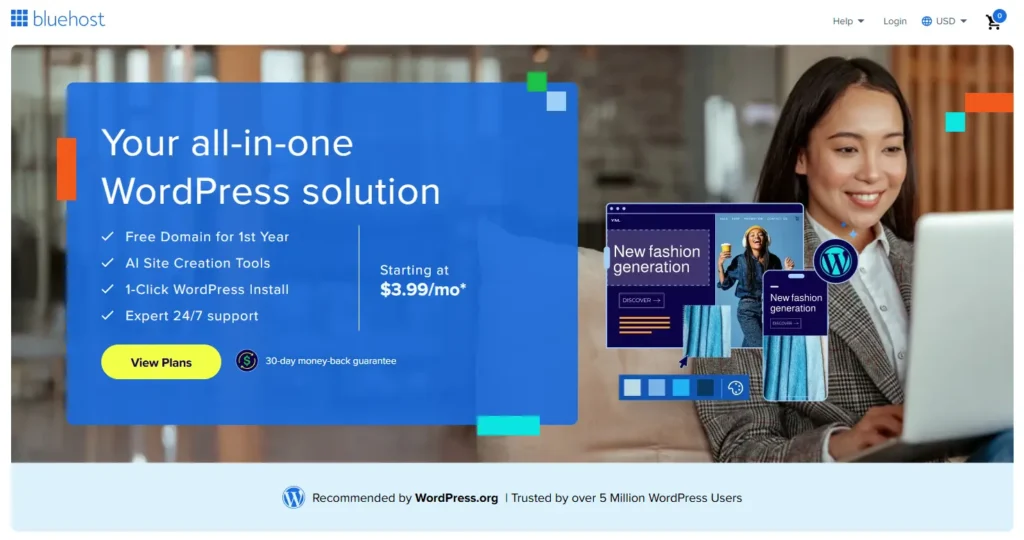
Bluehost (founded 2003) is one of the oldest and largest hosts. Owned by Newfold Digital, Bluehost was recommended by WordPress.org since 2005. It powers millions of WordPress sites. Bluehost’s managed WordPress plans use NVMe SSD drives and include built-in caching and a free Cloudflare CDN to boost speed.
Plans come with a free domain, 1‑click WordPress install, Jetpack and SEO tools pre-installed, and 24/7 WP-focused support. Recent upgrades like WonderSuite add AI-driven site building assistance. Bluehost strikes a balance between shared pricing and WordPress optimization: for example, WP plans start around $3-$10 per month (depending on term) with many freebies.
Key features:
- NVMe SSD storage and integrated Cloudflare CDN for faster loads
- One-click WordPress installation and automated WP updates
- Free domain (1st year), email hosting, SSL certificate included
- WonderSuite AI Site Builder
- Built-in caching and Jetpack security tools by default
- Free migration plugin to transfer any existing site
- 24/7 live chat/phone support by WP experts
Hosting.com (with Rocket.net)
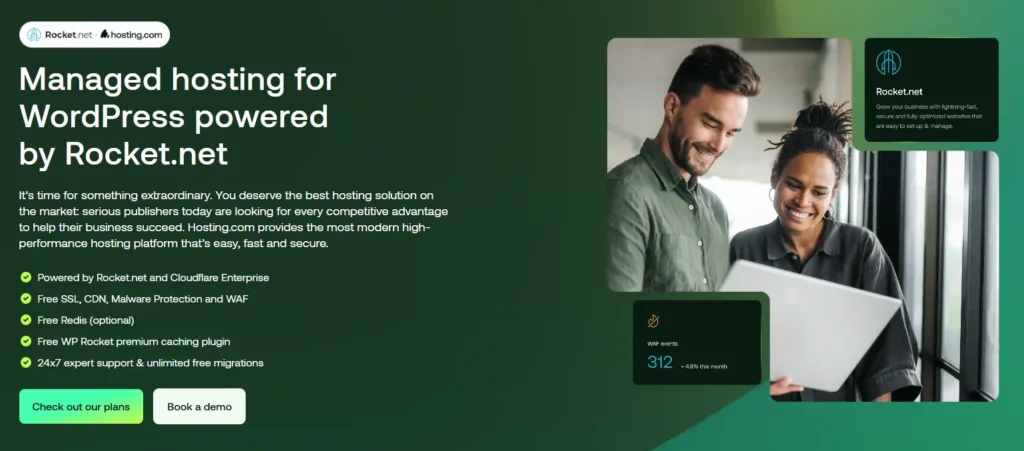
Hosting.com (formerly A2 Hosting’s parent brand) is a global hosting provider that recently partnered with Rocket.net (August 2025). This merger brings Rocket.net’s premium managed WordPress platform under the Hosting.com umbrella. Now Hosting.com offers Rocket.net’s plans (including a first-month $1 intro) powered by a Google Cloud and Cloudflare Enterprise stack.
Every Hosting.com WP plan includes free Redis caching and the WP Rocket plugin, plus built-in CDN, SSL, malware scanning, and enterprise firewalls. They boast 24/7 in-house support real WordPress experts you can contact by phone and unlimited free site migrations. Hosting.com’s focus is on high performance for publishers and agencies: their CEO emphasizes human-first support and next-gen control panels for managing WP sites.
Key features:
- Infrastructure powered by Rocket.net (Google Cloud + Cloudflare Enterprise)
- Free Redis memory cache and WP Rocket caching plugin for speed
- Automatic Cloudflare CDN, SSLs, malware protection, Web Application Firewall
- 24/7 U.S.-based support by WP experts (phone, chat) with fast response
- Unlimited free site migrations and expert onboarding
- Dedicated performance-first architecture
SiteGround
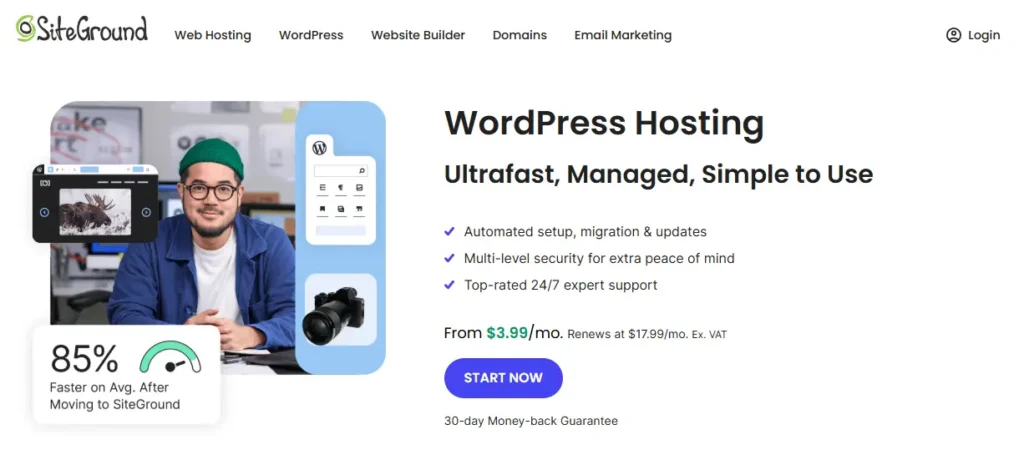
SiteGround is a highly respected host (founded 2004) known for performance and service. They offer managed WordPress plans on multiple data centers (US, Europe, Asia). SiteGround’s stack uses Google Cloud hardware, NGINX and their custom SuperCacher system for ultra-fast sites. Managed WP plans include free WP auto-updates, one-click staging, and free site migration.
Every plan comes with free SSL, daily backups, e-mail hosting and a CDN. Higher tiers add on-demand backups, 30% faster PHP, Git integration and priority support. Notably, SiteGround claims to match 100% of its power usage with renewable energy. Their in-house support team is award-winning, and you get 24/7 live chat and phone help from WordPress specialists.
Key features:
- Ultra-fast NGINX servers and Google Cloud platform
- Custom SiteGround Optimizer plugin for caching and PHP optimization
- Free staging environments and on-demand backups
- Fully managed updates and free WordPress migrations
- 24/7 in-house support with WordPress expertise
- Renewable energy commitment (all plans are carbon-neutral)
- Ecommerce ready (WooCommerce-enabled, optimized for e-shops)
DreamHost (DreamPress)
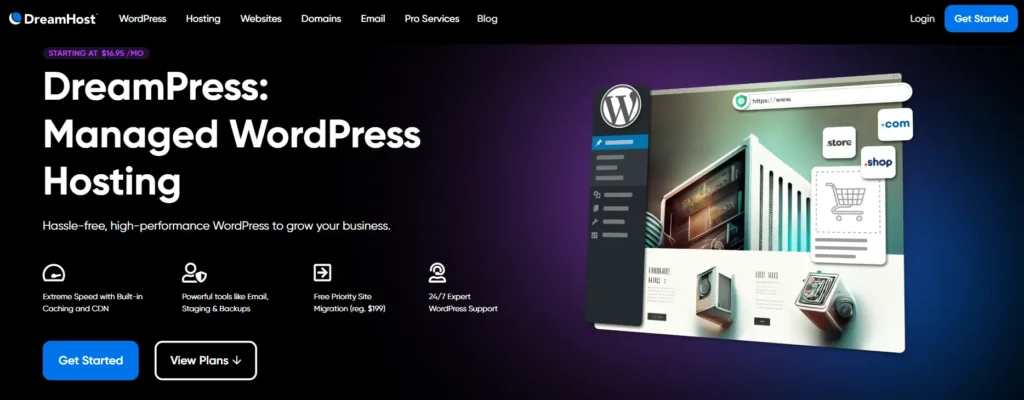
DreamHost is a veteran host (founded 1996) known for its openness and long refund policies (97-day money-back!). Its managed WordPress offering is called DreamPress. DreamPress runs sites on containerized NGINX servers for isolation. Key features include built-in caching and BunnyCDN integration to speed up content globally.
Plans include 1-click staging, automated daily backups and on-demand restores, free domain + email accounts, and free SSLs. The panel is DreamHost’s custom control panel, which offers SSH/SFTP and WP-CLI access.
DreamHost also tends to bundle extras: their higher DreamPress plans come with AI site-builder (Liftoff), traffic analytics, and prioritized support. Overall, DreamHost offers robust WP hosting at competitive prices, along with a strong privacy reputation and good support.
Key features:
- NGINX container servers (dedicated resources per site)
- Built-in caching and global BunnyCDN for faster delivery
- 1-click staging, automatic updates, daily and on-demand backups
- Free domain name, free email accounts, free SSL certificate
- SSH, SFTP, WP-CLI access for developers
- 24/7 WordPress-specialized support
- Generous policies and performance focus for WooCommerce stores
Cloudways
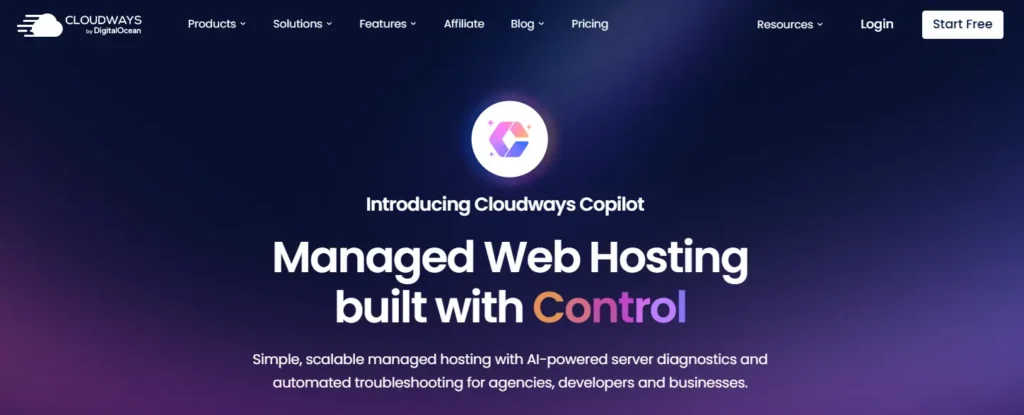
Cloudways is a managed cloud hosting platform rather than one specific data center. Founded in 2011, Cloudways lets you launch WordPress on your choice of cloud provider (DigitalOcean, AWS, Google Cloud, Vultr, Linode) with one-click setup.
This means each server is a dedicated VM, with no shared resources, and you can pick from many global locations. Cloudways layers on management: you get automated backups, SSL, server-level caching (Varnish, Memcached, Redis), and 24/7 expert support, all while retaining SSH and Git access.
They promise 99.99% uptime and very fast load times. Cloudways appeals especially to developers and agencies: you can deploy and clone servers easily, and move between clouds. Pricing is flexible (pay-as-you-go by hour or month).
Key features:
- Multi-cloud: choose AWS, GCP, DigitalOcean, etc. for your WordPress server
- Dedicated servers with autoscaling options
- Built-in caching stacks: Varnish, Memcached, Redis for high speed
- Automated SSL, backups, cloning/staging environments, and one-click restore
- SSH, SFTP, Git, WP-CLI and cron job management for developers
- 24/7 support via ticket and chat, plus an advanced add-on system
- Pay only for resources used
GreenGeeks

GreenGeeks is a niche host with an eco-friendly mission. Founded 2008, they power all their services with renewable energy. Their WordPress hosting platform runs on LiteSpeed web servers and SSD storage for speed.
GreenGeeks’ WP plans come with standard managed features: instant WordPress install, automatic updates, and built-in LiteSpeed Cache for WP. All plans include free SSL, a global CDN, nightly backups, and free email. Unique to GreenGeeks are the green credentials: 300% renewable energy and one tree planted per account.
Higher-tier plans add goodies like on-demand backups, a WordPress repair tool, and priority 24/7 support. GreenGeeks is ideal for users who value both performance and sustainability.
Key features:
- Eco-friendly: 300% renewable energy matching
- LiteSpeed web servers + LiteSpeed Cache plugin
- Managed WP features: auto core/plugin updates, staging environment, WP-CLI/SSH access
- Free CDN (StackPath), free domain (1st year) and unlimited email
- Daily/weekly backups with one-click restore
- Enhanced security and one-click WordPress repair
- 24/7 support, with priority support lines on higher plans
The choice depends on your needs:
- Beginners or Small Blogs: Hostinger and Bluehost are easy and cheap. GreenGeeks is eco-friendly too.
- Small Businesses: SiteGround’s GrowBig or Bluehost Plus are mid-range with good features.
- Growing E-Commerce or High-Traffic Sites: Kinsta or DreamHost DreamPress give best performance for stores.
- Agencies/Developers: Kinsta (Agency plan) or Cloudways. Both offer many developer tools.
- Eco-Friendly Users: GreenGeeks or SiteGround use renewable energy.
- Max Performance: Hosting.com/Rocket.net or Kinsta handle large traffic and complex sites.
Pick based on features, price, and what matters most to you. Every plan above has strengths for different uses.
Is Managed WordPress Hosting Worth It?
For many businesses, yes. Take an online store as example. Slow sites mean lost sales. Downtime is lost money. A managed plan costs more each month, but it protects you from these problems.
When experts manage your server, your shop runs quickly and stays safe. This makes shoppers happy and keeps your reputation strong. You also save your own time. That time can go to improving or promoting your business. For many, the higher price is worth it for peace of mind.
Conclusion
Choosing managed WordPress hosting can make your website journey easier, safer, and more enjoyable. You get the support you need, fast speeds, strong security, and more free time for your business or content.
Think about what matters most for your site: performance, price, support, or special features. With the right provider, you don’t need to worry about technical issues.
Your site will be ready to grow and succeed. Take the next step and select the hosting service that fits you best. Your website deserves a strong foundation.