A strong password is still only one credential. If it is phished, reused or stolen, an attacker can log in exactly like the real user. Two-factor authentication changes that equation by requiring another proof at login. For WordPress in 2026, I prefer 2FA plugins that support modern authenticator apps or hardware-backed methods, let administrators enforce policies by role, and provide sane recovery options when a user loses a device.
This roundup is narrower than our WordPress security plugin guide. I am comparing the authentication layer itself: TOTP codes, email methods, security keys, passkeys, enforcement rules, trusted devices and user recovery.
TL;DR: Best WordPress 2FA Plugins in 2026
- WP 2FA: best overall for role-based enforcement and a guided WordPress-first rollout.
- Two Factor: best free community plugin for a clean, standards-focused setup.
- Wordfence Login Security: best free choice if you also want Wordfence login protection and passkey support.
- miniOrange 2-Factor: best for organizations that need many authentication methods and integrations.
- Kadence Security: best for sites that want 2FA inside a broader login-security toolkit.
- Rublon MFA: best for organizations already using centralized MFA across other systems.
- All-In-One Security: best for users who want 2FA alongside a broader free security plugin.
First Choose the Authentication Method, Then the Plugin
| Method | Security / convenience | What to know |
|---|---|---|
| Authenticator app (TOTP) | Strong and widely supported | Works offline; users must protect recovery codes |
| Email code or link | Easy to deploy | Security depends heavily on the email account |
| Hardware security key | Strong and phishing resistant | Requires compatible key and user enrollment |
| Passkey / WebAuthn | Very strong, user friendly when supported | Passwordless or strong-auth workflow; support differs by plugin |
| SMS | Convenient but weaker than app/key methods | SIM-swap and delivery risks make it a secondary choice |
For administrators, enforcement matters as much as the method. A plugin should let you require 2FA for administrators and editors first, define a grace period, see who has enrolled, and temporarily recover an account without permanently weakening the policy.
1. WP 2FA — Best Overall for Policy Enforcement
WP 2FA is built specifically around deploying two-factor authentication across a WordPress user base. The free version includes authenticator-app codes and email codes, while paid editions add methods and administrative controls such as per-role policies, trusted devices and additional authentication options. Official plugin page.
Authentication and policy features
- Authenticator app TOTP
- Email one-time codes
- Backup codes
- Role-based enforcement policies
- Grace periods and user status visibility
- Premium methods including passkeys/security keys and additional delivery options
Best for: Business sites, membership sites and teams that need administrators to enforce 2FA instead of asking users to opt in.
Pros: Purpose-built 2FA workflow; strong policy controls; good frontend/user onboarding.
Cons: Some of the most useful enterprise methods and controls require Premium.
Pricing: Free edition available. Premium and Enterprise licensing is sold by Melapress; current pricing depends on site/user requirements.
2. Two Factor — Best Free Community 2FA Plugin

Two Factor is a community-maintained WordPress plugin focused on authentication providers rather than a large security suite. It supports common second-factor methods and integrates with additional providers such as WebAuthn through extensions. Official plugin page.
Authentication and policy features
- TOTP authenticator apps
- Email authentication
- Backup verification methods
- Per-user provider selection
- Extensible provider architecture
- Optional WebAuthn provider integration
Best for: Developers and site owners who want a free, focused 2FA plugin with minimal commercial upsell.
Pros: Free and open source; simple scope; community-developed.
Cons: It has fewer centralized enforcement and reporting features than dedicated commercial 2FA platforms.
Pricing: Free.
3. Wordfence Login Security — Best Free Login Security + 2FA Combination

Wordfence includes login-security functionality alongside its broader security product. In 2026 Wordfence also added passkey authentication to free and premium installations, while its established login-security tools include TOTP-based two-factor authentication and brute-force protections. Official plugin page.
Authentication and policy features
- TOTP two-factor authentication
- Passkey authentication
- Login attempt protection
- WooCommerce login support
- Role-based passkey enablement
- Integration with the wider Wordfence security stack
Best for: Sites already using Wordfence or users who want 2FA plus login protection without adding a separate commercial 2FA platform.
Pros: Strong free feature set; passkeys added in 2026; integrates with a mature security plugin.
Cons: If you only want 2FA, installing the full Wordfence stack may be more than you need.
Pricing: Free version includes core login-security features; paid Wordfence plans add broader security services.
4. miniOrange 2-Factor Authentication — Best for Many Authentication Methods
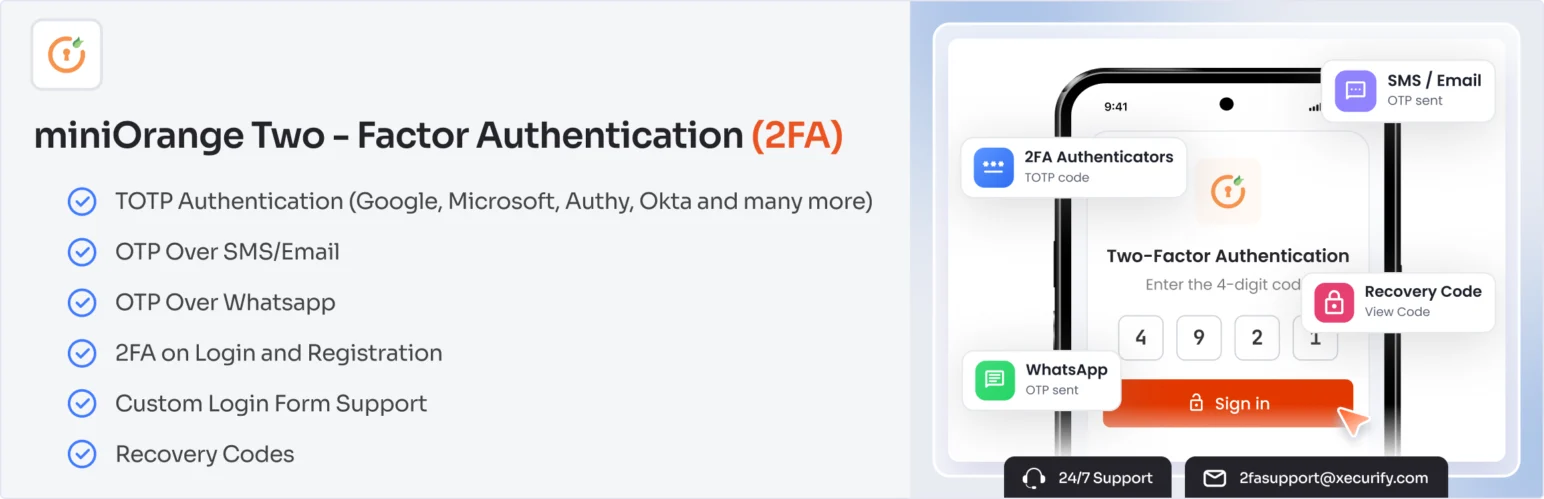
miniOrange has long focused on identity and authentication integrations. Its WordPress 2FA products support several OTP and authenticator workflows and are aimed at sites that need more configuration choices than a basic TOTP-only plugin. Official plugin page.
Authentication and policy features
- Authenticator-app OTP
- Email-based authentication options
- Security-question and backup options depending on plan
- Role and user policies
- WooCommerce / membership use cases
- Commercial identity and SSO ecosystem
Best for: Organizations that need several MFA methods, custom login integrations or a wider identity stack.
Pros: Large authentication feature set; enterprise identity experience; flexible integrations.
Cons: The product matrix and paid tiers can feel complex for a small WordPress site.
Pricing: Free entry-level plugin available; paid plans vary by users, methods and integrations.
5. Kadence Security — Best Broader Login-Security Toolkit
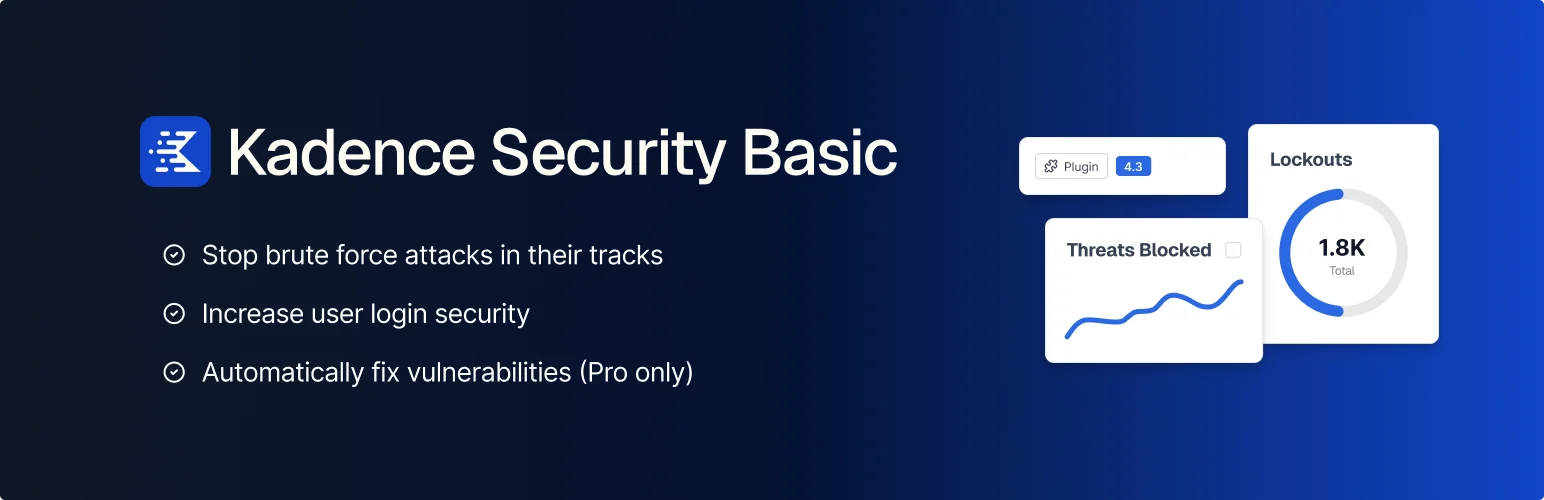
Kadence Security, formerly iThemes Security, combines two-factor authentication with password policies, brute-force protection, vulnerability monitoring and other hardening controls. It makes sense when login security is one part of a broader WordPress security policy. Official plugin page.
Authentication and policy features
- Two-factor authentication
- Password and login protections
- Brute-force protection
- Vulnerability scanning
- Security hardening controls
- User-role security settings
Best for: Site owners who prefer one security plugin to handle 2FA and several related login-hardening tasks.
Pros: Broad security coverage; established product lineage; useful for policy-driven sites.
Cons: Its scope is much wider than a standalone 2FA plugin, which increases configuration complexity.
Pricing: Free version available; commercial plans add advanced security features and support.
6. Rublon MFA — Best for Centralized Organizational MFA
Rublon is different from a typical WordPress-only 2FA plugin. It is an MFA platform that can protect WordPress alongside VPNs, servers and Microsoft environments. Its WordPress integration can present methods such as mobile push and WebAuthn/security keys through the Rublon authentication flow. Official plugin page.
Authentication and policy features
- Mobile push authentication
- WebAuthn / U2F security keys
- SMS passcodes depending on plan
- Central MFA administration
- WordPress integration
- Support for non-WordPress enterprise systems
Best for: Organizations that want WordPress under the same MFA policy as servers, VPNs or corporate applications.
Pros: Centralized MFA approach; multiple strong methods; enterprise use cases.
Cons: Requires an external Rublon service and is unnecessary for most small standalone sites.
Pricing: WordPress plugin is free to install; Rublon service pricing depends on users and plan.
7. All-In-One Security (AIOS) — Best Free Security Suite with 2FA

All-In-One Security is a broad WordPress hardening plugin that includes two-factor authentication alongside login protection, firewall and security controls. It is a practical choice when the site already needs several of those features and you want to avoid stacking separate plugins. Official plugin page.
Authentication and policy features
- Two-factor authentication
- Login lockout controls
- Firewall and hardening options
- User-account security
- Brute-force protection
- Security monitoring tools
Best for: Small and medium WordPress sites that want 2FA inside an all-in-one free security toolkit.
Pros: Large free security feature set; widely used; reduces the need for several small security plugins.
Cons: Broader scope means more settings than a dedicated 2FA-only plugin.
Pricing: Free core plugin; premium support/features are available through the vendor ecosystem.
A Safer 2FA Rollout for WordPress Teams
- Require 2FA for administrator accounts first.
- Give users a short, clearly communicated enrollment grace period.
- Prefer authenticator apps, passkeys or hardware keys over SMS when practical.
- Require users to save recovery codes in a secure place.
- Document an account-recovery process that verifies identity before bypassing 2FA.
- Review enrollment status after staff or role changes.
2FA reduces account-takeover risk, but it does not replace patching, least privilege or malware protection. Pair it with a broader security baseline and review important administrative changes through an audit trail. The next article in this batch covers WordPress activity log plugins for exactly that purpose.
Conclusion
WP 2FA is the best fit for most teams that need enforceable WordPress two-factor authentication policies. Two Factor is the clean free choice for users who want a focused community plugin, and Wordfence makes sense when login security is already part of the Wordfence stack. miniOrange and Rublon serve more complex identity requirements, while Kadence Security and AIOS bundle 2FA with broader hardening. Whichever plugin you choose, the rollout policy and recovery process matter as much as the login screen itself.
Frequently Asked Questions
What is the best two-factor authentication plugin for WordPress?
WP 2FA is my best overall choice when you need role-based enforcement and a guided rollout. Two Factor is an excellent free focused option, while Wordfence is convenient for sites already using its security stack.
Is an authenticator app safer than email 2FA?
Usually, yes. TOTP authenticator codes do not depend on access to the email inbox. Email 2FA is still better than password-only login but inherits the security of the email account.
Are passkeys the same as two-factor authentication?
Not exactly. Passkeys are a modern WebAuthn-based authentication method and can replace passwords in some workflows. They are phishing resistant, but whether they function as a second factor or passwordless primary authentication depends on the implementation.
Should WooCommerce customers be forced to use 2FA?
It depends on the site risk and user experience. Administrators, shop managers and other privileged accounts should be prioritized. Customer 2FA can be valuable for high-value accounts but needs a smooth recovery process.
What happens if a user loses their 2FA phone?
A well-configured plugin provides backup codes, a secondary method or an administrator-assisted recovery process. Do not disable 2FA globally just to recover one user.