



WooCommerce order tracking plugins reduce post-purchase support by giving customers clear shipment updates instead of forcing them to ask where an order is. The best tools add tracking numbers cleanly, support multiple carriers, place updates in emails and My Account, and optionally provide branded tracking pages.
For 2026, I would prioritize current WooCommerce compatibility, carrier coverage, HPOS support, customer notifications, tracking-page quality, bulk import options, and whether real-time carrier events require a hosted service or paid plan.
If you are still choosing how orders are shipped, see our WooCommerce shipping plugin roundup. For internal fulfillment stages before shipment, our WooCommerce custom order status guide covers that workflow.
TL;DR
- Advanced Shipment Tracking: best overall for adding tracking numbers, customer links, carrier support, and a strong WooCommerce-native workflow.
- TrackShip: best for branded tracking pages, real-time shipment events, proactive notifications, and delivery analytics.
- CWILL (formerly ParcelPanel): best for an all-in-one hosted tracking experience with automatic shipment updates and customer notifications.
- AfterShip Tracking: best for multi-carrier tracking, branded order lookup, notifications, and delivery predictions.
- Trakoo: best for manual or CSV-based tracking-number management with carrier links, emails, and PayPal integration.
Quick Comparison
| Plugin | Best for | Tracking model | Free option |
|---|---|---|---|
| Advanced Shipment Tracking | General WooCommerce tracking | Tracking numbers + carrier links | Yes |
| TrackShip | Post-purchase tracking experience | Hosted real-time tracking | Yes / service limits |
| CWILL | Automated shipment tracking | Hosted carrier tracking | Yes |
| AfterShip Tracking | Multi-carrier tracking | Hosted tracking platform | Yes |
| Trakoo | Manual + CSV workflows | WooCommerce tracking fields | Yes |
How I Chose These Plugins
I compared current maintenance, WooCommerce compatibility, carrier support, tracking-number entry, multiple shipments, customer emails, My Account output, branded tracking pages, CSV import/export, real-time carrier events, HPOS support, and how much of the workflow depends on an external tracking service.
1. Advanced Shipment Tracking for WooCommerce – Best Overall
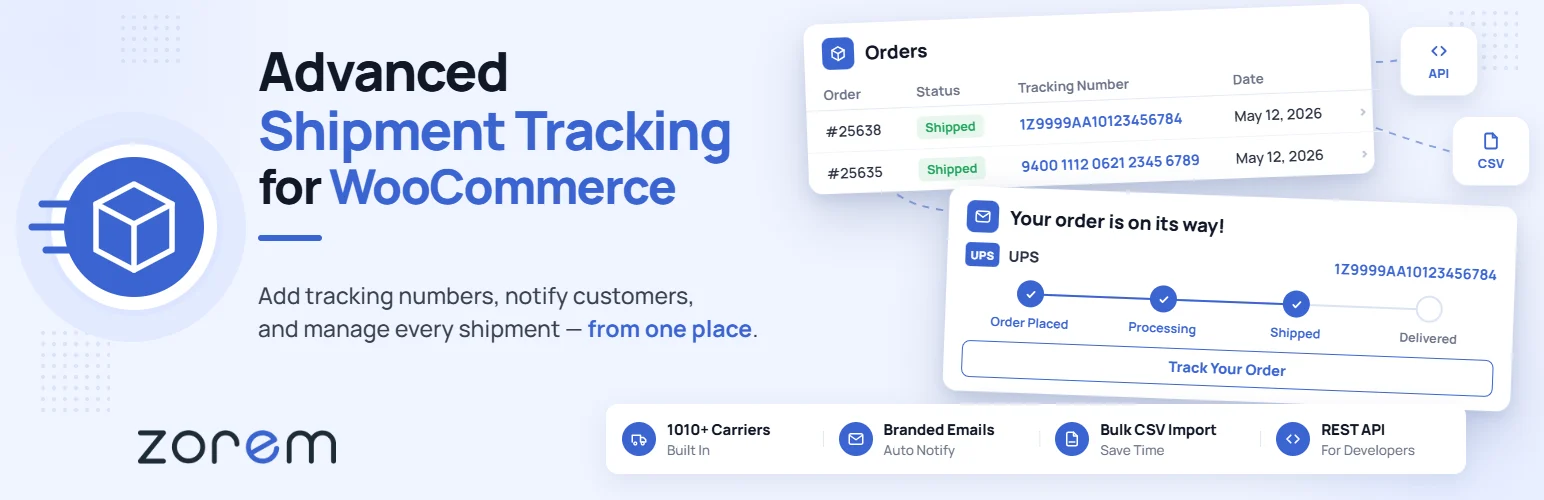
Advanced Shipment Tracking for WooCommerce is the strongest general-purpose choice in this list. It lets store owners add one or multiple tracking numbers to orders and automatically show tracking links in customer emails and My Account.
Its current listing supports a very large carrier database and focuses on a WooCommerce-native tracking-number workflow without requiring a monthly tracking platform for the basic use case. It can also connect with TrackShip when real-time carrier events and branded tracking are needed.
Key features
- Add one or multiple tracking numbers per order
- Large built-in carrier database
- Tracking links in WooCommerce emails
- Tracking details in My Account
- Compatibility with common shipping tools
- Optional TrackShip integration for real-time tracking
Best for: most WooCommerce stores that need reliable shipment tracking without replacing their shipping workflow
Keep in mind: Live carrier events and advanced post-purchase automation are separate from the basic tracking-number feature set.
2. TrackShip – Best for Branded Post-Purchase Tracking
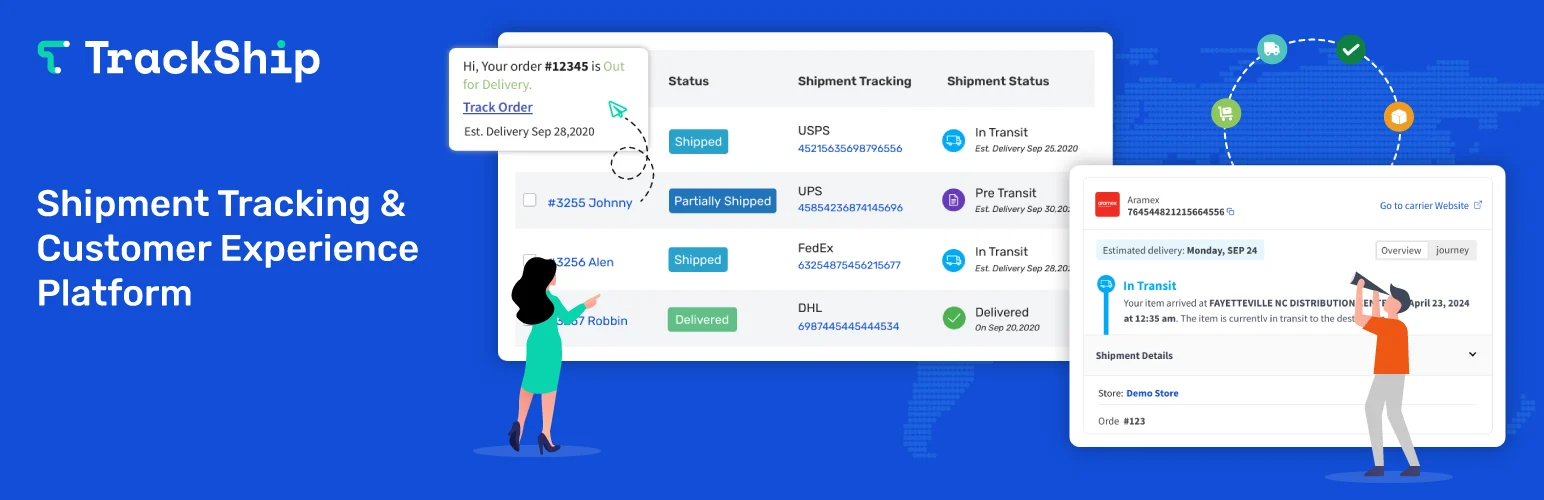
TrackShip for WooCommerce is designed around the post-purchase experience rather than just storing a tracking number. It can provide a branded tracking page, real-time shipment events, automated email or SMS updates, and delivery analytics.
Recent 2026 updates expanded the dashboard and shipment analytics while keeping the plugin aligned with current WooCommerce releases. It is a strong fit when reducing “Where is my order?” tickets is a primary goal.
Key features
- Real-time shipment tracking
- Branded on-site tracking page
- Email and SMS delivery notifications
- Shipment and carrier analytics
- WooCommerce fulfillment workflow
- Integrations with post-purchase tools
Best for: stores that want a polished branded delivery experience after checkout
Keep in mind: TrackShip is a service-backed workflow, so plan limits and ongoing usage matter more than with a purely local tracking-number plugin.
3. CWILL (Formerly ParcelPanel) – Best Automated Tracking Platform
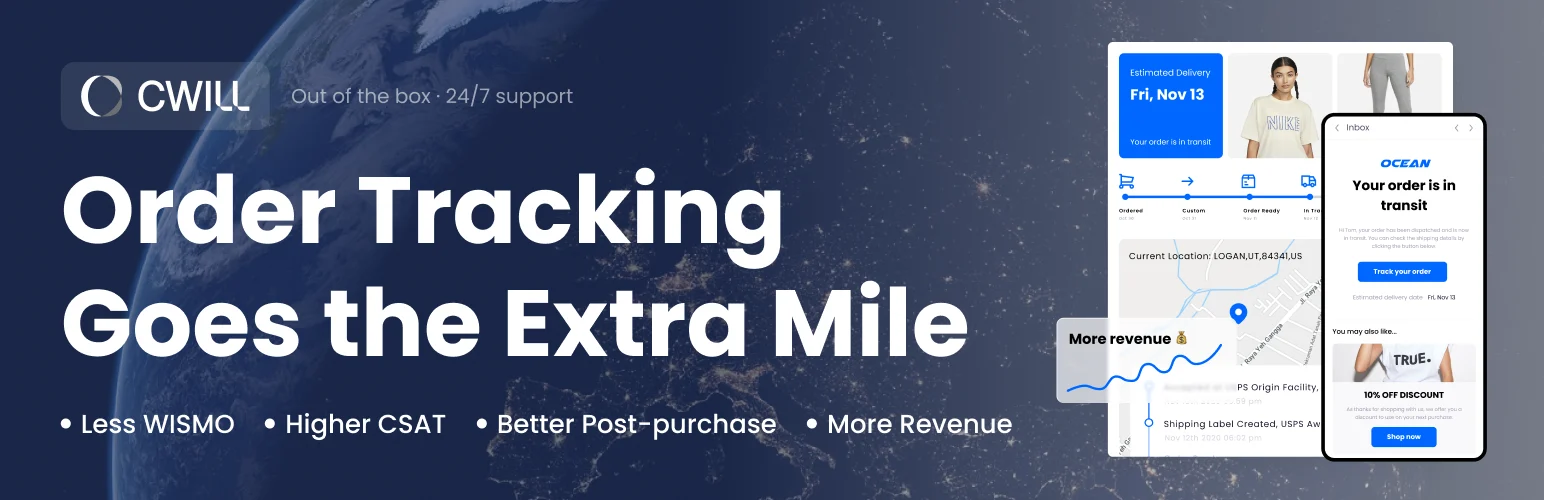
CWILL, formerly ParcelPanel, syncs WooCommerce orders into a hosted tracking system. Once a tracking number and carrier are attached, the service retrieves shipment progress and can send customer notifications automatically.
It also supports an on-site tracking page and import workflows for tracking numbers. This is useful for dropshipping and higher-volume stores that want carrier status updates handled outside WooCommerce itself.
Key features
- Automatic carrier tracking updates
- On-site order tracking page
- Customer email notifications
- Tracking-number import tools
- Order synchronization from WooCommerce
- Hosted tracking service workflow
Best for: ecommerce stores that want automated shipment status retrieval and customer-facing tracking
Keep in mind: Because tracking is service-backed, compare plan limits and data flow requirements before committing.
4. AfterShip Tracking – Best Multi-Carrier Tracking Platform
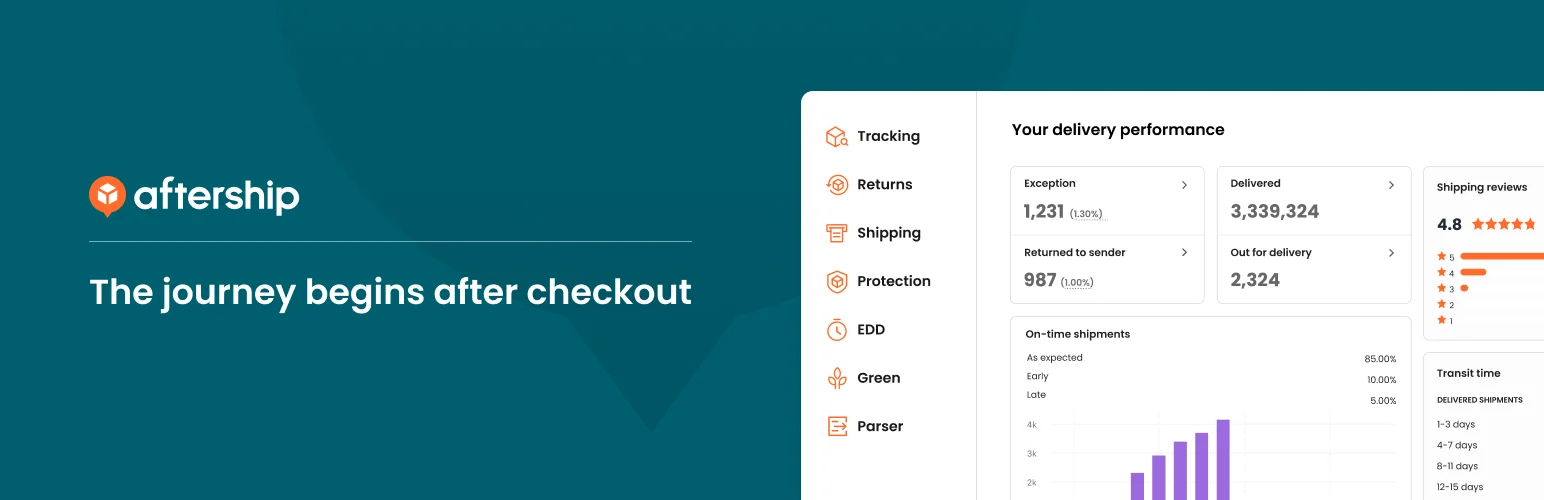
AfterShip Tracking is built around multi-carrier shipment visibility. Its WooCommerce integration can provide order lookup, branded tracking pages, automated notifications, and delivery-day prediction through the AfterShip platform.
It is attractive for stores that already use AfterShip or need broader logistics visibility beyond a simple carrier link. The tradeoff is that the plugin connects WooCommerce to a hosted service rather than keeping the full workflow local.
Key features
- Multi-carrier shipment tracking
- Branded tracking experience
- Order lookup tools
- Automated shipment notifications
- Delivery prediction features
- Centralized tracking dashboard
Best for: stores that want a mature external tracking platform connected to WooCommerce
Keep in mind: The WordPress.org tested-with version may trail the newest WordPress release, so verify compatibility on staging.
5. Trakoo – Best for Manual and CSV Tracking Workflows
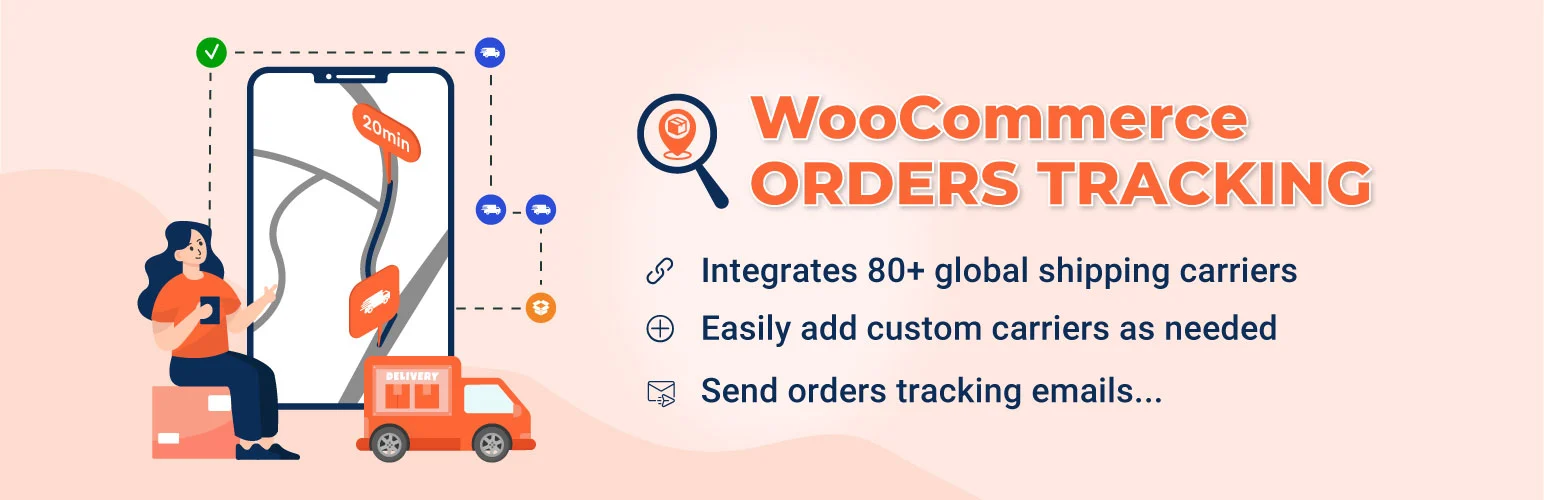
Trakoo by VillaTheme is a practical option when tracking numbers come from staff, suppliers, or CSV files. It can add tracking numbers per order item, generate carrier URLs, send tracking emails, and show tracking data in customer accounts.
The plugin also supports dozens of carriers, custom carriers, CSV import/export, and PayPal tracking-data integration. Its 2026 updates added compatibility with WordPress 7.1 and WooCommerce 11.0.
Key features
- 80+ built-in carriers plus custom carriers
- Manual tracking-number entry
- CSV import and export workflow
- Tracking emails and WooCommerce email integration
- Tracking details in My Account
- PayPal tracking-data integration
Best for: stores that receive tracking numbers from external fulfillment teams or spreadsheets
Keep in mind: Real-time tracking services and some automation options require additional services or the premium version.
Which WooCommerce Order Tracking Plugin Should You Choose?
Advanced Shipment Tracking is my default choice for most WooCommerce stores because the core tracking-number workflow stays simple and integrates naturally with order emails and My Account. TrackShip is stronger when branded post-purchase tracking and live shipment events are central to customer experience.
CWILL and AfterShip make sense for stores that prefer a hosted tracking platform, while Trakoo is especially practical for manual, supplier, and CSV-based tracking-number workflows.
Conclusion
The best WooCommerce order tracking plugin depends on whether you only need tracking numbers or a complete post-purchase experience. Advanced Shipment Tracking is the strongest default, TrackShip adds deeper branded tracking, and Trakoo handles manual or CSV workflows well. Use a hosted platform when live carrier events and proactive notifications justify the extra layer.
Frequently Asked Questions
What is the best WooCommerce order tracking plugin in 2026?
Advanced Shipment Tracking is the best general-purpose option in this list for most stores, while TrackShip is stronger for branded real-time post-purchase tracking.
Can WooCommerce send tracking numbers in emails?
Yes. Several plugins here add tracking numbers and carrier links to WooCommerce customer emails automatically.
Can customers track orders from My Account?
Yes. Advanced Shipment Tracking, Trakoo, and service-backed tracking platforms can expose shipment information to customers through My Account or a dedicated tracking page.
Can I import WooCommerce tracking numbers by CSV?
Yes. Trakoo provides a clear CSV import/export workflow, and other tracking platforms may offer import tools or integrations depending on the plan.
Do I need a paid tracking service for WooCommerce?
Not always. A basic plugin can store tracking numbers and send carrier links without a monthly service. Real-time carrier events, branded tracking pages, analytics, and proactive delivery notifications are where hosted tracking services become more useful.

