



A download button looks simple until the file needs access rules, versioning, analytics, expiring links, cloud storage, email capture, or paid delivery. At that point, uploading a PDF to the Media Library and pasting its URL is no longer enough.
I separate download plugins into two groups. Some are file managers for documents and resources. Others are ecommerce systems for selling digital products. Choosing the wrong type creates unnecessary complexity, so the first question should be whether the file is a resource, a protected asset, or a product.
These five plugins cover the main use cases in 2026. If the real requirement is stopping direct access to uploaded media, also read our guide to preventing unauthorized media access. For gated user access, compare our WordPress membership plugins.
TL;DR
- Download Monitor: best overall for managing, tracking, versioning, and controlling file downloads without turning the site into a full store.
- WordPress Download Manager: best for advanced file access, passwords, packages, analytics, and a large ecosystem of download-focused add-ons.
- Easy Digital Downloads: best when downloads are products you plan to sell rather than free resources.
- Simple Download Monitor: best free lightweight option for basic files, counts, logs, and shortcode-based download buttons.
- CM Download Manager: best for community-style download directories where users may upload, categorize, and discuss files.
Quick Comparison
| Plugin | Best for | Free version | Starting paid price |
|---|---|---|---|
| Download Monitor | File management and tracking | Yes | $69/year current promo |
| WordPress Download Manager | Advanced access and download packages | Yes | $99/year |
| Easy Digital Downloads | Selling digital products | Yes | Paid passes/extensions available |
| Simple Download Monitor | Basic free download tracking | Yes | Free |
| CM Download Manager | Community download directories | Yes | Premium editions available |
How I Chose These Plugins
I compared access control, tracking, file organization, versioning, cloud-storage support, paid-download options, front-end presentation, and whether the plugin is designed for simple resources or digital commerce. Public product information was checked in September 2026.
1. Download Monitor – Best Overall for Managed File Downloads
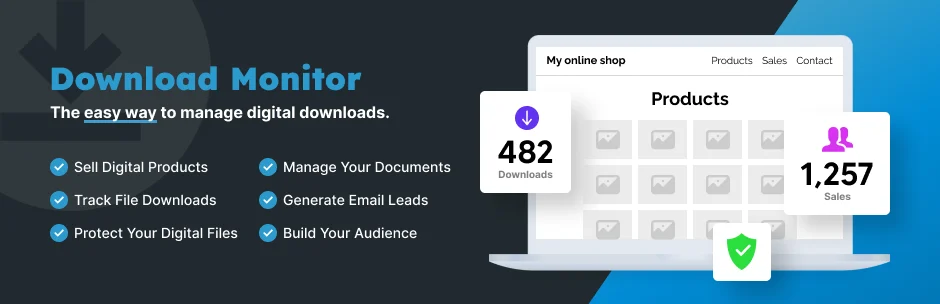
Download Monitor is the first plugin I would test when the site needs organized file downloads with reliable tracking but does not need a full ecommerce stack. It treats downloads as managed items with versions, logs, access controls, and display options.
The current paid plans add features such as enhanced metrics, anti-spam, email notifications, CSV import/export, document libraries, cloud storage, and rule-based access. That gives it a clean upgrade path from simple downloads to a more controlled document-delivery system.
Key features
- Managed download items and file versions
- Download counts and logging
- Access-management options
- Document library tools on paid plans
- Google Drive and Amazon S3 options on paid plans
- Email and form-lock integrations on higher plans
Pros: Focused file-management workflow, good analytics, scalable access options, and easier to manage than a full digital store.
Cons: Several advanced access, cloud, and document-library features are reserved for higher paid plans.
Best for: Resource libraries, lead magnets, reports, documentation, and businesses that need tracked file delivery.
Pricing: Free core plugin available. Download Monitor Basic is currently promoted at $69 per year for one site, with larger plans above that.
2. WordPress Download Manager – Best for Advanced File Access and Packages
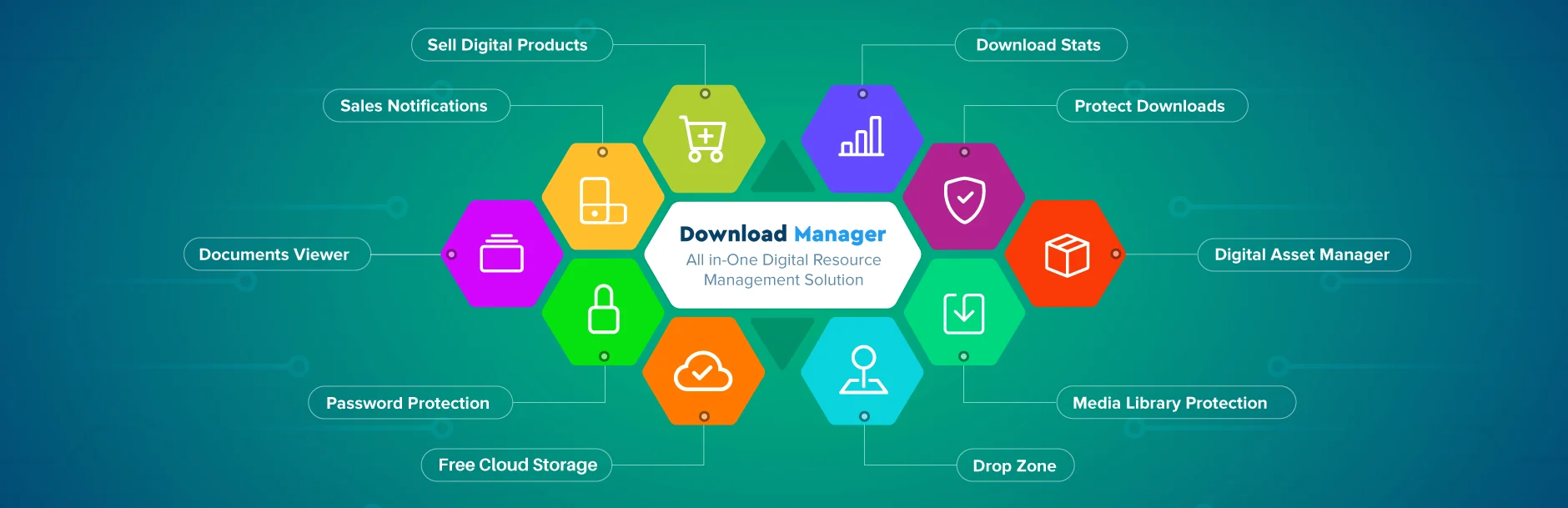
WordPress Download Manager is a deeper file-delivery platform. It supports download packages, password protection, role-based access, file embedding, analytics, and a large ecosystem of add-ons for storage, directories, waiting pages, and ecommerce-style workflows.
I would choose it when the download area itself is a major part of the site. The plugin can grow into a document portal or protected resource center, but that depth also means more configuration than a simple tracker.
Key features
- Download packages and file organization
- Password and role-based access
- Download statistics and analytics
- Embed downloads in content
- Cloud-storage and directory add-ons
- Optional digital selling and advanced delivery extensions
Pros: Very deep download feature set, mature add-on ecosystem, and strong fit for protected resource libraries.
Cons: Advanced setups can become expensive once several premium add-ons are involved.
Best for: Member resources, software/document portals, protected downloads, and sites where downloads are a core feature.
Pricing: Free core plugin available. Download Manager Pro currently starts at $99 per year for one installation.
3. Easy Digital Downloads – Best for Selling Downloadable Products
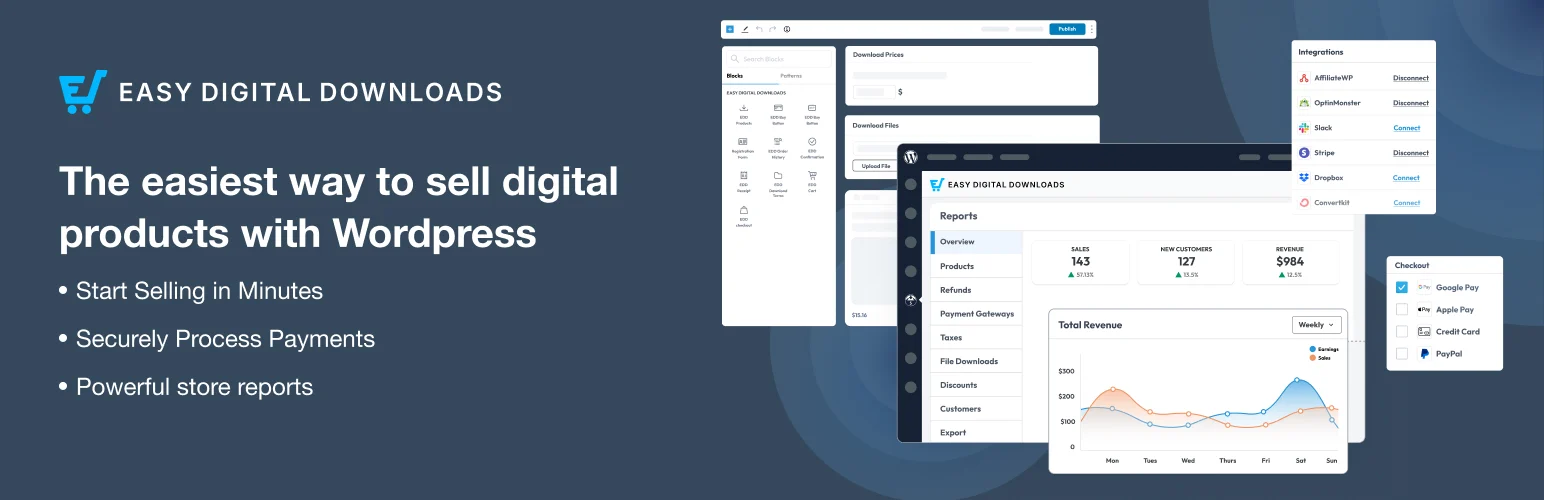
Easy Digital Downloads belongs here for a different reason: it is built for commerce. If the file has a price, customer record, payment, license, renewal, discount, or purchase receipt attached to it, a digital ecommerce plugin is usually a better foundation than a simple download counter.
I would not install EDD just to share three free PDFs. But for ebooks, templates, software, digital assets, or paid resource libraries, the store and customer-management model is much more appropriate.
Key features
- Digital product checkout
- Customer and order management
- Download delivery after purchase
- Discount and payment features
- Reporting and ecommerce data
- Large extension ecosystem for licenses and advanced sales
Pros: Purpose-built for digital commerce and much stronger than file managers for payments, customers, and purchase workflows.
Cons: Too much system overhead for a simple public download library.
Best for: Selling ebooks, plugins, templates, software, courses, files, and other digital products.
Pricing: Free core plugin available. Paid passes and extensions add more ecommerce features; check the current EDD pricing for the package that matches your store.
4. Simple Download Monitor – Best Lightweight Free Download Tracker

Simple Download Monitor is the opposite of a large download platform. It gives you a lightweight way to create download items, display buttons or links with shortcodes, and record download counts and logs.
I like this kind of tool when the requirement is small and clear. If you only need to know how many times a resource was downloaded, installing a commerce platform or complex document library can create more maintenance than value.
Key features
- Create managed download items
- Shortcode-based download buttons
- Download count tracking
- Download logs
- Simple file management workflow
- Lightweight free plugin
Pros: Free, simple, low overhead, and easy to use for a small resource library.
Cons: It does not provide the advanced access, cloud, document-library, or ecommerce depth of larger tools.
Best for: Small sites sharing reports, PDFs, checklists, and free resources with basic tracking.
Pricing: Free.
5. CM Download Manager – Best for Community Download Directories

CM Download Manager is more community-oriented. It can create a structured download area where files are categorized and presented as entries, with options for user contributions, descriptions, and discussion depending on the edition.
I would consider it when the site is closer to a shared resource directory than a traditional file library. That use case is different from a marketing site that only needs a few tracked lead magnets.
Key features
- Download directory structure
- File categories and descriptions
- Front-end contribution options
- User-oriented download pages
- Statistics and management tools
- Premium editions for advanced community features
Pros: Strong directory-style presentation and useful when users contribute or browse downloadable resources.
Cons: Not the simplest option for a basic private file or a normal digital-product store.
Best for: Community resource hubs, shared document libraries, and sites where downloads behave like directory entries.
Pricing: Free edition available. Premium editions are sold by CreativeMinds; check the current license page for exact pricing.
Which One Should You Choose?
Use Download Monitor for a managed resource library, WordPress Download Manager for deeper access and package control, and Easy Digital Downloads when files are products. Simple Download Monitor is enough for basic free resources, while CM Download Manager is better when the download area behaves like a community directory.
Conclusion
The best download plugin depends on whether you are sharing, protecting, tracking, or selling files. Download Monitor is my first choice for a normal managed resource library, WordPress Download Manager goes deeper for protected packages, and Easy Digital Downloads is the right foundation for commerce. Simple Download Monitor keeps basic tracking lightweight, while CM Download Manager is stronger for directory-style community resources.
Frequently Asked Questions
What is the best WordPress download manager plugin?
Download Monitor is the best general-purpose option here. WordPress Download Manager is better for advanced access and package workflows, while Easy Digital Downloads is the better choice for selling files.
Can I track how many times a file is downloaded?
Yes. Download Monitor, WordPress Download Manager, and Simple Download Monitor all provide download statistics or logs.
How do I protect a WordPress download?
Use role or user access rules, password protection, gated delivery, expiring links where available, and storage that does not expose unrestricted public URLs when the file is sensitive.
Should I use Easy Digital Downloads for free files?
Only if you need ecommerce-style customer records, checkout, or future paid products. For simple free resources, a dedicated download manager is usually lighter.
Can download plugins use cloud storage?
Yes. Download Monitor and WordPress Download Manager both offer paid cloud-storage integrations or add-ons for services such as Amazon S3 or Google Drive.

