



Marketing automation becomes valuable when the same follow-up keeps happening manually: a lead fills a form, someone copies it into a CRM, a welcome email is sent, a tag is added, a sales reminder is created, and a customer gets a different message after buying. That work is easy to forget and hard to scale.
I separate marketing automation from general WordPress automation. Here, the goal is customer journeys: contacts, segmentation, email sequences, funnels, lifecycle triggers, and revenue follow-up. If you mainly want to connect plugins, webhooks, or external apps, our WordPress automation plugins guide is the better fit.
These six plugins cover WordPress-native CRM/email systems, WooCommerce lifecycle marketing, external CRM synchronization, and visual funnel automation. The best choice depends on where you want customer data to live and how much of the workflow should stay inside WordPress.
TL;DR: Best WordPress Marketing Automation Plugins
- FluentCRM: best overall for self-hosted email marketing, segmentation, and customer automation.
- Groundhogg: best for WordPress-native CRM funnels and contact automation.
- FunnelKit Automations: best for WooCommerce lifecycle marketing and cart/customer journeys.
- WP Fusion: best for syncing WordPress behavior to an external CRM or marketing platform.
- Mail Mint: best for visual email funnels and lead workflows inside WordPress.
- AutomateWoo: best official WooCommerce extension for store-focused email automation.
1. FluentCRM – Best Overall WordPress Marketing Automation Plugin

FluentCRM is a self-hosted email marketing CRM for WordPress with contact lists, tags, sequences, campaigns, automation funnels, WooCommerce data, and integrations with many forms, LMS, membership, and ecommerce plugins.
What I like about FluentCRM is ownership. Contacts and automation logic live in WordPress, while email delivery can be handled by a proper SMTP or transactional provider. That gives you more control than a fully hosted CRM, but it also means the WordPress site becomes a more important part of the marketing stack.
Key features
- WordPress-native CRM contact profiles
- Lists, tags, segments, and custom fields
- Visual automation funnels
- Email sequences and broadcast campaigns
- WooCommerce and membership/LMS integrations
- Conditional branches and goal-based automations in Pro
Pros: Self-hosted contact data, strong automation depth, generous free plugin, and broad WordPress integration.
Cons: Email delivery must be configured separately, and large contact databases add responsibility to the WordPress stack.
Best for: Businesses that want CRM, email campaigns, and automation inside WordPress.
Pricing: Free version available; Pro is licensed annually based on site count.
2. Groundhogg – Best for WordPress-Native CRM Funnels
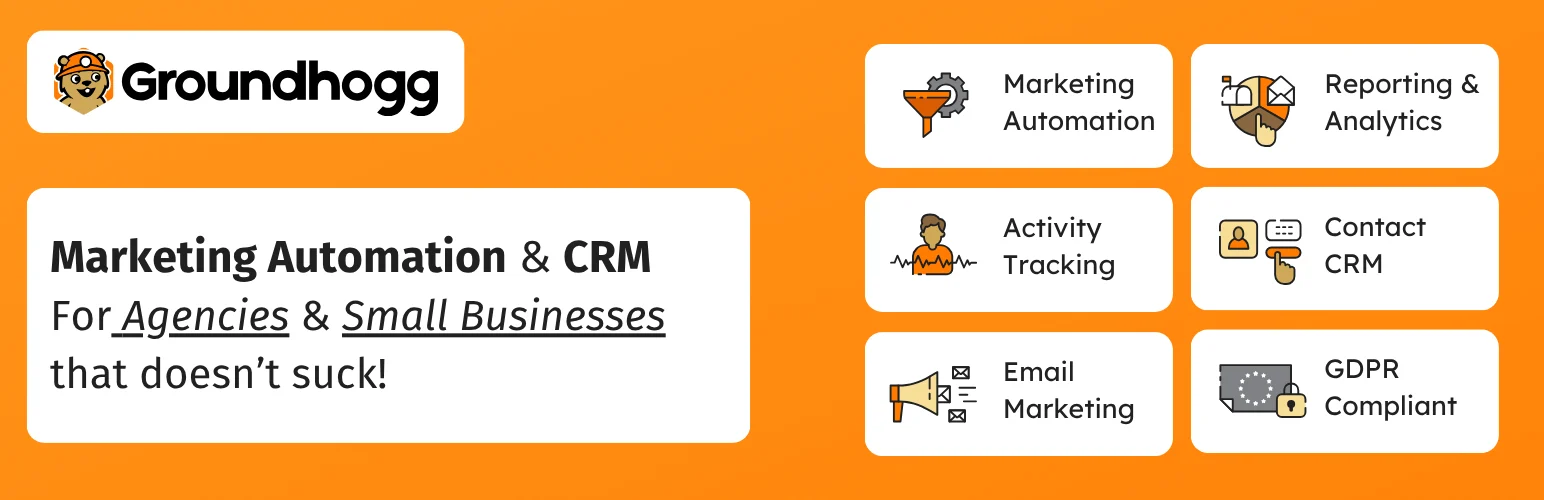
Groundhogg combines CRM records, tags, email campaigns, funnels, timers, goals, and contact activity directly inside WordPress.
I would choose Groundhogg when the marketing operation wants a CRM-first system and the team is comfortable managing customer data in WordPress. Its funnel builder feels closer to classic marketing automation platforms than a simple newsletter plugin.
Key features
- CRM contact records and activity history
- Visual marketing funnels
- Email broadcasts and sequences
- Tags, custom fields, and segmentation
- Timers, goals, and conditional steps
- Extension ecosystem for forms, payments, and integrations
Pros: CRM-first approach, flexible funnels, strong contact tracking, and good for complex nurturing.
Cons: Can feel heavy for a business that only needs occasional newsletters, and advanced integrations add cost.
Best for: Agencies, service businesses, and membership sites running multi-step lead nurturing inside WordPress.
Pricing: Free core available; paid plans and extensions vary by bundle.
3. FunnelKit Automations – Best for WooCommerce Lifecycle Marketing
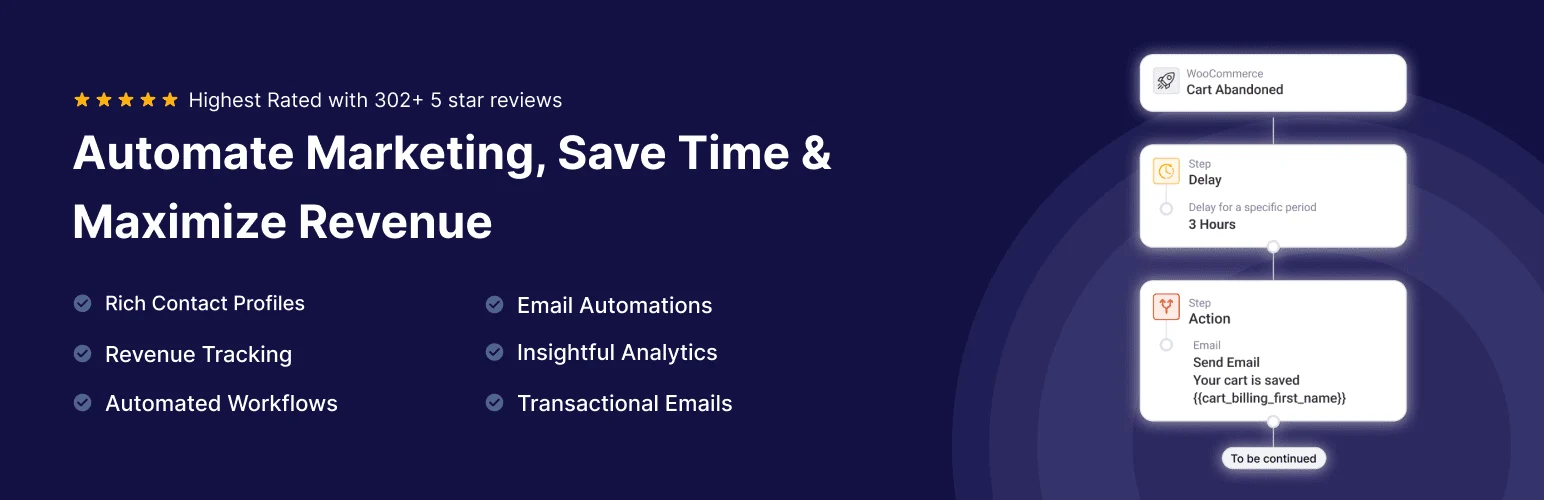
FunnelKit Automations is especially strong around WooCommerce events such as carts, purchases, order status, customer behavior, and post-purchase sequences.
I like it when marketing automation needs to stay close to store revenue. Instead of treating an order as just another trigger, FunnelKit understands the ecommerce context behind carts, products, customers, and follow-up.
Key features
- WooCommerce customer and order triggers
- Abandoned cart recovery
- Visual automation journeys
- Email campaigns and broadcasts
- Contact profiles and segmentation
- Post-purchase and win-back automations
Pros: Excellent WooCommerce context, strong cart recovery, useful lifecycle automations, and focused revenue workflows.
Cons: Less compelling for sites with no ecommerce component, and advanced automations require paid plans.
Best for: WooCommerce stores that want marketing automation tied directly to customer and order behavior.
Pricing: Free version available; premium plans currently start around $99.50 per year.
4. WP Fusion – Best for Connecting WordPress to an External CRM
WP Fusion connects WordPress user behavior, purchases, memberships, courses, forms, and other events to external CRM and marketing platforms through tags, custom fields, and two-way data sync.
I use this model when the CRM should remain the source of truth. Instead of rebuilding ActiveCampaign, HubSpot, Keap, or another platform inside WordPress, WP Fusion makes WordPress activity understandable to the existing marketing system.
Key features
- Connect WordPress to many CRM platforms
- Tag users based on site activity
- Sync custom fields and profile data
- WooCommerce and membership integrations
- Content access rules based on CRM tags
- Two-way synchronization depending on CRM
Pros: Excellent external CRM bridge, broad plugin support, keeps customer automation in an existing CRM, and avoids duplicate systems.
Cons: Premium only and still requires a separate CRM subscription.
Best for: Businesses already invested in a hosted CRM or marketing automation platform.
Pricing: Paid annual licenses; pricing depends on plan and site count.
5. Mail Mint – Best for Visual Email Funnels
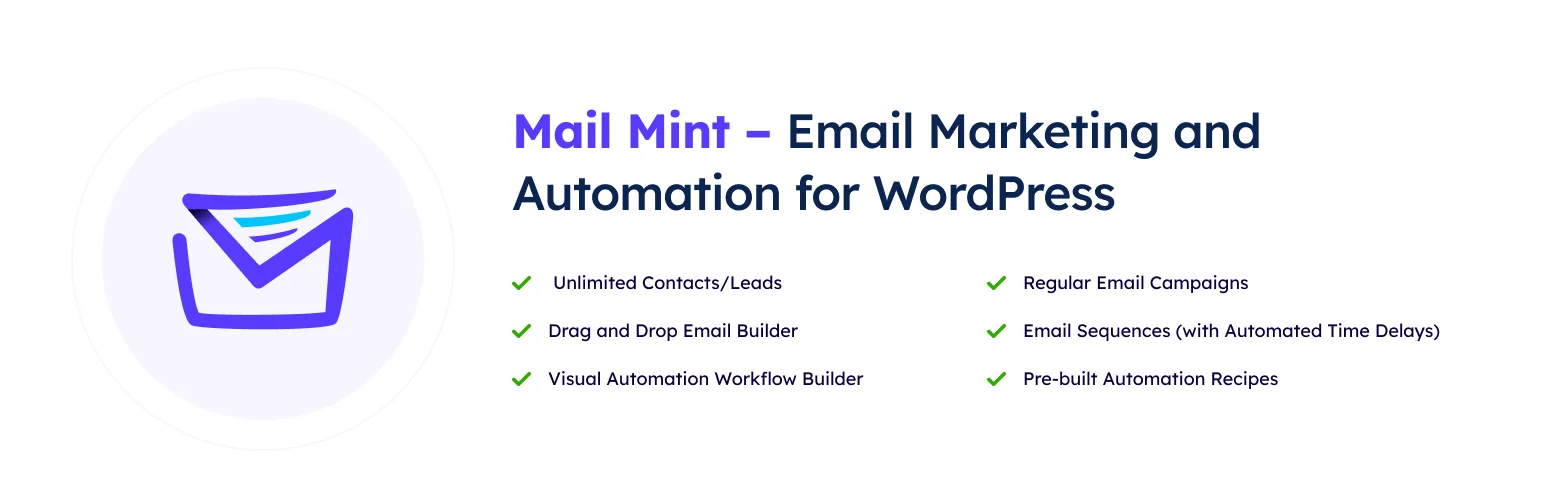
Mail Mint provides contact management, email campaigns, sequences, segmentation, and visual automation inside WordPress, with integrations around WooCommerce and funnel-building workflows.
I like Mail Mint when the marketer wants a visually approachable funnel builder and does not need a heavyweight CRM. It can sit between a basic newsletter tool and a more complex CRM-first system.
Key features
- Contact lists, tags, and segmentation
- Visual email automation flows
- Email campaigns and sequences
- WooCommerce customer triggers
- Lead capture integrations
- Templates and drag-and-drop email building
Pros: Friendly visual workflow, self-hosted contact management, useful WooCommerce integration, and good funnel focus.
Cons: Smaller ecosystem than FluentCRM and external email delivery still needs proper configuration.
Best for: Small marketing teams that want visual email funnels inside WordPress.
Pricing: Free version available; Pro plans vary by license.
6. AutomateWoo – Best Official WooCommerce Marketing Automation Extension
AutomateWoo is an official WooCommerce marketplace extension for triggered emails, follow-ups, win-back campaigns, review requests, card-expiry reminders, and store-specific customer automation.
I consider AutomateWoo when the merchant wants marketing workflows but prefers staying within the official WooCommerce extension ecosystem. Its focus is narrower than a full CRM, which can be a benefit for stores that mainly need post-purchase and retention automation.
Key features
- Triggered WooCommerce email workflows
- Abandoned cart and win-back automations
- Review request campaigns
- Personalized coupons
- Customer and order-based rules
- Official WooCommerce ecosystem integration
Pros: Official WooCommerce support, focused ecommerce workflows, mature triggers, and strong retention use cases.
Cons: Paid only and less suitable for complex non-WooCommerce CRM automation.
Best for: WooCommerce stores that want official post-purchase and retention automation without adopting a full CRM.
Pricing: Paid annually through WooCommerce.com.
How I Choose a Marketing Automation Stack
- Decide first whether the CRM source of truth should live inside WordPress or outside it.
- Keep transactional email delivery separate from marketing strategy.
- Start with one customer journey before building ten automations.
- Use tags and segments consistently so future campaigns remain understandable.
- Document what stops an automation after conversion or unsubscribe.
Conclusion
FluentCRM is the strongest all-around choice for self-hosted WordPress marketing automation. Groundhogg goes deeper into CRM-style funnels, FunnelKit is better for WooCommerce lifecycle marketing, and WP Fusion is the right architecture when an external CRM should remain in control.
Automation should remove repetitive execution while keeping strategy visible. If nobody on the team can explain why a contact receives a message, the automation has become too complicated.
Frequently Asked Questions
What is the best WordPress marketing automation plugin?
FluentCRM is the best overall choice for many WordPress sites that want self-hosted CRM, email campaigns, and automation. FunnelKit Automations is stronger for WooCommerce-focused customer journeys.
What is the difference between marketing automation and WordPress automation?
Marketing automation focuses on contacts, segmentation, email, nurturing, sales follow-up, and customer lifecycle. General WordPress automation connects triggers and actions across plugins, APIs, and external apps for many kinds of operational work.
Can WordPress replace a hosted CRM?
For some small and medium businesses, yes. WordPress-native CRM plugins can manage contacts, tags, email sequences, and customer activity. Larger teams may still prefer a hosted CRM for sales pipelines, reporting, governance, and cross-department workflows.
Do self-hosted marketing plugins send email themselves?
They usually generate and schedule campaigns, but reliable delivery should use a proper SMTP or transactional email provider. Do not rely on basic PHP mail for serious marketing volume.

