



Popular-post plugins answer a different question from related-post plugins. Related-post tools try to match the current article with similar content. Popular-post tools rank content by views, comments, time period or another popularity signal, then let you surface the winners in a widget, block, shortcode or template.
That distinction matters for publishers, magazines and content-heavy sites. A “trending this week” list can help readers discover what other visitors are actually reading, while a related-post list is usually based on categories, tags or content similarity. If similarity is your goal, use our related posts plugin roundup instead.
TL;DR: Best WordPress Popular Posts Plugins in 2026
WP Popular Posts is the most complete option for most sites because it supports multiple lists, time ranges, custom post types, thumbnails and several ranking methods. WebberZone Top 10 is a strong alternative if you want local view tracking plus blocks, widgets and developer controls. Post Views Counter is ideal when accurate view tracking is the main requirement and you want to build rankings from that data. WP Post Views is a lighter counter with block and shortcode output. Most And Least Read Posts Widget is useful when you specifically want ready-made most-read or least-read lists.
Quick Comparison
| Plugin | Popularity signal | Display options | Pricing |
|---|---|---|---|
| WP Popular Posts | Views, comments, average views/day | Widget, block, shortcode, custom markup | Free |
| WebberZone Top 10 | Local page/post views | Blocks, widgets, shortcodes, template functions | Free |
| Post Views Counter | Post/page views | Automatic counts, block/shortcode, query ordering | Free |
| WP Post Views | Post-type views | Block, shortcode, PHP functions | Free |
| Most And Least Read Posts Widget | Locally stored hits | Widget, shortcode, template function | Free |
What We Looked For
The plugins below were checked against their current WordPress.org listings in September 2026. We prioritized clear popularity or view-count logic, recent maintenance, transparent storage behavior, flexible display controls and the ability to limit rankings by time period or content type where supported. We also separated simple counters from full popular-post list builders so you can choose the right level of complexity.
1. WP Popular Posts
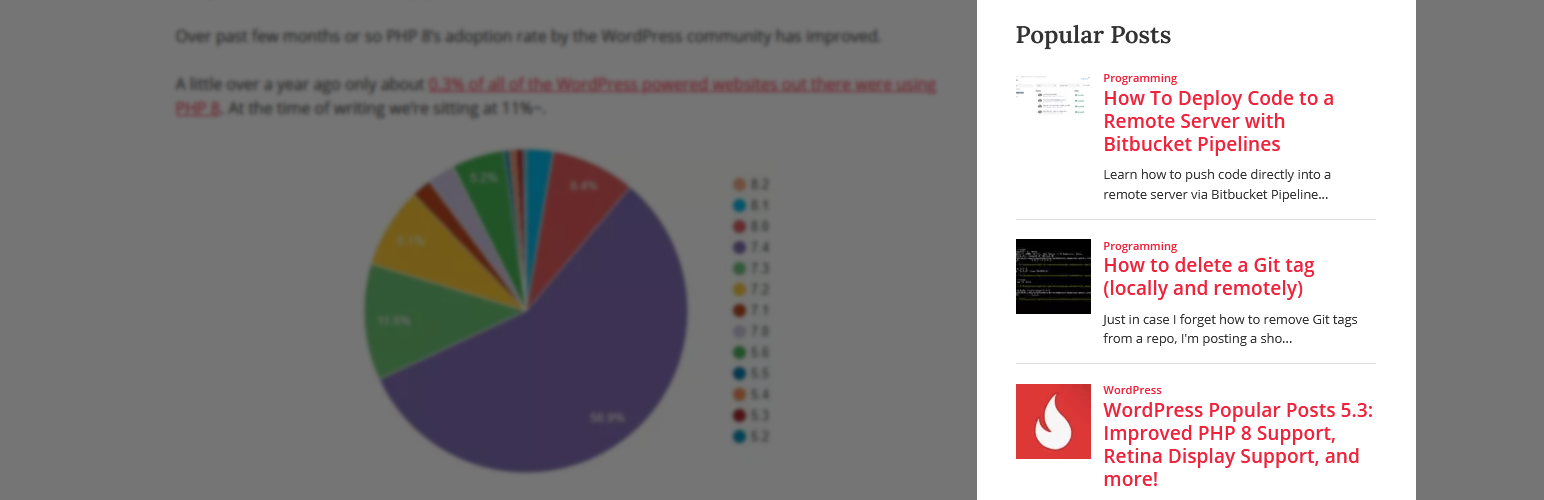
WP Popular Posts is the most established dedicated popular-post plugin in this comparison. Version 7.4.2 has 100,000+ active installations and is tested through WordPress 7.1.1. It can create several popular-content lists, each with different rules, rather than forcing one global ranking across the whole site.
You can limit a list to a specific time range such as the last 24 hours, 7 days or 30 days, include custom post types, show thumbnails and sort by comments, total views or average daily views. That combination makes it suitable for “Trending today,” “Popular this month,” and evergreen all-time lists on the same site.
Key features
- Multiple independent popular-post lists
- Time-range filtering
- Custom post type support
- Sorting by comments, views or average daily views
- Thumbnails, built-in themes and customizable markup
- Statistics dashboard
Pros
- Purpose-built for popular-content lists
- Flexible enough for blogs, stores and custom post types
- Strong display and ranking controls
Cons
- More settings than a site needs if it only wants a simple counter
- High-traffic sites should review caching and tracking settings carefully
Pricing: Free on WordPress.org. Best for: sites that want several configurable “popular” or “trending” lists.
2. WebberZone Top 10

WebberZone Top 10 combines local view tracking with popular-post output. Version 4.5.1 is listed with 10,000+ active installations and current WordPress 7.1.1 compatibility. Its tracking data stays in the WordPress database instead of depending on an external analytics service.
The plugin supports posts, pages and custom post types, and can display popular content by total counts or a chosen time period. Blocks, widgets, shortcodes and template functions give it more integration options than a sidebar-only widget. Its AJAX-based tracking is designed to keep counting even when page caching is enabled.
Key features
- Local hourly view tracking
- Popular lists by total or period-specific views
- Blocks, widgets, shortcodes and PHP functions
- Custom post type support
- Thumbnail support and built-in caching layer
- Developer actions and filters
Pros
- No external tracking service required
- Good balance of ready-made UI and developer extensibility
- Works for both view counts and popular-content lists
Cons
- Stores tracking data locally, so large publishers should monitor database growth
- Configuration is more technical than a basic widget
Pricing: Free on WordPress.org. Best for: publishers that want local analytics and flexible popular-post output.
3. Post Views Counter
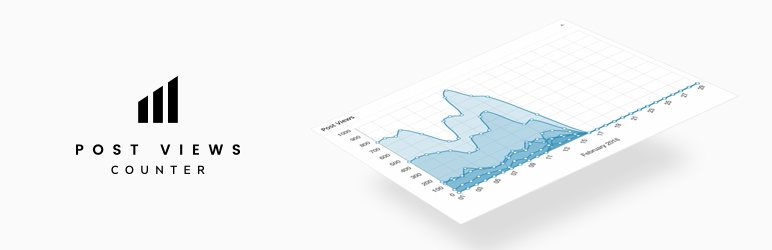
Post Views Counter is primarily a view-tracking plugin, but its data can be used to query and order content by views. The current listing shows version 1.7.15, 100,000+ active installations and a 98% rating. It supports multiple counting methods, including PHP, JavaScript and REST API approaches.
It is useful when the view metric itself needs to be trustworthy and controllable. You can exclude bots, logged-in users, roles or IPs, choose which post types are tracked, display counts automatically or place them with a block/shortcode, and expose view-based ordering to custom layouts.
Key features
- PHP, JavaScript and REST API counting modes
- Bot, role, user and IP exclusions
- Support for selected post types
- Dashboard statistics and sortable admin column
- Block/shortcode display
- Developer query support for ordering content by views
Pros
- Privacy-friendly local data
- Strong control over what counts as a view
- Good foundation for custom “most viewed” layouts
Cons
- Not as turnkey for styled popular-post lists as WP Popular Posts
- Building a polished ranking may require theme or block-query work
Pricing: Free on WordPress.org. Best for: sites that care more about controlled view data than a predesigned popular-post widget.
4. WP Post Views

WP Post Views is a lighter option for tracking built-in and custom post type views. Version 1.23.4 is tested through WordPress 7.1.1. It includes a Gutenberg block, shortcodes, PHP functions, an admin view-count column and IP filtering.
This plugin makes sense when you want a small view-count layer that can feed your own popular-content design. It uses transient caching for total counts and lets developers place the output directly in theme templates.
Key features
- Tracks posts, pages and custom post types
- Dedicated Post Views block
- Shortcodes and PHP functions
- IP filtering
- Admin view-count column
- Transient caching for total counts
Pros
- Simple feature set
- Easy to place counts in custom templates
- Useful for custom designs that already handle the list layout
Cons
- Smaller ecosystem than the leading options
- Less turnkey if you want advanced time-based trending lists
Pricing: Free on WordPress.org. Best for: developers and small sites that want a lightweight counter to support their own popular-post layout.
5. Most And Least Read Posts Widget

Most And Least Read Posts Widget has a narrower job: generate lists of the most-read or least-read posts from locally counted hits. Version 2.5.21 is currently listed with 900+ active installations and a 100% rating. The plugin starts counting after activation and stores hits in a custom field without requiring an external account.
You can set the number of posts, exclude titles containing specific words, ignore older posts, show hit counts and use the provided shortcode. It also filters known crawlers and administrator hits from its count and supports WPML-aware output for the current language.
Key features
- Most-read and least-read lists
- Local hit storage
- Known crawler and admin-hit filtering
- Age and title-word exclusions
- Widget, shortcode and PHP function
- WPML-aware current-language lists
Pros
- Directly solves most/least-read list use cases
- No external analytics account
- Simple filtering controls
Cons
- Much smaller install base than WP Popular Posts
- Design and analytics controls are more limited
Pricing: Free on WordPress.org. Best for: simple most-read/least-read widgets without a large analytics layer.
Popular Posts vs. Related Posts
Do not install both categories automatically. Popular-post plugins are strongest when social proof or trending discovery matters. Related-post plugins are stronger when the next article should match the topic a visitor is already reading. On a large publisher site, both can make sense if they appear in different positions and answer different navigation needs.
Also compare how the plugin collects views with your existing WordPress analytics setup. A local counter and Google Analytics can legitimately report different numbers because they may use different bot filters, consent rules and counting methods.
Final Take
For a ready-to-use trending or popular-content section, start with a plugin designed to rank and display content, not just count it. If your theme or builder already handles the layout, a reliable view-counter plugin may be enough. Whichever route you choose, define what “popular” means before configuring the list: all-time views, recent views, comments and average daily views can produce very different results.
Popular Posts Plugin FAQs
What is the difference between popular posts and related posts?
Popular posts are ranked by a popularity signal such as views or comments. Related posts are selected because they are similar to the current article by topic, taxonomy or content.
Can a popular-post plugin work with page caching?
Many can, but the counting method matters. Plugins such as WebberZone Top 10 provide AJAX-based tracking, while others offer JavaScript or REST-based counting modes. Check your cache setup after installation.
Will view tracking slow down WordPress?
Any local tracking adds some database work. Well-designed plugins use caching or optimized counting methods, but high-traffic sites should monitor database size and query load.
Can I show popular WooCommerce products?
Some plugins support custom post types, which can include products. Confirm the post-type and display settings before relying on it for a store.
Should I use Google Analytics instead of a popular-post plugin?
Analytics is excellent for reporting, but a WordPress plugin can make the popularity data directly available for frontend lists and template queries. The two tools can serve different purposes.

