



WordPress search is one of those features that feels fine until a site has a few hundred posts, custom fields, products, PDFs, or documentation pages. Then visitors type the exact phrase you know exists and WordPress still returns weak results. A good search plugin fixes relevance first, then adds live results, filters, analytics, or custom indexing where the site actually needs them.
I kept this list broad rather than filling it with WooCommerce-only search tools. If your main problem is product discovery, use our dedicated WooCommerce product search roundup instead. This article is for site-wide WordPress search across content, custom post types, fields, taxonomies, documents, and mixed editorial sites.
TL;DR: My Shortlist for Better WordPress Search
- SearchWP: best paid all-rounder when search quality, custom fields, PDFs, and analytics matter.
- Relevanssi: best relevance-focused option with an excellent free version.
- Ajax Search Lite: best free choice for live AJAX suggestions and visual search.
- Ivory Search: best budget option for multiple custom search forms.
- Better Search: best lightweight relevance upgrade with optional fuzzy search in Pro.
- WP Extended Search: best free tool for extending native search into meta, taxonomies, and authors.
- ACF: Better Search: best specialist plugin when Advanced Custom Fields content is missing from search.
7 WordPress Search Plugins Compared
| Plugin | Best for | Live/AJAX | Starting price |
|---|---|---|---|
| SearchWP | Advanced site search | Yes | $99/year |
| Relevanssi | Relevance and content-heavy sites | Via integrations/add-ons | Free; €120/year Premium |
| Ajax Search Lite | Live search | Yes | Free |
| Ivory Search | Multiple search forms | Yes | Free; Pro $19.99/year |
| Better Search | Lightweight relevance upgrade | Search form + relevance engine | Free; Pro pricing varies by plan |
| WP Extended Search | Meta/taxonomy search | Theme-dependent | Free |
| ACF: Better Search | ACF field search | Uses existing search UI | Free |
What I Would Fix Before Adding Fancy Search UI
Start with relevance. A beautiful search box that still misses custom fields or ranks weak matches first does not solve the problem. After relevance, look at speed, live suggestions, filters, analytics, and search-form placement. On very large sites, also watch database size and indexing load because some relevance engines build their own indexes.
1. SearchWP: Best Paid All-Rounder
SearchWP is the most complete option here when the default WordPress search needs a serious upgrade. It can index custom fields, custom post types, taxonomies, media, PDF and Office document content, and other data that WordPress search normally ignores.
It also gives you control over weighting, custom result order, live AJAX search, and search analytics. That combination makes it useful for documentation sites, membership sites, publishers, and stores with mixed content. See SearchWP’s current feature list.
Features
- Customizable relevance algorithm and weighting
- Custom fields, taxonomies, and custom post type indexing
- PDF and document search
- Live AJAX search
- Search analytics and popular-query reporting
- Custom result ordering and exclusions
Best for: Sites where search is a core navigation feature, not a secondary widget.
Pricing: Standard currently starts at $99/year for one site.
Pros: Very deep indexing, strong relevance controls, and useful analytics.
Cons: No free version, and the full feature set costs more than lightweight alternatives.
2. Relevanssi: Best for Relevance and Content-Heavy Sites

Relevanssi replaces WordPress search with a relevance-based engine that supports partial matches and can search custom fields, taxonomy terms, comments, shortcode content, and more depending on configuration.
I like it for editorial sites because the free version is genuinely useful. The trade-off is database usage: Relevanssi builds an index and its own documentation warns that larger sites may need substantial extra database space. See Relevanssi.
Features
- Relevance-based result ordering
- Partial-word and fuzzy matching options
- Custom field and taxonomy indexing
- Search logs and query insights
- Highlighting and result-excerpt tools
- Premium multisite and additional indexing features
Best for: Blogs, publishers, knowledge bases, and sites where textual relevance matters most.
Pricing: Free version available; Premium is €120/year for unlimited sites or €402 permanent.
Pros: Excellent relevance control and a strong free tier.
Cons: Indexing can consume significant database space on large sites.
3. Ajax Search Lite: Best Free Live Search
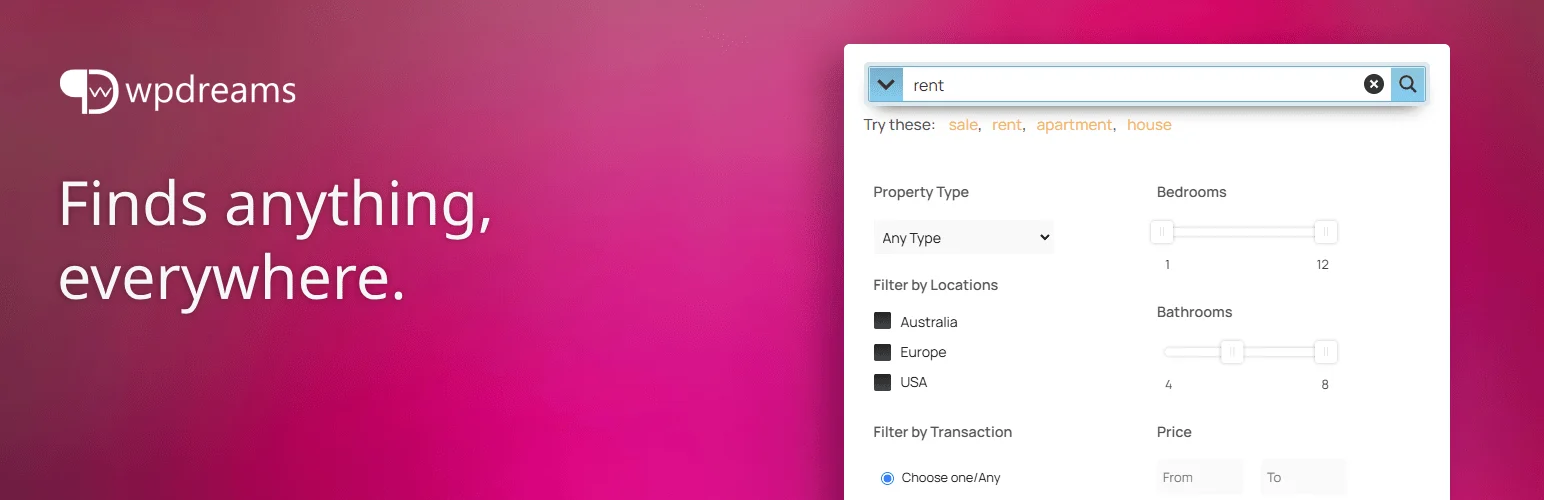
Ajax Search Lite is built around the experience visitors see while typing. It provides live AJAX results, images, filters, categories, custom post type support, custom fields, and a large set of presentation controls.
It is especially useful when the main complaint is that the current search feels slow or dated rather than completely inaccurate. The plugin runs search locally on your WordPress server and is actively maintained for current WordPress releases. View Ajax Search Lite on WordPress.org.
Features
- Live AJAX results while typing
- Custom post type and custom field search
- Category and post type filters
- Search images and result thumbnails
- Search statistics and caching options
- Shortcode, widget, and automatic replacement options
Best for: Sites that want a fast visual live-search experience without paying first.
Pricing: Free. A separate Pro version is available.
Pros: Strong free feature set and polished live suggestions.
Cons: Many settings can feel excessive if you only want a basic relevance upgrade.
4. Ivory Search: Best Budget Custom Search Forms

Ivory Search is useful when one search form is not enough. You can create multiple search forms with different inclusion and exclusion rules, then place them with blocks, shortcodes, widgets, or theme integrations.
The free version already searches selected content and WooCommerce products. Paid tiers add more control over authors, post status, media, SKU search, and stemming. Check Ivory Search pricing.
Features
- Unlimited configurable search forms
- Include or exclude selected content
- Search posts, pages, media, and WooCommerce products
- Shortcode and widget placement
- Separate rules for different search forms
- Pro controls for SKU, media type, stemming, and more
Best for: Small businesses that need several targeted search forms at a low cost.
Pricing: Free; Pro starts at $19.99/year for one site.
Pros: Affordable and flexible form-by-form configuration.
Cons: Less sophisticated relevance and analytics than SearchWP or Relevanssi.
5. Better Search: Best Lightweight Relevance Upgrade

Better Search replaces the default query with a relevance-based search engine while keeping the overall WordPress search workflow familiar. It includes weighting, popular search tracking, caching, and an advanced search form.
Pro adds fuzzy search, multisite search, relevance thresholds, REST API support, and other advanced controls. That makes it a nice middle ground between free search extensions and full commercial search suites. See Better Search on WordPress.org.
Features
- Relevance-based search engine
- Search weighting and tuning
- Popular search tracking
- Built-in caching
- Advanced search form
- Pro fuzzy search and multisite support
Best for: Publishers and business sites that want better relevance without rebuilding the whole search experience.
Pricing: Free core; Better Search Pro is a paid upgrade.
Pros: Focused, local, and easy to adopt.
Cons: Advanced live-search UI and document indexing are not its strongest areas.
6. WP Extended Search: Best Free Native Search Extension
WP Extended Search does not try to become an entirely new search engine. Instead, it expands what WordPress can search. You can include selected post meta, authors, categories, tags, custom taxonomies, and public post types from the admin.
That makes it useful when the default search logic is acceptable but important data is invisible. You can also create multiple search settings for different forms. View WP Extended Search.
Features
- Search selected post meta keys
- Search categories, tags, and custom taxonomies
- Search author names
- Include or exclude public post types
- Multiple search configurations
- Widget, shortcode, PHP, and HTML form support
Best for: Sites that want to extend native WordPress search without building a separate search index.
Pricing: Free.
Pros: Lightweight and practical for meta and taxonomy search.
Cons: Less suited to complex relevance tuning or advanced instant-search interfaces.
7. ACF: Better Search: Best for Advanced Custom Fields

ACF: Better Search solves a narrow but common problem: valuable content lives inside Advanced Custom Fields, but visitors cannot find it with the normal WordPress search.
It extends the existing WordPress search query to selected ACF fields and can match whole phrases for more precise results. It does not replace your results template, so it fits cleanly into sites that already like their theme search UI. View ACF: Better Search.
Features
- Search selected Advanced Custom Fields
- Works with existing WordPress search results
- Whole-phrase search option
- Automatic integration without custom code
- Current WordPress compatibility
- No separate search-results page required
Best for: ACF-heavy websites where custom field content is missing from search.
Pricing: Free.
Pros: Very focused, easy to install, and excellent for its specific ACF use case.
Cons: Not a full replacement for dedicated search engines such as SearchWP or Relevanssi.
My Pick by Site Type
For a content-heavy site, I would start with Relevanssi if budget matters and SearchWP if search is business-critical. For a visually rich live-search experience, Ajax Search Lite is the easiest free starting point. ACF-heavy builds can often solve their main search gap with ACF: Better Search alone. For WooCommerce-only product discovery, use our WooCommerce product search plugin guide instead of installing two overlapping search engines.
You can also improve discovery outside the search box with a clearer breadcrumb structure and stronger internal navigation.
Conclusion
The best WordPress search plugin depends on what is actually broken. SearchWP and Relevanssi fix relevance deeply. Ajax Search Lite improves the live experience. Ivory Search and WP Extended Search give you targeted control without a large stack. Better Search is a focused relevance upgrade, while ACF: Better Search is the specialist choice for custom-field-heavy sites.
Frequently Asked Questions
What is the best WordPress search plugin overall?
SearchWP is my best paid all-rounder because it combines relevance tuning, custom content indexing, live search, document search, and analytics. Relevanssi is the strongest free-first alternative.
Can WordPress search custom fields?
Default WordPress search is limited. Plugins such as SearchWP, Relevanssi, WP Extended Search, and ACF: Better Search can make selected custom-field content searchable.
Which WordPress search plugin is best for AJAX live results?
Ajax Search Lite is the easiest free recommendation for live suggestions. SearchWP also supports live AJAX search as part of a broader search engine.
Will a search plugin slow down WordPress?
It can if indexing or queries are poorly matched to the size of the site. Large sites should test index size, query speed, caching, and hosting resources before enabling every searchable field.
Should I use a site-wide search plugin and a WooCommerce product search plugin together?
Only when their responsibilities are clearly separated. Otherwise they can overlap or fight over the same search requests. For stores, decide whether you need site-wide content search, product-only search, or both.
