



Search and replace is one of the fastest ways to fix a WordPress database, and one of the fastest ways to damage it. Changing an old domain, replacing a brand name, updating paths, or correcting repeated text can touch hundreds or thousands of rows in seconds.
I only trust this workflow when I can preview the scope first, limit the database tables, handle serialized data correctly, and restore a backup if the replacement is too broad. A plugin should make those safeguards obvious instead of encouraging a blind one-click change.
These five tools cover migrations, URL updates, text replacement, media replacement, and real-time masking. Before using any of them, take a database backup with one of our WordPress backup plugins. For full site moves, compare our WordPress migration plugins.
TL;DR
- Better Search Replace: best overall for database find-and-replace with table selection, serialized-data handling, and a familiar migration workflow.
- WP Migrate Lite: best when search and replace is part of a database or full-site migration workflow.
- Search & Replace Everything by WPCode: best for previewing text and media replacements from a modern WordPress admin interface.
- Go Live Update Urls: best focused option for replacing staging or development domains when a site goes live.
- Better Find and Replace: best when you need both database replacement and non-destructive real-time text masking rules.
Quick Comparison
| Plugin | Best for | Preview or dry run | Pricing |
|---|---|---|---|
| Better Search Replace | General database replacements | Yes | Free + Pro |
| WP Migrate Lite | Migration find-and-replace | Migration workflow | Free + Pro |
| Search & Replace Everything | Text and media replacement | Yes | Free + Pro |
| Go Live Update Urls | Domain URL updates | Focused URL workflow | Free + Pro |
| Better Find and Replace | Database and real-time replacement | Yes for supported operations | Free + Pro |
How I Chose These Plugins
I compared serialized-data support, table selection, preview or dry-run behavior, URL migration use cases, media replacement, rollback options, current maintenance, and how clearly each plugin separates permanent database changes from temporary front-end replacements.
1. Better Search Replace – Best Overall Database Tool
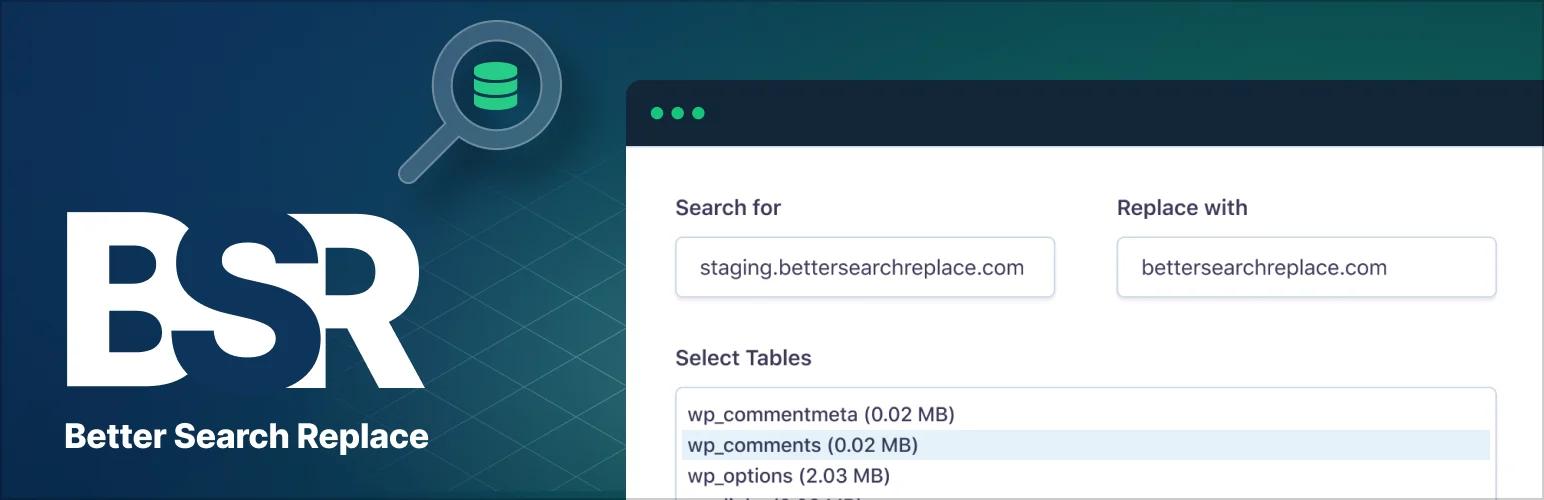
Better Search Replace is the default choice I reach for when a WordPress database needs a controlled replacement. It is widely used for domain changes, HTTP-to-HTTPS cleanup, brand updates, and other repeated values across database tables.
The reason it works well is that you can choose which tables to scan and run a dry run before committing. That is important on WordPress because serialized data can break if a replacement tool changes string lengths without understanding the stored structure.
Key features
- Search and replace across selected database tables
- Serialized-data handling
- Dry-run mode
- Case-sensitive search option
- Useful for domain and URL migrations
- Additional backup and history features in Pro
Pros: Mature, familiar, strong free version, and one of the safest general-purpose workflows when a dry run is used properly.
Cons: A correct dry run does not protect you from choosing the wrong search term. You still need a backup and careful scope.
Best for: Site migrations, URL cleanup, repeated text changes, and general database maintenance.
Pricing: Free version available, with a commercial Pro edition from WP Engine.
2. WP Migrate Lite – Best for Migration-Based Find and Replace

WP Migrate Lite is broader than a search-and-replace utility. Its database migration workflow includes find and replace before export, which is especially useful when moving a site from one URL or environment to another.
I would choose it when the replacement is part of an actual migration rather than a one-off content cleanup. The free plugin can export the database and full-site data, while Pro adds more push, pull, and remote migration workflows.
Key features
- Find and replace during database migration
- SQL database export
- Full-site export in Lite
- Serialized-data-safe migration handling
- WP-CLI export and find-replace commands
- Advanced push and pull workflows in Pro
Pros: Strong fit for migrations and better context than a standalone search box when URLs are changing between environments.
Cons: Overkill if you only need to replace one phrase inside existing content.
Best for: Developers and agencies moving databases or full WordPress sites between local, staging, and production environments.
Pricing: Free Lite version. Commercial WP Migrate plans are available for advanced migration workflows.
3. Search & Replace Everything by WPCode – Best for Text and Media Replacement
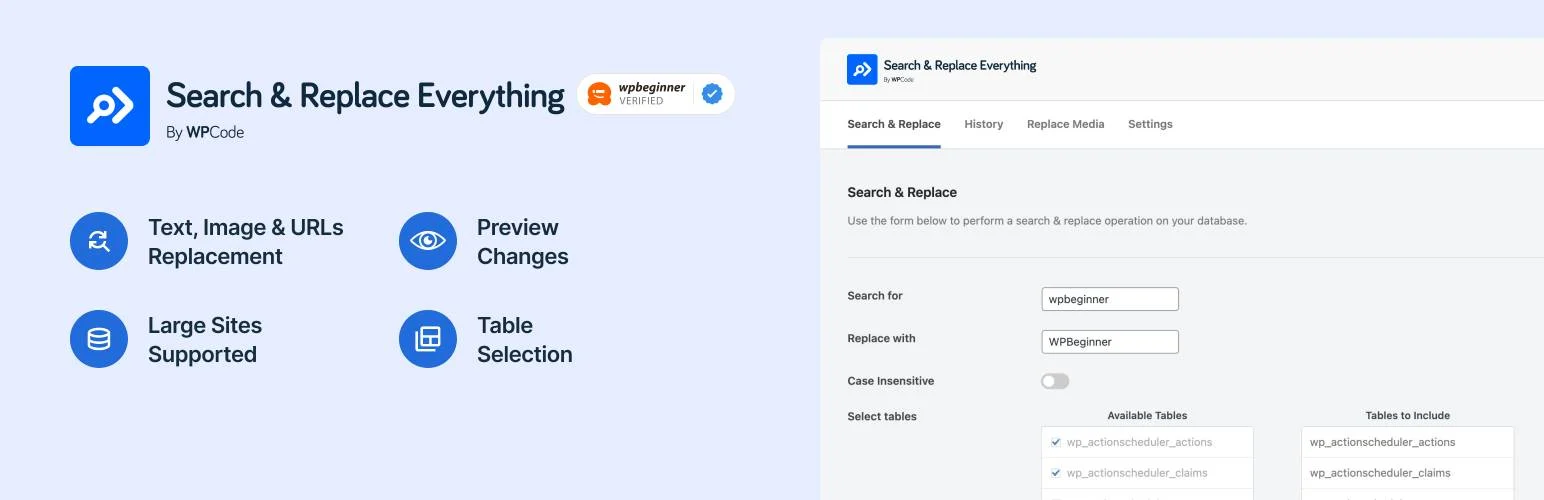
Search & Replace Everything by WPCode combines database text replacement with media replacement. It can search specific tables, handle serialized data, preview changes, replace images or other media, and work with larger sites.
The media workflow is what makes it different. If the job is replacing an old logo, PDF, image, or recurring link as well as database text, having both workflows in one interface can be useful.
Key features
- Database text replacement
- Serialized-data support
- Table selection
- Preview changes before applying
- Image and media replacement
- Undo and additional workflows in Pro
Pros: Modern interface, media replacement, useful preview workflow, and broader content-maintenance use cases than a pure database tool.
Cons: Some deeper preview and undo capabilities depend on the commercial edition.
Best for: Content teams and site owners replacing recurring text, links, images, and files.
Pricing: Free version available, with a Pro edition for additional controls.
4. Go Live Update Urls – Best for Staging-to-Live URL Changes
Go Live Update Urls is designed around a specific moment: changing a site from its development or staging domain to the live domain.
I prefer focused tools when the problem is focused. If the main job is replacing old site URLs across the database after launch, this is easier to explain to a non-technical site owner than a general database search interface.
Key features
- Replace old site URLs with a new domain
- Designed for staging-to-production launches
- Handles common WordPress database locations
- Simple guided interface
- Commercial Pro version for broader controls
- Useful after domain or protocol changes
Pros: Clear use case and easier than a general search-and-replace tool when only the site URL is changing.
Cons: Less flexible for general content, brand, or database cleanup.
Best for: Launching staging sites, domain changes, and development-to-production moves.
Pricing: Free version available, with a commercial Pro edition.
5. Better Find and Replace – Best for Database and Real-Time Rules

Better Find and Replace can perform permanent database replacements, but it also supports real-time masking rules that change output after WordPress generates a page.
That distinction matters. A real-time rule can be useful when you need to alter visible text or output without changing the stored database value. For permanent migrations, I would still use the database mode and test it carefully.
Key features
- Database find and replace
- Real-time text masking
- Regular-expression rules
- URL and media replacement options
- Dry-run reporting for supported database operations
- Ajax and dynamic-content replacement options
Pros: Flexible because it supports both permanent database changes and temporary output replacement.
Cons: Real-time replacement can hide the underlying data problem if it is used where a proper database cleanup would be better.
Best for: Advanced users who need database replacement plus temporary front-end find-and-replace rules.
Pricing: Free version available, with Pro features for advanced workflows.
Which One Should You Choose?
Better Search Replace is the best general-purpose starting point. Use WP Migrate when the job is part of a migration, WPCode when media replacement matters, and Go Live Update Urls for a focused domain launch. Better Find and Replace is useful when you need temporary real-time rules as well as permanent database changes.
Never search and replace on a production database without a restorable backup. Start with the narrowest table selection possible, run a preview or dry run, check serialized data support, and confirm the result on staging when the replacement affects URLs, page-builder data, or plugin settings.
Conclusion
Search and replace is powerful because it changes a lot of WordPress data quickly. Better Search Replace is the safest general starting point here, WP Migrate is stronger for migrations, and the other tools solve more specific URL, media, or real-time replacement needs. The plugin matters, but the backup and preview process matters more.
Frequently Asked Questions
What is the best WordPress search and replace plugin?
Better Search Replace is the strongest general-purpose option. WP Migrate is better when search and replace is part of a site migration.
Can search and replace break a WordPress database?
Yes. A broad search term, unsupported serialized data, or an incorrect URL replacement can damage settings and content. Always back up the database and preview the scope first.
What is serialized data in WordPress?
Serialized data stores structured PHP values in strings that include length information. A normal text replacement can corrupt that structure if it changes the string without recalculating the serialization correctly.
Can I replace an old domain after moving WordPress?
Yes. Better Search Replace, WP Migrate, and Go Live Update Urls are all commonly used for replacing development or old-domain URLs after a migration.
Should I use a plugin or WP-CLI search-replace?
WP-CLI is excellent for experienced administrators and large databases. A plugin is easier when you want a visual table selector, preview workflow, or do not have shell access.

