



A map is not automatically a store locator. A real locator needs searchable locations, distance or radius search, opening hours, structured location data, map markers and a mobile workflow that helps visitors find the nearest branch quickly. The best WordPress store locator plugins focus on that location-discovery job rather than general map embedding.
TL;DR
WP Store Locator is my best overall free-first choice for straightforward branch and dealer search. Agile Store Locator is stronger when design, filters and larger location sets matter. Locatoraid is a clean option for businesses that want bulk location management and developer-friendly controls. Store Locator Plus fits larger or more customized locator projects, while WP Go Maps is better when you need general mapping plus locator-style features.
Quick Comparison
| Plugin | Best for | Pricing model |
|---|---|---|
| WP Store Locator | Simple branch and dealer locators | Free core with optional add-ons |
| Agile Store Locator | Design-heavy and larger locators | Free version plus Pro |
| Locatoraid | Bulk location management | Free core with Pro upgrade |
| Store Locator Plus | Customized and larger deployments | Free/hosted and paid extensions depending on setup |
| WP Go Maps | General maps with locator use cases | Free core with Pro upgrade |
How I Chose These Store Locator Plugins
I focused on address search, radius/distance logic, location fields, opening hours, map markers, filters, bulk imports, responsive behavior and scalability. We already cover broader mapping in our Google Maps plugins roundup, so this article is specifically about finding the nearest physical location. Local businesses should also see our local SEO plugins guide.
1. WP Store Locator — Best Overall Free-First Store Locator
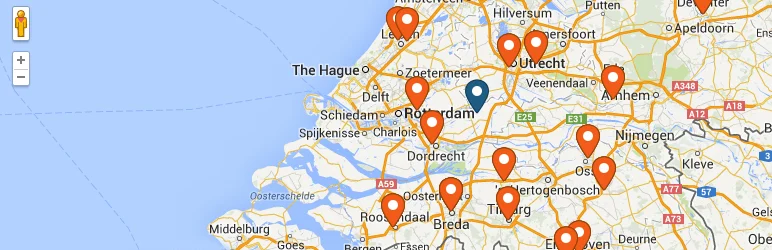
WP Store Locator is a focused option for businesses that need a practical nearest-location search without a large SaaS platform. It supports searchable locations, configurable map presentation and common store details while keeping the core plugin free.
Key features
- Radius-based location search
- Location address and contact fields
- Opening hours
- Custom map markers
- Search-result list
- Geolocation and distance display
Pros
- Focused locator workflow
- Useful free core
- Good for stores, offices and dealers
Cons
- Advanced customizations may need add-ons or code
- Map-provider API setup is still required
Pricing
The core plugin is free. Optional extensions and related services may have separate pricing.
2. Agile Store Locator — Best for Design and Larger Location Sets
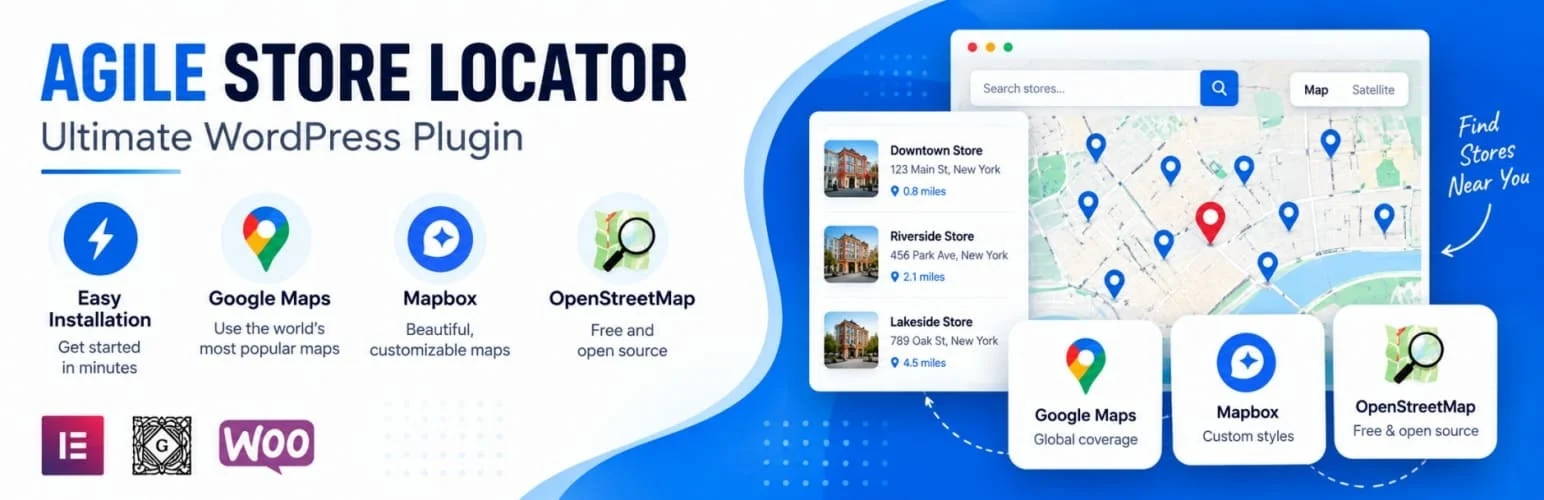
Agile Store Locator provides more built-in presentation options than many simple locator plugins. It suits retailers, franchises and dealer networks that want strong filtering, templates and store-detail layouts.
Key features
- Multiple locator templates
- Category and location filters
- Geolocation search
- Store-detail panels
- Custom map markers
- Import/export tools on applicable versions
Pros
- Polished locator designs
- Useful filtering
- Works for larger location directories
Cons
- Advanced features require Pro
- More settings than a small business may need
Pricing
A free version is available. The Pro version adds additional templates, filters, import tools and controls. Check current licensing before buying.
3. Locatoraid — Best for Bulk Location Management

Locatoraid is a good fit when location management matters as much as the front-end map. It supports searchable locations and offers Pro tools for bulk import and deeper management, making it useful for organizations that update branches regularly.
Key features
- Location search
- Custom location fields
- Map and list layouts
- Bulk import in Pro
- REST API support
- Configurable locator presentation
Pros
- Good location-data workflow
- Developer-friendly API option
- Free core available
Cons
- Bulk-management features are premium
- Less visually elaborate than some competitors
Pricing
The core plugin is free. Locatoraid Pro adds bulk import and other advanced controls; verify current pricing on the vendor site.
4. Store Locator Plus — Best for Customized Locator Projects
Store Locator Plus has a long history in the locator space and is better suited to projects that need extensive customization, add-ons or larger location datasets. It is not always the simplest choice, but its ecosystem is useful for specialized requirements.
Key features
- Location search and mapping
- Custom location attributes
- Search and result customization
- Large location dataset support
- Extension ecosystem
- Hosted/service options depending on product configuration
Pros
- Flexible for specialized projects
- Long-running locator ecosystem
- Suitable for larger deployments
Cons
- Product structure can feel complex
- Advanced needs may require paid extensions/services
Pricing
Pricing depends on the current plugin, extension and hosted-service combination. Review the vendor’s current product matrix for your use case.
5. WP Go Maps — Best for General Mapping Plus Locator Features

WP Go Maps is broader than a dedicated store locator, but that is useful when a site needs general maps as well as searchable physical locations. It supports markers, categories and map customization, with Pro adding deeper functionality.
Key features
- Google Maps and alternative map support depending on setup
- Custom markers
- Marker categories
- Store-locator functionality
- Directions and user-location options
- Advanced map controls in Pro
Pros
- Useful beyond store locators
- Large mapping feature set
- Free core available
Cons
- Less focused than a locator-only plugin
- Advanced capabilities need Pro
Pricing
A free core plugin is available. Pro adds more marker, filtering, data and map controls.
How to Choose the Right WordPress Store Locator Plugin
For a handful of branches, prioritize a clean search and mobile layout. For franchises, dealer networks or hundreds of locations, bulk import, categories, custom fields and API access become more important. Also calculate map-provider API costs before launch because the plugin license and mapping API are often separate expenses.
Conclusion
WP Store Locator is the simplest overall starting point for a focused locator. Agile Store Locator is better when presentation and filters matter, Locatoraid is strong for location management, Store Locator Plus fits specialized deployments, and WP Go Maps makes sense when you need broader mapping too.
Frequently Asked Questions
What is the difference between a Google Maps plugin and a store locator plugin?
A maps plugin focuses on displaying maps and markers. A store locator adds nearest-location search, distance, store details, filters and location-specific workflows.
Which WordPress store locator plugin is best for free?
WP Store Locator is a strong free-first choice for common branch, office and dealer locator needs.
Can I import hundreds of store locations?
Yes, but bulk import is often a premium feature. Locatoraid Pro, Agile Store Locator and larger locator systems are better suited to recurring bulk management.
Do store locator plugins require a Google Maps API key?
Many Google Maps-based setups do. Some plugins also support alternative map providers. Check both the plugin and map-provider requirements before launch.

