



Tabs are useful when related content belongs on one page but should not appear as one long wall of text. Product details, service packages, documentation, FAQs, and comparison sections are common examples.
Do not confuse general tabs with WooCommerce product-tab plugins. We already cover those separately in our WooCommerce product tab roundup. This list is for site-wide content tabs.
TL;DR
Responsive Tabs is the easiest focused plugin for standard tab sections. Tabby Responsive Tabs is lightweight and reliable for shortcode users. Shortcodes Ultimate is useful when tabs are one of many reusable content elements, while Spectra is a better fit for Gutenberg-first sites that want tabs inside a broader block toolkit.
Quick Comparison
| Plugin | Best for | Free option |
|---|---|---|
| Responsive Tabs | simple dedicated tab sections | Yes |
| Tabby Responsive Tabs | lightweight shortcode tabs | Yes |
| Shortcodes Ultimate | tabs plus other reusable content elements | Yes |
| Spectra | Gutenberg tab layouts | Yes |
How I Chose These Plugins
I looked for responsive behavior, keyboard and mobile usability, simple editing, styling controls, shortcode or block support, current maintenance, and whether the plugin can handle repeated tab sets without fragile custom code.
1. Responsive Tabs — Best for simple dedicated tab sections
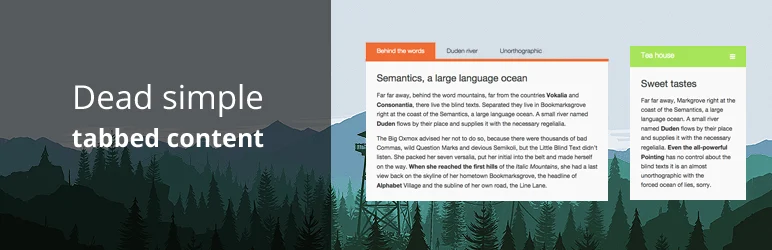
Responsive Tabs by WP Darko is a focused plugin for creating tab groups that adapt to smaller screens. It is useful for service details, documentation, and long pages where content needs to stay organized.
Key features
- Responsive tab layouts
- Dedicated tab management
- Shortcode placement
- Custom labels and content
- Styling controls
- Mobile-friendly presentation
Pros
- Focused and easy to learn
- Good fit for non-technical editors
Cons
- Not a full block library
- Advanced design options require the paid version
Pricing
A free version is available. WP Darko currently lists Responsive Tabs premium access from $19/year for one site.
2. Tabby Responsive Tabs — Best for lightweight shortcode tabs

Tabby Responsive Tabs uses shortcodes to create clean tab groups that become easier to read on smaller screens. It is a good choice for users who prefer minimal overhead.
Key features
- Responsive tab groups
- Simple shortcode syntax
- Multiple tab sets per page
- Theme-friendly output
- Optional add-ons for extra styling and behavior
Pros
- Lightweight and mature
- Excellent free option for basic tabs
Cons
- Shortcode workflow is less visual than blocks
- Advanced styling may need CSS or extensions
Pricing
Tabby Responsive Tabs is free on WordPress.org. Optional add-ons may be sold separately by the developer.
3. Shortcodes Ultimate — Best for tabs plus other reusable content elements
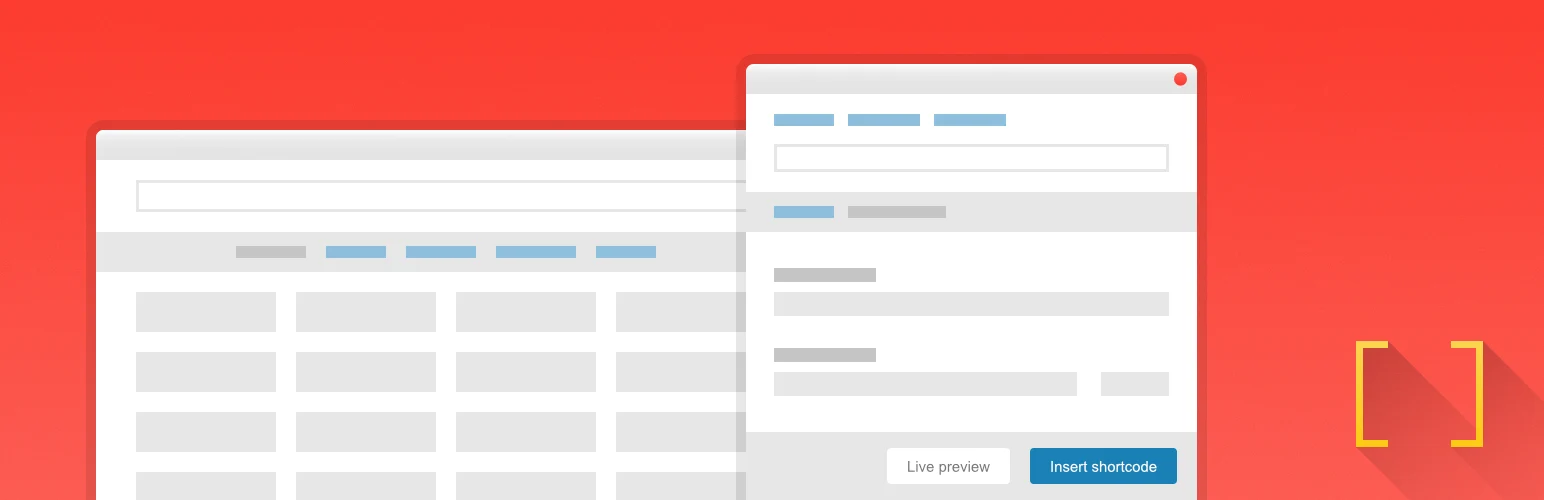
Shortcodes Ultimate includes tabs alongside accordions, buttons, boxes, columns, and many other content elements. It makes sense when you want one toolkit rather than a plugin that only creates tabs.
Key features
- Tabs and spoiler/accordion elements
- Large library of content shortcodes
- Responsive output
- Custom styling options
- Works in posts, pages, and widgets
Pros
- Very large install base
- One plugin can replace several small shortcode utilities
Cons
- Heavier than a tabs-only solution
- Shortcode-driven editing is less native than modern block workflows
Pricing
The core plugin is free. The developer sells premium add-ons and bundles; check GetShortcodes for current pricing.
4. Spectra — Best for Gutenberg tab layouts

Spectra extends the block editor with many layout and content blocks, including tab-style content components depending on the current block set. It is a better choice when tabs need to live inside a wider Gutenberg design system.
Key features
- Gutenberg-native editing
- Responsive layout controls
- Reusable block-based sections
- Design controls within the editor
- Large collection of additional content blocks
Pros
- Native block-editor workflow
- Useful beyond tabs alone
Cons
- Overkill for a site that only needs one tab section
- Some advanced blocks and controls are premium
Pricing
Spectra has a free plugin and paid Spectra Pro plans. Verify the current annual pricing and included blocks before upgrading.
Which One Should You Choose?
Use Responsive Tabs for a focused tab plugin with a simple UI. Pick Tabby when lightweight shortcodes are enough. Shortcodes Ultimate is better if you also need many other content elements, while Spectra suits sites already committed to Gutenberg blocks.
Conclusion
Tabs improve a page only when the hidden content is still easy to discover. Keep labels short, avoid putting critical conversion information behind several clicks, and test keyboard and mobile behavior before using tabs for important content.
Frequently Asked Questions
What is the best free WordPress tabs plugin?
Responsive Tabs and Tabby Responsive Tabs are both strong free choices, depending on whether you prefer a dedicated UI or a shortcode workflow.
Are tabs good for SEO?
Tabs are generally fine when the content is present in the page markup and accessible to users. Avoid using tabs to hide thin or duplicate content.
Can I add tabs in Gutenberg?
Yes. Block libraries such as Spectra provide tab-style components, and shortcode plugins can also be inserted into Gutenberg content.
What is the difference between tabs and accordions?
Tabs switch between labeled panels, while accordions expand vertically. Accordions often work better on narrow mobile screens.
Can I use these plugins for WooCommerce product tabs?
Some may work technically, but a dedicated WooCommerce product-tab plugin is usually better because it integrates directly with product pages.

