



Unused media can accumulate after redesigns, product imports, deleted posts, image regeneration, and years of editorial work. The difficult part is not deleting files; it is identifying files that are genuinely unused without removing images referenced by builders, custom fields, WooCommerce, CSS, or other less obvious locations.
TL;DR
Media Cleaner is the most established dedicated option. Media Hygiene provides another cleanup-focused workflow. Media Sweep and DevDome Media Cleaner are smaller alternatives, while Media Tracker is useful when understanding where media is used matters as much as deleting it.
Quick comparison
| Plugin | Best for | Active installs |
|---|---|---|
| Media Cleaner | Established unused-media cleanup | 90,000+ |
| Media Hygiene | Media cleanup workflow | 4,000+ |
| Media Sweep | Focused media scanning | 1,000+ |
| DevDome Media Cleaner | Unused and orphan image cleanup | 100+ |
| Media Tracker | Finding media usage before cleanup | 1,000+ |
How I chose
I focused on maintained WordPress.org plugins whose purpose includes detecting unused, orphaned, or unreferenced media. Generic database cleaners and image optimizers were excluded because compressing images and deleting unused attachments are different maintenance jobs.
Before using any media cleaner
Create a restorable backup first. Then scan, review the proposed deletions, and test important templates before permanently removing files. Page builders, custom fields, CSS backgrounds, shortcodes, external integrations, and custom theme code can reference images in ways a scanner may not recognize.
1. Media Cleaner

Best for: users who want the most established specialist cleaner in this category.
Media Cleaner has 90,000+ active installations and is specifically built around finding media that appears unused. Its large adoption makes it the natural first plugin to evaluate when a Media Library has grown far beyond what the live site actually needs.
Limitation: no scanner can understand every custom WordPress implementation automatically. Treat scan results as candidates for review, not an unquestionable deletion list.
2. Media Hygiene

Best for: site owners who want another dedicated unused-image cleanup workflow.
Media Hygiene has 4,000+ active installations and focuses on removing or cleaning unused images and related media clutter. It is a useful alternative when you want to compare scan results or prefer its workflow.
Limitation: test it against your actual theme and builder setup before deleting files in bulk.
3. Media Sweep

Best for: users who want a smaller, focused media-cleaning plugin.
Media Sweep is a newer/smaller option with 1,000+ active installations. It belongs on the shortlist because its purpose is directly aligned with finding and cleaning WordPress media rather than bundling cleanup into a much larger optimization suite.
4. DevDome Media Cleaner
Best for: testing a newer cleaner aimed at unused and orphan images.
DevDome Media Cleaner explicitly targets unused and orphan images. Its install base is still small, so it is better treated as an emerging alternative than a default recommendation for a large production library.
Limitation: smaller adoption means less long-term ecosystem evidence. Use backups and staged cleanup, especially on complex sites.
5. Media Tracker
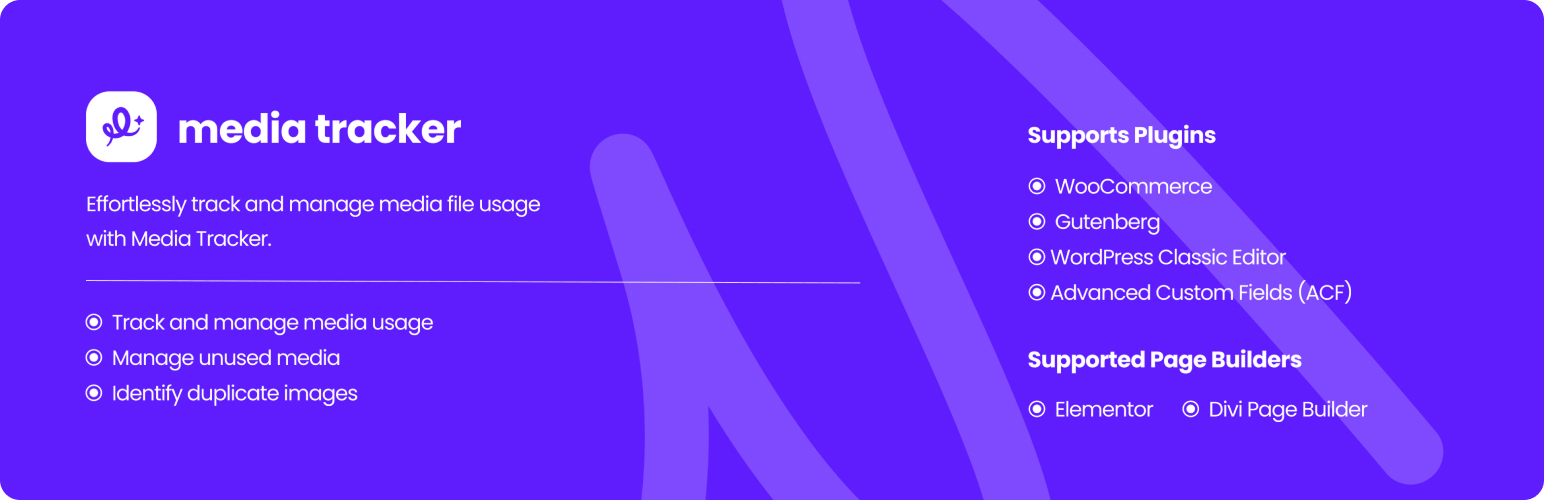
Best for: understanding where attachments are used before deciding what to delete.
Media Tracker is slightly different from a pure cleaner. Its value is visibility: when you are uncertain whether an attachment is referenced, tracking usage can make the cleanup decision safer. That is particularly useful on older sites where media relationships are not obvious.
A safer cleanup workflow
- Take a full backup that includes uploads and the database.
- Run a scan but do not immediately bulk-delete everything.
- Review images used in builders, custom fields, product galleries, CSS, and reusable templates.
- Move questionable files to a reversible trash/quarantine state when the plugin supports it.
- Check key pages on desktop and mobile.
- Permanently delete only after the site has been verified.
If your problem is file organization rather than deletion, compare WordPress media library plugins instead. For file-size reduction, use an image optimization plugin rather than a cleaner.
Why “unattached” does not always mean unused
WordPress attachment relationships are only one signal. An image can be marked unattached and still appear in a page builder, custom field, CSS background, options page, shortcode, product variation, or reusable template. Conversely, an attachment can remain linked to an old post while no longer appearing on the public site.
That is why the best cleaners inspect more than the attachment parent field and why manual review remains important. Large WooCommerce and builder-based sites should be especially conservative. If storage is the main concern, first identify the largest folders and image derivatives; sometimes old backups, cache files, or obsolete thumbnail sizes consume more space than genuinely unused original media.
What a media scanner can miss
Media references can live outside normal post content: builder data, custom fields, theme options, CSS, imported JSON, product variations, email templates, or custom code. A cleaner that understands Gutenberg and WooCommerce can still miss a bespoke reference. That is why a reversible trash or quarantine stage is more valuable than a one-click permanent delete button.
If the real goal is performance rather than storage, deleting unused files may have little front-end impact because those files were not being requested anyway. For performance work, pair cleanup with image optimization, cache review, and database maintenance rather than expecting Media Library cleanup alone to make pages faster.
Final Take
Media Cleaner is the strongest starting point based on specialization and adoption, but the real safety feature is your process. Back up first, review scan results, and delete in stages. A few gigabytes of saved storage is not worth broken product galleries or missing design assets.
Unused Media Cleaner FAQs
What counts as unused WordPress media?
Usually an attachment that is no longer referenced by site content, but custom builders and code can make that harder to detect accurately.
Can media cleaners delete images that are still used?
It is possible, especially with non-standard references. Always back up and review results before permanent deletion.
Will deleting unused images speed up WordPress?
It mainly reduces storage and Media Library clutter. It does not automatically make front-end pages faster if those unused files were never being loaded.
Should I clean thumbnails too?
Only after confirming which image sizes your active theme, plugins, and responsive layouts still need.

