Freemium
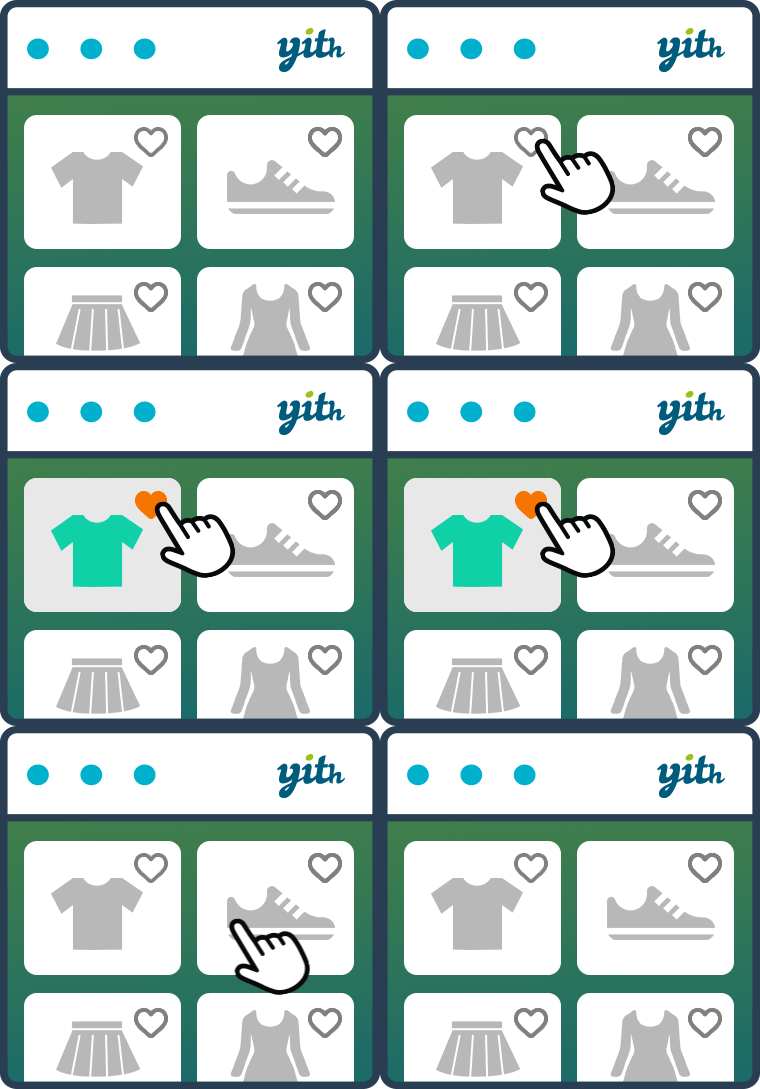
YITH WooCommerce Wishlist lets shoppers save products, preserve selected variations, and revisit or share favorite items later.

WishSuite – Wishlist for WooCommerce adds wishlist functionality to WooCommerce with a free-first model and close alignment with other HasThemes ecommerce tools.
WishSuite – Wishlist for WooCommerce fits WooCommerce stores that want a free-first wishlist from the HasThemes ecosystem with styling and placement controls. The main reason to consider it is it gives stores a simple wishlist workflow without forcing a larger premium marketing stack. It is less suitable when the store needs sophisticated wishlist analytics or campaign automation as a core revenue workflow.
Customers can add products to a wishlist, revisit them later and move items toward purchase. Administrators can configure button placement, wishlist pages and visual presentation so the feature matches the store theme.
The practical workflow centers on wishlist add and remove actions, dedicated wishlist page, button placement controls, wishlist styling options, WooCommerce product integration, guest workflow, responsive layout, optional Pro features. These capabilities affect setup, customer or administrator experience, and the amount of ongoing maintenance required after launch.
WishSuite focuses on the storefront interaction rather than deep behavioral analytics. It can be enough when the business simply wants to reduce product rediscovery friction and let shoppers maintain shortlists.
A free WishSuite plugin is available, with an optional Pro path in the HasThemes ecosystem. Verify the current live commercial plan before purchase because bundles and promotional pricing can change. WishSuite cost should be considered within the broader HasThemes stack if the store already licenses other products from the vendor.
After installation, configure the wishlist page and test button placement in product archives, single-product templates and responsive layouts. Verify variation handling and add-to-cart behavior from saved lists.
Test WishSuite inside the active WooCommerce templates rather than only with a default theme, including account navigation and guest behavior. This catches template overrides, icon alignment and responsive issues before customers start saving products.
The plugin fits smaller and midsize stores, especially sites already using HasThemes products or stores that want a straightforward wishlist without complex campaign tooling.
WishSuite – Wishlist for WooCommerce is most convincing when its core model matches the project instead of being forced to imitate a different category of plugin. Teams should compare the operational model, not only the number of listed features.
Teams looking for multiple public lists, detailed popularity analytics, automated promotions or quotation workflows may need a more specialized premium wishlist solution.
When moving to WishSuite, determine whether the old plugin exposes wishlist records for import; otherwise plan for a customer-visible reset instead of silently discarding saved items.
If replacing another wishlist tool, check whether saved product IDs can be imported. Keep URLs and navigation labels familiar so existing customers can find the new wishlist easily.
After cutover, verify account links, saved variations and add-to-cart actions, then keep a rollback copy until the store is confident that the new lists remain stable.
WishSuite is a lightweight free-first path. Compare it with YITH, TI, WPC and WCBoost based on marketing depth, multiple-list requirements and ecosystem preference.
Wishlists are visible in several storefront contexts, so styling should be checked in product loops, single products, My Account and the dedicated wishlist page. Match typography and button hierarchy to the rest of the store instead of treating the wishlist as an isolated widget, and verify that the interaction remains obvious on touch devices.
If a store changes wishlist plugins, tell customers before the cutover when saved products cannot be carried over. A short account notice or email can prevent confusion and gives frequent shoppers time to move important items into the cart. Treat wishlist data as customer convenience data rather than assuming every saved product is a marketing opt-in.
When the wishlist is mostly a convenience feature, keep the interface intentionally small. One clear save action and one predictable list location are often more useful than adding extra controls that compete with the product gallery, variation selectors, quantity inputs, and primary add-to-cart button.
Measure the wishlist as a navigation aid rather than assuming it directly creates revenue. Useful signals include repeat visits to saved products, add-to-cart actions from the list, and whether mobile users can find the wishlist again without searching through account menus.
WishSuite is most useful when the store needs a straightforward WooCommerce wishlist layer without a larger marketing suite around it. Check how the wishlist button renders on single products, shop archives, product loops, quick-view layouts, and mobile templates because theme overrides can move or hide the action even when the plugin itself is configured correctly.
Before switching from another wishlist plugin, test registered-user and guest behavior separately. Product IDs may migrate easily, but cookies, browser storage, public share URLs, button styling, and custom shortcodes usually do not share a standard format across wishlist plugins. If wishlists are part of customer-service or remarketing workflows, document those dependencies before replacing the plugin.
For cached stores, confirm that adding and removing items updates immediately without exposing another shopper’s list through cached HTML. Guest persistence and login-to-account merging should also be checked on staging before rollout.
Yes. WishSuite has a free WordPress plugin, with optional paid functionality in the vendor ecosystem.
It lets shoppers save products to a wishlist and revisit those items later.
Yes. Placement and presentation controls are part of the plugin workflow.
Stores should test saved variation behavior with their theme and WooCommerce configuration before launch.
It fits stores that want a straightforward free-first wishlist rather than a large marketing suite.
Preserve saved-product data if possible and keep wishlist navigation and labels familiar to returning customers.
YITH WooCommerce Wishlist lets shoppers save products, preserve selected variations, and revisit or share favorite items later.
WCBoost Wishlist adds a modern wishlist flow to WooCommerce so shoppers can save products, return later and manage purchase intent…
TI WooCommerce Wishlist adds customer wishlists to WooCommerce with a substantial free feature set and a Premium tier for multiple…
Log in or create an account to continue.