



A WordPress CRM plugin helps you keep contacts, customer history, follow-ups, campaigns, and sales activity closer to the site where those leads are generated. The hard part is that “CRM” can mean very different things. Some plugins are sales CRMs, some are email automation platforms, and others mainly connect WordPress to a hosted CRM.
For this roundup, I compared contact management, segmentation, email automation, sales tools, WooCommerce and form integrations, data ownership, reporting, and current maintenance. If you are building the wider stack around your CRM, see our WordPress automation plugins and WordPress email marketing plugins roundups.
TL;DR
- FluentCRM: best for WordPress-native email marketing and automation.
- Jetpack CRM: best for freelancers and small businesses that want a traditional customer CRM.
- Groundhogg: best for advanced self-hosted lifecycle automation.
- HubSpot: best when WordPress is one part of a wider hosted sales and marketing platform.
- WP ERP: best when CRM needs to sit beside HR and accounting tools.
Quick Comparison
| Plugin | Best for | Pricing model |
|---|---|---|
| FluentCRM | Email automation inside WordPress | Free core + Pro |
| Jetpack CRM | Clients, quotes and transactions | Free core + extensions |
| Groundhogg | Advanced self-hosted funnels | Free core + paid plans |
| HubSpot | Hosted sales and marketing CRM | Free CRM + paid hubs |
| WP ERP | CRM plus business operations | Free core + extensions |
How I Chose These WordPress CRM Plugins
I looked for tools that solve a real CRM job instead of just collecting email addresses. That means usable contact records, segmentation, automation or sales activity, integrations with forms and ecommerce, and a clear path for growing the database. I also favored plugins that are actively maintained and make it clear where your customer data is stored.
1. FluentCRM – Best for WordPress-Native Email Automation

FluentCRM is a self-hosted email marketing CRM built around contacts, lists, tags, campaigns, sequences, and automation funnels. It is the strongest fit here when your main CRM job is nurturing leads and customers rather than managing a traditional deal pipeline.
Because the contact database lives in WordPress, FluentCRM can work closely with form, membership, LMS, and WooCommerce data. That makes it useful for lifecycle emails such as onboarding, customer follow-up, course engagement, purchase-based campaigns, and reactivation.
Key features
- Contact lists, tags, and dynamic segments
- Email campaigns and broadcasts
- Automation funnels and sequences
- WooCommerce, LMS, membership, and form integrations
- Contact activity and purchase context
- Self-hosted contact database
Pros: Strong WordPress-native automation, generous free core, and no per-contact SaaS bill for the core plugin.
Cons: It is marketing-automation first, so teams that need a deep sales pipeline may prefer a dedicated sales CRM.
Pricing: Free core plugin; Pro adds advanced automation and integrations.
2. Jetpack CRM – Best for Freelancers and Small Businesses
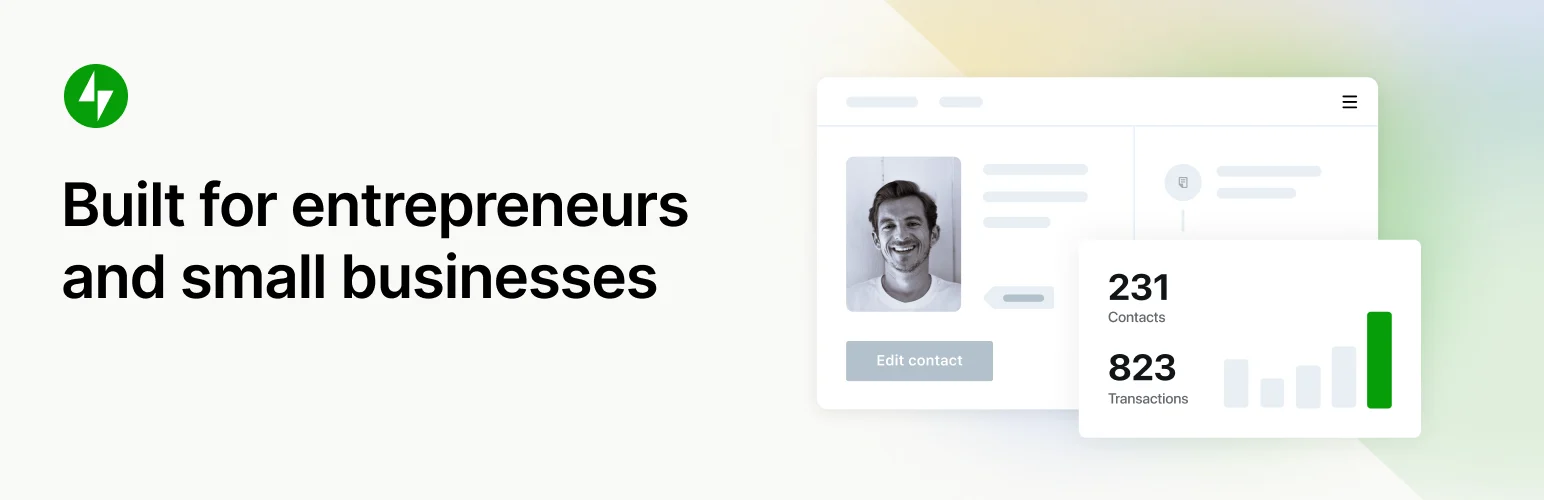
Jetpack CRM feels closer to a traditional small-business CRM. It is built around customers, companies, quotes, invoices, transactions, notes, and ongoing client relationships.
I would choose it over an email-first CRM when the business needs to know who the customer is, what they were quoted, what they paid, and what still needs follow-up. It also has extensions for ecommerce and automation when the basic client-management workflow grows.
Key features
- Customer and company records
- Quotes and invoices
- Transaction tracking
- Client portal options
- Tasks, notes, and contact management
- Extensions for WooCommerce and automation
Pros: Clear customer-management model and useful business records without forcing you into a large marketing suite.
Cons: Several advanced workflows depend on paid extensions, and email automation is not its main strength.
Pricing: Free core plugin with paid bundles and extensions.
3. Groundhogg – Best for Advanced Self-Hosted Funnels
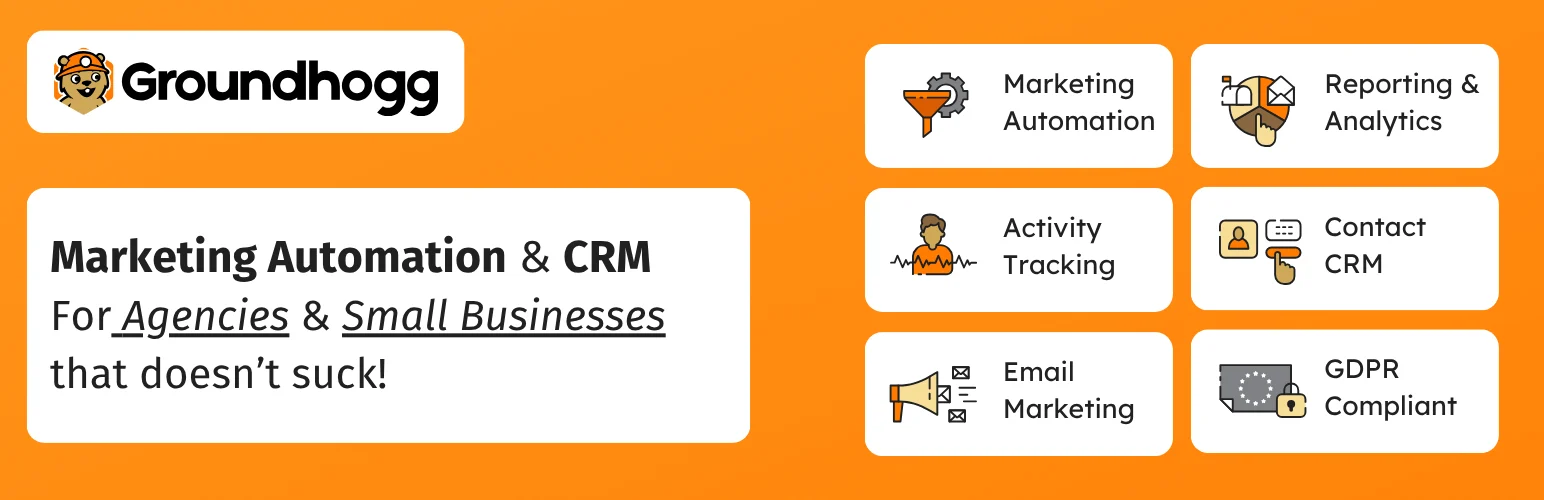
Groundhogg combines contact management with email marketing and visual funnel automation. It is aimed at site owners who want sophisticated lifecycle campaigns while keeping the CRM and automation engine in WordPress.
Groundhogg becomes especially useful when a simple newsletter tool is not enough. You can build multi-step follow-up sequences, apply tags based on behavior, score leads, and connect forms, ecommerce, or membership activity to the funnel.
Key features
- Contact records and tagging
- Visual marketing funnels
- Broadcast and automated email
- Lead scoring and activity tracking
- Form and ecommerce integrations
- Developer-friendly hooks and extensions
Pros: Powerful automation model, strong data ownership, and a mature extension ecosystem.
Cons: The learning curve is steeper than lightweight CRMs, and complex automations can require paid add-ons.
Pricing: Free core plugin; paid plans and extensions are available.
4. HubSpot – Best Hosted CRM for Sales and Marketing Teams
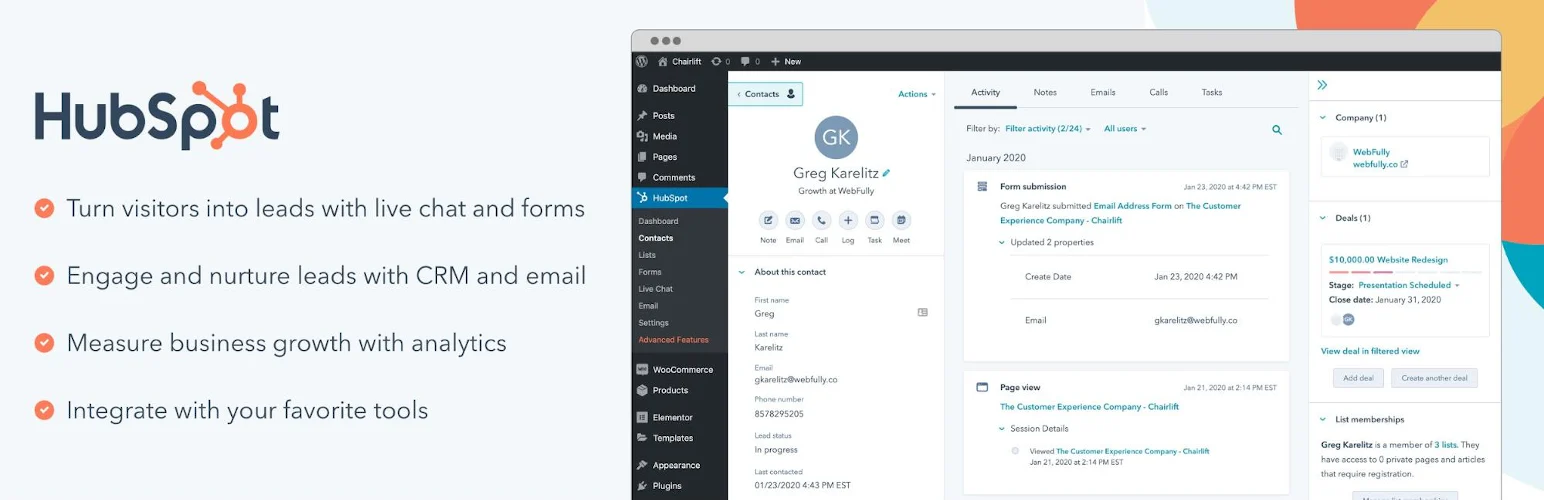
HubSpot uses WordPress as the capture and integration layer for its hosted CRM. The plugin can connect forms, live chat, analytics, and marketing tools to the broader HubSpot platform.
This is a better fit when sales and marketing teams already work in HubSpot or when CRM activity needs to continue far beyond WordPress. In exchange, your contacts and workflows depend on an external SaaS platform rather than living fully inside your site.
Key features
- Hosted CRM contact records
- Forms and lead capture
- Live chat and chatbots
- Email marketing tools
- Analytics and activity tracking
- Large sales and marketing ecosystem
Pros: Easy path into a full sales and marketing platform with strong cross-team tooling.
Cons: Data and workflows live primarily in HubSpot, and costs can rise when you need advanced hubs or larger usage limits.
Pricing: Free CRM tier available; paid HubSpot products add advanced features.
5. WP ERP – Best for CRM Plus HR and Accounting

WP ERP takes a broader business-management approach. Its CRM module manages contacts, companies, activities, schedules, and customer communication, while the same ecosystem can also cover HR and accounting needs.
I would shortlist WP ERP when CRM is only one part of the back office. It is less attractive when you only want a lightweight contact database, but the wider scope can reduce the need for several unrelated admin tools.
Key features
- Contact and company records
- Activity logs and notes
- Task and schedule management
- Email communication
- CRM reports and segmentation
- Optional HR and accounting modules
Pros: Useful all-in-one back-office direction for organizations that want more than customer records.
Cons: The broader ERP scope can feel heavy if all you need is a focused CRM or email automation tool.
Pricing: Free core plugin with paid extensions and modules.
Which WordPress CRM Plugin Should You Choose?
For email-led customer nurturing, I would start with FluentCRM. Jetpack CRM is easier to recommend for client, quote, and transaction management. Groundhogg fits advanced self-hosted automation, HubSpot is strongest when your team already wants a hosted sales platform, and WP ERP makes sense when CRM is only one part of a larger back-office system.
Conclusion
The best WordPress CRM depends on the work you expect it to do. Start with the workflow that matters most, confirm how customer data is stored, and test the integrations you actually use before moving a production database.
Frequently Asked Questions
What is the best CRM plugin for WordPress?
FluentCRM is my first choice for WordPress-native email automation, while Jetpack CRM is a better fit for a traditional small-business CRM with clients, quotes, and transactions.
Can WordPress run a CRM without an external SaaS service?
Yes. FluentCRM, Groundhogg, Jetpack CRM, and WP ERP can keep core CRM data inside WordPress. HubSpot uses WordPress mainly as the capture and integration layer for its hosted CRM.
Will a CRM plugin slow down WordPress?
A CRM adds database activity, especially when contact histories and automations grow. Use good hosting and avoid running large jobs on weak shared hosting.
Which WordPress CRM works best with WooCommerce?
FluentCRM and Groundhogg are strong for automation around customer purchases. Jetpack CRM can work well when you want customer and transaction records.
Do I need both a CRM and an email marketing plugin?
Not always. FluentCRM and Groundhogg combine CRM and email automation. A sales-focused CRM may still need a separate email platform.

