An email list is valuable only when you can actually use it. Collecting addresses is easy; the harder part is segmenting subscribers, sending useful campaigns, automating follow-up, and keeping delivery reliable as the list grows. A plugin that looks simple at 200 contacts can become expensive or restrictive at 20,000.
I choose WordPress email marketing plugins based on where the marketing system should live. Some keep contacts and automation inside WordPress. Others connect WordPress to a hosted email platform. Neither model is automatically better. The right choice depends on data ownership, deliverability, automation depth, and how much infrastructure you want to manage yourself.
This roundup focuses on complete email marketing workflows rather than newsletter publishing alone. For simpler broadcast and publisher-focused tools, see our best WordPress newsletter plugins guide. For deeper CRM journeys, see WordPress marketing automation plugins.
TL;DR: Best WordPress Email Marketing Plugins
- FluentCRM: best overall for self-hosted contact management, email campaigns, and automation.
- MailPoet: best for sending newsletters and WooCommerce email directly from WordPress.
- Brevo: best hosted option for email, SMTP, automation, and growing lists.
- Groundhogg: best for CRM-led email funnels inside WordPress.
- Mail Mint: best for visual email journeys and WordPress funnel workflows.
- MC4WP: best for sites already using Mailchimp and mainly needing clean WordPress integration.
1. FluentCRM – Best Overall WordPress Email Marketing Plugin

FluentCRM stores contacts, lists, tags, campaigns, email sequences, and automation funnels inside WordPress. It connects with WooCommerce, forms, LMS plugins, membership tools, and many other WordPress products while leaving actual mail delivery to an SMTP or email service provider.
I like FluentCRM when I want WordPress to own the audience data and automation logic. Its flat annual licensing can also be attractive compared with contact-based SaaS pricing, but the trade-off is responsibility: database size, backups, cron reliability, and email delivery all matter more once WordPress becomes the CRM.
Key features
- Self-hosted CRM contact profiles
- Email broadcasts and scheduled campaigns
- Lists, tags, segments, and custom fields
- Visual automation funnels
- WooCommerce, form, LMS, and membership integrations
- Email sequence and conditional automation tools in Pro
Pros: Strong self-hosted model, useful free core, deep WordPress integrations, and no per-contact plugin fee.
Cons: Reliable sending requires a separate email provider, and large lists increase the operational load on WordPress.
Best for: SaaS sites, WooCommerce stores, course sites, and businesses that want email marketing data inside WordPress.
Pricing: Free version available. FluentCRM Pro currently lists a one-site plan around $129 per year before promotions.
2. MailPoet – Best Native WordPress Email Experience

MailPoet combines subscriber management, signup forms, a drag-and-drop email designer, newsletters, automated latest-post emails, and WooCommerce email features inside the WordPress dashboard. Its own sending service removes some of the infrastructure decisions that come with fully self-hosted tools.
I find MailPoet easier to hand off to a content team than most CRM-style plugins. Editors can build and send a newsletter without learning a separate marketing platform, while WooCommerce users get useful purchase and cart-related email options.
Key features
- Drag-and-drop email builder
- Subscriber lists and signup forms
- Automatic latest-post newsletters
- MailPoet Sending Service
- WooCommerce purchase and cart email workflows
- Email templates and engagement reporting
Pros: Very WordPress-native, easy for editors, managed sending option, and strong WooCommerce fit.
Cons: Pricing scales with subscribers, and automation is not as deep as a CRM-first system.
Best for: Bloggers, publishers, small businesses, and WooCommerce teams that want email creation inside WordPress.
Pricing: Free plan available with limits; paid plans scale with subscriber count and sending needs.
3. Brevo – Best Hosted Email Marketing Platform for WordPress
Brevo, formerly Sendinblue, connects WordPress to a hosted email, SMTP, contact, automation, and transactional-messaging platform. The WordPress integration can handle forms and contact syncing while campaign infrastructure lives on Brevo’s servers.
I prefer this model when deliverability and sending infrastructure should stay outside WordPress. It is easier to separate website performance from campaign volume, and the same platform can handle transactional email as the business grows.
Key features
- Hosted email campaign platform
- WordPress signup forms and contact synchronization
- SMTP and transactional email service
- Marketing automation workflows
- Segmentation and contact attributes
- SMS and multichannel options on supported plans
Pros: Hosted infrastructure, useful free tier, transactional and marketing email together, and good scaling path.
Cons: Contact and campaign data live in an external service, and higher sending volume moves you into recurring SaaS pricing.
Best for: Businesses that want WordPress integration without making WordPress responsible for high-volume email sending.
Pricing: Free tier available. Current Starter plans begin around $9 per month, with limits based on sending and features.
4. Groundhogg – Best for CRM-Led Email Funnels
Groundhogg is a WordPress-native CRM and marketing automation system with contact records, funnels, tags, broadcasts, email steps, timers, goals, and add-on integrations.
I would use Groundhogg when the email strategy starts with a contact journey rather than a newsletter calendar. It suits businesses that need lead nurturing, sales follow-up, and behavioral sequences more than occasional broadcasts.
Key features
- WordPress CRM contact records
- Visual funnels and email steps
- Broadcast email campaigns
- Tags, fields, and segmentation
- Timers, goals, and branching workflows
- Extension ecosystem for ecommerce and forms
Pros: Deep CRM logic, strong nurturing workflows, self-hosted data, and flexible funnels.
Cons: Too complex for a simple newsletter, and paid extensions can raise the total cost.
Best for: Service businesses and lead-driven sites that need long-form email nurturing inside WordPress.
Pricing: Free core available; premium bundles and extensions vary by plan.
5. Mail Mint – Best for Visual WordPress Email Journeys
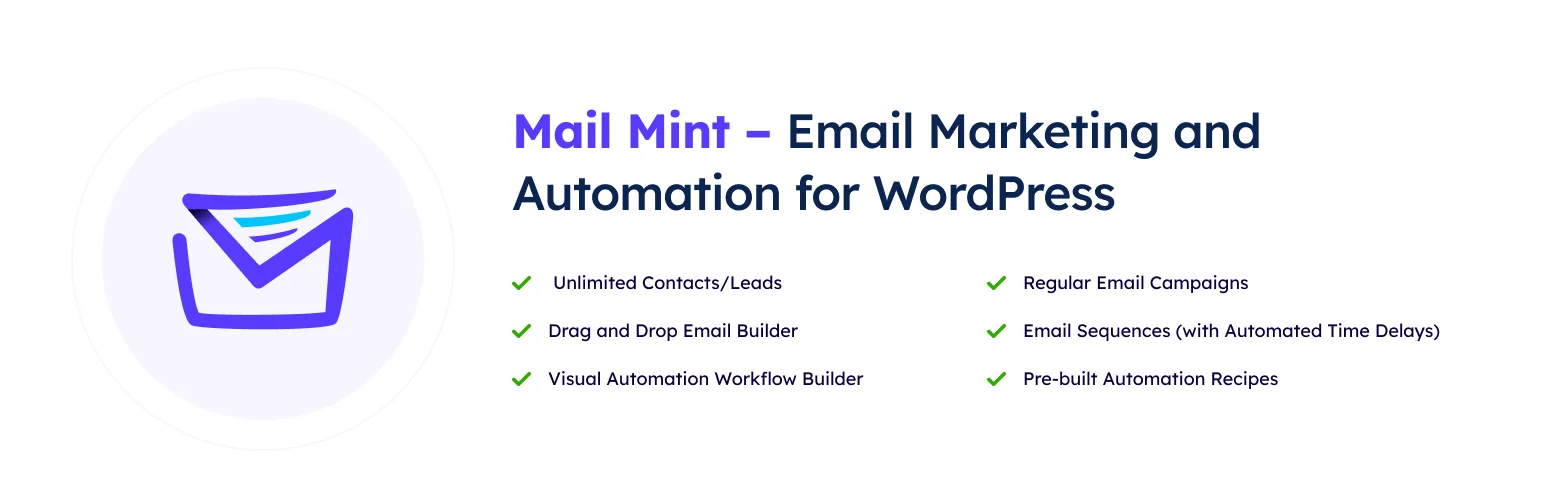
Mail Mint combines contact management, email broadcasts, sequences, automation, WooCommerce triggers, and visual funnel tools inside WordPress.
What I like is the relatively visual workflow. A small marketing team can see the order of triggers, delays, and messages without needing to interpret a dense CRM rule screen.
Key features
- Contact lists and segmentation
- Broadcast and sequence emails
- Visual automation canvas
- WooCommerce triggers and customer data
- Lead-form integrations
- Email templates and visual builder
Pros: Approachable automation UI, useful free version, WooCommerce support, and good fit for funnel-led teams.
Cons: Smaller integration ecosystem than FluentCRM and still needs a reliable sending service.
Best for: Small teams that want email campaigns and visual customer journeys in WordPress.
Pricing: Free version available; Pro plans vary by site count.
6. MC4WP – Best for Mailchimp Users
MC4WP: Mailchimp for WordPress connects WordPress forms, registrations, ecommerce events, and other site activity to a Mailchimp audience. It does not try to reproduce Mailchimp’s campaign platform inside WordPress.
I use this type of connector when a business already has years of Mailchimp data and automation. Replacing that stack just to make WordPress feel more self-contained can create unnecessary migration risk.
Key features
- Mailchimp signup forms
- Audience and field synchronization
- Integration with common WordPress form plugins
- WooCommerce and ecommerce extensions in premium plans
- Conditional signup behavior
- Mailchimp campaign and automation handoff
Pros: Mature Mailchimp integration, useful free plugin, simple signup workflow, and avoids duplicating an existing email platform.
Cons: Campaigns and automation still depend on Mailchimp pricing and features.
Best for: Businesses already committed to Mailchimp that need reliable WordPress list growth and data syncing.
Pricing: Free core plugin available; premium WordPress integration features use annual licenses, while Mailchimp pricing is separate.
How I Choose an Email Marketing Plugin
- Decide where contacts and automation should live before comparing templates.
- Separate the plugin from the actual email-delivery infrastructure.
- Check pricing at your expected contact count, not only the free tier.
- Test unsubscribe, bounce, consent, and transactional-email separation.
- Choose only the automation depth the team can realistically maintain.
Conclusion
FluentCRM is the strongest overall choice when WordPress should own the marketing database and automation. MailPoet is easier for publisher-style and WooCommerce email, while Brevo makes more sense when sending infrastructure and campaign management should stay in a hosted service.
The best email tool is not the one with the longest feature list. It is the one your team can use consistently, deliver reliably, and understand when a campaign does not behave as expected.
Frequently Asked Questions
What is the best WordPress email marketing plugin?
FluentCRM is the best overall option for a self-hosted WordPress CRM and email automation workflow. MailPoet is easier for newsletter-focused sites, while Brevo is stronger when you prefer hosted sending infrastructure.
Can WordPress send marketing emails reliably?
Yes, but serious email marketing should use a reputable sending service, SMTP provider, or managed email platform. The plugin manages campaigns; deliverability depends heavily on the sending infrastructure and domain authentication.
Is MailPoet better than FluentCRM?
MailPoet is easier for newsletters and WordPress-native email creation. FluentCRM is stronger for CRM segmentation and multi-step automation. The better choice depends on whether publishing or customer lifecycle automation is the primary job.
Will an email marketing plugin slow down WordPress?
Self-hosted CRM plugins add database records, scheduled tasks, and campaign processing. A well-configured site can handle this, but large lists need good hosting, reliable cron, database maintenance, and external email delivery.