



Countdown timers are easy to misuse. A real deadline can clarify when a sale, webinar, launch, or enrollment window ends; a fake timer that resets forever can damage trust.
For broader conversion campaigns, you may also want our WordPress popup plugins. This roundup focuses specifically on fixed and evergreen countdown behavior.
TL;DR
HurryTimer is the best dedicated free-first countdown plugin. SeedProd is useful if the timer is part of a larger landing page. Countdown & Clock is a simple free option, Evergreen Countdown Timer suits recurring funnels, and Countdown Timer Ultimate works well for straightforward shortcode-based timers.
Quick Comparison
| Plugin | Best for | Free option |
|---|---|---|
| HurryTimer | evergreen and WooCommerce countdowns | Yes |
| SeedProd | landing pages with countdown sections | Yes |
| Countdown & Clock | simple free countdown displays | Yes |
| Evergreen Countdown Timer | recurring funnel deadlines | Yes |
| Countdown Timer Ultimate | basic shortcode countdowns | Yes |
How I Chose These Plugins
I prioritized fixed and evergreen modes, expiration actions, WooCommerce or landing-page integration, design controls, timezone handling, current maintenance, and whether the timer can represent a real deadline accurately.
1. HurryTimer — Best for evergreen and WooCommerce countdowns
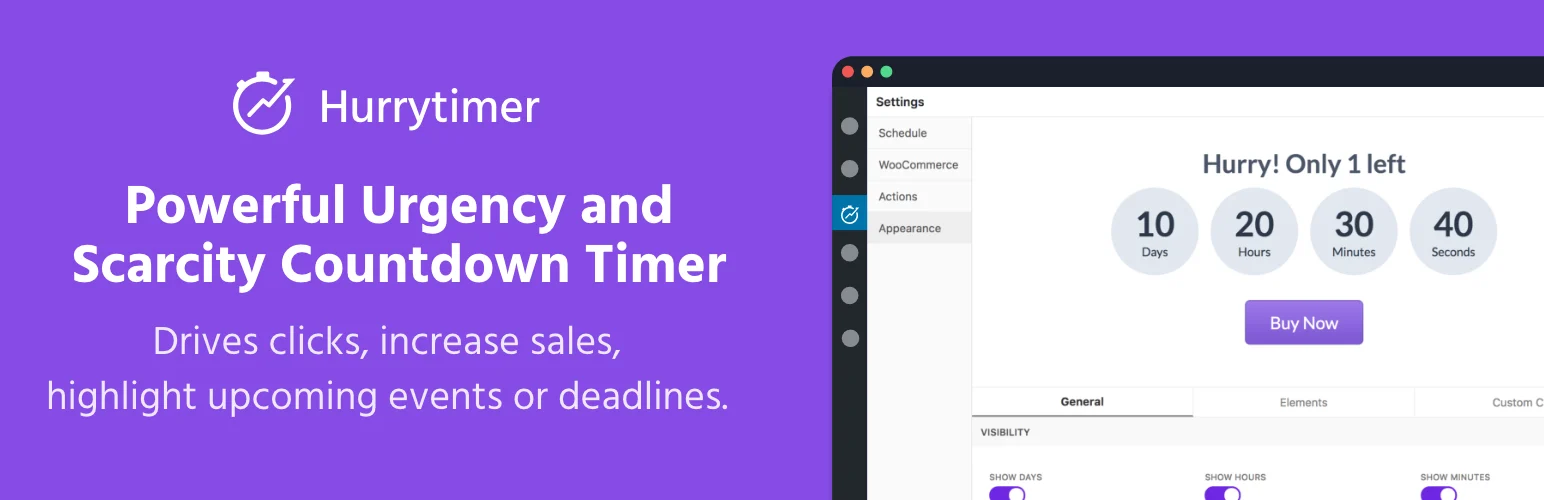
HurryTimer supports visitor-specific evergreen timers and fixed-date campaigns. Its free version can also integrate with WooCommerce product pages and trigger actions when time runs out.
Key features
- Evergreen visitor-specific countdowns
- One-time fixed deadline timers
- Cookie and IP tracking options
- Expiry actions such as hide, message, or redirect
- WooCommerce product-page integration
- Custom timezone and live styling controls
Pros
- Strong free feature set
- Built specifically around countdown campaigns
Cons
- Advanced campaign options require Pro
- Evergreen urgency still needs honest use to avoid misleading visitors
Pricing
HurryTimer has a free version. Current comparison data shows Pro starting around $39/year or a one-time license option, but verify the live vendor price before purchase.
2. SeedProd — Best for landing pages with countdown sections

SeedProd is a landing-page and site builder rather than a countdown-only plugin, but its countdown blocks make sense when the timer is part of a launch, coming-soon page, or campaign landing page.
Key features
- Visual drag-and-drop landing page builder
- Countdown blocks inside campaign pages
- Coming-soon and maintenance workflows
- Lead-generation page elements
- Template library and responsive controls
Pros
- Timer sits inside a complete campaign builder
- Useful for launches and pre-launch pages
Cons
- Overkill if all you need is one timer
- Advanced landing-page features require paid plans
Pricing
SeedProd has a free Lite plugin. Premium plans are sold annually with introductory discounts that can change, so check the current pricing page for the renewal cost.
3. Countdown & Clock — Best for simple free countdown displays
Countdown & Clock is a focused option for users who want a countdown or clock without buying a larger marketing suite. It is suitable for event dates, launches, and simple urgency sections.
Key features
- Countdown timer displays
- Clock-style displays
- Shortcode or block placement depending on version
- Basic styling controls
- Useful for fixed dates and event deadlines
Pros
- Simple, lightweight use case
- Free-first approach
Cons
- Fewer marketing automations than HurryTimer
- Design and targeting controls are more limited than full campaign tools
Pricing
The WordPress.org version is free. If the developer offers paid add-ons or a separate premium edition, verify current pricing before upgrading.
4. Evergreen Countdown Timer — Best for recurring funnel deadlines
Evergreen Countdown Timer is aimed at campaigns where each visitor receives an individual deadline rather than everyone seeing the same end date.
Key features
- Visitor-specific evergreen timers
- Fixed-date countdown support
- Cookie-based deadline persistence
- Shortcode placement
- Campaign-oriented expiry behavior
Pros
- Built around evergreen funnel logic
- Useful when each subscriber enters the funnel at a different time
Cons
- Smaller install base than broader marketing tools
- Premium pricing is relatively high for a single-purpose plugin
Pricing
A free version is available. Recent vendor comparisons list a paid single-site plan around $82/year, with lifetime pricing also offered; verify the current checkout price.
5. Countdown Timer Ultimate — Best for basic shortcode countdowns
Countdown Timer Ultimate is a traditional shortcode-oriented countdown plugin. It is a reasonable fit for simple event, offer, and launch deadlines without advanced personalization.
Key features
- Create multiple countdown timers
- Shortcode placement
- Date and time controls
- Styling options
- Responsive timer output
Pros
- Easy to understand
- Good for basic fixed deadlines
Cons
- Less suitable for sophisticated evergreen funnels
- Fewer targeting and expiration workflows than HurryTimer
Pricing
The core plugin is generally available free, with premium functionality offered by the developer. Check current licensing if you need advanced designs or controls.
Which One Should You Choose?
Start with HurryTimer if you need a dedicated countdown tool. Use SeedProd when the timer belongs inside a larger landing-page workflow. Choose a simpler free plugin when you only need a visible deadline and do not need visitor-specific tracking.
Conclusion
A countdown timer should reinforce a real deadline, not manufacture one. For SEO and trust, keep the surrounding offer copy clear, tell users what ends when the timer reaches zero, and test the expired state so old campaigns do not show broken calls to action.
Frequently Asked Questions
What is the best free WordPress countdown timer plugin?
HurryTimer is the strongest free-first choice in this list because it includes evergreen and fixed timers plus useful expiry actions.
What is an evergreen countdown timer?
It gives each visitor or lead an individual countdown window instead of using one global end date for everyone.
Can I add a countdown timer to WooCommerce?
Yes. HurryTimer supports WooCommerce integration, and page builders can also place countdown elements around WooCommerce offers.
Are countdown timers bad for SEO?
Not inherently. The bigger risk is misleading or stale campaign content, not the timer itself.
Should a countdown timer reset after it reaches zero?
Only if the offer genuinely renews on that schedule. Fake resets can hurt trust and may create compliance problems in some markets.

