Popups are one of those WordPress features that can either help a visitor at exactly the right moment or make them want to close the tab. The difference is usually not the popup design. It is timing, targeting, frequency, and whether the offer actually matches what the visitor is doing.
I prefer popup plugins that give me control over triggers and audience rules so I can use fewer popups, not more. For this roundup, I focused on seven tools that cover simple modal windows, email capture, exit intent, ecommerce offers, Elementor workflows, and free lead-generation setups.
TL;DR: Best WordPress Popup Plugins in 2026
- Popup Maker — best overall dedicated WordPress popup plugin.
- OptinMonster — best for advanced targeting and lead-generation campaigns.
- Elementor Pro Popup Builder — best for sites already designed with Elementor Pro.
- Convert Pro — best visual lead-generation toolkit for agencies.
- Hustle — best free option for popups, slide-ins, and opt-ins.
- Icegram Engage — best for using several onsite message formats.
- Poptin — best cloud-based popup and form platform.
1. Popup Maker — Best Overall WordPress Popup Plugin
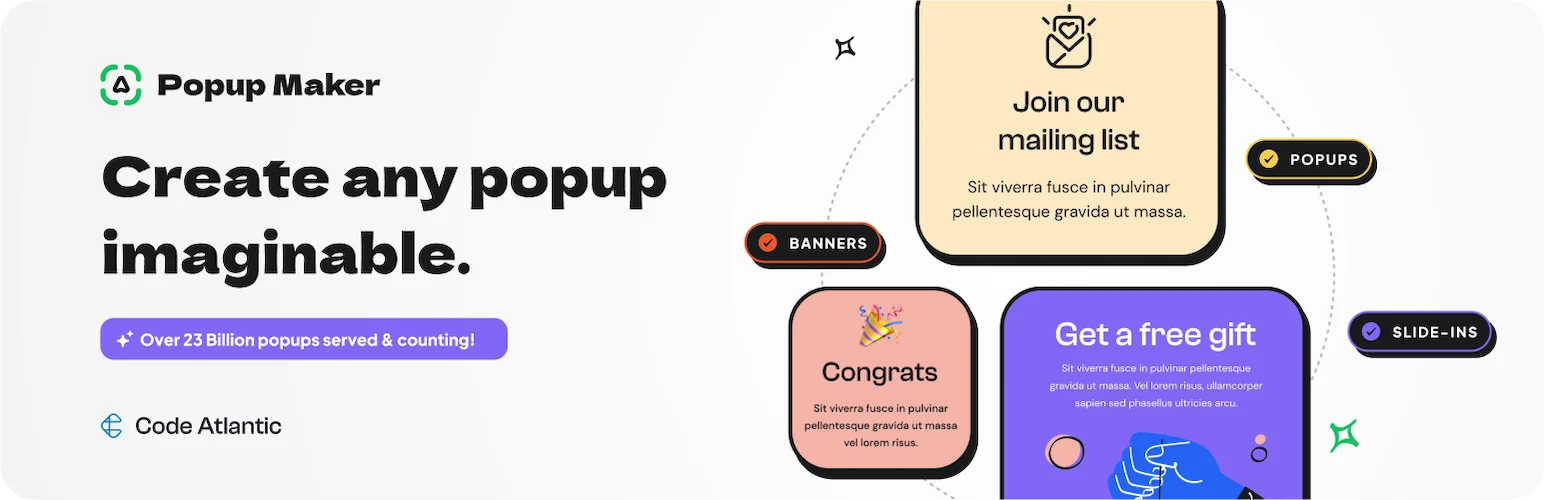
Popup Maker is the dedicated plugin I would start with when I need flexible WordPress popups without subscribing to a separate SaaS platform. It can display almost any WordPress content inside a popup and supports click triggers, time delays, targeting rules, cookies, forms, and integrations.
What I like is that the free plugin solves normal modal and opt-in use cases without forcing a full marketing suite. I can build the popup with familiar WordPress content, then control when it appears instead of designing everything in a separate system.
Key features
- Modal popup builder
- Click and time-based triggers
- Cookie and frequency controls
- Targeting rules
- Form integrations
- Premium extensions for advanced campaigns
Pros: Flexible free core, WordPress-native workflow, good for both simple modals and lead capture.
Cons: Advanced marketing triggers and integrations may require paid extensions.
Best for: Most WordPress sites that need a dedicated, flexible popup system.
Pricing: Free core plugin; premium extensions and plans are available from Popup Maker.
2. OptinMonster — Best for Advanced Lead Generation
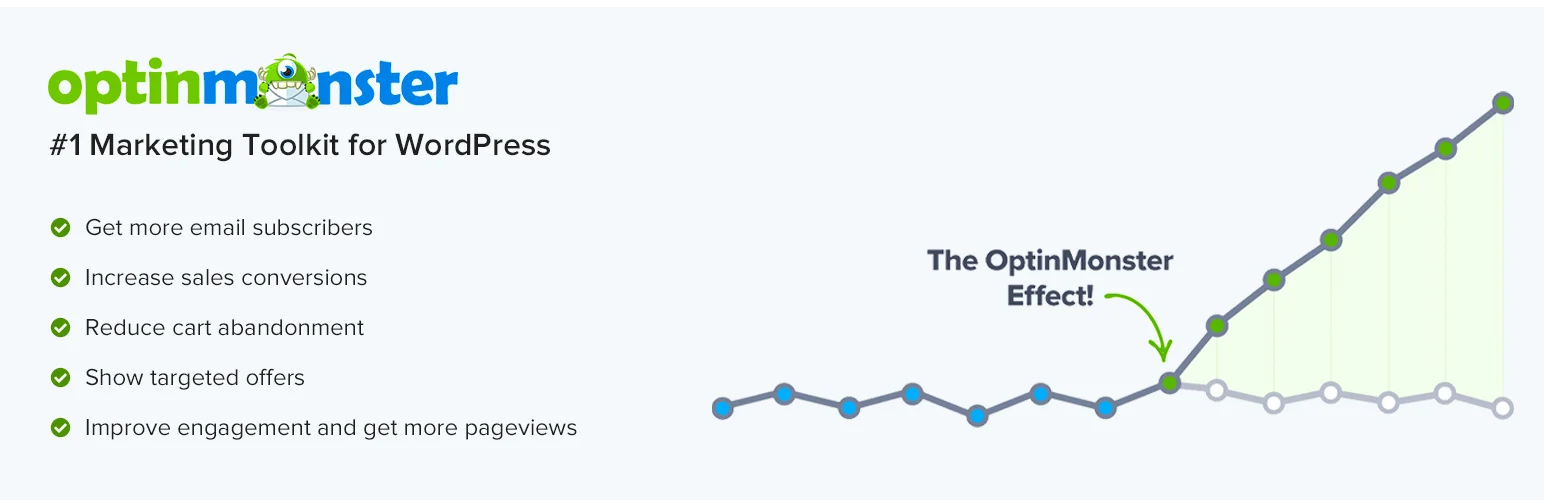
OptinMonster is less of a normal WordPress popup plugin and more of a conversion platform that connects to WordPress. Its strength is behavioral targeting: exit intent, device rules, referral targeting, geolocation, campaign scheduling, page-level targeting, onsite retargeting, and testing tools.
I would use it when lead generation is important enough to justify a dedicated system. If a site only needs one newsletter popup, OptinMonster is more than necessary. If every campaign needs different audiences and rules, that extra control becomes valuable.
Key features
- Exit-intent targeting
- Page-level targeting
- Device and referral rules
- Geolocation on supported plans
- A/B testing
- Campaign analytics
Pros: Powerful targeting, mature conversion toolkit, strong integration ecosystem.
Cons: Subscription-based and more expensive than simple WordPress-only popup tools.
Best for: Businesses that treat email capture and onsite conversion campaigns as a serious growth channel.
Pricing: Paid SaaS plans with a WordPress connector plugin.
3. Elementor Pro Popup Builder — Best for Elementor Sites
Elementor Pro’s Popup Builder is the easiest choice when a site already uses Elementor Pro for page design. You build popups with the same Elementor widgets, templates, responsive controls, and styling system used everywhere else.
That consistency is why I like it. I do not have to teach a client a second visual builder just to edit a popup. Display conditions and triggers cover most normal use cases, including time, scroll, click, inactivity, and exit behavior.
Key features
- Visual Elementor popup builder
- Display conditions
- Time, scroll, and click triggers
- Dynamic content
- Form widgets
- Responsive design controls
Pros: No separate builder to learn, excellent design freedom, integrated with existing Elementor sites.
Cons: Requires Elementor Pro; not a reason to install Elementor on a site that otherwise does not use it.
Best for: Elementor Pro users who want design consistency and solid popup targeting.
Pricing: Included with eligible Elementor Pro plans.
4. Convert Pro — Best Visual Lead-Generation Toolkit for Agencies
Convert Pro from Brainstorm Force is built specifically for opt-ins and conversion campaigns. It offers a visual editor, several popup and form formats, targeting rules, triggers, integrations, and mobile controls.
I like it for agencies that want a self-hosted WordPress workflow instead of another per-month SaaS bill. The design interface is flexible, and the targeting is deeper than a basic modal plugin.
Key features
- Drag-and-drop campaign builder
- Exit and timing triggers
- Page and audience targeting
- Template library
- A/B testing
- Email and CRM integrations
Pros: Self-hosted workflow, strong targeting, agency-friendly licensing options.
Cons: Premium-only; not as analytics-heavy as dedicated SaaS conversion platforms.
Best for: Agencies and marketers who want a premium WordPress-native opt-in builder.
Pricing: Paid product from Brainstorm Force.
5. Hustle — Best Free Popup and Opt-In Toolkit

Hustle by WPMU DEV gives free users popups, slide-ins, embeds, social sharing, and opt-in tools from one plugin. It is useful when a small site needs lead capture but does not justify paying for a full conversion platform.
I like the free value, but I would keep campaigns simple. A visitor should not see a popup, slide-in, social prompt, and floating bar fighting for attention on the same page.
Key features
- Popups and slide-ins
- Embedded opt-in forms
- Email capture
- Trigger and visibility rules
- Marketing integrations
- Campaign statistics
Pros: Strong free feature set, several campaign formats, useful integrations.
Cons: Less sophisticated targeting and experimentation than premium conversion platforms.
Best for: Small sites and beginners who need free popup and opt-in tools.
Pricing: Free plugin with optional WPMU DEV services.
6. Icegram Engage — Best for Multiple Onsite Message Formats

Icegram Engage is useful when “popup” is too narrow for what you need. It supports popups, action bars, toast-style notifications, messengers, overlays, and other onsite campaign formats.
I would choose it for content sites that want announcements and calls to action in several placements without installing one plugin for popups and another for notification bars.
Key features
- Popups, action bars, and inline messages
- Targeting rules
- Templates
- Time and behavior triggers
- Analytics
- Lead-generation integrations
Pros: Many message formats, useful free core, good for announcements and lead capture.
Cons: Interface and campaign library can feel busy if you only need one simple modal.
Best for: Publishers and marketers using several onsite messaging formats.
Pricing: Free and paid plans available.
7. Poptin — Best Cloud-Based Popup and Form Platform
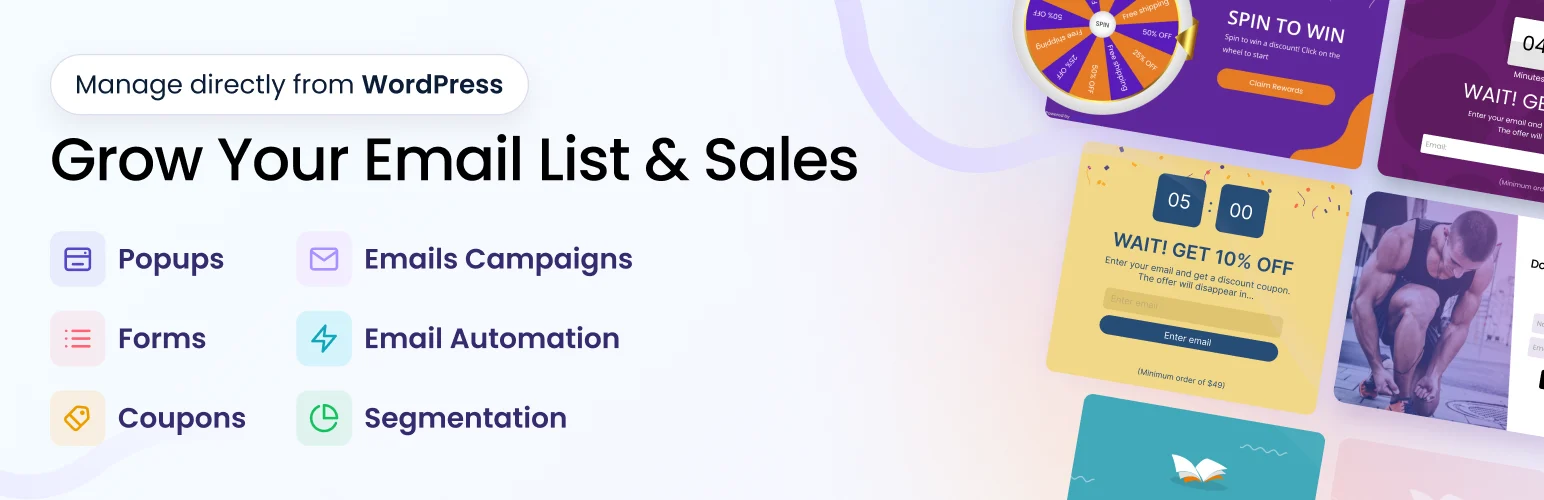
Poptin combines popups, embedded forms, autoresponders, targeting, and simple automation in a cloud platform that connects to WordPress. The builder is easy to use, and the free tier can be enough to test a campaign before paying.
I like it when a marketer wants to manage campaigns outside the WordPress admin and reuse a familiar platform across several types of sites. The trade-off is that the campaign depends on an external service.
Key features
- Popup and form builder
- Exit-intent triggers
- Audience targeting
- A/B testing
- Autoresponder tools
- Integrations and analytics
Pros: Quick cloud setup, useful free tier, easy integrations and campaign management.
Cons: External SaaS dependency; limits and branding vary by plan.
Best for: Marketers who prefer cloud campaign management over a purely WordPress-native plugin.
Pricing: Free tier with paid subscriptions.
How I Use Popups Without Annoying Visitors
- Use one clear call to action per popup.
- Show the message after useful engagement or a meaningful trigger instead of immediately blocking the page.
- Cap frequency so returning visitors are not shown the same campaign repeatedly.
- Test every campaign on mobile screens before publishing it.
- Match the offer to the page or visitor intent.
- Avoid intrusive above-the-fold popups that make the content hard to access.
For broader conversion tooling, see our WordPress form builder comparison. Elementor users should also compare the best Elementor addons before installing another popup-specific extension.
Conclusion
Popup Maker is the best dedicated WordPress option for most sites. OptinMonster is stronger when advanced targeting and lead generation justify a SaaS platform, while Elementor Pro is the obvious choice for existing Elementor sites. Convert Pro suits agencies, Hustle is excellent for free campaigns, Icegram Engage expands into multiple onsite message formats, and Poptin is convenient for cloud-managed campaigns.
Frequently Asked Questions
What is the best WordPress popup plugin?
Popup Maker is the best general-purpose dedicated plugin for many sites. OptinMonster is better for sophisticated targeting, while Elementor Pro is the easiest fit for sites already built with Elementor.
Are WordPress popups bad for SEO?
Popups are not automatically bad, but intrusive interstitials—especially on mobile—can create poor user experience and may affect search performance. Keep important content accessible and avoid immediate full-screen interruptions.
What is the best free popup plugin?
Popup Maker and Hustle both offer useful free versions. Popup Maker is more flexible as a dedicated modal system, while Hustle combines popups with other opt-in formats.
When should a popup appear?
There is no universal timing. I prefer behavior-based triggers such as meaningful scroll depth, exit intent, or a clear button click rather than showing a popup the moment a visitor lands.