
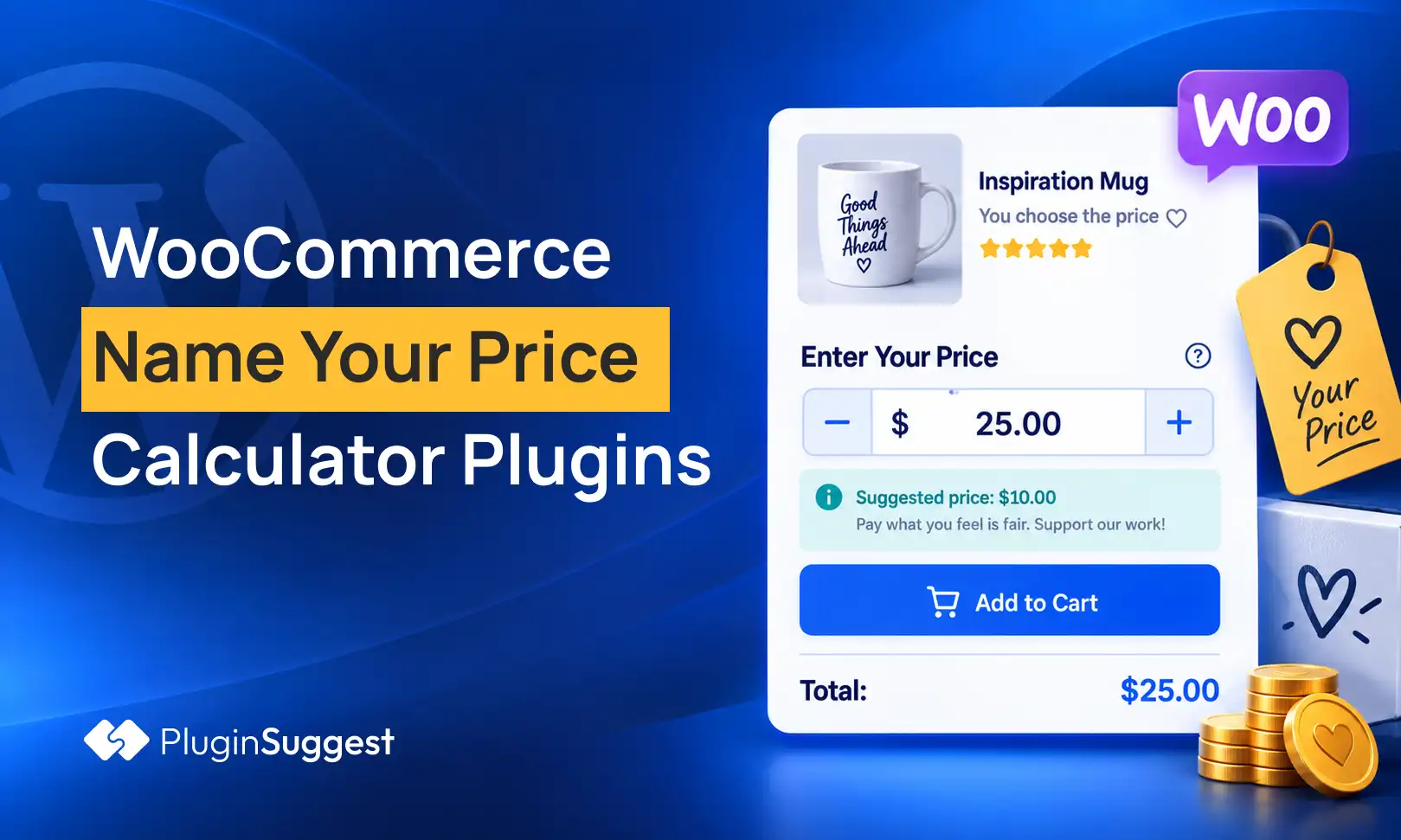


Fixed pricing is not always the right model. Donations, tips, pay-what-you-want downloads, flexible gift values and market-testing products all need the customer to enter an amount. The risk is letting that custom amount bypass your minimum, break taxes, or behave differently between product, cart and checkout.
A Name Your Price plugin has one specific job: let the customer define the product price within rules you control. I kept this separate from dynamic pricing, discounts and generic calculators, where the store—not the customer—determines the final price.
TL;DR
WooCommerce Name Your Price by Backcourt Development is the strongest established commercial option, with 10,000+ active installs and broad product-type compatibility. WPC Name Your Price is the best popular free-first alternative with 6,000+ installs. Custom Price for WooCommerce by WP Desk has 3,000+ installs and supports simple and variable products. Product Open Pricing is a smaller freemium option with minimum, maximum and suggested price controls.
Quick Comparison
| Plugin | Best for | Pricing |
|---|---|---|
| WooCommerce Name Your Price | Established pay-what-you-want stores and advanced product compatibility | $59/year when checked. |
| WPC Name Your Price for WooCommerce | Popular free-first Name Your Price setup | Free plugin with commercial upgrade options from WPClever. |
| Custom Price for WooCommerce by WP Desk | Simple and variable products with customer-defined prices | Free plugin; WP Desk also offers paid WooCommerce products and support around its ecosystem. |
| Product Open Pricing (Name Your Price) for WooCommerce | Stores wanting explicit minimum, maximum and suggested price rules | Free for one open-price product at a time; Premium removes that restriction. |
How I Chose These Plugins
I looked for true customer-entered pricing, not discount rules. Minimum and suggested prices mattered, as did variable-product support, donation use cases, compatibility with checkout, and whether the plugin has current WordPress/WooCommerce maintenance signals. I also gave more weight to products with meaningful real-world adoption.
1. WooCommerce Name Your Price — Best for Established pay-what-you-want stores and advanced product compatibility
Best for: Established pay-what-you-want stores and advanced product compatibility
Backcourt Development’s extension is the benchmark in this niche. The WooCommerce Marketplace lists version 3.8.2, 10,000+ active installs and a 4.9 rating. It supports simple and variable products and can also work with subscriptions, bundles, composites, Mix and Match, gift cards and other Woo extensions.
Key Features
- Customer-entered product prices
- Optional suggested price
- Optional minimum acceptable price
- Simple and variable product support
- Compatibility with WooCommerce Subscriptions
- Integrations with bundles, composites, gift cards and Product Add-ons
Pros
- Largest adoption among dedicated Name Your Price options in this roundup
- Wide compatibility with other WooCommerce extensions
Cons
- Paid annual license
- Advanced extension combinations still need staging tests
Pricing: $59/year when checked.
2. WPC Name Your Price for WooCommerce — Best for Popular free-first Name Your Price setup
Best for: Popular free-first Name Your Price setup
WPC Name Your Price has 6,000+ active installs and is tested with WordPress 7.1. It is a practical choice for stores that want customer-entered prices or donation-style products without starting with a paid annual license.
Key Features
- Customer-entered pricing field
- Minimum and maximum price controls
- Suggested/default price options
- Works with WooCommerce products
- Useful for donations and pay-what-you-want downloads
- Global customization through WPClever settings
Pros
- Strong free-plugin adoption
- Simple fit for donation and flexible-price products
Cons
- Recent public reviews mention rounding/decimal concerns that should be tested
- Advanced scenarios are less proven than the official commercial extension
Pricing: Free plugin with commercial upgrade options from WPClever.
3. Custom Price for WooCommerce by WP Desk — Best for Simple and variable products with customer-defined prices

Best for: Simple and variable products with customer-defined prices
Custom Price for WooCommerce has 3,000+ active installs and is tested with WordPress 7.1. It lets you enable custom pricing from product data and supports variation-level settings, which is important when one variation should remain fixed-price while another is customer-priced.
Key Features
- Enable custom price per product
- Customer-defined amount field
- Simple product support
- Variable product and variation support
- Custom price labels
- Useful for donations, services and gift-value products
Pros
- Meaningful install base for a focused free plugin
- Variation-level custom pricing is useful for mixed catalogs
Cons
- Narrower ecosystem than the official Name Your Price extension
- Confirm compatibility with specialized product types before relying on it
Pricing: Free plugin; WP Desk also offers paid WooCommerce products and support around its ecosystem.
4. Product Open Pricing (Name Your Price) for WooCommerce — Best for Stores wanting explicit minimum, maximum and suggested price rules
Best for: Stores wanting explicit minimum, maximum and suggested price rules
Product Open Pricing by WP Wham is smaller but transparent about its free limitation. The plugin allows a default/suggested amount plus minimum and maximum values and received a maintenance update in March 2026.
Key Features
- Suggested/default customer price
- Minimum price
- Maximum price
- Custom frontend template controls
- Optional open-price input on shop/category pages
- Premium support for unlimited open-price products
Pros
- Clear pricing boundaries and front-end controls
- Free version is enough to test one product before buying
Cons
- Free version is restricted to one open-price product
- Smaller adoption footprint than WPC or the official Woo extension
Pricing: Free for one open-price product at a time; Premium removes that restriction.
How to Choose the Right Plugin
For donations, decide whether zero is allowed and whether you need a suggested amount. For commercial products, set a realistic minimum so payment fees, taxes and fulfillment costs cannot turn a sale into a loss.
If variable products are involved, test each variation separately. A digital download might be pay-what-you-want while a physical edition keeps a fixed price.
Do not use a Name Your Price plugin when your real need is quantity discounts or automatic customer-group pricing. Those belong to dynamic pricing, not customer-defined pricing.
Related reading on PluginSuggest: WooCommerce dynamic pricing plugins, WooCommerce gift card plugins.
Set Guardrails Before Enabling Customer Pricing
The most important setting is the minimum acceptable amount. For a downloadable product with nearly zero fulfillment cost, a very low minimum may be reasonable. For a physical item, the minimum should cover product cost, packaging, transaction fees and any fulfillment expense you cannot avoid. A pay-what-you-want campaign should not create orders that lose money accidentally.
A suggested price is also useful because most customers do not want to invent a number from scratch. Treat it as an anchor rather than a fake list price. For donations, test several suggested amounts and monitor the median contribution instead of assuming a lower minimum always increases revenue.
Product-Type and Checkout Tests
Test simple, variable, virtual and downloadable products separately. If the plugin supports subscriptions, bundles or composite products, test the exact combination you plan to sell rather than relying on a compatibility badge. Custom prices touch cart calculations, tax, coupons and sometimes recurring totals.
Also test zero, negative, decimal and extremely large inputs. The interface should reject values outside your rules both in the browser and on the server. Client-side validation alone is not enough because requests can be modified before they reach WooCommerce.
When Not to Use Name Your Price
Do not use customer-defined pricing for wholesale tiers, quantity breaks, role-based prices or scheduled sales. In those cases the merchant knows the pricing rule and should calculate it automatically. Name Your Price is best when customer choice is the product experience itself: donations, tips, flexible gifts, experimental pricing or intentionally open-priced digital goods.
If your goal is simply to let customers request a quote, a quote plugin is usually better. A quote workflow lets the merchant approve the final amount, while Name Your Price lets the customer put an amount into the order immediately.
Taxes, Coupons and Reporting
Customer-entered prices still pass through normal WooCommerce tax and order logic. Test whether prices are entered inclusive or exclusive of tax in your market and how coupons interact with the custom amount. A 20% coupon on a customer-entered donation may not make sense, so exclude open-price products from promotions when necessary.
Reporting also needs context. A $5 order and a $50 order for the same open-price product should not automatically be treated as pricing errors. Track average and median paid amount, conversion rate and refund rate so you can judge whether the flexible-pricing model is working.
Communicate the Pricing Model Clearly
Use labels such as “Pay what you want,” “Choose your amount,” or “Minimum $10” rather than leaving a blank price field with no explanation. Customers should understand whether the suggested price is optional and whether a minimum is enforced before they add the product to cart. Clear copy reduces abandoned carts and support questions.
Performance and Cart Persistence
Custom price input should survive add-to-cart, cart edits and checkout without being recalculated unexpectedly. Test AJAX add-to-cart, mini-cart, cart blocks and any quick-view plugin you use. A correct product-page field is not enough if the entered amount disappears or resets when WooCommerce rebuilds the cart.
If you use analytics, record the amount paid as order revenue but also segment the open-price product separately. That makes it easier to compare customer-selected pricing against a fixed-price control without mixing the results into the rest of the catalog.
Conclusion
WooCommerce Name Your Price is the safest choice for stores that need the most established extension and broad compatibility. WPC Name Your Price is the strongest free-first alternative, while WP Desk’s Custom Price is useful when variation-level customer pricing matters. Keep the pricing model simple: suggested amount, minimum amount and clear checkout behavior are usually more important than adding many pricing rules.
Frequently Asked Questions
What does Name Your Price mean in WooCommerce?
It lets the customer type the amount they want to pay for a product, usually within minimum, maximum or suggested-price rules set by the store.
Is Name Your Price the same as dynamic pricing?
No. With Name Your Price, the customer enters the amount. Dynamic pricing automatically changes prices based on quantity, role, cart value or other rules.
Can I use Name Your Price for donations?
Yes. Donations and fundraising are among the most common use cases, especially when you want suggested giving levels but still allow a custom amount.
Can I set a minimum price?
Yes, the main plugins in this roundup support or document minimum-price controls, although exact behavior varies by plugin.
Does Name Your Price work with variable products?
Several options support variable products. Always test variation-level settings because some stores need only certain variations to accept a custom price.


