



“Content protection” can mean two different things in WordPress: discouraging casual copying, or restricting who can access a page or section. Those jobs need different tools. This roundup includes both approaches and makes the boundary clear, because disabling right-click is not the same as access control.
TL;DR
WP Content Copy Protection and Secure Copy Content Protection focus on copy deterrence. Passster is better for password-gated content. Restrict User Access is the better fit for role or access-level restrictions. Disabled Source is a lightweight option for right-click and source-related deterrence.
Quick comparison
| Plugin | Protection type | Active installs |
|---|---|---|
| WP Content Copy Protection | Copy/right-click deterrence | 100,000+ |
| Secure Copy Content Protection | Copy protection and locking | 20,000+ |
| Passster | Password-protected content | 10,000+ |
| Restrict User Access | Access-level restriction | 10,000+ |
| Disabled Source | Right-click/source deterrence | 10,000+ |
How I chose
I selected maintained WordPress.org plugins that clearly protect content through copy deterrence, password gating, or access rules. I excluded general security/firewall plugins because protecting a site from malware is a different search intent.
1. WP Content Copy Protection & No Right Click

Best for: publishers who mainly want to discourage casual copying.
With 100,000+ active installations, this is the largest dedicated copy-protection plugin in the group. It targets browser actions commonly used for quick copying, making it suitable for blogs, portfolios, and image-heavy sites that want a basic deterrent.
Limitation: browser-side restrictions cannot make public content impossible to copy. Determined users and automated systems may still access content that the browser can render.
2. Secure Copy Content Protection and Content Locking
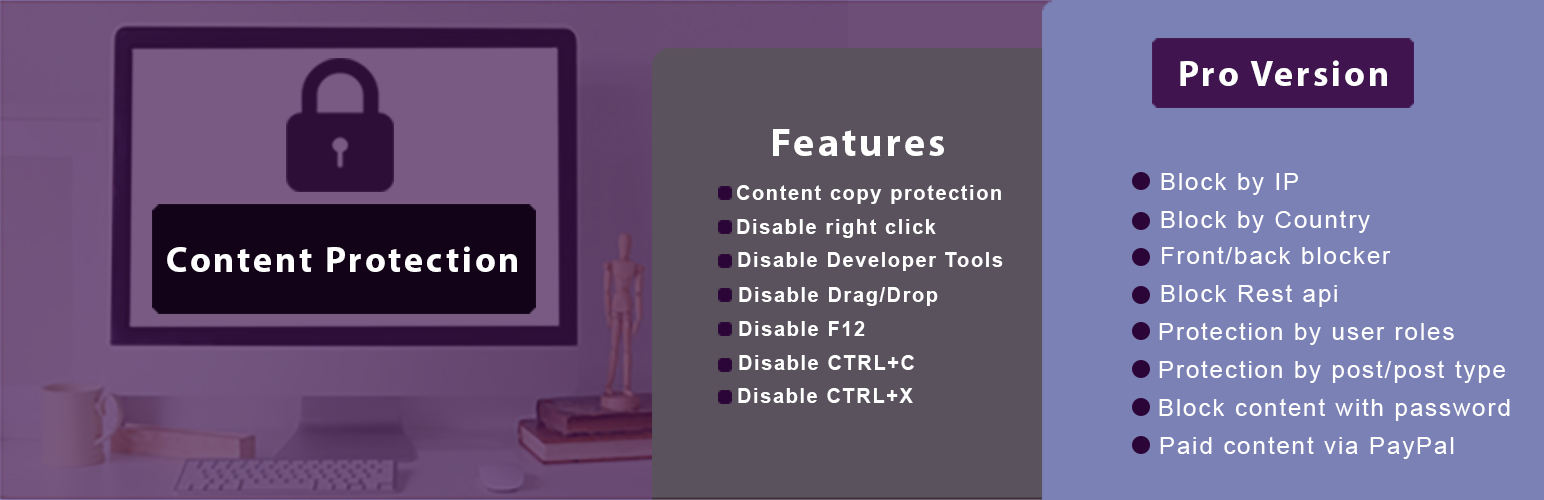
Best for: sites that want copy deterrence plus broader locking options.
This plugin combines anti-copy behavior with content-locking features and has 20,000+ active installations. It is more flexible than a pure right-click blocker when you want to protect selected content rather than apply one blunt rule across the entire site.
Limitation: test accessibility and normal interactions carefully. Overly aggressive keyboard, selection, or context-menu restrictions can frustrate legitimate visitors.
3. Passster
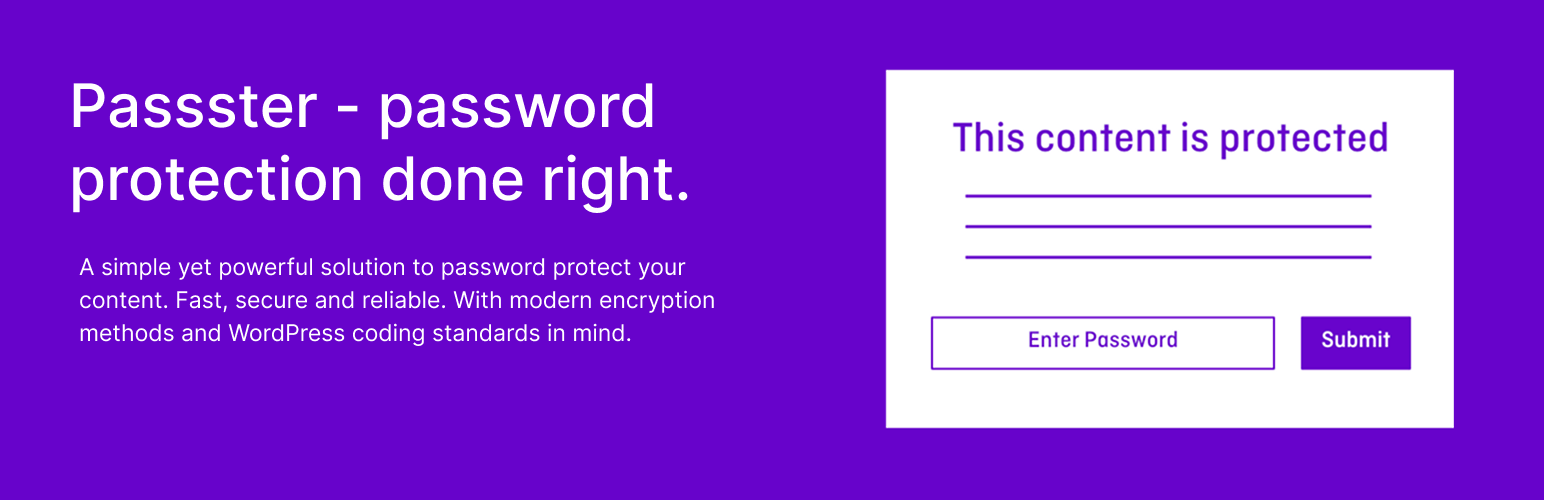
Best for: password-gating pages or selected content.
Passster solves a different problem from copy blockers: it controls access before protected content is shown. That makes it more appropriate for private resources, client material, downloads, or sections intended for people who have a password.
Limitation: password protection is not a full membership system. If access depends on accounts, subscriptions, or complex roles, use a purpose-built access-control or membership solution.
4. Restrict User Access
Best for: restricting content by user access level.
Restrict User Access is aimed at membership-style content control rather than copy prevention. It is a better choice when the question is “who should see this?” rather than “how do I discourage copying this public page?”
Limitation: it introduces access logic, so test logged-in, logged-out, admin, and member experiences after configuration.
5. Disabled Source, Disabled Right Click and Content Protection
Best for: lightweight right-click and browser-level copy deterrence.
This maintained plugin has 10,000+ active installations and focuses on disabling common browser actions associated with copying. WordPress.org provides an official banner, but it was not imported in this run; no unrelated substitute image has been used.
What content protection can and cannot do
If content is publicly delivered to a browser, no WordPress plugin can guarantee that it will never be copied. Copy-protection tools are deterrents. For genuinely private material, use authentication, password protection, membership rules, or another server-side access layer. If your goal is paid publishing, compare dedicated WordPress paywall plugins instead.
Choosing the right protection layer
For articles and portfolio images that are intentionally public, copy deterrence may be enough. For downloadable resources shared with a client, password protection is more appropriate. For courses, communities, internal documents, or subscriber-only material, user-based access rules are safer because the server can decide whether the visitor is authorized before showing the protected content.
Also consider SEO. Content hidden behind authentication may not be crawlable, while public content protected only with browser scripts can still be indexed normally. Do not block selection, keyboard controls, or browser behavior across the whole site without testing accessibility. The protection method should match the value and sensitivity of the material.
Match protection to the threat
For public articles and portfolio images, browser-side copy deterrence may be enough to discourage casual copying. For client documents, downloads, or private resources, use a server-side gate such as passwords or authenticated access. For memberships, courses, or subscriber content, access levels are more scalable than sharing one password.
Also test accessibility before enabling aggressive restrictions. Blocking text selection, keyboard shortcuts, context menus, or developer tools can interfere with assistive workflows and normal browser behavior. Protection should not make the site harder for legitimate visitors to use.
Final Take
Choose based on the threat you are actually solving. Use copy blockers for casual deterrence, Passster for password gating, and Restrict User Access when visibility depends on the user. Do not confuse browser restrictions with true private access.
Content Protection FAQs
Can a plugin completely stop content theft?
No. Public browser-rendered content can still be captured in other ways. Copy-protection plugins mainly discourage casual copying.
Does disabling right-click protect images?
It can make casual saving less convenient, but it cannot guarantee that a publicly loaded image will never be copied.
What is better for private content?
Use server-side access controls such as passwords, authenticated users, membership levels, or paywall rules.
Can copy protection hurt usability?
Yes. Blocking selection, keyboard shortcuts, or context menus can interfere with accessibility and normal browser behavior, so test carefully.

