



WordPress handles basic permalink structures well, but complex sites often need URL control at the individual post, taxonomy, custom post type, or WooCommerce level. Permalink manager plugins are useful when the native settings cannot produce the URL structure you need. URL changes can affect SEO, so redirects and careful migration planning matter as much as the new slug itself.
TL;DR
Permalink Manager Lite is the strongest general-purpose option when posts, custom post types, and taxonomies all need URL control. Custom Permalinks works well for irregular one-off URLs. The two WooCommerce-focused plugins are better when the problem is specifically product, product-category, or product-tag bases rather than the rest of WordPress.
Quick Comparison
| Plugin | Best for | Pricing starting point |
|---|---|---|
| Permalink Manager Lite | site-wide custom permalink control | Free version on WordPress.org |
| Custom Permalinks | per-item custom URLs | Free version on WordPress.org |
| Premmerce Permalink Manager for WooCommerce | cleaner WooCommerce product/category URLs | Free version on WordPress.org |
| Permalink Manager for WooCommerce | WooCommerce slug removal and restructuring | Free version on WordPress.org |
How I Chose These Plugins
I prioritized URL scope, redirect handling, taxonomy and custom-post-type support, WooCommerce-specific capabilities, and how safely each plugin can change existing URLs. I excluded general redirect plugins because redirect management and permalink generation are related but separate jobs.
1. Permalink Manager Lite
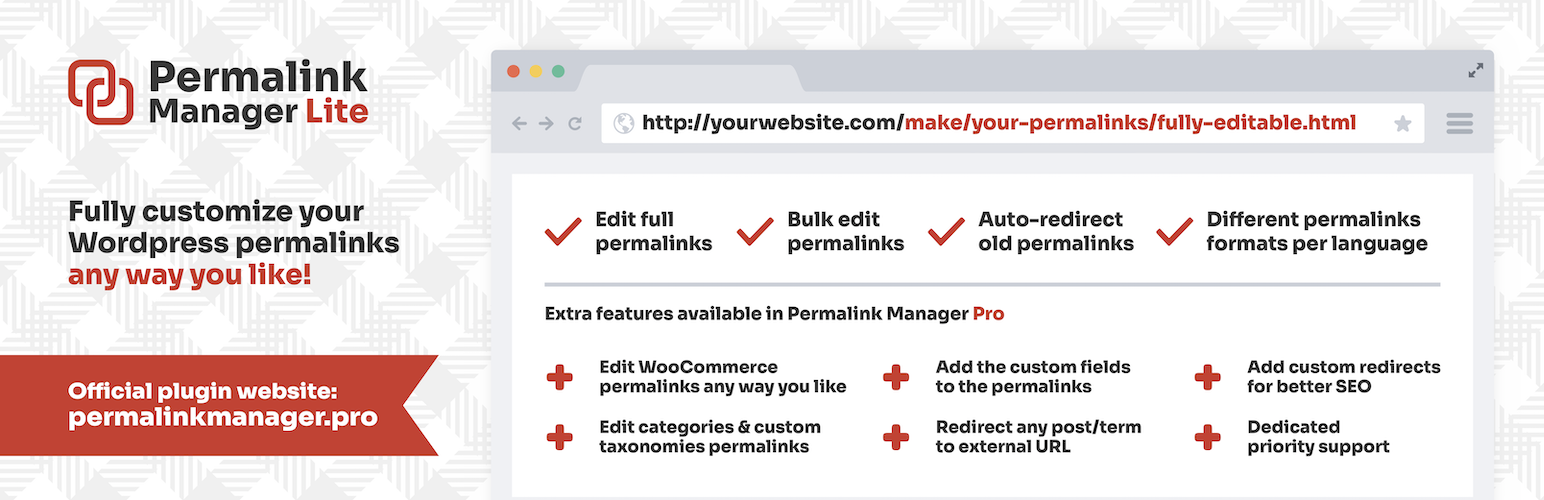
Best for: Site-wide custom permalink control.
Extends the native WordPress URL system so site owners can customize URLs for posts, custom post types, and taxonomies.
Key features
- Custom post URLs
- custom post type support
- taxonomy permalink control
Pros
- Large active install base
- broad WordPress URL scope
Limitations
- Advanced features are separated into the commercial edition
Pricing: this WordPress Permalink Manager Plugins option has a free WordPress.org version. Check the current developer listing before buying an optional upgrade, especially if the paid tier changes limits, integrations, or support.
2. Custom Permalinks

Best for: Per-item custom URLs.
Provides direct control over individual WordPress permalinks and includes automatic redirect behavior for changed URLs.
Key features
- Custom permalinks
- per-content URL control
- automatic redirects
- dynamic tags
Pros
- Good fit for one-off or irregular URL structures
Limitations
- Requires careful governance on large editorial sites
Pricing: this WordPress Permalink Manager Plugins option has a free WordPress.org version. Check the current developer listing before buying an optional upgrade, especially if the paid tier changes limits, integrations, or support.
3. Premmerce Permalink Manager for WooCommerce

Best for: Cleaner WooCommerce product/category URLs.
Targets WooCommerce URL structures and can remove or change product and product-category bases.
Key features
- WooCommerce permalink control
- product URL cleanup
- category slug control
Pros
- Focused on store URLs
- established install base
Limitations
- Not intended as a general WordPress permalink manager
Pricing: this WordPress Permalink Manager Plugins option has a free WordPress.org version. Check the current developer listing before buying an optional upgrade, especially if the paid tier changes limits, integrations, or support.
4. Permalink Manager for WooCommerce

Best for: WooCommerce slug removal and restructuring.
Improves WooCommerce permalinks and can remove product, product-category, and product-tag bases from store URLs.
Key features
- Product permalink control
- category/tag base removal
- WooCommerce-specific URL structure
Pros
- Strong fit for stores that only need WooCommerce URL changes
Limitations
- Narrower than a site-wide permalink tool
Pricing: this WordPress Permalink Manager Plugins option has a free WordPress.org version. Check the current developer listing before buying an optional upgrade, especially if the paid tier changes limits, integrations, or support.
SEO-safe permalink changes: a practical checklist
Before changing an indexed URL, export or record the current path, define the exact replacement, and make sure the old address returns a permanent redirect to the closest matching new page. Update internal links instead of relying on redirects forever, and check canonical tags, breadcrumbs, XML sitemaps, structured data, and navigation after the move.
Large URL migrations should be monitored after launch for 404s, redirect chains, and unexpected canonical changes. PluginSuggest’s WordPress SEO monitoring guide covers the kind of post-change checks that help catch silent regressions after permalink work.
How to Choose
Do not redesign URLs casually on an established site. First decide whether you need one exceptional URL, a site-wide pattern, or WooCommerce-specific cleanup. Then map every old URL to its new destination, check canonical tags and internal links, and regenerate sitemaps after the migration. For stores, also test layered navigation, product categories, pagination, feeds, and checkout or account endpoints so permalink rules do not collide with WooCommerce routing.
Final Take
Permalink Manager Lite is the most flexible choice for site-wide URL work, while WooCommerce-only stores may prefer a narrower store-specific plugin. The larger SEO risk is not which plugin you choose; it is changing indexed URLs without clean redirects, updated internal links, and a controlled migration plan.
FAQs
Is it safe to change WordPress permalinks on an existing site?
Yes, but existing indexed URLs should redirect to their new equivalents and internal links, canonicals, and sitemaps should be updated.
Can a permalink plugin remove the WooCommerce /product/ base?
Some WooCommerce-focused permalink plugins can remove or restructure product and taxonomy bases. Test for endpoint and archive conflicts first.
Do permalink plugins automatically create redirects?
Some do, but redirect behavior varies. Verify it explicitly rather than assuming every old URL will be preserved.
Will changing URLs hurt SEO?
It can if redirects, canonicals, internal links, and sitemaps are not handled correctly. A well-managed migration can preserve signals more effectively.
Should I use a permalink plugin for only one custom URL?
A per-item tool can be appropriate for isolated exceptions. A full permalink manager is more useful when URL rules must be applied consistently across many items.

