



A sticky header keeps important navigation visible as visitors move down a page. The useful part is not simply making a header fixed; it is controlling when it becomes sticky, how it behaves on mobile, and whether scroll effects add value without causing layout shifts.
TL;DR
Sticky Menu & Sticky Header is the most flexible theme-agnostic option for making an existing element sticky. Sticky Header Effects for Elementor is the better fit for Elementor users who want shrink, blur, transparency, or hide-on-scroll effects. My Sticky Bar combines sticky navigation with announcement bars, while Fixed And Sticky Header and Floaty Header are lighter alternatives.
Quick Comparison
| Plugin | Best for | Starting point |
|---|---|---|
| Sticky Menu & Sticky Header | making an existing header or element sticky | Free on WordPress.org |
| Sticky Header Effects for Elementor | Elementor sticky-header effects | Free on WordPress.org |
| My Sticky Bar | sticky menus plus notification bars | Free on WordPress.org |
| Fixed And Sticky Header | simple fixed-header controls | Free on WordPress.org |
| Floaty Header | lightweight sticky headers and announcement bars | Free on WordPress.org |
How I Chose These Plugins
I looked beyond whether a plugin can simply set a fixed position. The important criteria were theme and builder compatibility, selector control, mobile behavior, scroll thresholds, z-index and spacing controls, visual effects, and whether the plugin can avoid layout shifts or overlapping page content.
1. Sticky Menu & Sticky Header
Best for: Making an existing header or element sticky.
Can stick a menu, header, widget, or another selected element when the visitor scrolls.
Key features
- Sticky menu/header
- sticky arbitrary elements
- scroll-based behavior
Pros
- Broad theme compatibility
- large active install base
Limitations
- Requires choosing the correct page element/selectors
Pricing: a free WordPress Sticky Header Plugins version is available on WordPress.org. Verify the current paid upgrade, renewal terms, and feature limits on the developer’s site before purchasing.
2. Sticky Header Effects for Elementor
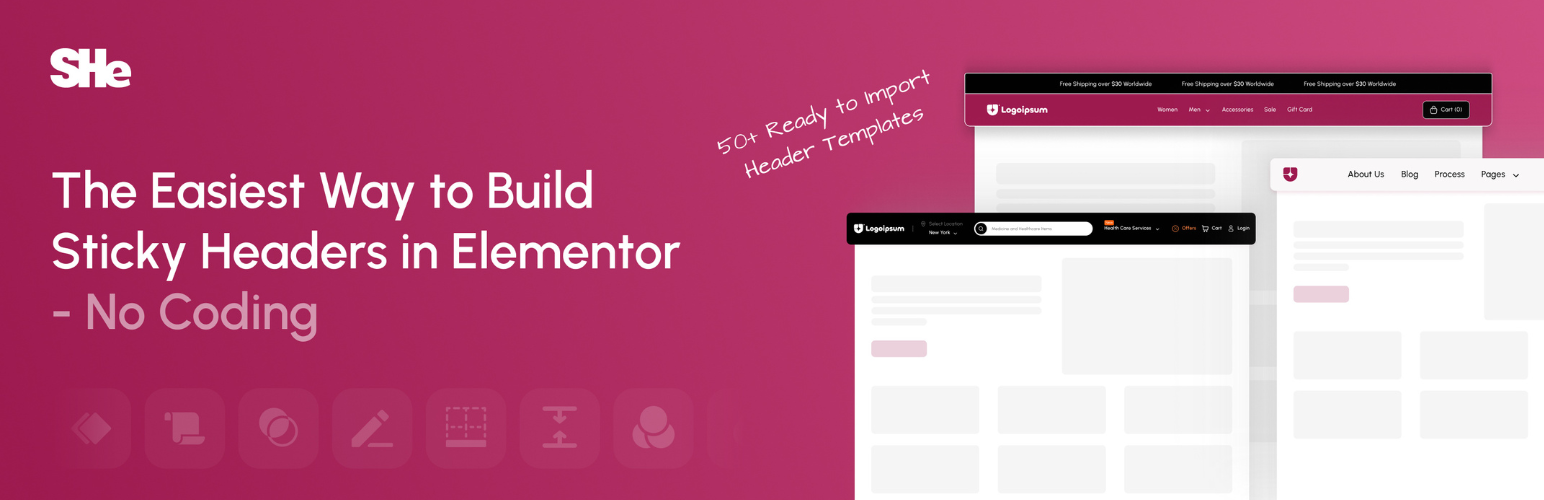
Best for: Elementor sticky-header effects.
Adds sticky-header and sticky-menu effects for Elementor, including transparent, fixed, blur, shrink, and hide-on-scroll behavior.
Key features
- Elementor integration
- transparent/fixed headers
- blur and shrink effects
- hide on scroll
Pros
- Strong fit for Elementor sites
- extensive scroll effects
Limitations
- Not the best fit for sites that do not use Elementor
Pricing: a free WordPress Sticky Header Plugins version is available on WordPress.org. Verify the current paid upgrade, renewal terms, and feature limits on the developer’s site before purchasing.
3. My Sticky Bar
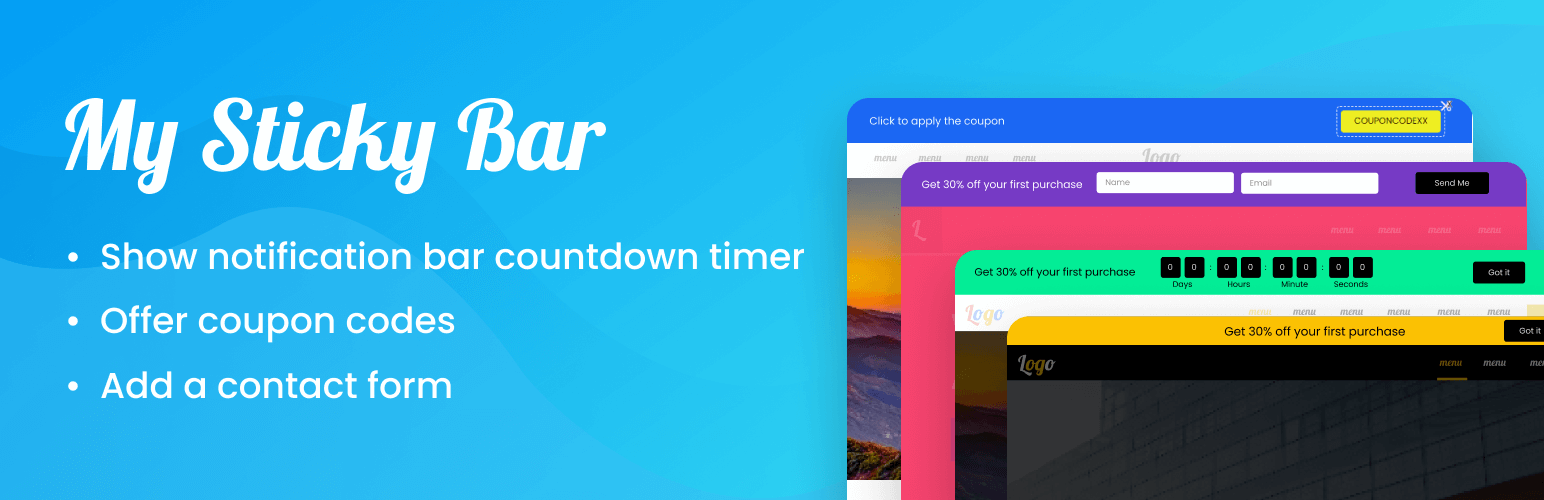
Best for: Sticky menus plus notification bars.
Combines sticky menu/header behavior with a floating notification or welcome bar.
Key features
- Sticky header/menu
- notification bar
- floating bar
Pros
- Useful when the site needs both navigation and announcement behavior
Limitations
- Broader feature set than a simple sticky-header plugin
Pricing: a free WordPress Sticky Header Plugins version is available on WordPress.org. Verify the current paid upgrade, renewal terms, and feature limits on the developer’s site before purchasing.
4. Fixed And Sticky Header
Best for: Simple fixed-header controls.
Makes a selected WordPress header fixed or sticky and provides controls for scroll position, colors, height, and spacing.
Key features
- Sticky/fixed header
- scroll position
- color/height/spacing controls
Pros
- Focused purpose
- straightforward setup
Limitations
- Smaller install base than the leading options
Pricing: a free WordPress Sticky Header Plugins version is available on WordPress.org. Verify the current paid upgrade, renewal terms, and feature limits on the developer’s site before purchasing.
5. Floaty Header
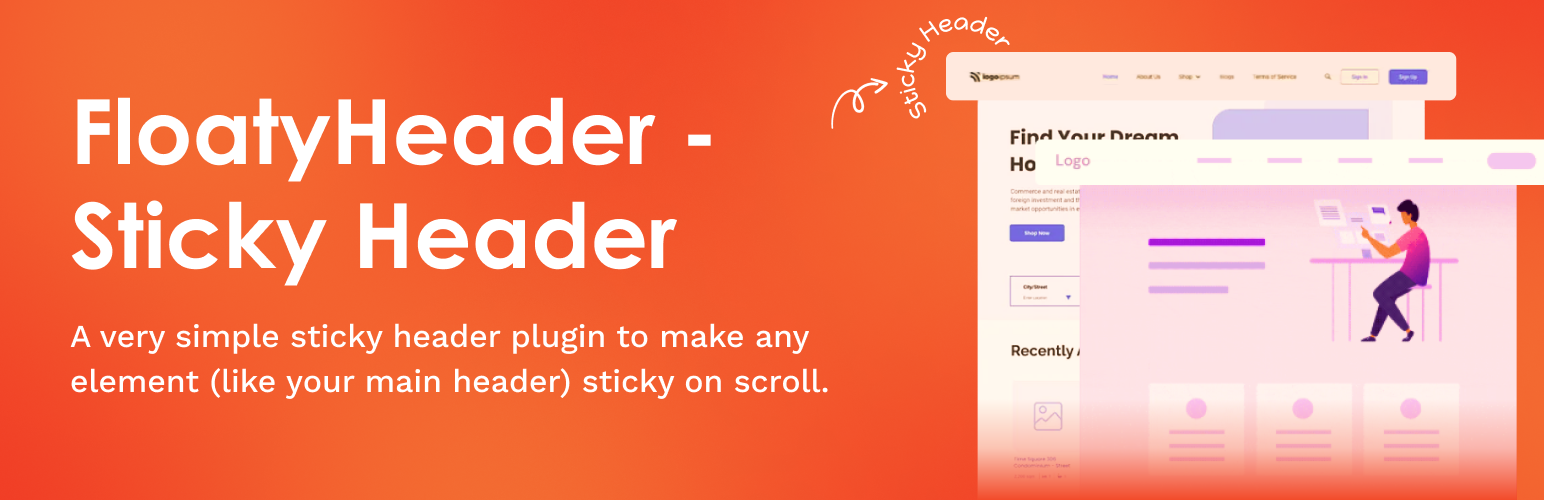
Best for: Lightweight sticky headers and announcement bars.
Creates sticky headers, menus, and announcement bars for Elementor or theme-based sites.
Key features
- Sticky headers
- sticky menus
- announcement bars
- Elementor/theme support
Pros
- Flexible use beyond one builder
Limitations
- Smaller ecosystem and adoption
Pricing: a free WordPress Sticky Header Plugins version is available on WordPress.org. Verify the current paid upgrade, renewal terms, and feature limits on the developer’s site before purchasing.
Sticky header UX checklist
Test the sticky state on long pages, short pages, mobile landscape, and pages with anchor links. Watch for content jumping when the header changes height, anchor targets hiding underneath the fixed header, and dropdown menus extending outside the viewport. Keyboard focus should remain visible, and the sticky state should not trap users behind a persistent overlay.
If your header also contains complex navigation, compare the sticky behavior with your mega menu setup. Sticky headers and large dropdown systems both compete for vertical space, so combining them without mobile-specific rules can make navigation worse rather than better.
How to Choose
A sticky header should improve navigation without stealing too much vertical space. Test the header at common mobile widths, with the WordPress admin bar, logged-in states, cookie banners, and other floating UI. Avoid stacking multiple sticky plugins or effects on the same element. If the theme or page builder already has native sticky controls, use those first unless a plugin adds a specific missing behavior.
Final Take
Sticky Menu & Sticky Header is the safest general-purpose starting point, while Elementor sites get more design-specific control from Sticky Header Effects for Elementor. Keep sticky behavior restrained: the best header is the one visitors notice because navigation is easier, not because it constantly animates or covers content.
FAQs
Can I make any WordPress header sticky?
Usually, if the plugin can target the correct header element or your builder exposes a supported sticky setting. Theme markup can affect compatibility.
Why does a sticky header cover page content?
This usually happens when the fixed header height or offset is not accounted for. Configure spacing and anchor offsets carefully.
Should sticky headers be disabled on mobile?
Not always, but mobile headers should be compact enough that they do not consume too much screen space. Test real devices and touch navigation.
Can sticky headers cause layout shifts?
Yes. Poorly configured transitions, resizing, or late-loaded styles can move content. Test scroll behavior and Core Web Vitals.
Do I need a plugin if I use Elementor?
Elementor setups may already have sticky capabilities depending on the version and configuration. Add a plugin only when you need effects or controls your current setup lacks.

