



A normal WordPress dropdown works until the navigation has too many categories, products, services, resources, or subpages. Then visitors are forced through narrow menus that hide important destinations several levels deep. A mega menu can fix that, but only if it makes navigation clearer instead of turning the header into a mini homepage.
I use mega menus when the information architecture genuinely needs columns, icons, images, widgets, or grouped links. I also care about mobile behavior and keyboard navigation because a beautiful desktop menu is useless if it becomes confusing on a phone.
TL;DR: Best WordPress Mega Menu Plugins in 2026
- Max Mega Menu — best overall for most WordPress sites.
- ElementsKit — best mega menu option for Elementor users.
- UberMenu — best premium classic mega-menu plugin.
- QuadMenu — best flexible free/premium menu builder.
- JetMenu — best for Crocoblock and advanced visual menu layouts.
- WP Mega Menu — best easy drag-and-drop alternative.
1. Max Mega Menu — Best Overall WordPress Mega Menu Plugin
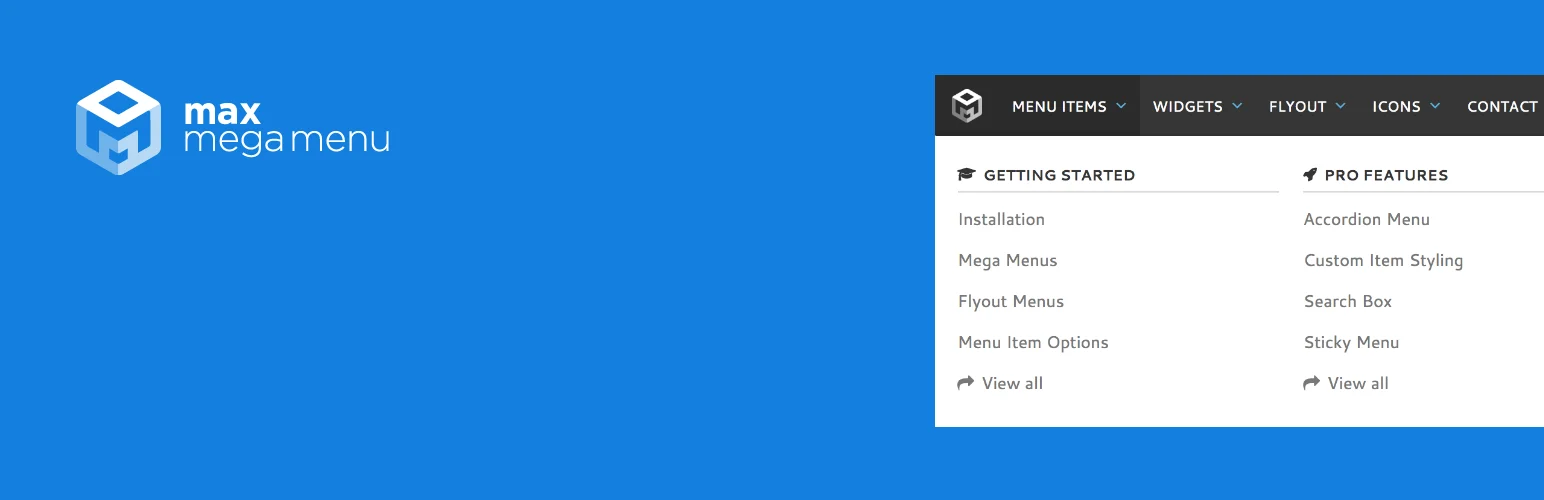
Max Mega Menu is the first plugin I would try on a normal WordPress site because the free version already solves the core problem well. It converts an existing WordPress menu into a responsive mega menu and lets you organize links, widgets, icons, and columns through a familiar menu workflow.
I like that it works with the native WordPress menu structure instead of asking you to rebuild navigation in a completely separate system. That makes future handoff easier for editors who already know Appearance → Menus.
Key features
- Works with native WordPress menus
- Column and grid mega-menu layouts
- Widget support
- Menu icons
- Responsive mobile menus
- Theme and styling controls
Pros: Strong free version, WordPress-native workflow, mature plugin, good balance of power and simplicity.
Cons: Advanced styling and menu types require Pro; complex theme headers may need some integration work.
Best for: Most blogs, business sites, stores, and content-heavy WordPress sites needing a dependable mega menu.
Pricing: Free version available. Pro starts around $29 per year for one site based on current public pricing.
2. ElementsKit — Best Mega Menu for Elementor
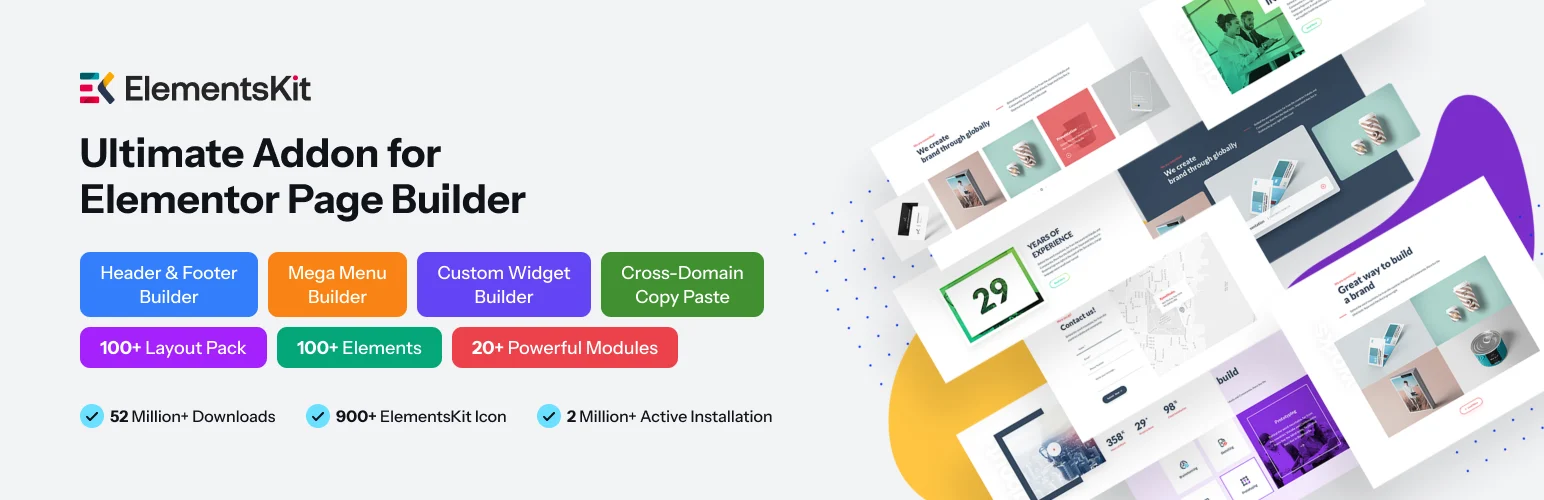
ElementsKit is a broader Elementor addon, but its mega menu is one of the main reasons I use or recommend it on Elementor sites. You can design menu content visually with Elementor widgets rather than being limited to text links and basic WordPress menu fields.
That matters when the navigation needs product cards, icons, images, buttons, headings, or richer content blocks. I would not install ElementsKit only for a simple two-column dropdown, but it makes sense when the site already uses its other Elementor extensions.
Key features
- Visual Elementor mega-menu design
- Header and footer tools
- Widgets inside menu content
- Off-canvas navigation
- Icons and images
- Mobile menu controls
Pros: Excellent visual control for Elementor sites, handles rich menu content, replaces several separate Elementor extensions.
Cons: Overkill for non-Elementor sites; some menu features and styling controls require Pro.
Best for: Elementor users building visually rich navigation and custom headers.
Pricing: Free version available with premium plans starting around the vendor’s entry annual tier.
3. UberMenu — Best Premium Classic Mega Menu Plugin
UberMenu has been one of the recognizable premium WordPress mega menu plugins for years. It focuses heavily on menu structure and presentation, with flexible grids, images, icons, widgets, dynamic content, custom submenu layouts, and detailed responsive controls.
I would choose it when I need a dedicated navigation tool rather than a page-builder addon. It gives experienced users a lot of menu-specific control without bringing an entire Elementor or builder ecosystem into the project.
Key features
- Responsive mega menus
- Multi-column layouts
- Images and icons
- Dynamic menu items
- Tabs and widgets
- Advanced submenu styling
Pros: Deep menu-specific controls, mature premium plugin, no page builder required.
Cons: Premium only; detailed settings take longer to learn than simpler plugins.
Best for: Developers and site owners who want a dedicated premium mega menu with detailed layout control.
Pricing: Premium license sold through CodeCanyon; current pricing is typically around the mid-$20 range for a regular license.
4. QuadMenu — Best Flexible Free/Premium Menu Builder
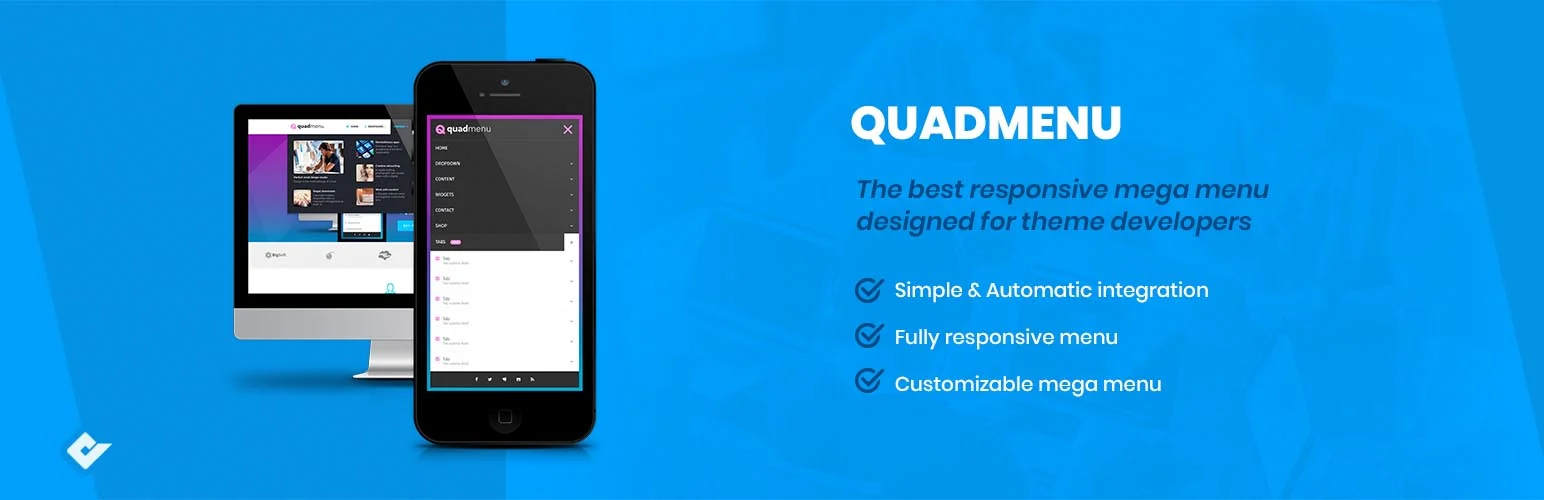
QuadMenu is useful when the navigation needs more than one menu pattern. It supports horizontal, vertical, off-canvas, and collapsible menu styles, along with columns, widgets, icons, tabs, and responsive behavior.
I like it for sites where desktop and mobile navigation need noticeably different treatments. A mega menu should not simply shrink the same wide panel onto a small screen, so its off-canvas and responsive options are valuable.
Key features
- Drag-and-drop menu builder
- Horizontal and vertical layouts
- Widget support
- Responsive and touch-friendly menus
- Icons
- Theme and styling options
Pros: Flexible menu types, strong responsive options, useful free version, affordable upgrade path.
Cons: Interface can feel more technical than beginner-focused tools; advanced styling is premium.
Best for: Sites that need different navigation patterns across desktop and mobile.
Pricing: Free version available; paid single-site plans are around $30 based on current public pricing.
5. JetMenu — Best for Crocoblock and Advanced Visual Menus
JetMenu from Crocoblock is designed for users who want to build complex menu panels visually and connect them to a broader dynamic-site ecosystem. It works particularly well when the site already uses Crocoblock tools for listings, dynamic content, or Elementor-based templates.
I would choose JetMenu when navigation needs to pull in richer visual sections and the rest of the site already follows that same Crocoblock workflow. Using one connected ecosystem is easier than mixing several plugins that each manage part of the header.
Key features
- Elementor and Crocoblock integration
- Visual mega-menu layouts
- Widgets and rich content inside menus
- Mobile menu builder
- Badges and icons
- Advanced styling controls
Pros: Strong fit for dynamic Crocoblock builds, good visual controls, useful for complex headers.
Cons: Paid and ecosystem-oriented; less compelling for a simple WordPress theme with no Crocoblock stack.
Best for: Crocoblock users and advanced Elementor/dynamic-site projects.
Pricing: Premium plugin available individually or through Crocoblock plans.
6. WP Mega Menu — Best Easy Drag-and-Drop Alternative
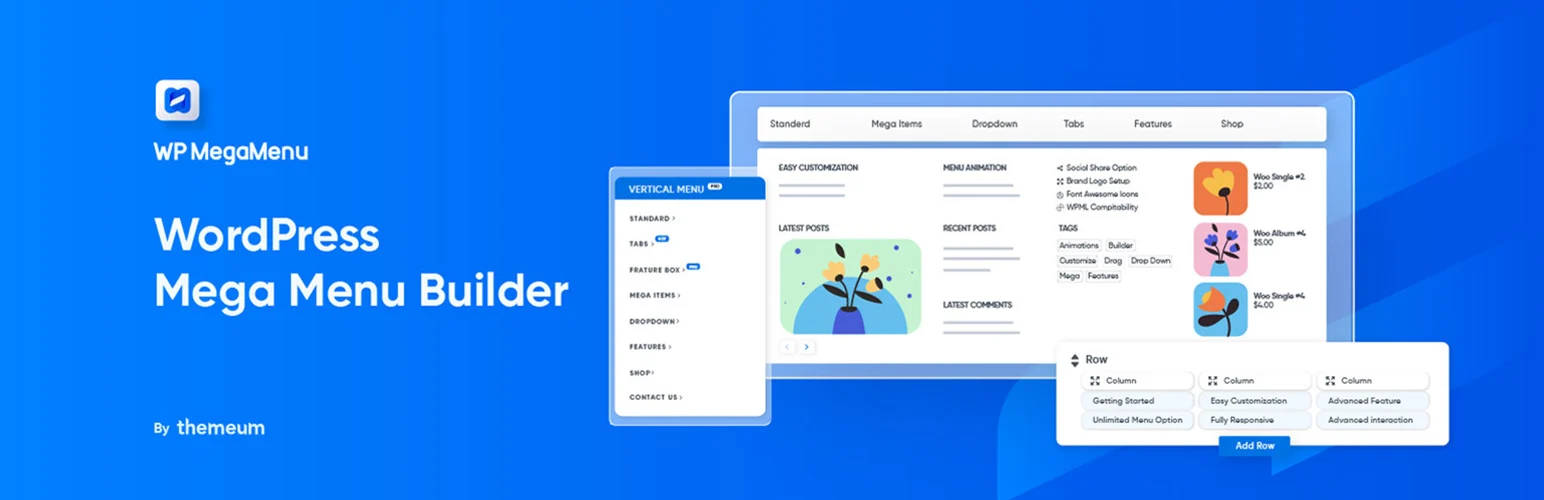
WP Mega Menu by Themeum is a straightforward option for turning normal WordPress menus into richer column-based navigation. It includes drag-and-drop building, icons, widgets, menu themes, responsive behavior, and premium options for more advanced layouts.
I would use it when Max Mega Menu does not match the site’s preferred editing workflow but I still want a WordPress-native menu solution rather than designing navigation inside a full page builder.
Key features
- Drag-and-drop mega-menu layout
- Rows and columns
- Widget support
- Icons
- Responsive mobile behavior
- Menu themes and styling controls
Pros: Easy visual workflow, free version available, good for standard WordPress navigation.
Cons: Smaller ecosystem than Max Mega Menu; some advanced options require Pro.
Best for: Small and medium WordPress sites wanting a visual mega menu without a page-builder dependency.
Pricing: Free version available with premium plans.
Mega Menu Rules I Follow
- Group links by user intent or topic instead of filling every column just because space is available.
- Keep navigation depth shallow and use clear labels.
- Design and test the mobile menu separately from desktop.
- Make keyboard focus and menu states easy to understand.
- Do not overload a mega menu with decorative images that slow down the header.
- Use a normal dropdown when the information architecture is simple enough.
Elementor users should also compare our best Elementor addons, since several include menu-building features. If the entire site-building workflow is still undecided, see the best WordPress page builders first.
Conclusion
Max Mega Menu is the best starting point for most WordPress sites because the free version is mature and practical. ElementsKit is the obvious fit for Elementor, UberMenu remains a strong dedicated premium option, and QuadMenu offers flexible desktop/mobile menu types. JetMenu works best inside the Crocoblock ecosystem, while WP Mega Menu gives standard WordPress users another approachable drag-and-drop choice.
Frequently Asked Questions
What is the best free mega menu plugin for WordPress?
Max Mega Menu is the best general free option for many sites. It works with normal WordPress menus and includes columns, widgets, responsive behavior, and useful accessibility features.
Do mega menus hurt SEO?
Not inherently. A clear mega menu can improve crawlable navigation and help users reach important pages. Problems appear when menus contain hundreds of repetitive links, weak hierarchy, or hidden mobile navigation.
Are mega menus good for mobile?
They can be, but the mobile experience should usually become an accordion, off-canvas menu, or simplified hierarchy rather than displaying the desktop panel unchanged.
Which mega menu plugin is best for Elementor?
ElementsKit is one of the strongest Elementor-oriented options because menu content can be designed with Elementor widgets. JetMenu is also a strong fit for sites using the Crocoblock ecosystem.

