



Accessibility plugins are useful when they help you find barriers, fix real problems, or give visitors better ways to use a site. They are much less useful when they add a floating icon and make you assume the job is finished. The best WordPress accessibility plugins in 2026 fall into different categories: auditing tools, remediation helpers, usability widgets, and automated services.
I would never treat a WordPress accessibility plugin as a substitute for keyboard testing, screen-reader checks, meaningful alt text, logical heading order, captions, color contrast, and human review. Automated tools can catch many issues, but they cannot prove that every interaction on a website is accessible or legally compliant.
This roundup focuses on practical WordPress accessibility plugins with different strengths. For broader site quality work, you may also want our best WordPress page builders and image optimization plugins guides.
TL;DR: Best WordPress Accessibility Plugins in 2026
- Accessibility Checker by Equalize Digital: best for serious in-dashboard accessibility auditing and remediation workflows.
- WP Accessibility: best free lightweight helper for common WordPress accessibility fixes.
- Ally by Elementor: best for guided scanning plus a visitor usability widget.
- UserWay: best for businesses that want a managed accessibility widget and monitoring service.
- AccessiYes: best for a feature-rich free accessibility toolbar with modern visitor controls.
- OneTap Accessibility: best for a lightweight, customizable accessibility widget without a required account.
First: What an Accessibility Plugin Can and Cannot Do
- It can scan markup for detectable WCAG-related issues and flag problems for review.
- It can add skip links, focus improvements, contrast controls, text resizing, animation controls, and other usability aids.
- It can sometimes automate specific fixes such as missing labels or certain markup patterns.
- It cannot decide whether every alt description is meaningful in context.
- It cannot reliably test every keyboard path, screen-reader experience, form flow, modal, custom widget, or third-party embed.
- It cannot guarantee ADA, EAA, Section 508, or WCAG compliance by installation alone.
Quick Comparison Table
| Plugin | Main approach | Free option | Paid starting point |
|---|---|---|---|
| Accessibility Checker | Audit and remediation | Yes | $190/year, 1 site |
| WP Accessibility | Common code and UX fixes | Yes | Free |
| Ally | Scanner plus usability widget | Yes | Free core; advanced features in Elementor One |
| UserWay | Managed widget and monitoring | Trial/basic widget | Pro from $490/year at current annual pricing |
| AccessiYes | Visitor accessibility toolbar | Yes | Free core |
| OneTap Accessibility | Lightweight accessibility widget | Yes | Free core, commercial upgrades available |
Prices and plan limits can change. I checked current public information in September 2026. For legal or procurement decisions, verify the vendor terms and test the plugin on your actual site.
1. Accessibility Checker by Equalize Digital – Best for Auditing and Ongoing Remediation
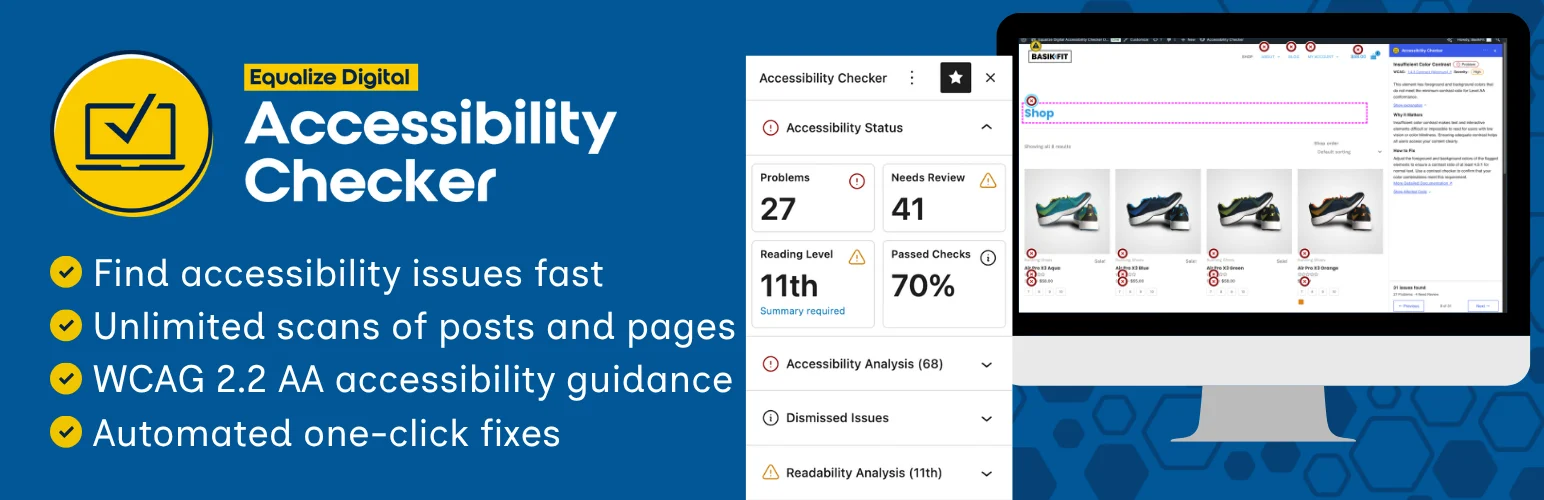
Accessibility Checker by Equalize Digital Accessibility Checker is the strongest choice in this list when your priority is finding accessibility problems inside WordPress and managing them as editorial or development work. It scans content, reports issues in the dashboard, and gives guidance instead of pretending a toolbar alone makes a site accessible.
I like this approach because it moves accessibility into the publishing workflow. Editors can see problems before or after publication, while higher plans add full-site scanning and centralized issue management.
What it gives you
- Accessibility reports in the WordPress editor
- Unlimited post and page scans in the free plan
- Frontend issue highlighter
- Automated accessibility fixes for selected issues
- Full-site scanning and centralized issue lists on paid plans
- Role and permissions controls for accessibility workflows
Pros: Excellent for real remediation work, strong free plan, and actively maintained for modern WordPress.
Cons: It identifies issues but still requires people to understand and fix many of them. Full-site workflow features are premium.
Best for: Agencies, content teams, and site owners who want accessibility auditing built into WordPress.
Pricing: Free Personal plan available. Professional is currently $190 per year for one site.
2. WP Accessibility – Best Free Lightweight Accessibility Helper
WP Accessibility WP Accessibility has been around for years and focuses on practical WordPress fixes rather than a large external platform. It can improve common theme and content accessibility problems, including skip links and other front-end behavior.
This is the plugin I would consider when a site already has a decent theme but needs help closing smaller accessibility gaps without adding a heavy service layer.
What it gives you
- Skip links and focus-related improvements
- Tools for common WordPress accessibility problems
- Accessibility testing helpers
- Support for modern WordPress versions
- No external account required
- Works as a lightweight complement to manual testing
Pros: Free, lightweight, privacy-friendly, and useful for specific WordPress accessibility fixes.
Cons: It is not a full audit platform and will not replace manual remediation or a systematic testing process.
Best for: Developers and site owners who want targeted WordPress accessibility improvements without a subscription.
Pricing: Free on WordPress.org.
3. Ally by Elementor – Best for Guided Scanning Plus a Visitor Widget
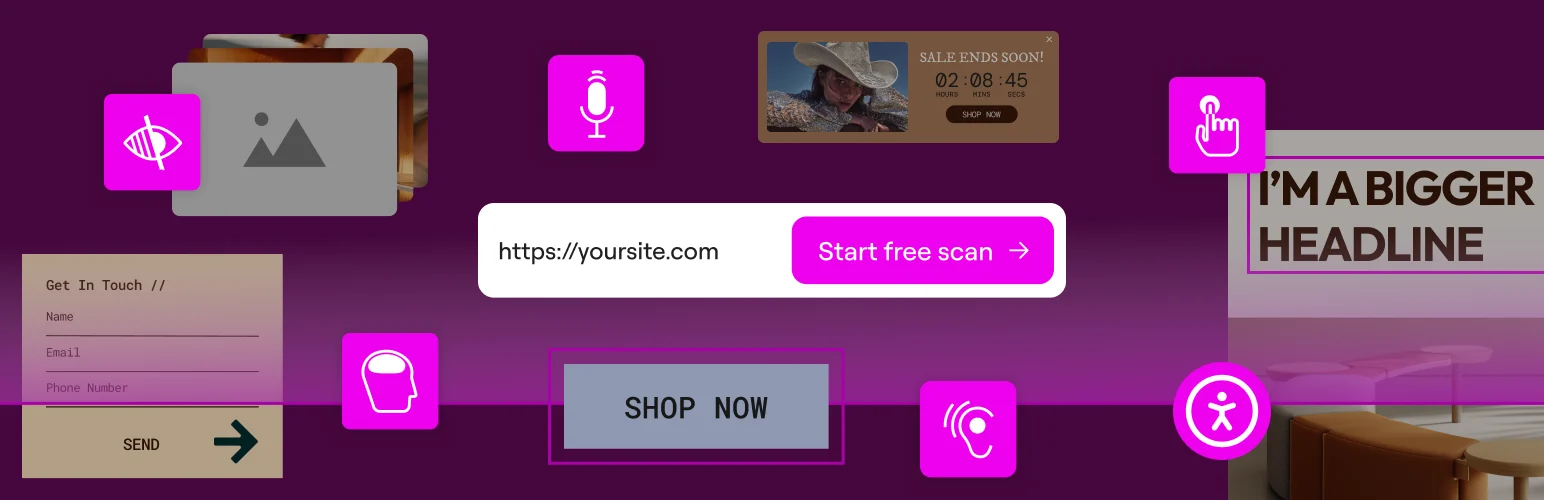
Ally by Elementor Ally is Elementor’s modern web accessibility plugin, formerly known through the One Click Accessibility lineage. The current product combines a usability widget with page scanning, guided fixes, an accessibility statement, and optional AI-assisted remediation.
The interesting part is that Ally is not limited to Elementor-built sites. It scans rendered front-end HTML, so it can work with Gutenberg and other builders too. The free plan includes five unique URL scan credits with unlimited rescans of those same URLs.
What it gives you
- Accessibility scanner for common WCAG 2.1 AA issues
- Visitor usability widget with 15+ controls
- Guided remediation workflow
- Accessibility statement generator
- Works with Gutenberg and multiple page builders
- AI fixes and advanced controls in paid Elementor One plans
Pros: Good mix of visitor tools and editor-side guidance, with a useful free tier.
Cons: Free scanning is limited to a small number of unique URLs, and advanced AI or site-wide features are tied to Elementor One.
Best for: Small sites that want both a usability toolbar and guided accessibility checks.
Pricing: Ally Free costs $0 for one site. Advanced features are included through Elementor One plans rather than a separate simple license.
4. UserWay – Best Managed Accessibility Widget
UserWay UserWay is a more service-oriented accessibility option. The WordPress plugin connects your site to UserWay’s widget and monitoring platform, adding visitor controls and automated modifications intended to improve accessibility across the site.
I would put UserWay in a different category from WP Accessibility or Accessibility Checker. You are buying an ongoing accessibility service, not just a local WordPress plugin. That can be useful for organizations that want monitoring and support, but it also means a much higher recurring cost.
What it gives you
- Accessibility widget with visitor controls
- Automated accessibility modifications
- Page monitoring and alerts
- Support for major accessibility standards and regulations
- Optional translation and menu tools on higher plans
- Litigation support program included with annual paid bundles
Pros: Polished managed service, broad visitor tooling, and monitoring options.
Cons: Expensive compared with local WordPress plugins, and automated overlays still do not remove the need for manual accessibility work.
Best for: Businesses that want a managed accessibility service and budget for ongoing monitoring.
Pricing: Current annual pricing for up to 100,000 pageviews per month starts around $490 per year for Pro, with higher tiers available.
5. AccessiYes Accessibility Widget – Best Feature-Rich Free Accessibility Toolbar
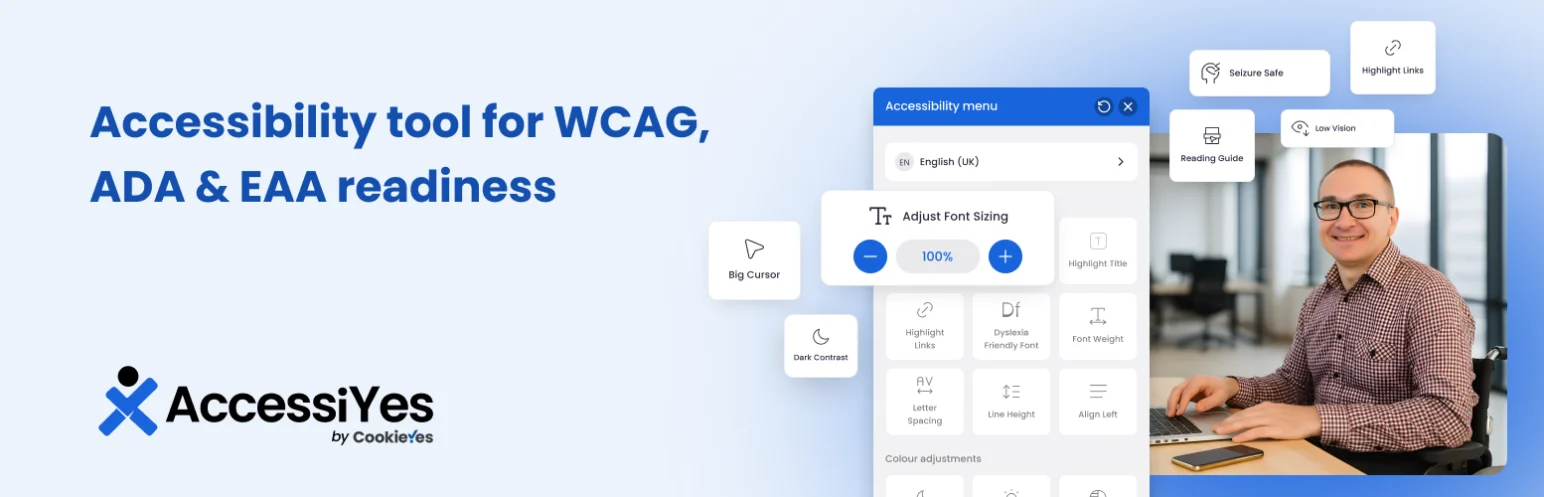
AccessiYes Accessibility Widget AccessiYes adds a modern front-end accessibility toolbar with controls for contrast, text, animation, screen reading, focus, and accessibility profiles. Its 2026 updates have focused heavily on keyboard support, translations, animation handling, and widget usability.
This is more of a visitor-assistance layer than an audit platform. I would use it when the immediate goal is to give users more control over how they consume content, while separately fixing accessibility problems in the theme and content.
What it gives you
- Accessibility profiles for different user needs
- Screen reader and sound controls
- Pause animations, including GIFs and autoplay video
- Text and contrast adjustments
- Keyboard shortcut support
- Accessibility statement generator
Pros: Large set of visitor controls and frequent 2026 updates.
Cons: A toolbar cannot fix inaccessible markup, forms, keyboard traps, or bad content structure by itself.
Best for: Sites that want a customizable visitor accessibility toolbar as one part of a larger accessibility effort.
Pricing: Free core plugin available on WordPress.org.
6. OneTap Accessibility – Best for Simple One-Click Setup
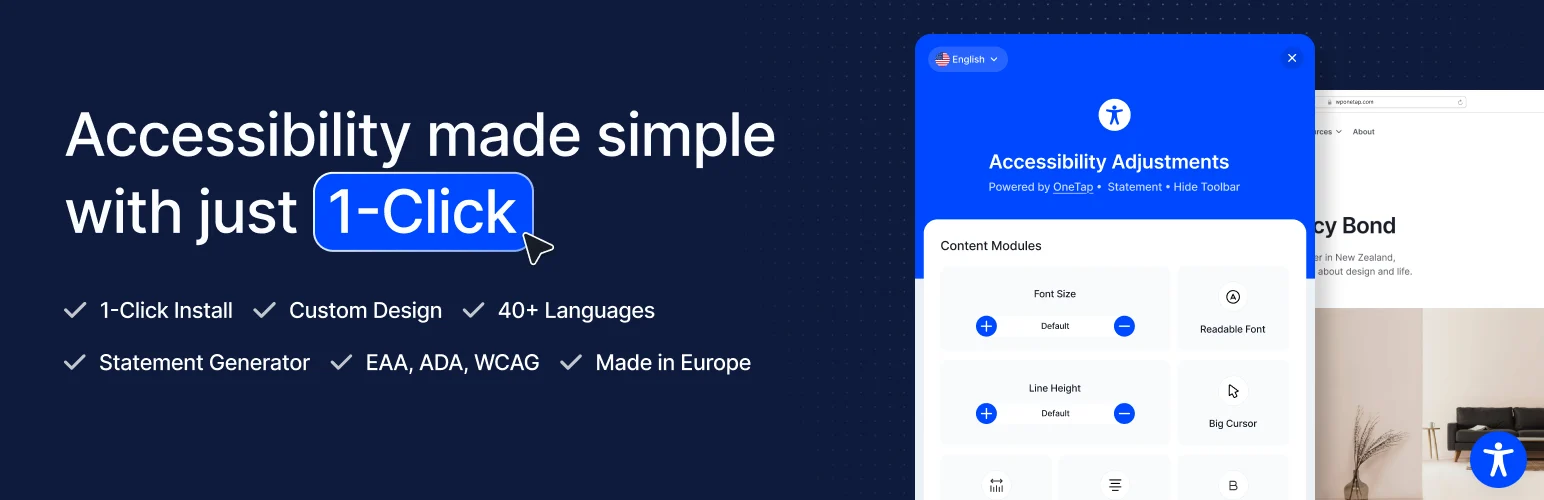
OneTap Accessibility OneTap Accessibility is designed for site owners who want a fast, lightweight accessibility widget without creating an account first. It adds visitor-facing controls and can be customized to match the site.
The appeal here is simplicity. If you mainly want an accessibility toolbar and do not need a full scanner or enterprise monitoring dashboard, OneTap keeps the workflow small.
What it gives you
- Quick one-click WordPress setup
- No account required for basic use
- Multilingual visitor controls
- Customizable widget appearance
- Lightweight front-end approach
- Accessibility options for text, contrast, navigation, and focus
Pros: Easy setup, no account requirement for core use, and suitable for smaller sites.
Cons: It is primarily a widget, so auditing and real remediation still need separate tools and testing.
Best for: Small WordPress sites that want a simple accessibility toolbar without a complex platform.
Pricing: Free core plugin available; optional commercial features may vary by vendor plan.
My Practical Accessibility Stack
If I were improving a normal WordPress business site, I would not install three accessibility widgets at once. I would use one auditing tool such as Accessibility Checker or Ally, fix the issues it identifies, then add a visitor usability widget only if it provides clear value for the audience. WP Accessibility can also be a useful technical helper when the theme needs specific WordPress-level fixes.
The most important test is still the real experience: navigate the site with only a keyboard, zoom the page, check focus visibility, submit every form, open menus and modals, inspect heading structure, verify alt text, and test key journeys with assistive technology. A WordPress accessibility plugin should support that work, not replace it.
Conclusion
The best WordPress accessibility plugins in 2026 do different jobs. Accessibility Checker is best for structured audits, WP Accessibility handles practical WordPress fixes, Ally mixes scanning with visitor controls, UserWay offers a managed service, and AccessiYes and OneTap provide simpler usability widgets. Choose one based on the problem you actually need to solve, then back it up with manual testing and real remediation.
Frequently Asked Questions
What is the best WordPress accessibility plugin?
Accessibility Checker by Equalize Digital is my top choice for serious auditing and remediation. WP Accessibility is a strong free technical helper, while Ally combines scanning with a visitor usability widget.
Can an accessibility plugin make WordPress ADA compliant?
No plugin can guarantee legal compliance by itself. Automated scanners and widgets can identify or reduce some barriers, but manual testing, accessible design, content review, and ongoing remediation are still necessary.
What is the difference between an accessibility checker and a widget?
A checker finds potential accessibility problems for the site owner to fix. A widget gives visitors controls such as text resizing, contrast, or reading aids. They solve different problems and can be used together when appropriate.
Are free WordPress accessibility plugins enough?
They can be enough to start. A free checker plus careful manual remediation may deliver more value than an expensive overlay used without fixing the underlying site. Larger teams may still benefit from paid scanning, history, exports, and monitoring.
Does accessibility help SEO?
Accessibility and SEO overlap in areas such as meaningful headings, descriptive links, image text alternatives, clear structure, usable navigation, and better user experience. Accessibility should be done for users first, with SEO benefits treated as a secondary advantage.

