



A reading progress bar gives long-form content a simple orientation cue: it shows how far a reader has moved through the article and how much remains. It is a small feature, but on tutorials, guides and editorial content it can make the page feel easier to navigate without adding another menu or widget.
The plugins below focus on reading or scroll progress, not generic animated progress bars for skill percentages or project milestones. If your main problem is navigating headings inside long content, compare these with WordPress table of contents plugins.
TL;DR: Best WordPress Reading Progress Bar Plugins in 2026
WP Reading Progress is the most flexible all-round choice here because it can attach below sticky elements, limit the bar by post type or individual post, and includes optional estimated reading time. Reading progressbar is especially lightweight and uses the native HTML5 progress element. Read Meter combines estimated reading time with a progress bar. Reading Position Indicator focuses on visual styling. Catch Scroll Progress Bar is a straightforward free option with top/bottom placement and display conditions.
Quick Comparison
| Plugin | Best for | Notable control | Pricing |
|---|---|---|---|
| WP Reading Progress | Flexible article progress | Sticky-element attachment | Free |
| Reading progressbar | Minimal lightweight setup | Native HTML5 progress element | Free |
| Read Meter | Reading time + progress | Image-aware reading-time estimate | Free |
| Reading Position Indicator | Styled progress bars | Colors, opacity, gradients, rounded edges | Free |
| Catch Scroll Progress Bar | Simple conditional display | Top/bottom and page-type conditions | Free |
How We Evaluated Them
We checked the current WordPress.org listings for maintenance, WordPress compatibility, actual reading-progress behavior, placement options and styling controls. Because this is a front-end UX feature that runs while the visitor scrolls, lightweight implementation matters. We also favored plugins that let you limit the bar to the content types where it adds value instead of forcing it across the entire site.
1. WP Reading Progress

WP Reading Progress version 1.7.0 has 3,000+ active installations, a 100% WordPress.org rating and testing through WordPress 7.1.1. It is designed specifically for long-form reading and can place the bar at the top, bottom or beneath sticky elements.
The sticky-element behavior is the feature that separates it from many basic progress bars. If your site has a fixed header, the plugin can attach to visible sticky elements instead of letting the indicator hide behind them. You can also select post types or individual posts and configure the progress color.
Key features
- Top, bottom or sticky-element placement
- Per-post-type and individual-post controls
- Custom progress color
- Smooth scroll updates
- RTL support
- Optional estimated reading time in beta
Pros
- Designed around real article reading rather than a generic progress component
- Useful with sticky headers
- Good content-level visibility controls
Cons
- Estimated reading time is still described as beta functionality
- Sites with unusual content wrappers should test the calculated progress carefully
Pricing: Free on WordPress.org. Best for: editorial sites with sticky headers and long-form posts.
2. Reading progressbar
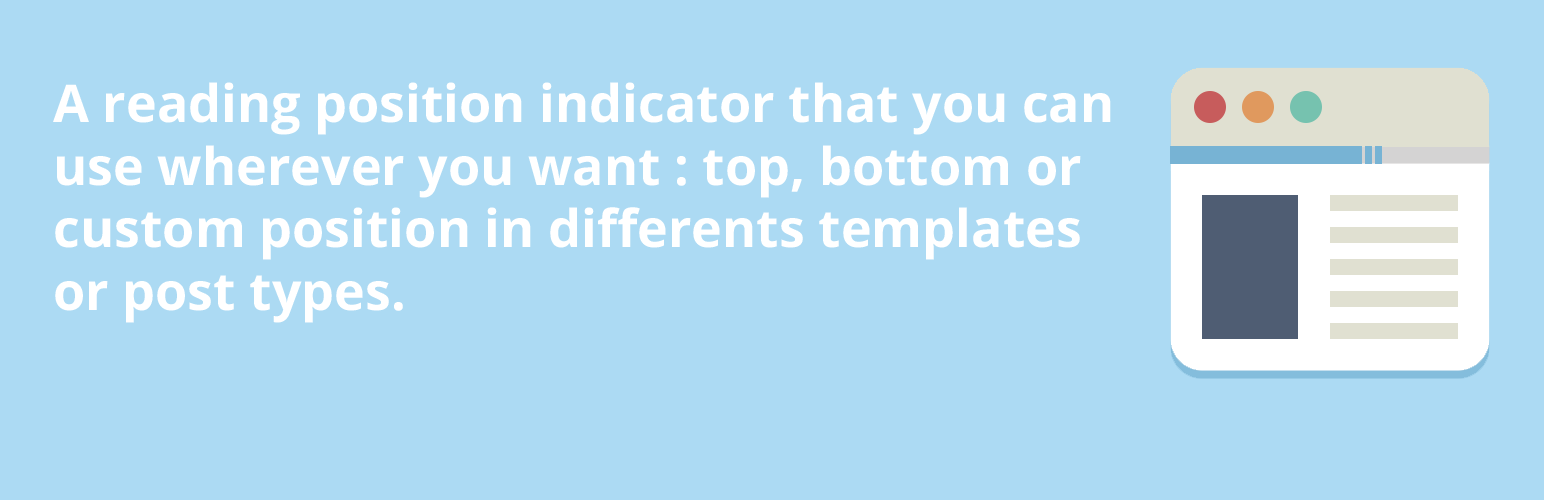
Reading progressbar is deliberately small. Version 1.3.1 has 6,000+ active installations, a 100% rating and current WordPress 7.1.1 compatibility. It uses the native HTML5 <progress> element plus a small amount of JavaScript.
You can place the indicator at the top, bottom or a custom position attached to a chosen class or ID. The plugin also lets you choose templates and post types, which helps keep the feature off short landing pages where it would add little value.
Key features
- Native HTML5 progress element
- Top, bottom or custom position
- Custom height and foreground/background colors
- Attach to a chosen CSS class or ID
- Template and post-type targeting
Pros
- Very focused feature set
- Lightweight implementation
- Good custom-position option for theme integration
Cons
- No built-in reading-time estimate
- Fewer decorative styling controls than more visual plugins
Pricing: Free. Best for: performance-conscious sites that want a minimal reading indicator.
3. Read Meter
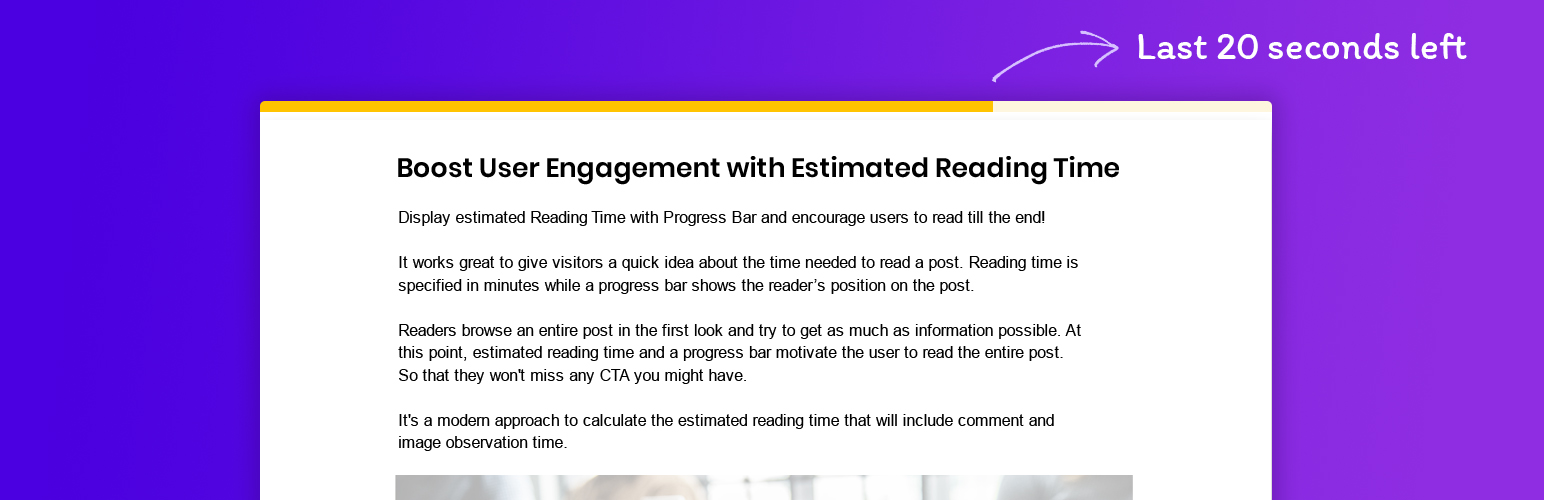
Read Meter combines two related signals: estimated reading time and current reading progress. Version 1.0.11 has 10,000+ active installations and is tested through WordPress 7.1.1.
Its reading-time calculation also accounts for images instead of estimating only from word count. The plugin adds time for the first several images and then uses a smaller fixed addition for further images. That can be useful for visual tutorials where screenshots are part of the reading experience.
Key features
- Estimated reading time
- Scroll progress bar
- Image-aware reading-time calculation
- Designed for posts and long-form content
- Simple reader-facing output
Pros
- Combines two common editorial UX features
- Useful for image-heavy tutorials
- Largest install base in this specific progress-bar shortlist
Cons
- Less granular placement control than WP Reading Progress
- Reading-time estimates are still estimates and may not match every audience
Pricing: Free. Best for: blogs that want reading time and progress from one plugin.
4. Reading Position Indicator

Reading Position Indicator version 1.2.3 focuses on a horizontal progress bar with more visual styling options. Its WordPress.org listing shows an 800+ install base and a 100% rating. The plugin requires PHP 8.0 or newer, which is worth checking on older hosting accounts.
You can customize colors, opacity, rounded edges and gradients. That makes it a better fit when the progress bar needs to match a strong visual brand rather than look like a generic browser progress line.
Key features
- Horizontal reading-position bar
- Color and opacity controls
- Rounded edges and gradient styling
- Posts and pages support
- No-code setup
Pros
- More visual styling than many lightweight alternatives
- Simple purpose and setup
- Performance-focused feature set
Cons
- PHP 8.0+ requirement may exclude older hosting
- Smaller user base than the first three options
Pricing: Free. Best for: sites that want a branded, styled reading indicator.
5. Catch Scroll Progress Bar
Catch Scroll Progress Bar version 2.2 is a free plugin with 1,000+ active installations. WordPress.org does not currently provide an official banner asset for this plugin, so we have intentionally not substituted an unrelated image.
The plugin lets you position the bar at the top or bottom, control background and foreground colors, opacity, height and border radius, and decide whether it should appear on the front page, blog page, posts or pages. That makes it a useful choice for straightforward conditional display without extra editorial features.
Key features
- Top or bottom progress bar
- Foreground and background colors
- Opacity, height and border-radius controls
- Display conditions for front page, blog, posts and pages
- Free feature set
Pros
- Easy to understand
- Good visibility conditions
- No premium upgrade required for the core feature
Cons
- No official WordPress.org banner currently available
- No combined reading-time feature
Pricing: Free. Best for: sites that need a simple styled bar with page-type conditions.
Do You Really Need a Reading Progress Bar?
Not every post benefits from one. A 500-word announcement can make a progress bar feel unnecessary, while a 3,000-word tutorial or research guide benefits much more. Use post-type or page-level targeting where possible and test the indicator alongside sticky headers, cookie banners and other fixed interface elements.
A progress bar also should not replace good content structure. Clear headings, useful anchor navigation and sensible paragraph length still matter more. For long technical guides, pairing a lightweight progress bar with a table of contents can work well because the two features solve different problems: orientation and navigation.
Final Take
The safest choice is the smallest plugin that fits your content model. WP Reading Progress gives the most control for editorial layouts, Reading progressbar is attractive for minimal setups, and Read Meter makes sense when reading-time estimates are part of your design. Whichever plugin you choose, confirm the bar begins and ends at the intended content boundaries instead of measuring headers, comments or unrelated footer content.
Reading Progress Bar FAQs
Does a reading progress bar improve SEO?
There is no direct ranking benefit. Its value is user experience: helping readers understand their position in long content. Any SEO effect would be indirect and should not be assumed.
Will a reading progress bar hurt Core Web Vitals?
A lightweight implementation should have little impact, but every script adds work. Test the page after installation, especially if you already run several sticky or interactive elements.
Should the bar track the whole page or only the article?
For editorial content, tracking the article body is usually clearer. If the plugin measures navigation, comments and footer content too, the percentage can feel inaccurate to the reader.
Can I use a progress bar with a sticky header?
Yes, but test the placement. WP Reading Progress specifically supports attaching below sticky elements, while other plugins may need a custom position or CSS adjustment.
Is estimated reading time the same as reading progress?
No. Reading time predicts how long the content may take. Reading progress shows how far the visitor has moved through the content during the current session.

