



An estimated reading-time label gives visitors a quick sense of the commitment before they start an article. Unlike a pure reading progress bar, the main job here is calculating and displaying a time estimate from the content, with optional progress indicators as a secondary feature.
TL;DR
Reading Time WP is the simplest dedicated choice for adding a read-time estimate. Read Meter and Worth The Read combine the estimate with progress feedback, while MinuteRead is useful when you want more control over labels, reading speed, placement, and custom post types.
Quick Comparison
| Plugin | Best for | Starting point |
|---|---|---|
| Reading Time WP | simple estimated reading-time labels | Free on WordPress.org |
| Read Meter | reading time plus a progress bar | Free on WordPress.org |
| Worth The Read | read-time labels with progress metering | Free on WordPress.org |
| MinuteRead | reading time across multiple content types | Free on WordPress.org |
How I Chose These Plugins
I compared how each plugin calculates and displays reading time, whether reading speed is adjustable, where the estimate can be inserted, support for pages and custom post types, and whether progress indicators are optional or central to the experience. I excluded plugins whose main purpose is only a progress bar.
1. Reading Time WP
Best for: Simple estimated reading-time labels.
Calculates estimated reading time for posts and can insert the estimate above content or expose it through a shortcode.
Key features
- Estimated reading time
- automatic placement
- shortcode output
Pros
- Focused and established
- easy editorial fit
Limitations
- Primarily a reading-time tool rather than a broader engagement suite
Pricing: a free WordPress Reading Time Plugins version is available on WordPress.org. Verify the current paid upgrade, renewal terms, and feature limits on the developer’s site before purchasing.
2. Read Meter
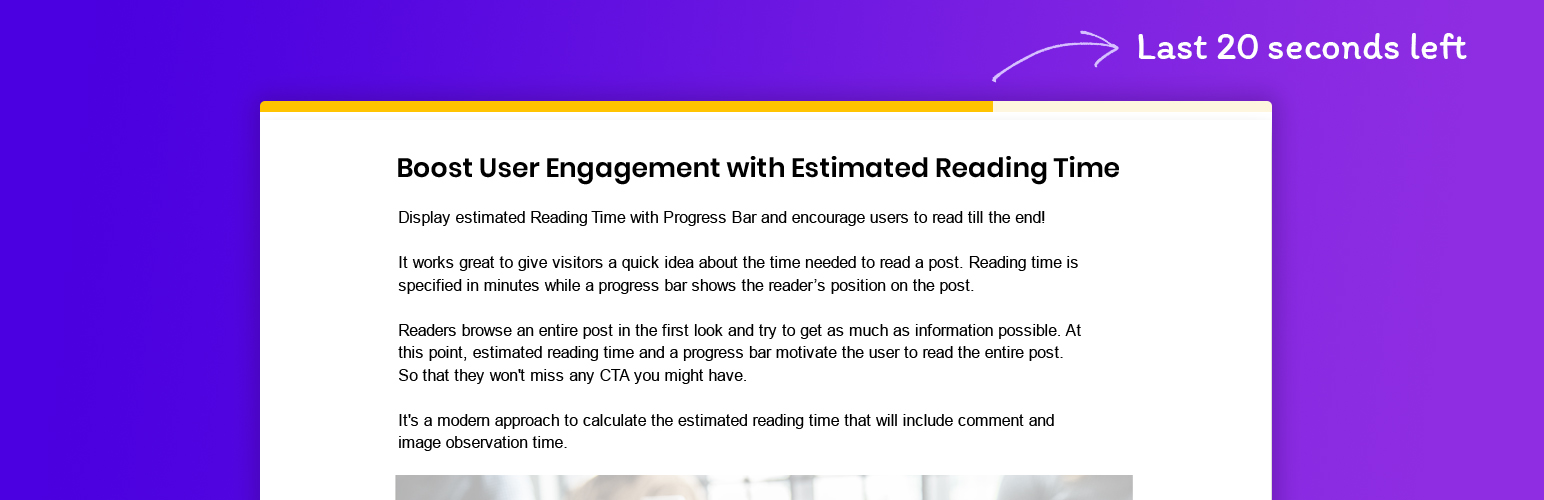
Best for: Reading time plus a progress bar.
Displays an estimated reading time alongside a reading progress bar, combining pre-read expectation with progress feedback.
Key features
- Reading-time estimate
- progress bar
- post display
Pros
- Combines two related reading UX features
Limitations
- Overkill if you only need a text reading-time label
Pricing: a free WordPress Reading Time Plugins version is available on WordPress.org. Verify the current paid upgrade, renewal terms, and feature limits on the developer’s site before purchasing.
3. Worth The Read
Best for: Read-time labels with progress metering.
Provides a read-time commitment label and an adjustable progress meter for posts and pages.
Key features
- Read-time label
- scroll progress meter
- adjustable display
Pros
- Useful when both estimate and progress matter
Limitations
- Adds more front-end UI than a minimal reading-time plugin
Pricing: a free WordPress Reading Time Plugins version is available on WordPress.org. Verify the current paid upgrade, renewal terms, and feature limits on the developer’s site before purchasing.
4. MinuteRead
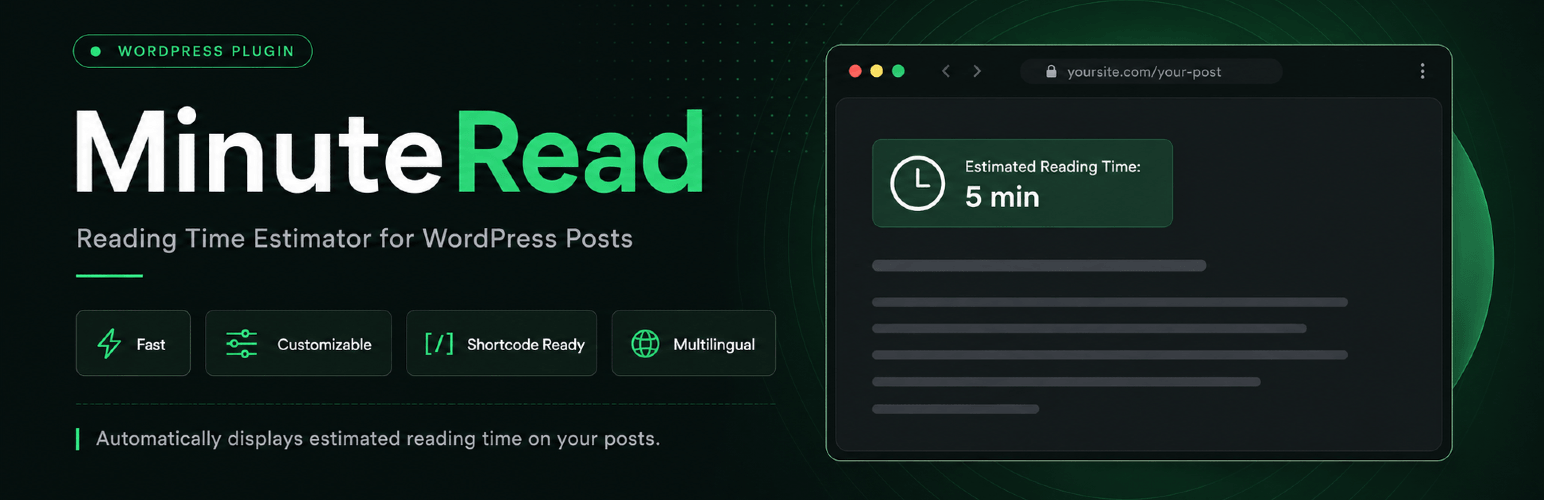
Best for: Reading time across multiple content types.
Shows estimated reading time on posts, pages, and custom post types with controls for label, format, position, and reading speed.
Key features
- Posts/pages/CPT support
- customizable label
- position controls
- reading-speed setting
Pros
- Flexible display and content-type support
Limitations
- Much smaller install base than long-established alternatives
Pricing: a free WordPress Reading Time Plugins version is available on WordPress.org. Verify the current paid upgrade, renewal terms, and feature limits on the developer’s site before purchasing.
Reading time versus reading progress
Reading time answers the question before a visitor commits to the article; a progress bar answers a different question after reading has started. Long tutorials may benefit from both, but shorter posts can feel cluttered when the same information is repeated in several UI elements.
If progress feedback is the main requirement, compare the dedicated WordPress reading progress bar plugins. For reading-time tools, prioritize a calculation you can tune to your audience and a display location that fits naturally with the title, author, and publication metadata.
How to Choose
A reading-time estimate should be predictable and unobtrusive. Check whether the calculation counts shortcodes, headings, or media in a way that matches your content style. Editorial sites may want automatic placement above the article; custom templates may need a shortcode or block. If you already use a reading-progress plugin, avoid duplicating the same progress UI just to get the time estimate.
Final Take
Reading Time WP is the cleanest option when all you need is a simple estimate. Read Meter and Worth The Read are better when the estimate and progress indicator should work together. MinuteRead makes sense for sites that need more display and content-type controls.
FAQs
How is WordPress reading time calculated?
Most plugins estimate time from word count and a configured reading speed. Some also account for images or other content.
What reading speed should I use?
There is no universal number. Many plugins use a default words-per-minute value that you can adjust to match your audience and content type.
Can I show reading time on custom post types?
Some plugins support pages and custom post types in addition to normal posts. Check the display settings before choosing.
Do reading-time plugins improve SEO directly?
No. They are primarily a reader-experience feature, though clearer expectations may improve engagement for long-form content.
Should I use both reading time and a progress bar?
Only if both signals help your readers. For short posts, one small reading-time label may be enough.

