



Images are often the heaviest files on a WordPress page. A beautiful hero image can quietly add several megabytes, slow Largest Contentful Paint, waste mobile data, and make an otherwise fast site feel sluggish. Compressing images manually works for a while, but it becomes painful once a site has hundreds or thousands of uploads.
I prefer image optimization plugins that automate the boring work without making images look noticeably worse. The best choice depends on whether you want local optimization, cloud processing, automatic WebP/AVIF delivery, a CDN, or the ability to optimize a large existing media library.
TL;DR: Best WordPress Image Optimization Plugins in 2026
- ShortPixel — best overall for flexible compression and modern image formats.
- Imagify — best for a simple premium workflow with automatic optimization.
- EWWW Image Optimizer — best for local or cloud-based processing flexibility.
- Smush — best beginner-friendly free option for bulk image cleanup.
- Optimole — best for real-time image optimization and CDN delivery.
- Converter for Media — best lightweight choice for WebP and AVIF conversion.
1. ShortPixel Image Optimizer — Best Overall

ShortPixel gives you a useful amount of control without making image optimization feel like a separate technical discipline. You can choose lossy, glossy, or lossless compression, optimize the existing media library, create modern image formats, and keep original files when you want a recovery path.
What I like most is the balance between file-size reduction and control. On content-heavy sites, I usually prefer a sensible lossy or glossy setting rather than chasing the smallest possible file at the cost of visible artifacts.
Key features
- Lossy, glossy, and lossless compression modes
- WebP and AVIF generation
- Bulk media-library optimization
- Automatic optimization on upload
- Image resizing
- Option to keep original files
Pros: Flexible compression modes, strong modern-format support, good for large media libraries.
Cons: Credit limits matter on image-heavy sites; advanced delivery choices take a little setup.
Best for: Blogs, ecommerce sites, and publishers that want a reliable all-purpose image optimizer.
Pricing: Free allowance available; paid credit and subscription plans are available at ShortPixel.
2. Imagify — Best Simple Premium Workflow
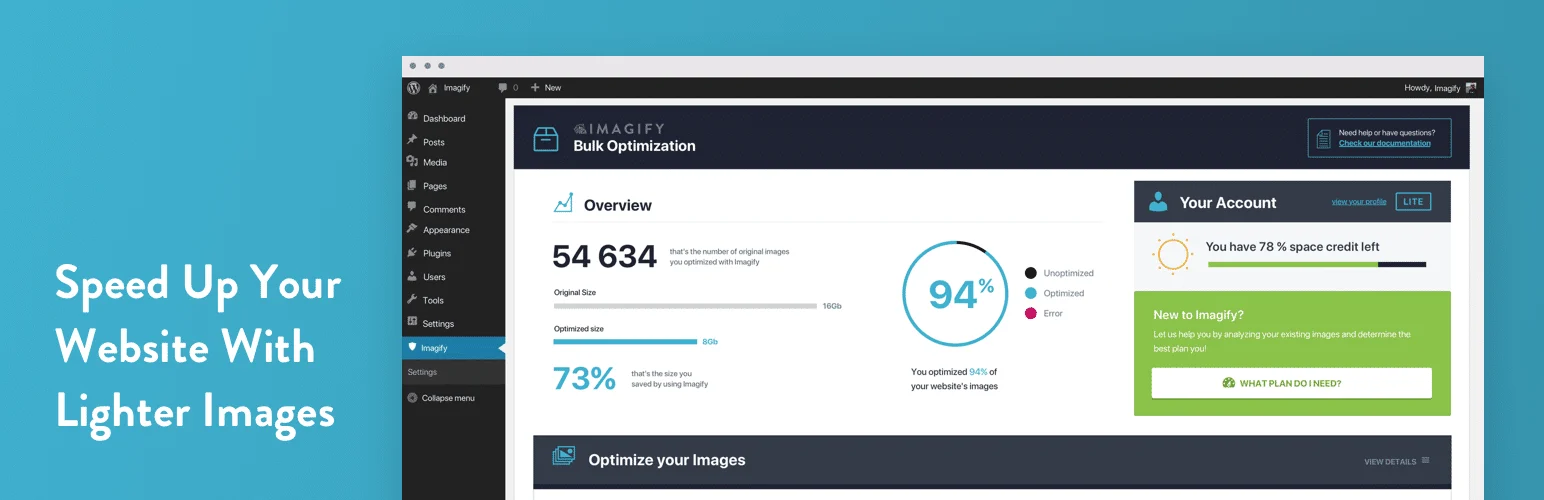
Imagify is appealing when you want image optimization to feel almost automatic. It can compress uploads, bulk-optimize the existing library, resize oversized images, and generate modern formats without exposing an overwhelming number of controls.
I particularly like it on sites already using WP Rocket because the products fit naturally into the same performance mindset. The interface is simple enough that a client can understand what is happening without touching technical image tools.
Key features
- Automatic image compression
- Bulk optimization
- Resize oversized uploads
- WebP and modern-format delivery
- Restore original images when available
- Simple quality controls
Pros: Clean interface, easy bulk workflow, good companion to WP Rocket.
Cons: Monthly optimization limits can matter on large libraries; fewer low-level controls than some competitors.
Best for: Business sites and users who want a simple, polished image-optimization experience.
Pricing: Free allowance and paid plans are available from Imagify.
3. EWWW Image Optimizer — Best for Flexible Local or Cloud Processing

EWWW Image Optimizer is one of the more flexible tools in this category. It can optimize images locally on your server or use paid cloud services, and it offers modern-format conversion, resizing, lazy loading, and delivery options.
That flexibility is useful when privacy, hosting resources, or image volume affect how you want optimization handled. I would pay attention to server load before choosing heavy local processing on inexpensive shared hosting.
Key features
- Local or cloud image optimization
- Bulk optimizer
- Automatic resizing
- WebP conversion
- Lazy loading
- CDN optimization through Easy IO
Pros: Flexible processing model, broad feature set, useful for technical users.
Cons: More settings than simpler alternatives; local optimization can use server resources.
Best for: Users who want control over where and how images are optimized.
Pricing: Free plugin available; premium services are listed at EWWW IO.
4. Smush — Best Beginner-Friendly Free Option
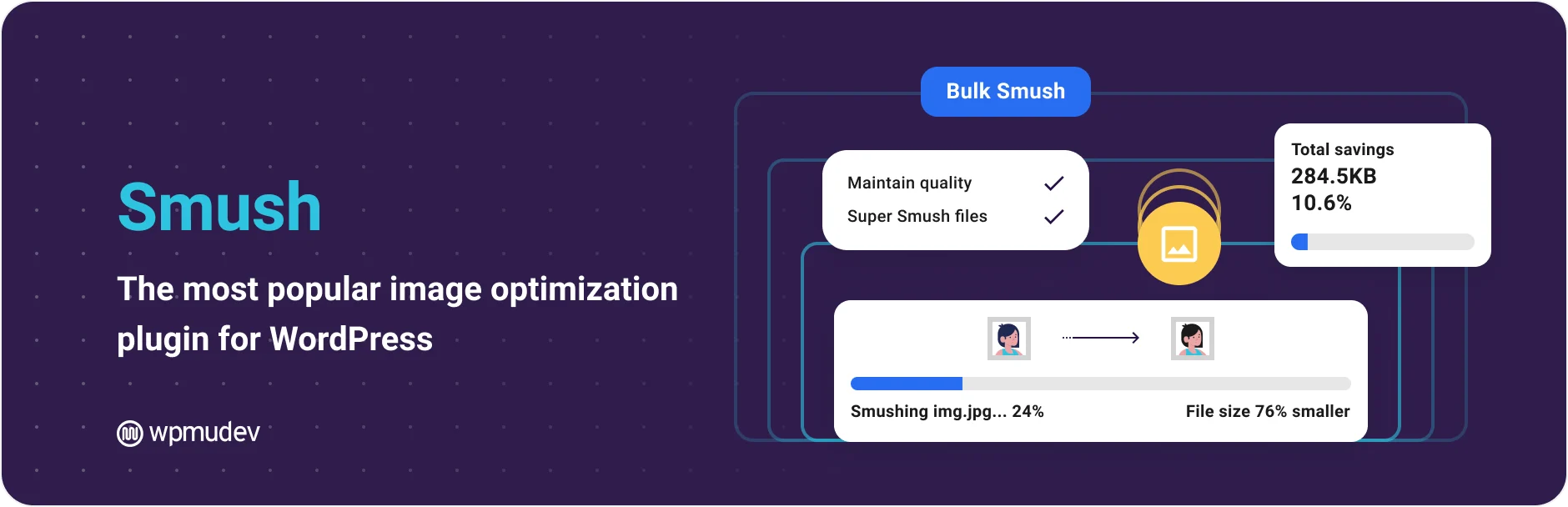
Smush is easy to recommend to beginners because the workflow is familiar: scan the library, bulk-optimize images, enable automatic compression, and add lazy loading when needed. The free version covers the basics without requiring users to understand image codecs first.
I see it as a good starting point for normal business and blog sites rather than the tool I would automatically choose for a massive photography library. Its biggest strength is that a non-technical user can manage it confidently.
Key features
- Bulk image compression
- Automatic optimization on upload
- Image resizing
- Lazy loading
- Incorrect image-size detection
- CDN and next-gen formats in Pro
Pros: Beginner-friendly, useful free workflow, clear media-library integration.
Cons: Stronger compression and delivery features are tied to paid plans.
Best for: Beginners, blogs, and small business sites that want easy automated image compression.
Pricing: Free version available; premium access is available through WPMU DEV.
5. Optimole — Best for Real-Time Optimization and CDN Delivery
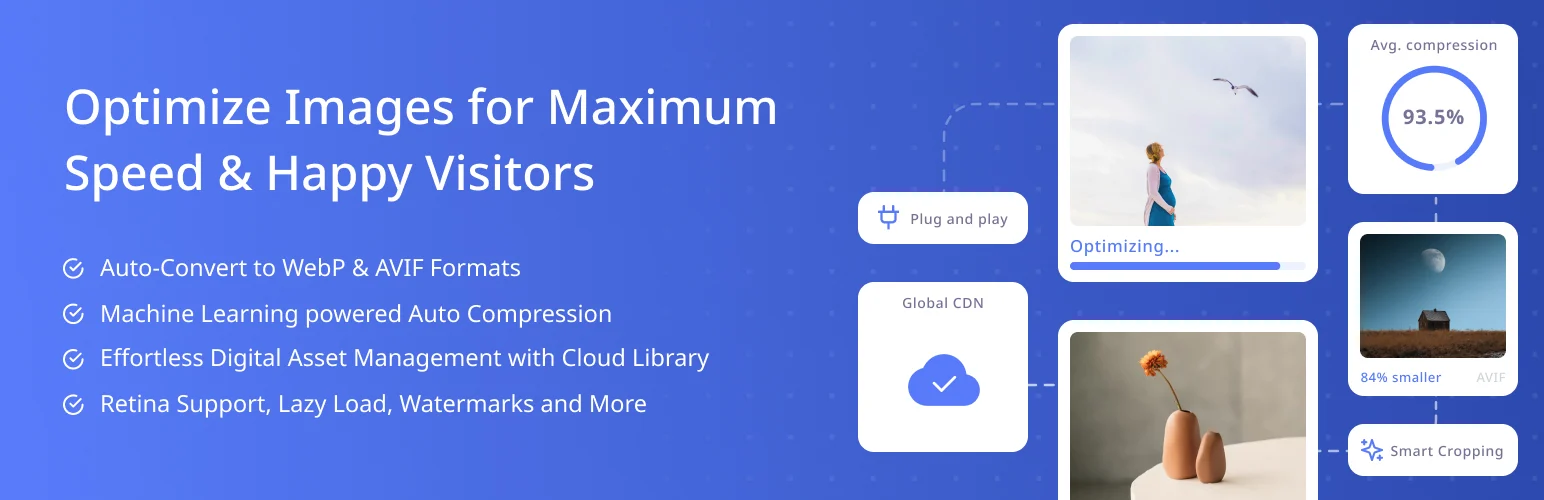
Optimole takes a delivery-first approach. Instead of only shrinking files in your media library, it can optimize and serve images through its cloud infrastructure based on the visitor’s device and screen size.
I like this model when responsive delivery is the bigger problem than simply compressing originals. A mobile visitor does not need the same oversized image that a large desktop display might request.
Key features
- Real-time image optimization
- Adaptive image sizing by device
- Global CDN delivery
- WebP and AVIF delivery
- Automatic lazy loading
- Cloud-based processing
Pros: Reduces origin workload, responsive delivery, CDN included, little manual maintenance.
Cons: Ongoing service limits/pricing depend on traffic; delivery relies on an external service.
Best for: Image-heavy sites that want optimized responsive delivery rather than only local compression.
Pricing: Free tier and paid plans are available from Optimole.
6. Converter for Media — Best Lightweight WebP/AVIF Converter
Converter for Media is a more focused choice. Its job is to convert and serve modern image formats such as WebP and AVIF rather than becoming a complete media-management suite. That narrower scope can be exactly what you need when your existing workflow already handles compression reasonably well.
I prefer focused plugins when they avoid overlapping with a cache, CDN, or performance plugin already installed. Fewer duplicated features usually means fewer confusing interactions to troubleshoot.
Key features
- WebP and AVIF conversion
- Bulk conversion of existing media
- Automatic conversion for new uploads
- Original image fallback
- Media-library integration
- Server-side delivery rules
Pros: Focused feature set, easy way to add modern formats, avoids unnecessary extras.
Cons: Not as broad as full image optimization/CDN platforms.
Best for: Sites that mainly need WebP or AVIF conversion without another large optimization suite.
Pricing: Free version available with optional paid features.
How I Choose an Image Optimization Plugin
If you mostly need smaller files in the media library, ShortPixel, Imagify, EWWW, or Smush are easy places to start. If you want images resized and optimized at delivery time, Optimole’s CDN model is more relevant. If your only missing piece is modern image formats, a focused converter may be enough.
Image optimization works best alongside the rest of your performance stack. See our WordPress speed optimization plugins and WordPress caching plugins guides before stacking multiple tools that optimize the same assets.
Conclusion
ShortPixel offers the best balance for most users who want strong compression and modern formats. Imagify is easier if simplicity is your priority, EWWW gives technical users more processing choices, and Smush is friendly for beginners. Optimole stands out when cloud delivery is the goal, while Converter for Media is a smart lightweight choice when you only need modern image formats.
Frequently Asked Questions
What is the best image optimization plugin for WordPress?
ShortPixel is the strongest all-around choice for many sites because it combines compression, bulk optimization, and WebP/AVIF support. Optimole may be better when you want a CDN-based delivery model.
Should I use WebP or AVIF on WordPress?
Both can reduce image size compared with older formats. AVIF can achieve very small files, while WebP remains widely used and well supported. A good plugin can generate modern formats while keeping originals as fallbacks.
Can image compression hurt quality?
Aggressive lossy compression can create visible artifacts. Use a balanced quality setting and check detailed product images, screenshots, text inside images, and photography before applying bulk changes.
Do I still need image optimization if I use a CDN?
Usually yes, unless the CDN performs image optimization itself. A CDN can deliver files from a nearby location, but it does not automatically mean those files are efficiently sized or compressed.

