



Uptime monitoring has one job that an ordinary WordPress health check cannot do reliably: tell you when the site is unavailable from the outside. If WordPress itself is down, a plugin running only inside that same request path may not be able to send the alert. That is why the strongest WordPress uptime tools pair a connector plugin with an external monitoring service, or use an external cron/checking layer.
This roundup stays focused on actual availability monitoring. We excluded tools that only report SSL expiry, cron status or server uptime without checking whether the public website is reachable. For broader maintenance workflows, see our WordPress multi-site management tools comparison.
TL;DR: Best WordPress Uptime Monitoring Plugins & Tools in 2026
WP Umbrella is a strong agency-focused choice when uptime belongs inside a wider maintenance workflow. ManageWP Worker is attractive if you already use ManageWP and want inexpensive per-site uptime monitoring. Modular DS bundles uptime with backups, safe updates, reporting and security for freelancers and agencies. Watchful offers a centralized management dashboard with uptime history and a free tier. LukStack Uptime Monitor is the most self-contained WordPress-first option here, with a free plan for two monitored sites and a remote cron service to keep checks running.
Quick Comparison
| Tool | Best for | Check model | Entry pricing |
|---|---|---|---|
| WP Umbrella | Agencies and care plans | External platform + connector | $1.99/site/month |
| ManageWP Worker | Existing ManageWP users | External platform + connector | $1/site/month for Uptime Monitor |
| Modular DS | Freelancers/agencies wanting one suite | External platform + connector | From $16/month for 10 sites |
| Watchful | Centralized site maintenance | External platform + connector | Free plan; Premium $1.83/site/month |
| LukStack Uptime Monitor | WordPress dashboard monitoring | Plugin + remote cron | Free for up to 2 sites; Pro available |
What We Checked
Each option was verified against its current WordPress.org listing and official service documentation or pricing. We looked for genuine remote availability checks, current maintenance, notification options, check intervals, useful history or response-time data, and a pricing model that makes sense for the target user. The WordPress.org install figures below were checked in September 2026.
1. WP Umbrella
WP Umbrella is a WordPress maintenance platform rather than a single-purpose uptime plugin. Its connector, listed as WP Umbrella: Security Backup Restore & Monitoring, has 80,000+ active installations and version 2.27.4. The platform combines uptime monitoring with backups, safe updates, performance checks, PHP error monitoring, security monitoring and client reports.
For agencies, the main advantage is context. A downtime alert lives beside the site’s update, backup and maintenance data instead of inside a separate monitoring account. The official pricing page currently lists the core platform at $1.99 per site per month and says standard uptime monitoring is included.
Key features
- External uptime and performance monitoring
- Downtime alerts and uptime reporting
- Cloud backups and one-click restore
- Bulk/safe updates with rollback
- PHP error and security monitoring
- White-label client reports
Pros
- Clear per-site pricing
- Strong fit for recurring care plans
- Monitoring is tied to the same dashboard used for maintenance
Cons
- Overkill for someone who only needs one simple uptime check
- Requires the external WP Umbrella service
Pricing: $1.99 per site/month for the main platform, according to WP Umbrella’s current pricing page. Best for: agencies and freelancers selling WordPress maintenance.
2. ManageWP Worker
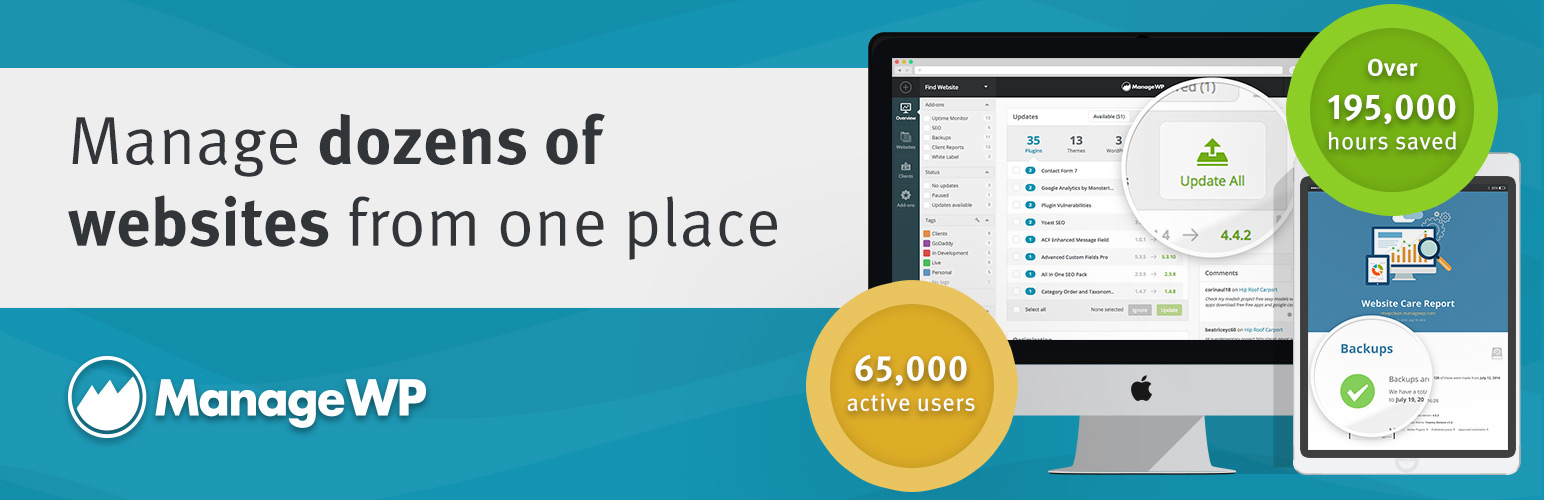
ManageWP Worker connects a site to the ManageWP dashboard. The plugin has 1+ million active installations and version 4.9.38. ManageWP’s Uptime Monitor checks connected websites every 60 seconds, confirms an outage before alerting, and can notify by email, SMS or Slack.
ManageWP is especially practical if your sites are already connected for updates, backups or client reports. The uptime feature is a paid add-on rather than part of the free core dashboard. Official pricing currently lists it at $1 per website per month, or $25/month as a bundle covering up to 100 websites.
Key features
- 60-second uptime checks
- Outage confirmation to reduce false alerts
- Email, SMS and Slack notifications
- Uptime percentage, response-time and history data
- Client-report integration
- Large existing WordPress management ecosystem
Pros
- Low per-site cost
- Very frequent checks
- Easy addition for existing ManageWP users
Cons
- Uptime is a premium add-on
- Using it only for uptime means adopting a broader management platform
Pricing: $1/site/month, or $25/month for an uptime bundle covering up to 100 sites. Best for: agencies already using ManageWP.
3. Modular DS
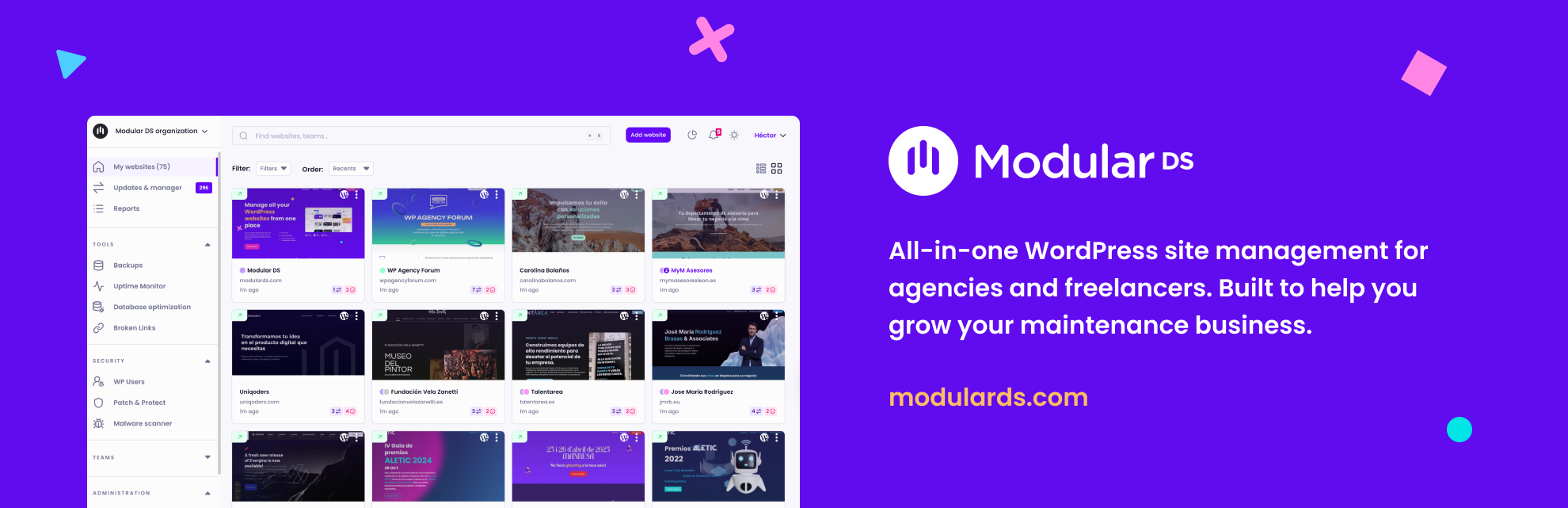
Modular DS uses its WordPress connector to bring multiple sites into one maintenance dashboard. The connector has 40,000+ active installations and version 3.3.0. Uptime monitoring sits alongside backups, safe updates, vulnerability checks, database optimization, client reporting and staging/migration tools.
The check interval depends on plan. The official pricing page currently shows a 15-minute interval on the $16/month Freelance plan for up to 10 websites, 5-minute checks on Starter, and 2-minute checks on Business and Enterprise plans. Notifications can include email and WhatsApp, with additional channels on higher plans.
Key features
- Uptime monitoring with plan-based check intervals
- SSL monitoring
- Email and WhatsApp notifications
- Backups and restore
- Safe updates and Update Copilot
- Security, reports and database tools
Pros
- Fixed-plan model can be cost-effective for small portfolios
- Strong agency workflow around monitoring
- Multiple alert channels
Cons
- Not a free product after the trial
- Fastest check interval requires higher tiers
Pricing: Plans currently start at $16/month for up to 10 sites, with a 14-day free trial. Best for: freelancers and agencies that want monitoring inside a broader care-plan platform.
4. Watchful
Watchful is another remote website management platform with a WordPress connector. The current plugin listing shows version 2.0.20 and 3,000+ active installations. Its feature set includes uptime monitoring, SSL checks, backups, updates, security scanning, client reports and single sign-on.
The platform can notify you about downtime and keep a history that can be used for troubleshooting or client reporting. Watchful currently advertises a Forever Free plan and Premium pricing at $1.83 per site per month. Premium also allows customization of uptime-check frequency.
Key features
- Remote uptime monitor
- SSL certificate checker
- Downtime history
- Backup monitoring and scheduled updates
- Security and filesystem scanners
- Client reporting and centralized SSO
Pros
- Free entry option
- Simple pay-as-you-go Premium pricing
- Useful maintenance context around uptime incidents
Cons
- Smaller WordPress install base than ManageWP or WP Umbrella
- Advanced monitoring controls are tied to the hosted platform
Pricing: Forever Free plan available; Premium is currently $1.83/site/month. Best for: small agencies wanting centralized monitoring with a low per-site paid option.
5. LukStack Uptime Monitor

LukStack Uptime Monitor is more WordPress-dashboard-centric than the agency platforms above. Version 2.4.0 currently has a small 40+ install base but a 100% rating. The plugin can monitor multiple websites for uptime, response time and SSL expiry, with email and webhook notifications.
Its most important architectural detail is the remote cron service. Instead of relying only on WP-Cron, the plugin registers with a remote AWS-hosted service that triggers monitoring checks. The developer documents that aggregate environment data is transmitted to keep the service compatible, so privacy-conscious administrators should read that disclosure before enabling it.
Key features
- Free uptime checks every 15 minutes
- Monitor up to 2 websites on the free plan
- Email notifications
- Slack, Discord, Teams and generic webhooks
- Manual checks and dashboard widget
- Pro adds up to 100 sites, 5-minute checks, SSL and response-time monitoring
Pros
- Monitoring lives directly in WordPress
- Remote cron avoids dependence on site traffic
- Useful webhook support even in the free plan
Cons
- Very small install base
- Uses the developer’s remote cron service and sends documented environment data
- Free interval is slower than ManageWP’s paid 60-second checks
Pricing: Free plan supports up to 2 websites; a Pro plan is available for larger monitoring needs. Best for: users who want a WordPress-native monitoring dashboard without adopting a full agency management suite.
Uptime Monitoring vs. WordPress Health Monitoring
A server-health widget, SSL-expiry checker or WP-Cron status tool is useful, but it is not the same as external uptime monitoring. The critical test is whether another system can still detect and report the failure when your WordPress site cannot respond. For technical SEO problems that do not take the site offline, use a dedicated WordPress SEO monitoring tool instead.
Final Take
Choose the monitoring layer based on response time and workflow. A single business site may only need a simple external checker. An agency managing dozens of sites benefits more when uptime, backups, updates and client reporting live together. Also test notifications before relying on them: a monitor is only useful if the right person receives the alert quickly enough to act.
WordPress Uptime Monitoring FAQs
Can a WordPress plugin detect downtime if WordPress is completely down?
Only if the monitoring system has an external component. A check that runs solely inside the unavailable WordPress site cannot reliably report its own outage.
How often should an uptime monitor check a website?
It depends on business impact. One-minute checks are useful for revenue-critical sites, while 5- or 15-minute checks may be enough for lower-risk sites.
Is uptime monitoring the same as performance monitoring?
No. Uptime asks whether the site is reachable. Performance monitoring measures how quickly it responds or loads. Many maintenance platforms provide both.
Should I monitor staging sites too?
Usually only when the staging environment is part of an active deployment workflow. Production sites and other business-critical endpoints should have priority.
Do I still need backups if I have uptime monitoring?
Yes. Monitoring tells you that something is wrong; a backup may be what lets you recover quickly after a failed update, corruption or security incident.

