



Maintaining five WordPress sites is manageable. Maintaining fifty by logging into every dashboard is not. Updates get postponed, backups are checked inconsistently, and client reports become a monthly copy-and-paste job. The bigger problem is not the number of sites; it is the number of repeated maintenance actions.
The tools below manage multiple independent WordPress installations from one control layer. They are not WordPress Multisite plugins. Each site can stay on its own hosting account and domain while you handle updates, monitoring, backups, security checks or reporting centrally.
TL;DR
MainWP is the best fit if you want self-hosted control and unlimited connected sites. ManageWP has the easiest free entry point and modular paid add-ons. WP Umbrella is particularly good for agencies that want monitoring, backups and white-label care reports in one predictable per-site plan. InfiniteWP remains a self-hosted alternative, while WPMU DEV The Hub makes sense if you already want the wider WPMU DEV service stack.
Quick Comparison
| Plugin | Best for | Pricing model |
|---|---|---|
| MainWP | Self-hosted control and unlimited sites | Free Essentials; Pro $199/year or $599 lifetime |
| ManageWP | Free multi-site maintenance with optional add-ons | Free core on unlimited sites; paid per-site add-ons |
| WP Umbrella | Agencies selling care and maintenance plans | €1.99/site/month + optional add-ons |
| InfiniteWP | Teams wanting another self-hosted dashboard | Free tier + annual paid plans |
| WPMU DEV The Hub | Agencies already using WPMU DEV services | Subscription/service ecosystem |
How I Chose These Multi-Site Management Tools
I excluded WordPress Multisite utilities because that is a different architecture. I looked for products that can connect separate WordPress installs and reduce routine maintenance: core/plugin/theme updates, backups, uptime or security monitoring, one-click access, reporting, or bulk administration. I also considered where the management dashboard lives, because self-hosted control and SaaS convenience are very different buying decisions.
1. MainWP — Best self-hosted control panel
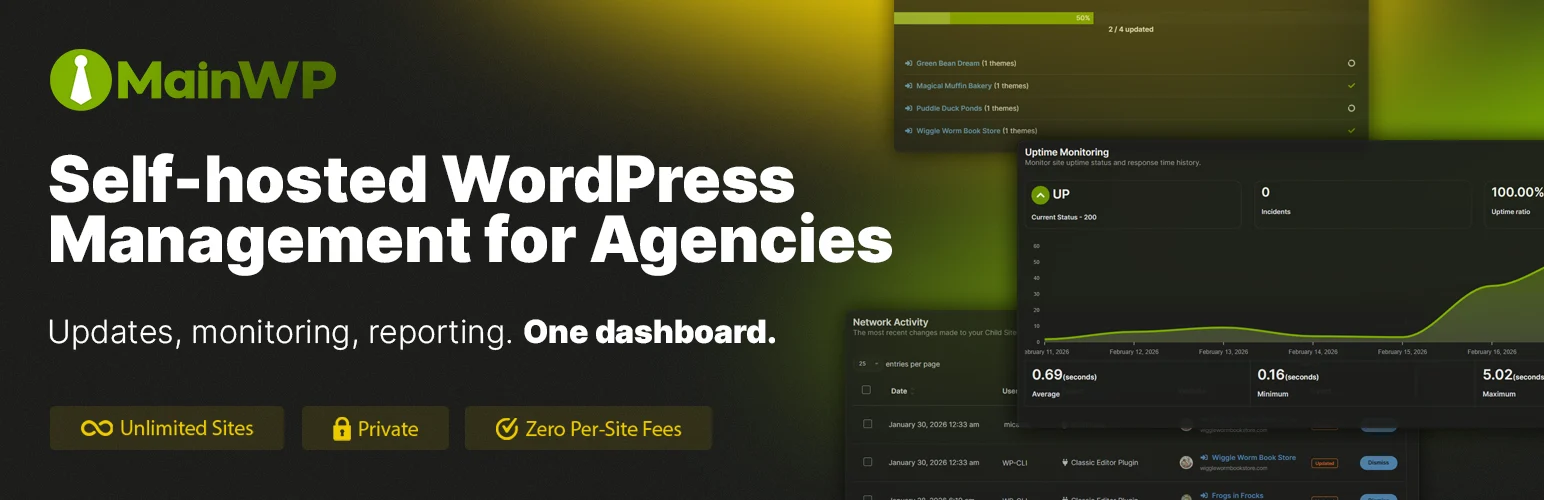
MainWP is the clearest choice if you want the central dashboard to live on WordPress infrastructure you control. You install the MainWP Dashboard on a dedicated WordPress site and connect client sites using the MainWP Child plugin. From there, routine maintenance happens from one place rather than through a third-party SaaS dashboard.
The free Essentials tier already supports unlimited sites, which is unusual in this market. Pro is more about expanding the maintenance stack with 30+ extensions for reporting, monitoring, backups, security, marketing and other agency workflows. MainWP has also been shipping updates throughout 2026, so it is not a legacy self-hosted option coasting on old adoption.
Key features
- Self-hosted central dashboard
- Unlimited sites on the free Essentials tier
- One-click access to connected WordPress dashboards
- Central core, plugin and theme updates
- User and site administration
- Free and Pro extension ecosystem
- Agency reporting, monitoring and backup integrations through extensions
Pros
- Keeps the central management layer under your control
- Very generous free site limit
- Extensible for agencies with specialized tooling
Cons
- You are responsible for maintaining the MainWP Dashboard itself
- Some agency conveniences require Pro extensions
Pricing
MainWP Essentials is free and supports unlimited sites. MainWP Pro was listed at $199/year, $29/month, or $599 lifetime when checked. If you want to inspect the directory entry first, see our MainWP Child profile.
2. ManageWP — Best free starting point
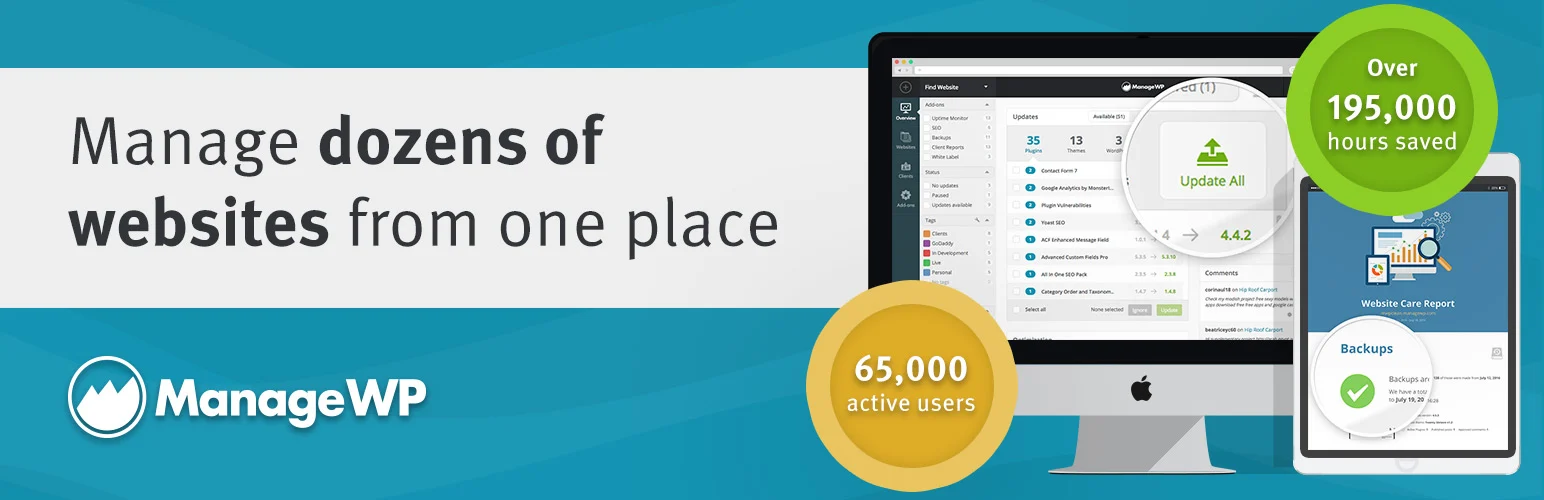
ManageWP is easy to recommend to freelancers who want to centralize updates and logins without committing to an expensive platform on day one. Its free layer works across unlimited websites and includes monthly cloud backup, security and performance checks, client reports, analytics, maintenance mode, code snippets, update management and one-click login.
The pricing model is modular. Instead of forcing every connected site onto the same premium tier, you enable paid add-ons only where needed. That works well when a portfolio contains a mix of low-maintenance brochure sites and higher-value stores that need more frequent backups or uptime monitoring.
Key features
- Unlimited sites on the free core service
- Monthly cloud backup in the free tier
- Central WordPress, plugin and theme updates
- One-click login and maintenance mode
- Security and performance checks
- Client reports and Google Analytics integration
- Optional premium backups, uptime, automated checks, white label and SEO ranking
Pros
- One of the strongest free entry points
- Per-site add-ons let you spend more only on important sites
- Hosted dashboard removes the need to maintain a management server
Cons
- Costs can become harder to forecast if many add-ons are enabled across many sites
- Less control over the central platform than a self-hosted tool
Pricing
ManageWP says its core tools are free on unlimited websites. Premium features are billed per website and per add-on; current examples include backups at $2/site/month and several monitoring/reporting add-ons at $1/site/month, with bundle pricing for larger portfolios. See our ManageWP Worker profile for the connector plugin.
3. WP Umbrella — Best for agencies selling care plans
WP Umbrella is designed around the maintenance agency workflow: monitor sites, run updates, keep backups, catch vulnerabilities and send reports that show clients what was done. That makes it less of a generic dashboard and more of a care-plan operating system.
The pricing is also easy to model. The standard plan is currently €1.99 per site per month and includes daily/weekly/monthly backups, vulnerability monitoring, security-hardening controls, Site Health checks, uptime monitoring, PHP error monitoring, performance monitoring and white-label reports. Security protection and hourly backups are optional add-ons rather than being forced onto every site.
Key features
- Bulk site and update management
- Daily, weekly and monthly backups
- Uptime and performance monitoring
- PHP error monitoring
- Vulnerability monitoring with update remediation
- Security-hardening controls
- White-label client maintenance reports
Pros
- Predictable per-site pricing
- Strong reporting and monitoring for maintenance agencies
- Useful balance between automation and client-facing proof of work
Cons
- Per-site pricing scales directly with portfolio size
- Advanced security and hourly backups cost extra
Pricing
WP Umbrella currently lists its standard subscription at €1.99 per website per month. The optional Security add-on is €2/site/month, and hourly backups are also an add-on. A 14-day trial is available.
4. InfiniteWP — Best alternative for self-hosted administration
InfiniteWP is another long-running option for teams that prefer a self-hosted management panel. The core idea is similar to MainWP: keep one dashboard for separate WordPress installations, then perform recurring administration from the central interface.
Its current pricing still includes a free tier and paid plans that add premium features and support larger portfolios. I would compare it directly with MainWP before choosing. MainWP is usually the easier recommendation because its current ecosystem and free unlimited-site proposition are clearer, but InfiniteWP can still fit teams already comfortable with its dashboard or deployment model.
Key features
- Self-hosted WordPress management dashboard
- Multi-site plugin and theme administration
- One-click admin access
- Backup and maintenance workflows
- Multi-user capability on current plans
- Paid feature set for larger operations
Pros
- Self-hosted model gives more control over the management layer
- Established product with annual plan options
- Can suit teams already standardized on InfiniteWP
Cons
- Free tier is more limited than MainWP current unlimited-site offer
- Interface and extension decision should be tested against MainWP before migration
Pricing
InfiniteWP currently advertises a free plan and annual paid tiers. Its pricing page showed paid plans beginning around $147/year when checked, with higher tiers for larger site counts and unlimited-site use. Verify the live plan limits before purchasing because the pricing page displays multiple offer variants.
5. WPMU DEV The Hub — Best for an all-in-one agency ecosystem
The Hub is most compelling when you want site management together with the rest of the WPMU DEV ecosystem. It brings connected WordPress sites into one hosted dashboard and ties maintenance into services such as monitoring, backups, security, performance and client management depending on the products and plan you use.
I would not choose The Hub only because you need bulk plugin updates; ManageWP or MainWP can solve that with less ecosystem commitment. It becomes more attractive when your agency already uses WPMU DEV hosting or plugins and you value having support, site services and client workflows under the same account.
Key features
- Central dashboard for connected WordPress sites
- Core, plugin and theme management
- Uptime/performance/security workflows through the WPMU DEV stack
- Backup integrations and hosted services
- Client and agency management tools
- One-click site access
Pros
- Good fit for agencies already invested in WPMU DEV
- Brings several maintenance services into one ecosystem
- Hosted platform reduces central-dashboard maintenance
Cons
- Best value depends on using more of the WPMU DEV ecosystem
- Less appealing if you prefer vendor-neutral or self-hosted management
Pricing
The Hub is packaged within WPMU DEV subscription and service plans rather than as a simple standalone per-site plugin license. Check the current WPMU DEV pricing page based on whether you also need hosting, premium plugins or agency services.
How to Choose a WordPress Management Tool for Multiple Sites
First decide whether the control panel can be SaaS-hosted. If you want the management layer on infrastructure you control, MainWP and InfiniteWP belong on the shortlist. If you prefer a vendor-hosted dashboard with less infrastructure to maintain, ManageWP and WP Umbrella are easier operationally.
Then price the portfolio you actually have. A free dashboard can become expensive when every site needs premium backups, uptime checks and reports. Conversely, a per-site platform may be cheaper than assembling five separate services and spending staff time maintaining them. Model 10, 50 and 100 sites before committing.
Finally, test update rollback, backup restoration and client reporting on a staging or low-risk site. Bulk updating 40 sites is only valuable if you can identify and recover the one site that breaks.
Conclusion
MainWP is my first choice when self-hosted control and a generous unlimited-site free tier matter. ManageWP is the easiest free SaaS starting point, while WP Umbrella is the strongest fit for agencies that sell recurring maintenance and need clean reporting. InfiniteWP and The Hub make sense for more specific infrastructure and ecosystem preferences.
The right tool should reduce logins and repetitive work without hiding risk. Centralize the boring tasks, but keep a clear backup and recovery process for every site you manage.
Frequently Asked Questions
Is managing multiple WordPress sites the same as WordPress Multisite?
No. These platforms connect separate WordPress installations. WordPress Multisite is one WordPress network that contains multiple sites under a shared installation and database architecture.
Which multi-site management tool is best for agencies?
WP Umbrella is particularly strong for care-plan reporting and monitoring, while MainWP gives agencies more self-hosted control. ManageWP is a good low-cost starting point. The best choice depends on how you price backups, monitoring and reports for clients.
Can these tools update plugins on many sites at once?
Yes, bulk update management is a core feature of this category. Use staged or safe-update workflows where available, and make sure a recent restorable backup exists before large update runs.
Is it safe to connect client sites to one dashboard?
It can be, but the central account becomes high-value infrastructure. Use strong authentication, least-privilege team access, secure the management dashboard, and keep an incident plan in case that central account is compromised.
Should I choose a self-hosted or SaaS WordPress management platform?
Choose self-hosted if control and data location matter enough that you are willing to maintain the dashboard. Choose SaaS if you prefer the vendor to maintain the central platform and want faster onboarding.

