



Editing a live WordPress site is fast until one plugin update, database migration, checkout change, or builder edit breaks something customers can see. A staging site gives you a disposable copy where you can test first, compare the result, and decide what should move back to production.
This list focuses on products that actually create or manage staging workflows. It does not repeat our backup plugin or migration plugin roundups, although some tools overlap those jobs.
TL;DR: Four Staging Workflows Worth Considering
- WP STAGING: best WordPress-native staging plugin for cloning locally on your server and pushing changes with Pro.
- BlogVault: best managed staging workflow when backups, migration, and off-site infrastructure belong together.
- InstaWP: best cloud sandbox workflow for agencies, demos, temporary tests, and rapid site creation.
- WP Stagecoach: best purpose-built hosted staging service with selective change import back to live.
Quick Comparison of WordPress Staging Plugins
| Tool | Where staging lives | Push to live | Pricing direction |
|---|---|---|---|
| WP STAGING | Your WordPress server / configured target | Pro supports push and remote sync | Free; paid Pro plans |
| BlogVault | Managed BlogVault infrastructure | Yes, with managed workflow | Plans from $99/year; staging duration varies |
| InstaWP | Cloud sandbox / managed platform | Sync and migration workflows | Sandbox hosting from $2/month per site |
| WP Stagecoach | WP Stagecoach hosted staging | Selective import back to live | From $149/year; 5-day trial |
Before You Clone: The Staging Questions That Matter
A staging plugin is only useful when you know where the copy lives, how the database is handled, what happens to orders or form entries created on the live site during testing, and whether the tool can push files separately from database tables. WooCommerce and membership sites need extra care because production data keeps changing while you work.
1. WP STAGING — Best WordPress-native staging workflow
WP STAGING creates a clone from inside WordPress and is especially attractive when you want the staging environment under your own infrastructure. The free edition handles staging creation; paid plans add advanced backup, push-to-live, remote sync, multisite, and developer workflows.
Staging capabilities
- One-click staging clone creation
- Selective database table and file handling
- Push staging to live in Pro
- Remote Sync in higher paid tiers
- Backup and restore tooling
- Multisite and developer-oriented controls
Pros: Keeps the workflow WordPress-centric and gives granular control.
Cons: Large sites need enough server resources, and advanced push/sync features require Pro.
Best for: Best WordPress-native staging workflow
Pricing: Free version available. Current paid plans include Developer at €239/year and Agency at €499/year; lower tiers may also be available.
Official plugin or pricing page
2. BlogVault — Best staging plus backup platform
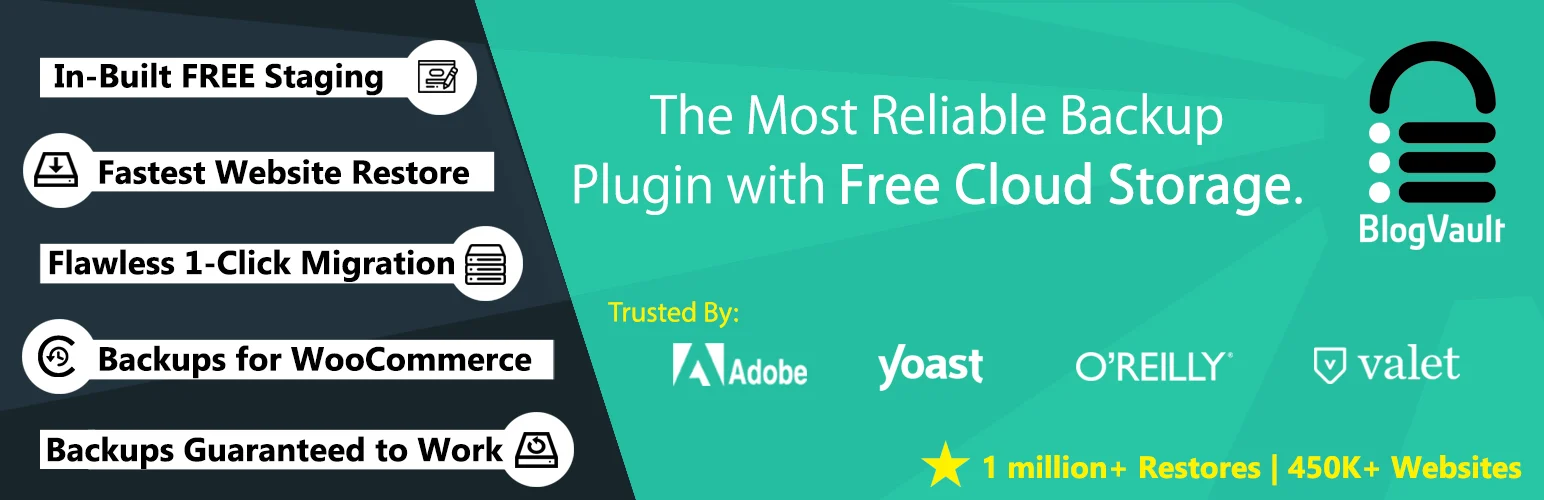
BlogVault treats staging as one part of a managed site-protection workflow. The clone runs on its infrastructure, which avoids consuming the same resources as production. It is a strong fit when you already want automated backups, migration, restore, and security around the staging process.
Managed workflow
- Managed off-site staging environment
- Backup before major changes
- One-click migration and restore workflows
- Staging duration depends on plan
- WooCommerce-oriented higher tiers
- Central dashboard for multiple sites
Pros: Staging does not compete with your production server for the same resources.
Cons: It is a subscription platform, and the entry plan provides a short staging window compared with higher tiers.
Best for: Best staging plus backup platform
Pricing: Personal plan currently starts at $99/year for one site; higher plans extend staging and backup capabilities.
Official plugin or pricing page
3. InstaWP — Best cloud sandbox for rapid testing
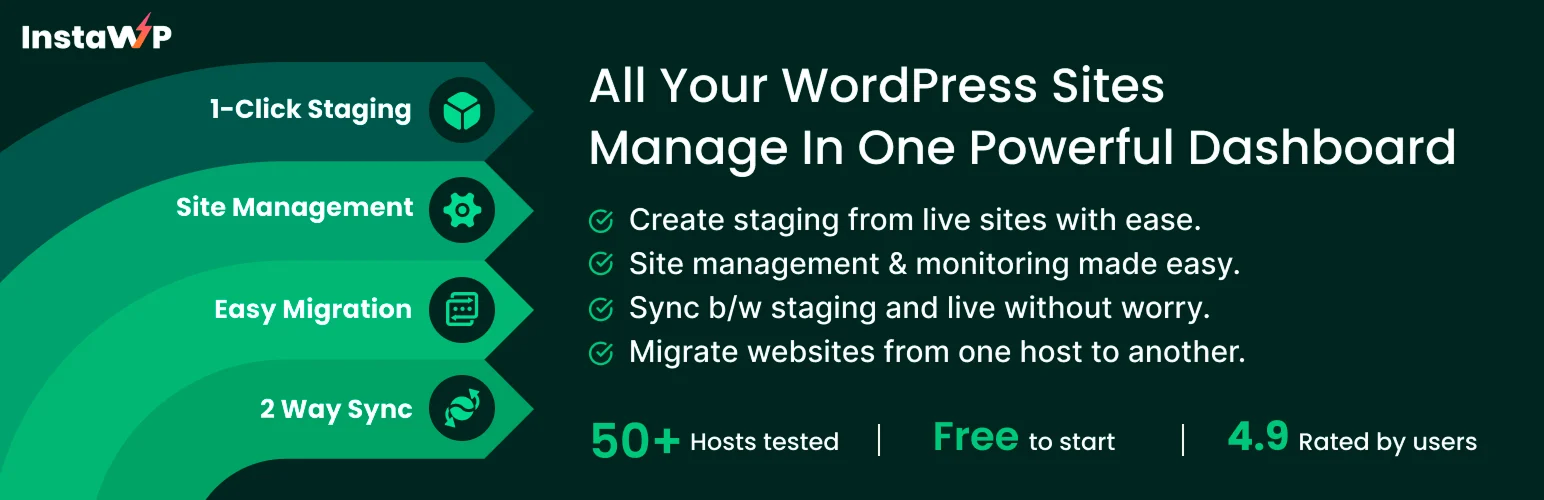
InstaWP is more than a classic plugin clone. It is a WordPress sandbox platform designed to spin up sites quickly, save templates, test plugins, and move sites between sandbox and production workflows. That makes it useful for agencies and product teams that create many temporary WordPress environments.
Cloud workflow
- Fast cloud WordPress sandboxes
- Snapshots and reusable templates
- SSH, WP-CLI and developer tools
- Migration and site-management workflows
- Two-way Sync available as an add-on/workflow
- Convert a sandbox to production hosting
Pros: Excellent for disposable tests, demos, QA, and repeatable agency builds.
Cons: It is a cloud platform rather than a simple on-server clone, so the workflow feels different from traditional staging plugins.
Best for: Best cloud sandbox for rapid testing
Pricing: Current sandbox hosting starts around $2/month per site; production plans and add-ons are separate.
Official plugin or pricing page
4. WP Stagecoach — Best dedicated hosted staging service
WP Stagecoach is built around a simple promise: create a hosted staging copy, make changes, then import selected changes back to the live site. Its change-merging approach is useful when you want to avoid blindly overwriting the entire production database.
Why it is different
- Hosted staging environment
- Selective database import back to live
- Password-protected staging copy
- 5-day free trial
- Plans based on number of domains
- Manual-import assistance available when automatic imports fail
Pros: Purpose-built staging and selective change import are easy to understand.
Cons: Pricing is higher than many plugin-only tools, and some edge cases can require manual import help.
Best for: Best dedicated hosted staging service
Pricing: Current Small plan is listed from $149/year for one domain, with larger plans for more sites.
Official plugin or pricing page
My Rule for WooCommerce and Membership Sites
Do not push an old staging database over a live database that has collected new orders, subscriptions, account changes, or form entries. On dynamic sites I prefer workflows that let me push code/files selectively, merge changes, or repeat the production-safe change manually after testing. A fresh backup immediately before deployment is still mandatory.
Conclusion
WP STAGING is my default when I want staging controlled from WordPress, BlogVault is stronger when staging belongs inside a managed backup platform, InstaWP is excellent for fast cloud sandboxes, and WP Stagecoach remains a focused hosted option for selective change deployment. The safest choice depends less on the clone button and more on how you bring changes back to production.
Frequently Asked Questions
What is the best free WordPress staging plugin?
WP STAGING is a strong free starting point when your host has enough space and resources for a clone. Some hosts also include their own staging feature, so check that before adding another plugin.
Does WordPress have staging built in?
Self-hosted WordPress core does not provide a universal one-click staging environment. Hosting platforms, plugins, and cloud services add that workflow.
Can I use a backup plugin as staging?
A backup can create the source copy, but staging also needs isolation, safe URLs, search-engine blocking, deployment controls, and often selective database handling.
Should a staging site be indexed by Google?
No. A staging site should normally be blocked from indexing and protected from public discovery. Do not rely on a single setting when sensitive or duplicate content is involved.
Can I push staging to live on WooCommerce?
Yes with the right tool, but database changes are risky because the live store may receive new orders while staging is being edited. Prefer selective deployment and always take a fresh backup first.

