

Plugin updates are necessary, but even a legitimate update can introduce a regression on a specific site: a PHP conflict, broken JavaScript, changed markup, incompatible add-on or unexpected database behavior. A rollback plugin gives you a faster route back to a known working version while you investigate the root cause.
Rollback is not a replacement for backups or staging. It is a recovery tool for version-specific problems. Before changing versions on a production site, keep a current backup and understand whether the plugin update also changed database data that an older version may not understand. Our WordPress backup plugin guide covers that separate safety layer.
TL;DR: Best WordPress Rollback Plugins in 2026
WP Rollback is the most established choice for rolling WordPress.org plugins and themes backward or forward to specific versions. Core Rollback is purpose-built for WordPress core and intentionally limits choices to secure core releases. PlugVersions is useful for premium or custom plugins because it retains copies when plugins are updated. WP Downgrade is the established fourth option for targeting a specific WordPress core version when compatibility testing requires it.
Quick Comparison
| Plugin | Rolls back | Best use | Pricing |
|---|---|---|---|
| WP Rollback | Plugins and themes | WordPress.org version rollback | Free; Pro available |
| Core Rollback | WordPress core | Core-version recovery/testing | Free |
| PlugVersions | Plugins | Premium/custom plugin history | Free version |
| WP Downgrade | WordPress core | Specific core-version testing | Free |
How We Evaluated These Tools
The current WordPress.org listings were checked for active maintenance, supported rollback targets, version-selection behavior and the safeguards described by each developer. We also separated repository rollback from archived-copy rollback: those are different methods with different implications for premium plugins that do not publish their historical packages to WordPress.org.
1. WP Rollback
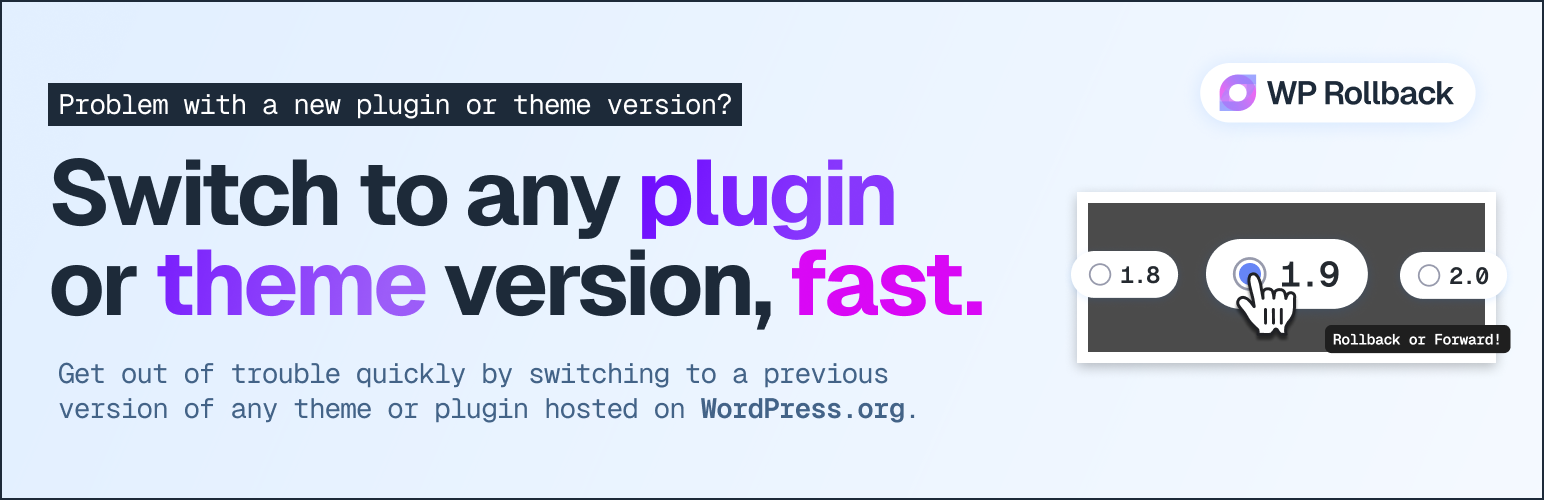
WP Rollback is the established specialist in this category, with 300,000+ active installations, version 3.1.2 and a 98% WordPress.org rating. For plugins and themes hosted on WordPress.org, it adds a familiar version-selection flow so you can install an earlier or newer repository version without manually downloading ZIP files or using FTP.
The free plugin is strongest when the package history already exists in the official repository. WP Rollback Pro extends the model to premium plugins and themes through local version archives, Plugin Vault, activity logs and additional professional tooling. The official documentation also describes integrity checks and version preservation.
Key features
- Rollback or forward WordPress.org plugins and themes
- Version-selection interface inside wp-admin
- Repository package installation without manual FTP
- Pro support for premium plugin/theme archives
- Activity logging and rollback notes in Pro
- Multisite and developer tooling
Pros
- Large install base and long track record
- Very clear single-purpose workflow
- Useful free version for WordPress.org packages
Cons
- Premium-package rollback requires Pro or your own archived package
- A rollback cannot undo every database/schema change made by an update
Pricing: The WordPress.org version is free; WP Rollback Pro is sold separately by the developer.
Best for: routine plugin/theme rollback when a repository update causes a regression.
2. Core Rollback

Core Rollback handles a different layer: WordPress core itself. Version 1.4.3 has 20,000+ active installations and is tested through WordPress 7.1.1. The plugin uses the WordPress Core Update API and deliberately offers the latest release plus older releases still marked secure by WordPress.org’s stable-check service.
The developer warns clearly that downgrading core can leave a site unusable or expose plugin/theme compatibility issues. That warning is important. Core rollback should be treated as a controlled recovery or testing action, not a way to permanently avoid security updates.
Key features
- Rollback WordPress core using native update methods
- Only exposes latest or older releases marked secure
- Uses current site locale
- Simple Tools/Settings workflow
- Compatible with multisite administration
Pros
- Purpose-built for core rather than mixing several update jobs
- Restricts options using WordPress.org security status
- No paid upgrade required
Cons
- Core downgrades carry higher compatibility risk than ordinary plugin rollback
- Does not roll back plugins or themes
Pricing: Free.
Best for: administrators who specifically need to move WordPress core to another currently supported secure release.
3. PlugVersions
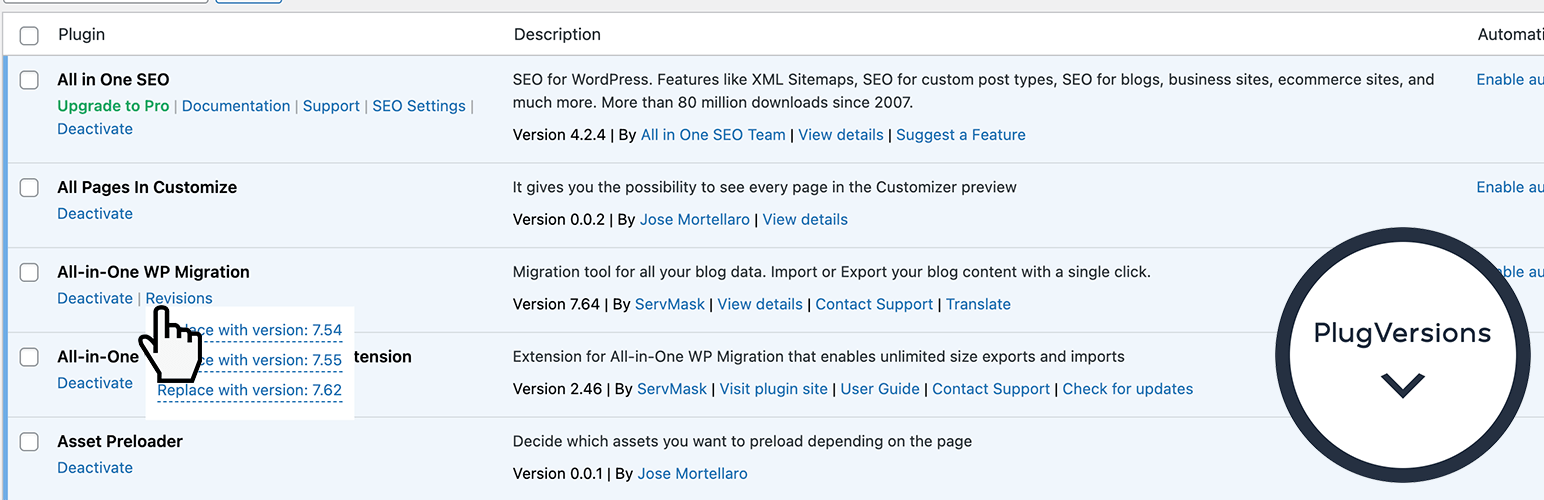
PlugVersions takes an archive-first approach. Instead of depending on a public repository’s older packages, it retains copies when you update a plugin. Version 0.2.1 currently has 1,000+ active installations. The free version stores up to three previous versions per plugin.
That makes it particularly interesting for premium and custom plugins. Those packages often do not have public version archives on WordPress.org, so keeping your own copies can be more reliable than trying to locate the exact previous ZIP during an outage.
Key features
- Retains plugin copies during updates
- Works with WordPress.org, premium and custom plugins
- Up to three previous versions in the free version
- One-click restore from the Plugins screen
- No complex settings required
Pros
- Solves a real limitation of repository-only rollback
- Useful for custom agency plugins
- Simple revision-style mental model
Cons
- Cannot restore a version that was never archived
- Smaller install base and younger project than WP Rollback
Pricing: Free version available. Best for: sites using premium or custom plugins whose old packages may be hard to retrieve later.
4. WP Downgrade
WP Downgrade has 100,000+ active installs and lets administrators target a specific WordPress core version through the normal update workflow. It is useful for compatibility testing and controlled core rollback, not as a substitute for backups.
Best for: Established core-version downgrade and compatibility testing workflows.
Rollback Is Not the Same as Restore
A rollback replaces code with another version. A backup restore can recover code, database content, uploads and configuration from an earlier point in time. If an update ran a database migration, deleting or transforming data, simply installing an older plugin version may not reverse that database change.
For important sites, the safer sequence is: make a backup, test updates on WordPress staging, update production, and use rollback only when you need a fast code-level recovery while diagnosing the issue.
Rollback Safety Rules
Take a full backup first, test the target version on staging, confirm database compatibility, disable auto-updates temporarily when necessary, and document why the rollback happened. Roll back only long enough to restore service or confirm a compatibility issue, then plan the forward fix.
For recovery, keep a backup plugin. For safer testing, use staging, and manage normal update policy separately with an update manager.
Current sources: WP Rollback, Core Rollback, PlugVersions, and WP Downgrade.
Final Take
WP Rollback is the clearest starting point for ordinary WordPress.org plugin and theme regressions. Core Rollback should be reserved for core-specific cases. PlugVersions is particularly useful when premium or custom packages matter because it preserves copies you may not be able to download later. Update-locking tools can buy time, but do not let a temporary compatibility hold turn into months of missed security updates.
WordPress Rollback FAQs
Is it safe to roll back a WordPress plugin?
It can be a reasonable recovery step when a specific update breaks the site, but make a backup first. Database changes introduced by the newer version may not always be reversible by replacing plugin files.
Can I roll back a premium WordPress plugin?
Yes, but you need access to the older premium package. Tools such as PlugVersions archive updated plugins, while WP Rollback Pro provides additional premium-package rollback features.
Should I keep an old plugin version permanently?
Usually no. Rollback is best used as a temporary recovery measure while you identify the issue, contact the developer, or wait for a fixed release. Old versions may contain known vulnerabilities.
Can I downgrade WordPress core?
Yes, tools such as Core Rollback can do it, but core downgrades carry meaningful compatibility risk. Use a current backup and prefer secure releases supported by WordPress.org.
What should I do before rolling back?
Create a current backup, record the version you are leaving and the version you plan to install, check whether the update changed the database, and use staging when the site is business-critical.