Freemium
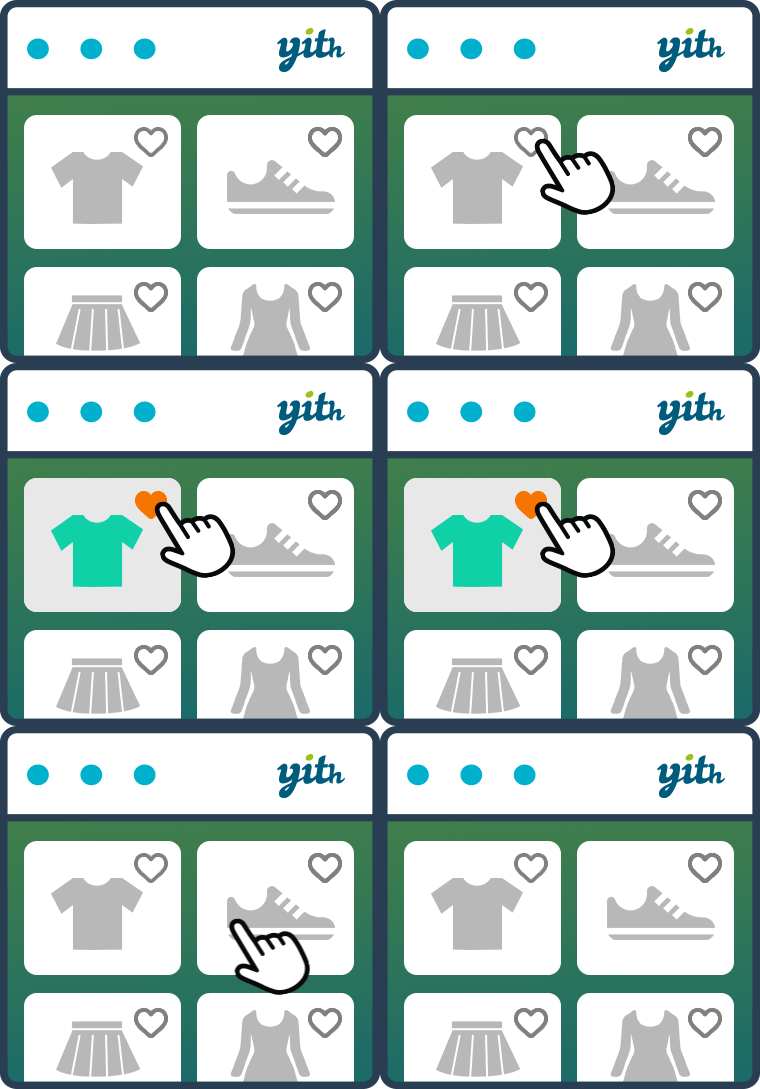
YITH WooCommerce Wishlist lets shoppers save products, preserve selected variations, and revisit or share favorite items later.

WCBoost Wishlist adds a modern wishlist flow to WooCommerce so shoppers can save products, return later and manage purchase intent without keeping items in the cart.
WCBoost Wishlist fits WooCommerce stores that want a modern lightweight wishlist with a strong free foundation. The main reason to consider it is it offers a leaner wishlist layer for stores that do not need a large marketing feature set. It is less suitable when the store requires advanced wishlist-driven email campaigns, quotes, or deep customer analytics.
The plugin places wishlist actions on product and catalog views, stores customer selections, and provides a wishlist page or account experience for later review. Its narrower scope can simplify setup compared with suites that bundle analytics, email campaigns and multiple marketing workflows.
The practical workflow centers on wishlist buttons, saved-product management, guest wishlist support, logged-in wishlist support, WooCommerce account integration, responsive wishlist display, product availability handling, optional Pro expansion. These capabilities affect setup, customer or administrator experience, and the amount of ongoing maintenance required after launch.
WCBoost emphasizes the fundamental save-and-return workflow. That makes it suitable for stores where wishlists are a convenience feature rather than a major marketing automation channel.
WCBoost offers a free wishlist plugin and a commercial Pro path. Stores should verify the current live Pro price and site-license options before purchase because vendor promotions can change. WCBoost licensing should be weighed against whether the store needs Pro-only controls or can stay with the free save-for-later workflow.
The main setup work is positioning buttons, checking the wishlist page, confirming guest persistence and validating variable-product behavior. Cache and CDN layers should not prevent AJAX actions from updating the correct customer session.
Test WCBoost on staging with guest sessions, logged-in shoppers, product variations and the live cache configuration. Those checks reveal session and AJAX issues that are otherwise easy to miss until customers report missing lists.
It works well for standard WooCommerce catalogs that need a clean wishlist without a large settings surface. Stores with moderate browsing depth can add save-for-later behavior while keeping the plugin stack compact.
WCBoost Wishlist is most convincing when its core model matches the project instead of being forced to imitate a different category of plugin. Teams should compare the operational model, not only the number of listed features.
If wishlist analytics, promotional emails, multiple public lists, quote requests or social shopping are important, a more feature-heavy tool may provide a clearer path.
Wishlist migration should preserve customer ownership and saved product identifiers where possible, while account navigation and button placement should remain familiar.
Preserve customer expectations around button location and account navigation. If old wishlist data cannot be imported, communicate the reset and consider a transition window where both systems remain accessible.
After launch, compare guest and member lists, test shared URLs and keep a rollback copy until saved products remain stable across several customer sessions.
WCBoost Wishlist is relevant when simplicity is more important than advanced wishlist marketing. It should be compared on workflow fit rather than feature-count alone.
Wishlist actions are repeated across product grids, recommendations and account pages, so the feature should be profiled on catalog pages with realistic traffic and cache settings. A lightweight wishlist is only useful if it does not turn every product loop into an uncached personalized request.
For stores with personalized recommendations or quick-view modals, test the wishlist action inside those secondary interfaces as well as normal product cards. Dynamic fragments can behave differently from full product pages, and a save action that works in the catalog may fail inside AJAX-loaded components.
Also verify how deleted, private, out-of-stock, and discontinued products appear in existing lists. A clean fallback prevents old wishlists from filling with broken links.
For product launches and seasonal catalogs, decide how long unavailable wishlist items should remain visible. Keeping a discontinued item forever can frustrate shoppers, while removing it immediately can erase useful context. A clear unavailable state is often a better compromise.
Stores with frequent catalog imports should include wishlist integrity in import QA so product IDs and variations do not unexpectedly change.
That small maintenance check is worth documenting for future catalog updates.
WCBoost Wishlist supports both guest and logged-in shoppers, with an option to restrict wishlists to registered users when a store wants to use the feature as an account-creation incentive. Wishlists can be public, private, or shared, and customers can save specific product variations instead of only the parent variable product. That detail matters for stores where size, color or other variation choices are central to purchase intent.
The plugin also includes AJAX wishlist behavior and an AJAX-loading option intended for heavily cached stores. Test that combination with full-page caching, CDN caching and logged-out sessions because guest wishlist state can behave differently from normal cart state. The auto-removal setting can keep products in a wishlist indefinitely, remove them when added to cart, or remove them after checkout, so the store should choose a rule that matches its merchandising strategy.
For migration, export or otherwise preserve registered-user wishlist data before replacing the plugin. Guest wishlists may rely on browser-side identifiers and are harder to migrate reliably. Rebuild button placement, wishlist-page shortcode output, privacy defaults, email/social sharing, variation behavior and caching settings on staging. Then compare saved-item counts for known customer accounts before removing the old implementation.
Yes. WCBoost offers a free wishlist plugin for WooCommerce.
The plugin is designed to support wishlist behavior for shoppers before and after login, subject to configuration.
Yes. WCBoost provides an optional commercial upgrade path.
No. A wishlist stores purchase intent for later, while the cart remains the immediate checkout basket.
Stores with enough catalog depth that shoppers compare items or return later can benefit from a wishlist.
Confirm that wishlist add/remove actions remain user-specific and are not served from another customer session.
YITH WooCommerce Wishlist lets shoppers save products, preserve selected variations, and revisit or share favorite items later.
TI WooCommerce Wishlist adds customer wishlists to WooCommerce with a substantial free feature set and a Premium tier for multiple…
WPC Smart Wishlist for WooCommerce provides a compact wishlist workflow for WooCommerce and uses a lower-priced premium model than many…
Log in or create an account to continue.