Analytics plugins should make decisions easier, not just put another dashboard inside WordPress. The useful question is whether a plugin helps you understand traffic, content, conversions, ecommerce, campaigns, and user behavior without creating a privacy or performance problem.
I ranked these tools by the kind of analytics they are best at. Some are Google Analytics connectors, while others keep analytics inside WordPress or on your own server. That difference matters for privacy, setup, reporting depth, and long-term ownership.
If you are also optimizing performance, pair analytics with our best WordPress speed optimization plugins guide. Tracking should not become the reason a fast site gets slower.
TL;DR: Best WordPress Analytics Plugins in 2026
MonsterInsights is the best overall choice for users who want Google Analytics reports and conversion tracking inside WordPress. Site Kit is the best free Google-first option. Independent Analytics and WP Statistics are stronger when you want WordPress-native reporting, while Matomo is the best privacy-focused self-hosted analytics platform.
- MonsterInsights – best overall for Google Analytics inside WordPress.
- Site Kit by Google – best free option for Google services.
- Independent Analytics – best clean WordPress-native analytics.
- WP Statistics – best for detailed self-hosted WordPress statistics.
- Matomo Analytics – best for privacy and data ownership.
- ExactMetrics – best alternative Google Analytics dashboard for businesses.
1. MonsterInsights
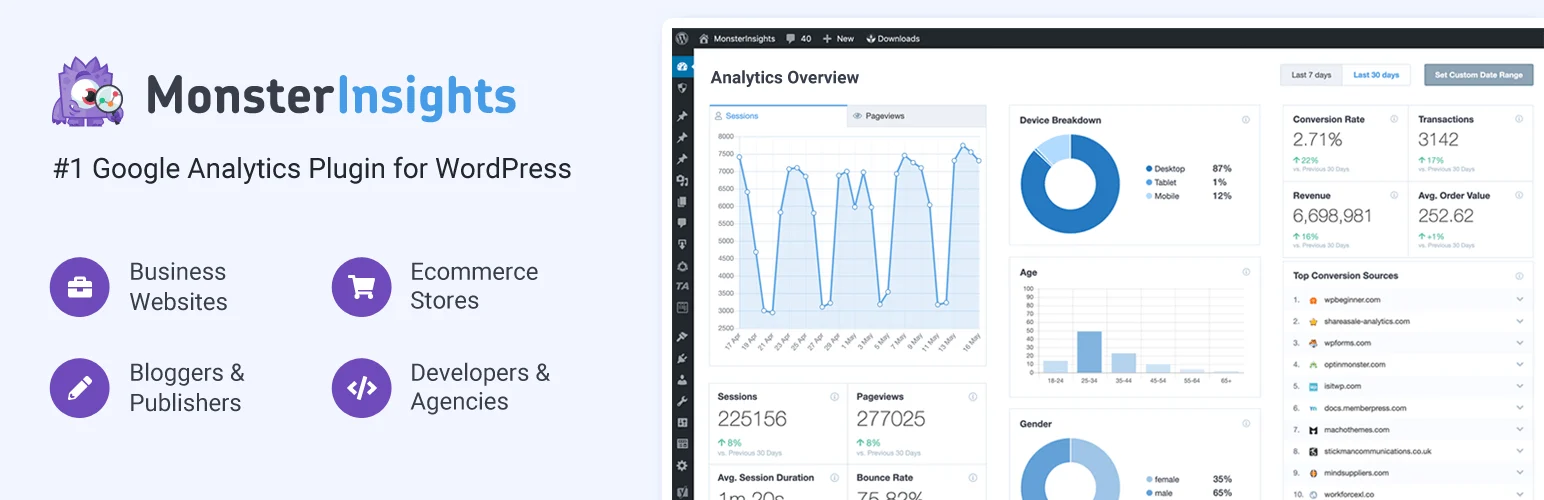
MonsterInsights is my overall pick when the site already uses Google Analytics 4 and the goal is to make that data easier to act on inside WordPress. It handles setup, dashboard reports, ecommerce, form tracking, affiliate links, campaigns, scroll depth, media, and other events without forcing most site owners to build everything manually in GA4.
The practical value is translation. GA4 can be powerful but intimidating. MonsterInsights surfaces the reports that publishers and business owners usually need first.
Key features
- Google Analytics 4 setup and tracking.
- WordPress dashboard reports.
- Ecommerce and user-journey tracking on supported plans.
- Form conversion and affiliate-link tracking.
- Scroll, media, campaign, and outbound-link tracking.
- Search Console, page, publisher, and site-speed reports.
Pros: Easy GA4 implementation; excellent business reports; broad tracking integrations.
Cons: Many advanced reports require Pro; still depends on Google Analytics as the underlying platform.
Best for: Publishers, ecommerce stores, marketers, and businesses that want actionable GA4 reporting in WordPress.
Pricing: Free version available. The current introductory Plus price is $99.50/year for one site, with Pro and higher tiers available. Renewals are higher than the introductory price. See MonsterInsights pricing.
2. Site Kit by Google

Site Kit is the obvious free choice when you want official Google integration with minimal friction. It connects Search Console, Analytics, PageSpeed Insights, and other supported Google services to WordPress and surfaces summary data in the dashboard.
I like it for a simple measurement layer, especially on sites where you already work directly in GA4 and Search Console for deeper analysis. It does not try to replace those products.
Key features
- Official Google WordPress plugin.
- Google Analytics integration.
- Search Console performance data.
- PageSpeed Insights reporting.
- AdSense integration for eligible sites.
- Simple setup and dashboard summaries.
Pros: Free; official Google integration; easy setup; no paid upsell required for core reporting.
Cons: Less advanced WordPress-specific conversion reporting; deeper analysis still happens in Google’s products.
Best for: Bloggers and small sites that want a free Google analytics stack.
Pricing: Free. Learn more about Site Kit.
3. Independent Analytics
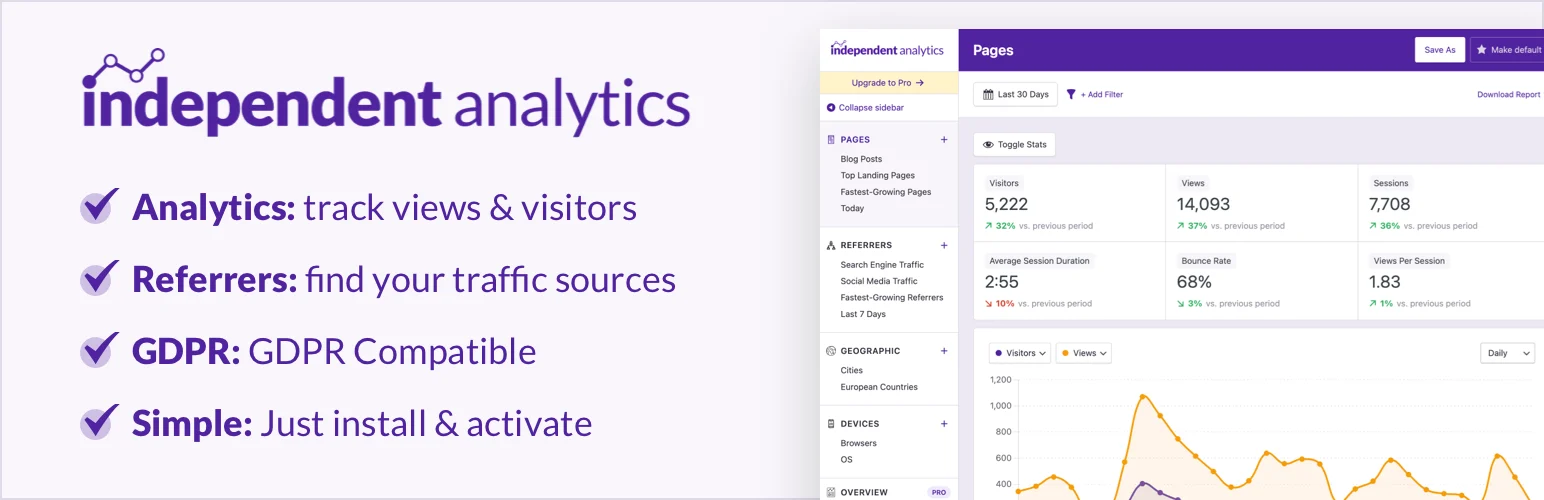
Independent Analytics is a strong choice when you want analytics that feels native to WordPress instead of importing a second platform’s terminology. Reports are centered around WordPress pages, posts, authors, referrers, campaigns, and content types.
The interface is one of its biggest advantages. It is easier to answer content questions quickly because the reports already understand WordPress URLs and content records.
Key features
- WordPress-native analytics dashboard.
- Page, post, author, and content-type reports.
- Referrer and campaign tracking.
- Privacy-focused tracking architecture.
- Filters and custom reports on supported plans.
- No Google Analytics account required.
Pros: Clean interface; understands WordPress content; good privacy posture; quick reporting.
Cons: Smaller ecosystem than GA4; advanced business reporting may require Pro.
Best for: Publishers and site owners who want simple, WordPress-native analytics.
Pricing: Free version available with a paid Pro edition. Check Independent Analytics pricing.
4. WP Statistics
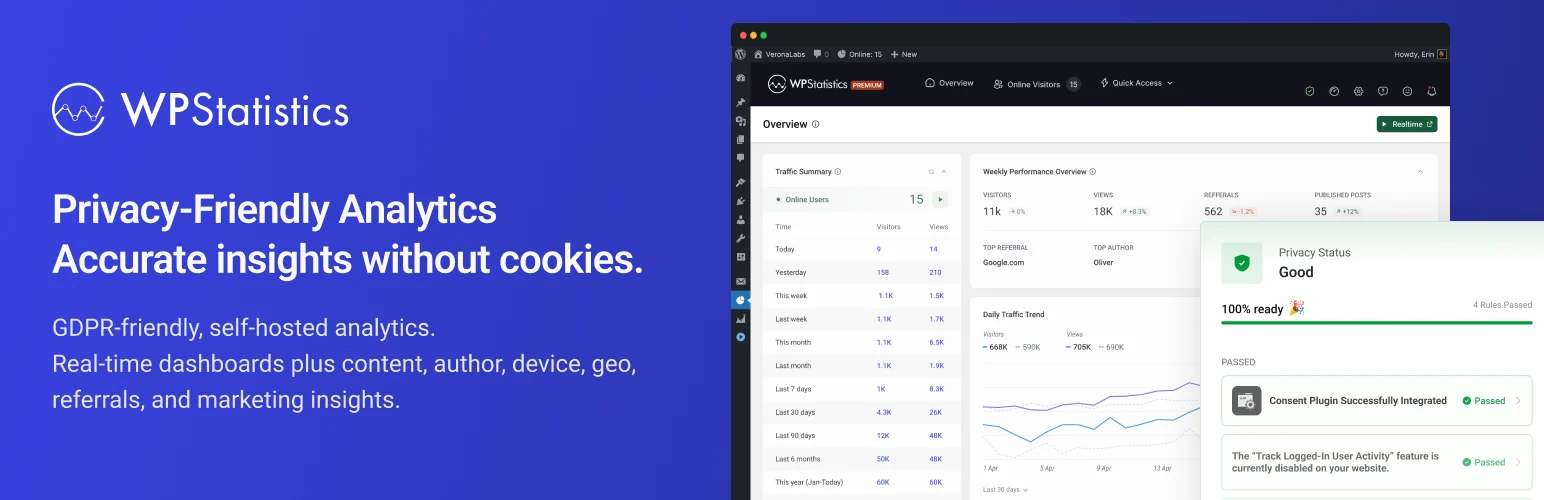
WP Statistics has been around for years and takes a self-hosted approach to visitor analytics. It can track traffic, referrers, pages, search activity, geography, and visitor behavior without requiring Google Analytics.
I would consider it when keeping analytics data in WordPress is important and you want more depth than a lightweight pageview counter. On higher-traffic sites, database size and retention settings deserve attention.
Key features
- Self-hosted visitor and traffic statistics.
- Page, referrer, search, and visitor reports.
- Geolocation and device information.
- Privacy-oriented configuration options.
- Dashboard widgets and scheduled reports.
- Premium add-ons for advanced reporting and features.
Pros: Data stays in your WordPress environment; no Google account required; mature feature set.
Cons: Analytics data uses your WordPress database; large sites need sensible retention and optimization.
Best for: Sites that want detailed self-hosted analytics with WordPress ownership.
Pricing: Free core plugin with paid add-ons and bundles for advanced features. See WP Statistics pricing.
5. Matomo Analytics for WordPress
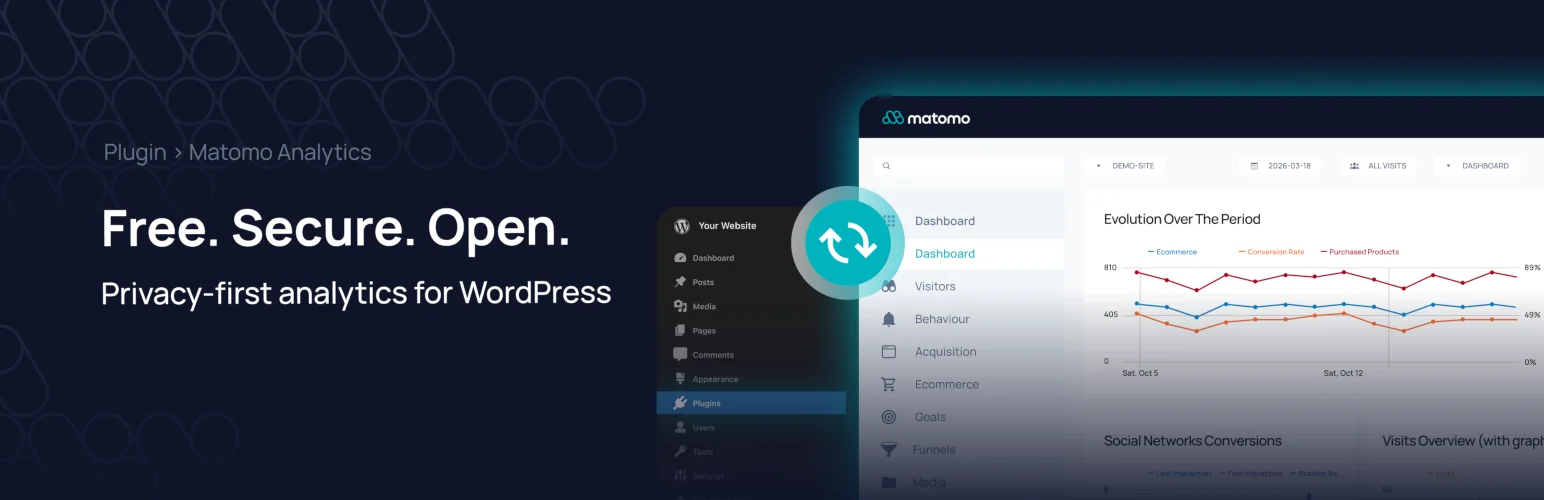
Matomo is the most complete privacy-focused analytics platform in this list. The WordPress integration lets you run analytics without Google Analytics, with features such as visitor reports, goals, campaigns, ecommerce tracking, and deeper behavioral analytics depending on the deployment and premium features you use.
The main reason to choose Matomo is control. It is a full analytics platform, not just a simplified dashboard. That also means it needs more resources and configuration than a lightweight plugin.
Key features
- Self-hosted analytics and data ownership.
- Visitors, pages, referrers, and campaign reports.
- Goals and conversion tracking.
- Ecommerce analytics support.
- Privacy and consent-focused controls.
- Optional premium analytics features and cloud hosting.
Pros: Strong privacy and ownership; full analytics platform; avoids Google dependency.
Cons: Heavier than lightweight WordPress analytics; advanced features or hosted Matomo can add cost.
Best for: Organizations that prioritize privacy, first-party analytics, and control over data.
Pricing: Matomo’s self-hosted core is open source, while Cloud and premium features are paid. Check Matomo pricing.
6. ExactMetrics
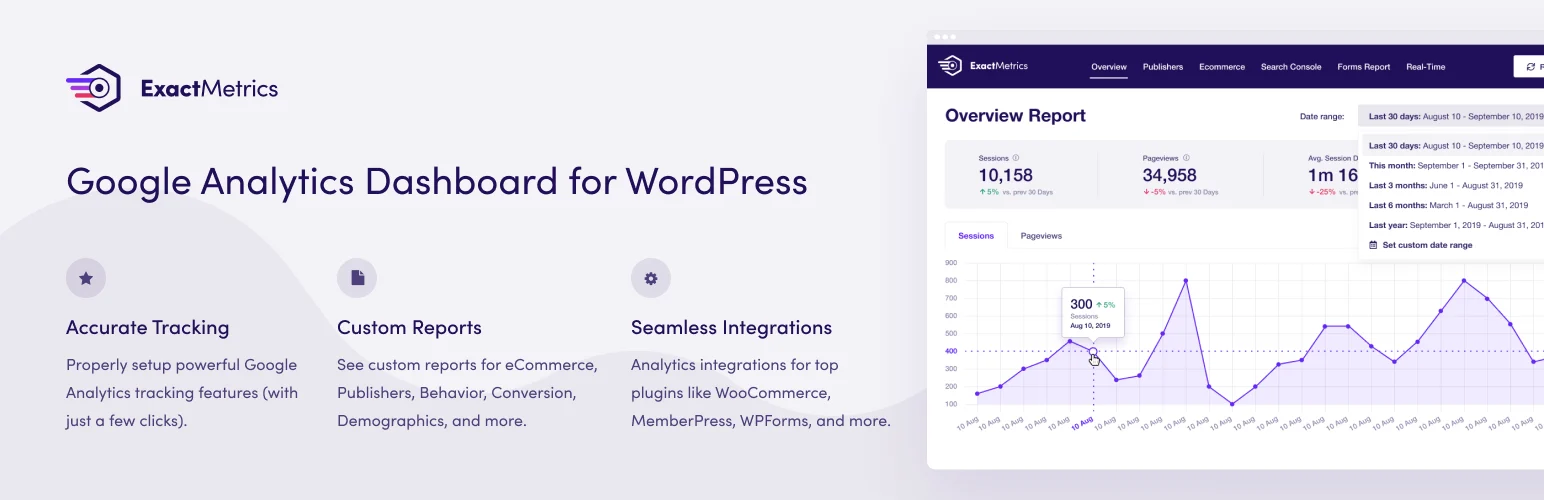
ExactMetrics is another polished Google Analytics plugin that targets businesses wanting reports and event tracking in WordPress. Its feature set overlaps significantly with MonsterInsights, including ecommerce, forms, campaigns, publishers, user journeys, and conversion-oriented reports.
I would compare the two mainly on interface preference, licensing, and the specific integrations you need rather than expecting a completely different analytics philosophy.
Key features
- Google Analytics setup and dashboard reports.
- Realtime and publisher reports.
- Ecommerce and form conversion tracking on supported plans.
- Campaign, landing-page, and source reports.
- Scroll, media, and event tracking.
- Search Console and site-speed reporting.
Pros: Broad GA4 tracking; business-friendly reports; strong ecommerce and marketing integrations.
Cons: Premium pricing for advanced reports; significant overlap with MonsterInsights.
Best for: Businesses that want an alternative polished GA4 dashboard inside WordPress.
Pricing: Paid introductory pricing currently starts at $99.50/year for Plus, with Pro at $199.50/year. Renewal pricing is higher. See ExactMetrics pricing.
How I choose analytics for a WordPress site
I decide where the source of truth should live first. If the marketing stack already depends on GA4, MonsterInsights or Site Kit makes sense. If privacy and first-party ownership are more important, Independent Analytics, WP Statistics, or Matomo deserve a closer look.
Then I track only what can change a decision. More events and dashboards are not automatically better. A smaller measurement plan with reliable conversions is more useful than hundreds of metrics nobody acts on.
Conclusion
MonsterInsights is the best overall WordPress analytics plugin for most businesses already using Google Analytics. Site Kit is the best free Google-first option, and Independent Analytics is my favorite choice for a cleaner WordPress-native experience.
Choose Matomo when privacy and ownership are strategic requirements, not just checkboxes. The right analytics plugin should fit the way your team already measures success.
Frequently Asked Questions
What is the best analytics plugin for WordPress?
MonsterInsights is the best overall option for most sites that use Google Analytics. Site Kit is the best free Google-first choice, while Independent Analytics is excellent for WordPress-native reporting.
Can I use WordPress analytics without Google Analytics?
Yes. Independent Analytics, WP Statistics, and Matomo can provide analytics without requiring Google Analytics.
Do analytics plugins slow down WordPress?
Any tracking can add some work, but the impact varies. Use one primary analytics stack, avoid duplicate tracking scripts, and test performance after enabling advanced events or heatmaps.
Which WordPress analytics plugin is best for privacy?
Matomo is the strongest full analytics platform for privacy and data ownership. Independent Analytics and WP Statistics are also useful WordPress-native alternatives.
Is Site Kit enough for a business website?
It can be enough for basic traffic, search, and Google service reporting. Businesses that need ecommerce, form conversion, affiliate, campaign, or detailed event reports may prefer a more specialized analytics plugin.