Keyword tracking inside WordPress is useful when you want SEO performance visible next to the content you are editing. But not every WordPress rank tracking plugin measures rankings the same way. Some pull Search Console data. Others run their own daily rank checks. Some are really integrations with an external rank tracker.
That difference changes what the numbers mean. Search Console-based tools reflect Google’s data for your site, while independent trackers can monitor chosen locations, competitors, and keywords even when impressions are low. I would pick based on the reporting model first, not the prettiest dashboard. Rank tracking is only one part of a complete WordPress SEO monitoring setup, which may also need to watch rendered SEO output, broken links, 404s, and site changes.
TL;DR: 4 Rank Tracking Options Worth Considering
- SEOPress Insights: best dedicated WordPress rank tracker with independent daily checks and backlink monitoring.
- Rank Math PRO: best for Rank Math users who want rank history tied into the SEO dashboard.
- AIOSEO Search Statistics: best for AIOSEO users who want Search Console keyword tracking and content reports.
- Yoast SEO + Wincher: best lightweight integration when you already use Yoast and only need selected keyphrases tracked.
Quick Comparison
| Plugin | Ranking data source | Keyword model | Pricing |
|---|---|---|---|
| SEOPress Insights | SEOPress API / Google results | Up to 50 tracked keywords per site | $99/year/site |
| Rank Math PRO | Google Search Console + Analytics APIs | 500 keywords on PRO; more on higher plans | PRO paid annually |
| AIOSEO Search Statistics | Google Search Console | Up to 100 tracked keywords at a time | Elite plan required |
| Yoast SEO + Wincher | Wincher rank tracking | 5 keyphrases free total; more on paid Wincher | Yoast Free works; Wincher paid optional |
Search Console Tracking vs Independent Rank Checking
Search Console is excellent for measuring real impressions, clicks, CTR, and average positions for queries Google actually shows your site for. It is less useful when you want to track a keyword before it receives impressions, compare a precise city or country, or monitor the same fixed keyword set against competitors.
Independent rank trackers solve that by checking selected keywords on a schedule. The trade-off is cost: every tracked keyword and location consumes rank-checking resources, so dedicated tools usually price by keyword volume.
1. SEOPress Insights: Best Dedicated WordPress Rank Tracker
SEOPress Insights is a standalone WordPress rank tracking and backlink monitoring plugin. Unlike Search Console-based dashboards, it runs its own Google checks through the SEOPress service and stores the resulting ranking data in WordPress.
It can track up to 50 keywords, assign different Google locations, update rankings daily, compare competitors, and monitor backlinks through Majestic data. It also supports email and Slack reporting. See SEOPress Insights.
Features
- Daily Google keyword rank checks
- Up to 50 tracked keywords per site
- Location targeting per keyword
- Competitor position comparison
- Backlink monitoring with Majestic data
- Email, Slack, CSV, and Excel reporting
Best for: Site owners and agencies that want a real dedicated rank tracker inside WordPress.
Pricing: $99/year per site.
Pros: Independent daily rank checks, clear reporting, and backlinks in the same tool.
Cons: 50-keyword limit is modest for large SEO campaigns, and each site needs its own license.
2. Rank Math PRO: Best for Rank Math Users
Rank Math PRO adds an Advanced Keyword Rank Tracker to the broader Rank Math Analytics system. It connects to Google Search Console and Google Analytics, then surfaces keyword positions, performance trends, winning and losing content, and historical data in the WordPress dashboard.
The PRO plan currently supports tracking 500 keywords across connected sites, while Business and Agency plans raise the limits significantly. See Rank Math’s current rank-tracker limits.
Features
- Keyword position tracking in WordPress
- Google Search Console and Analytics integration
- Position history and ranking trends
- Winning and losing keyword views
- 500 tracked keywords on PRO
- Higher keyword limits on Business and Agency plans
Best for: Existing Rank Math users who want rank tracking without adding another SEO dashboard.
Pricing: Rank Math PRO is paid annually; current PRO renewal pricing is €107.88/year plus tax.
Pros: High keyword allowance for personal sites and strong integration with content SEO data.
Cons: Best value only when you already want Rank Math PRO’s wider SEO feature set.
3. AIOSEO Search Statistics: Best for AIOSEO Users
AIOSEO’s Search Statistics connects to Google Search Console and brings search performance into WordPress. Its Keyword Rank Tracker lets you add keywords manually or import them from focus keywords, CSV, or Search Console, then organize and compare tracked terms.
The current tracker can scan up to 100 keywords at a time and shows impressions, clicks, CTR, position distribution, related keywords, and ranking pages. Search Statistics is available on AIOSEO’s Elite plan. Read the AIOSEO rank tracker guide.
Features
- Keyword Rank Tracker inside Search Statistics
- Manual, CSV, focus keyword, and Search Console imports
- Keyword groups and favorites
- Clicks, impressions, CTR, and position reporting
- Related-keyword and ranking-page views
- Content performance reports
Best for: AIOSEO users who want Search Console-driven tracking and content insights in one dashboard.
Pricing: Requires AIOSEO Elite; current introductory Elite pricing is shown on AIOSEO’s pricing page.
Pros: Good workflow for turning Search Console data into content decisions.
Cons: Not an independent SERP checker, and the current rank tracker has a 100-keyword scan limit.
4. Yoast SEO + Wincher: Best Lightweight Integration
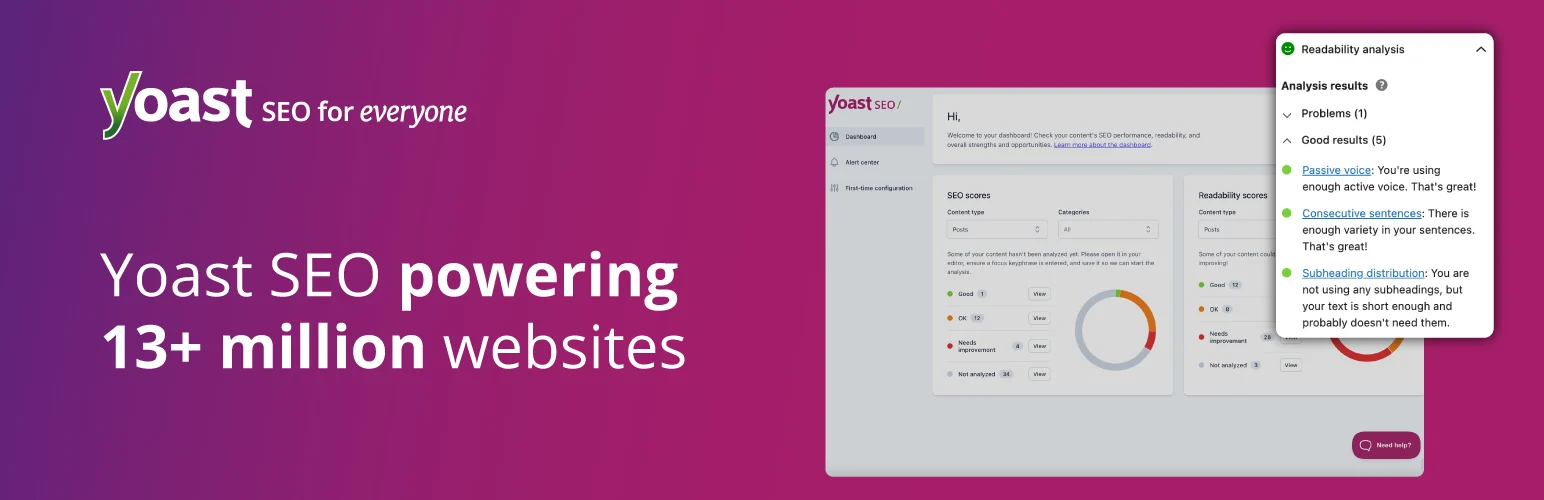
Yoast SEO integrates with Wincher so you can track selected keyphrases from the Yoast workflow and see rank movement without building a separate reporting stack. The integration works with both Yoast Free and Yoast Premium.
With Wincher’s free connection, the total tracking allowance is small, but it is enough to watch a handful of important pages. Paid Wincher plans expand the keyword limit and add more advanced rank tracking. See Yoast’s Wincher integration.
Features
- Keyphrase position tracking from Yoast SEO
- Works with Yoast Free and Premium
- Ranking history for selected keyphrases
- WordPress dashboard overview
- Free Wincher connection for a small keyword set
- Paid Wincher plans for larger tracking campaigns
Best for: Yoast users who only need a small number of priority keywords visible inside WordPress.
Pricing: Yoast Free can use the integration; Wincher free tracks up to 5 keyphrases total, with paid Wincher plans available.
Pros: Very easy to add if Yoast is already installed.
Cons: The free allowance is tiny compared with dedicated rank tracking tools.
Which Rank Tracker Would I Pick?
For a serious fixed keyword set, I prefer SEOPress Insights because it performs independent daily rank checks. For a site already committed to Rank Math, the PRO tracker gives a much larger keyword allowance and keeps SEO data in one dashboard. AIOSEO is best when Search Console-driven content reporting is the priority. Yoast plus Wincher is the simplest option for monitoring a few high-value pages.
If you mainly want traffic and query reporting rather than fixed keyword monitoring, our WordPress analytics plugin guide covers a different intent. For broader on-page tools, see the best WordPress SEO plugins.
Conclusion
A WordPress rank tracking plugin is useful only if its data model matches the question you are asking. Use SEOPress Insights for independent daily checks, Rank Math PRO or AIOSEO for tightly integrated SEO dashboards, and Yoast with Wincher when a lightweight keyphrase tracker is enough.
Frequently Asked Questions
What is the best WordPress rank tracking plugin?
SEOPress Insights is my best dedicated choice because it runs independent daily rank checks. Rank Math PRO is the stronger fit if you already use Rank Math and want a larger tracked keyword allowance.
Is Google Search Console a rank tracker?
It provides average position data for queries that generate impressions, but it is not identical to a fixed-location rank tracker that checks selected keywords every day.
How many keywords should I track?
Track the keywords tied to important pages, revenue, leads, or strategic content clusters. A smaller meaningful set is usually more useful than thousands of keywords nobody reviews.
Why do rank tracker positions differ from what I see in Google?
Search results vary by location, device, personalization, language, time, and data center. Search Console also reports average positions rather than one fixed live SERP.
Can I track local keyword rankings inside WordPress?
SEOPress Insights supports location selection per tracked keyword. Other tools may depend on Search Console data or an external rank-tracking service for location-specific checks.