



A code snippet plugin is one of the cleanest ways to customize WordPress without stuffing edits into a child theme or losing changes after a theme update. But “paste PHP here” is not enough. The best snippet managers also help you control where code runs, recover from errors, organize reusable customizations, and keep dangerous permissions away from users who should not execute PHP.
This roundup is about general snippet management, not just analytics tags. If your only goal is pixels or containers, use our Google Tag Manager plugins or pixel tracking plugins instead.
TL;DR: Five Ways to Manage WordPress Code Safely
- WPCode: best all-round interface for PHP, JS, CSS, HTML, conditions, locations, and ready-made snippets.
- Code Snippets: best established general snippet manager with free and Pro workflows.
- FluentSnippets: best free file-based approach for Git, staging, and zero database lookups for snippet storage.
- WPCodeBox: best paid developer workflow with cloud snippet storage and reuse across sites.
- Header Footer Code Manager: best simple option for tracking scripts and page-specific header/footer injections.
Quick Comparison: Where the Snippet Lives Matters
| Plugin | Main code types | Storage/workflow | Pricing |
|---|---|---|---|
| WPCode | PHP, HTML, JS, CSS, text, blocks | Database + private library features | Free; Basic from $49/year |
| Code Snippets | PHP plus Pro code types | Database/file options + cloud features | Free; Pro currently $149/year |
| FluentSnippets | PHP, HTML, CSS, JS | File-based under wp-content | Free forever |
| WPCodeBox | PHP, CSS, JS and more | Plugin + cloud snippet library | From $39/year one site |
| Header Footer Code Manager | HTML, JS, CSS/tracking scripts | Database-managed injection rules | Free; Pro available |
My Safety Checklist Before Activating a Snippet
- Test PHP on staging before production when the snippet changes hooks, queries, checkout, authentication, or permissions.
- Use conditional execution instead of loading every snippet on every request.
- Keep a recovery route such as Safe Mode, file access, hosting file manager, or SSH.
- Do not paste code from an untrusted source simply because it “works” in a tutorial.
- Limit who can edit or execute PHP snippets on multi-author and client sites.
- Document why each snippet exists so future maintenance does not become guesswork.
1. WPCode — Best all-round snippet manager
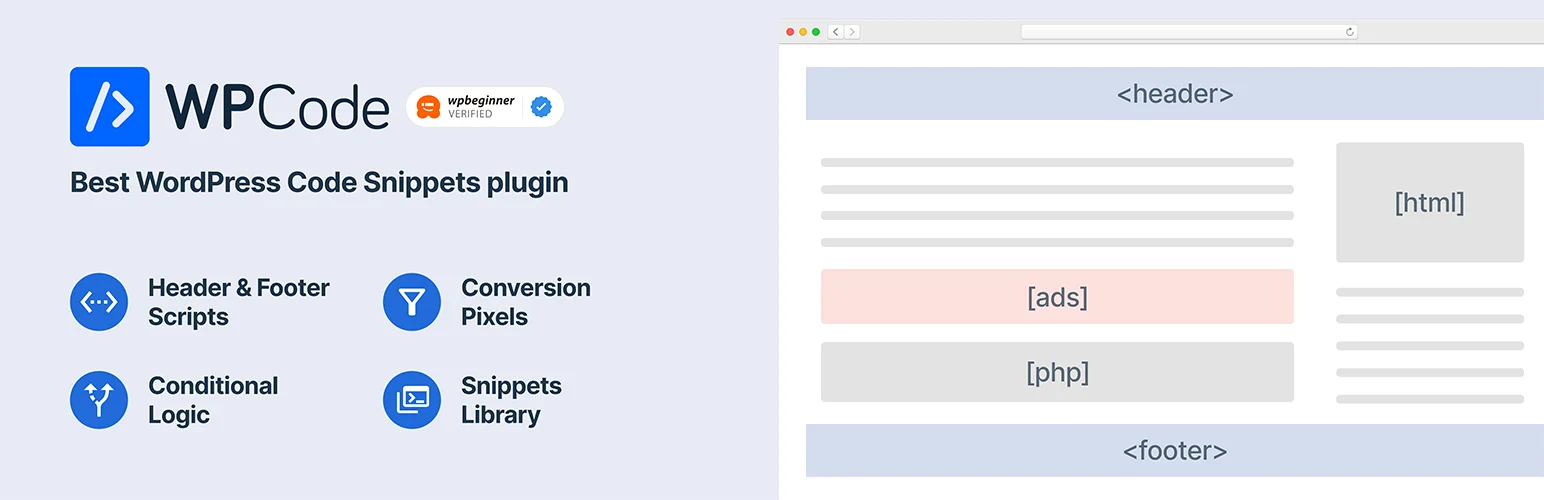
WPCode is the broadest option in this list for site owners who want an interface rather than a developer-only tool. It supports PHP, HTML, JavaScript, CSS, text, and blocks, then layers in auto-insert locations, conditional logic, revisions, libraries, and permissions.
Workflow features
- Multiple snippet types including PHP, JS, CSS and HTML
- Auto-insert locations throughout WordPress
- Smart conditional logic
- Snippet revisions and testing workflows
- Private library and AI features in paid plans
- Role-based permissions in higher plans
Pros: Very approachable while still offering advanced targeting and organization.
Cons: The feature set and upsell structure can feel heavy if you only need a few simple PHP functions.
Best for: Best all-round snippet manager
Pricing: Free version available. Current introductory Basic pricing starts at $49/year for one site.
Official plugin or pricing page
2. Code Snippets — Best established general-purpose manager
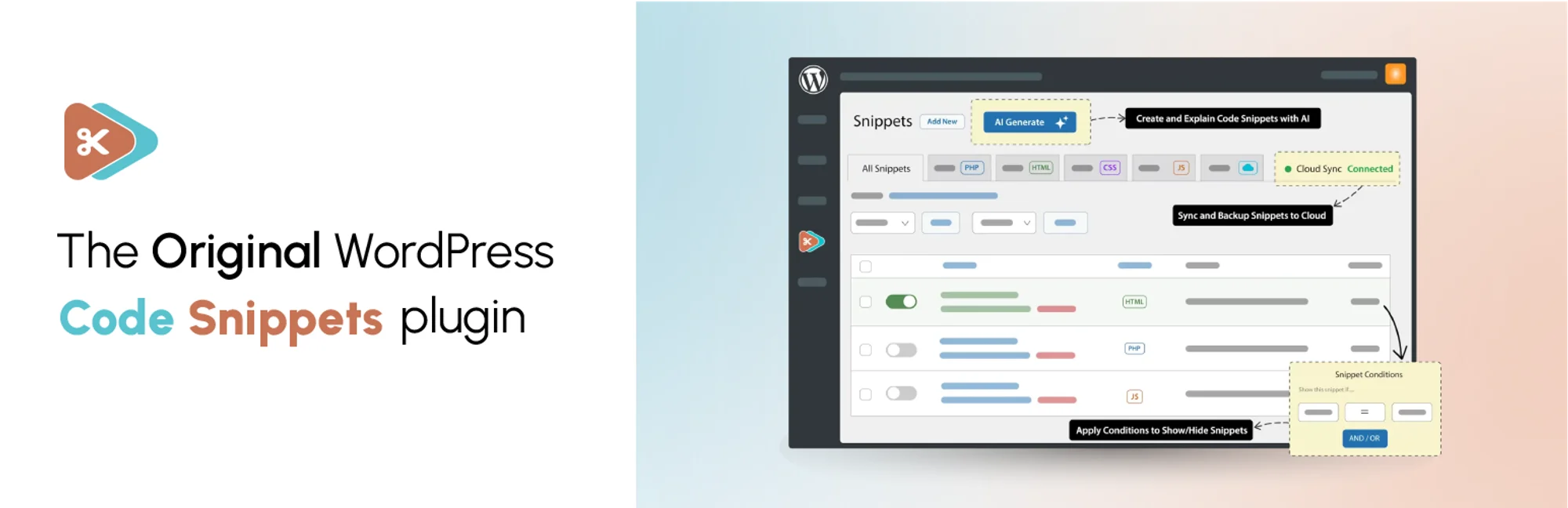
Code Snippets replaces the common “paste this into functions.php” workflow with named, toggleable snippets. Its current Pro product expands into conditional logic, additional snippet types, cloud sharing, AI prompts, bundles, REST, and WP-CLI.
Snippet management
- Unlimited snippets
- Code validation and error hints
- Execution order controls
- Import and export between sites
- Pro conditional logic and CSS/JS snippet types
- Cloud, AI, REST and WP-CLI features in Pro
Pros: Long-running ecosystem and a straightforward snippet-centric interface.
Cons: Some of the strongest cross-site, conditional, and multi-code features are reserved for Pro.
Best for: Best established general-purpose manager
Pricing: Free version available. Current Code Snippets Pro yearly price is listed at $149; monthly and lifetime options also exist.
Official plugin or pricing page
3. FluentSnippets — Best free file-based workflow
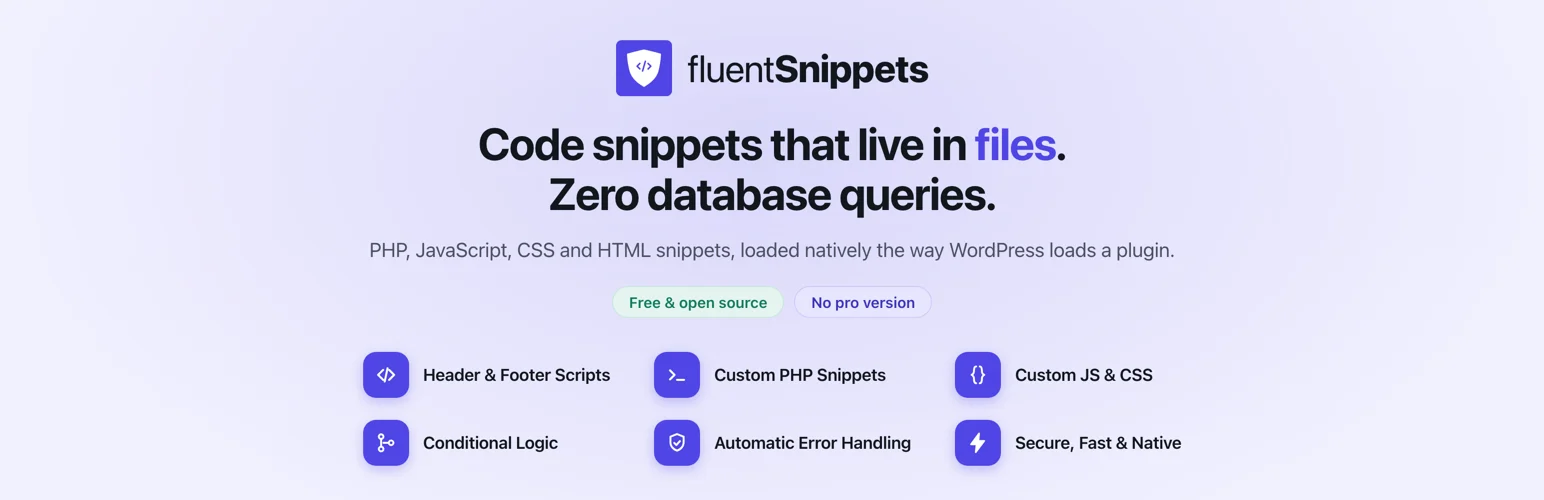
FluentSnippets takes a noticeably different architecture: snippets are stored as files under wp-content and loaded natively rather than being selected from a database table on every request. That makes it attractive for developers who want version control and staging-to-production deployment.
File-based approach
- File-based snippet storage
- PHP, HTML, CSS and JavaScript types
- Conditional logic, groups and tags
- Safe Mode and automatic error handling
- JSON import/export
- Standalone mode via mu-plugin
Pros: Free, Git-friendly, and designed to avoid snippet database queries.
Cons: File-based storage is less familiar to non-developers and may not suit hosting setups where file changes are tightly controlled.
Best for: Best free file-based workflow
Pricing: Free and open source with no Pro tier.
Official plugin or pricing page
4. WPCodeBox — Best cloud workflow for developers and agencies
WPCodeBox is aimed at developers managing reusable code across sites. It combines an in-dashboard editor with cloud storage and a snippet repository, making it easier to maintain a personal or agency library rather than rebuilding the same customization on every project.
Developer workflow
- Cloud snippet storage
- Reusable snippets across websites
- Snippet repository
- Developer-focused editor
- Unlimited snippets on paid plans
- Single-site, unlimited-site and lifetime licensing
Pros: Strong cross-site reuse and a clean developer workflow.
Cons: There is no permanent free WordPress plan like the first three options, so it makes more sense when snippets are part of regular client work.
Best for: Best cloud workflow for developers and agencies
Pricing: Current pricing starts at $39/year for one site, $79/year unlimited sites, or $199 lifetime unlimited.
Official plugin or pricing page
5. Header Footer Code Manager — Best for scripts rather than PHP customizations

Header Footer Code Manager is narrower than the other tools. It excels at adding analytics scripts, verification tags, chat code, pixels, CSS, or JavaScript to the head, footer, or content positions with targeting rules. I would use it when the job is controlled script placement rather than PHP business logic.
Placement controls
- Unlimited script/style snippets
- Head, footer, before-content and after-content locations
- Target specific posts, pages, categories and post types
- Desktop/mobile display controls
- Shortcode placement
- User and edit history for snippets
Pros: Simple for marketing and tracking scripts, with strong placement controls.
Cons: It is not the best choice for complex PHP function snippets or application-level custom logic.
Best for: Best for scripts rather than PHP customizations
Pricing: Free version available; Pro edition available.
Official plugin or pricing page
When a Custom Plugin Is Better Than a Snippet Plugin
Once a customization becomes business-critical, spans multiple files, needs tests, has dependencies, or should move through a formal deployment pipeline, I would graduate it from a snippet manager into a small custom plugin or version-controlled codebase. Snippet plugins are excellent for contained customizations; they are not a substitute for software engineering when the code becomes a product.
Conclusion
WPCode is the easiest all-round choice, Code Snippets is a mature general manager, FluentSnippets is compelling for file-based and Git workflows, WPCodeBox is strong for reusable agency libraries, and Header Footer Code Manager is ideal when your snippets are mostly scripts and tags. Choose based on how code is stored, targeted, recovered, and deployed—not just the editor design.
Frequently Asked Questions
Is a code snippet plugin safer than editing functions.php?
Usually yes because snippets can be named, toggled, validated, and managed separately from the theme. A bad PHP snippet can still break a site, so staging and recovery access remain important.
Will code snippets disappear when I change themes?
Not when they are managed by an independent snippet plugin. That is one of the main advantages over putting site-specific functionality in a theme functions.php file.
Can I add JavaScript and CSS with a snippet plugin?
Yes with several tools in this roundup, but feature availability varies between free and paid editions. Check the snippet types and execution locations before choosing.
Do snippet plugins slow down WordPress?
The plugin itself adds some overhead, but the larger risk is inefficient code inside your snippets. A poorly written query or script can slow a site regardless of which manager executes it.
Should clients be allowed to edit PHP snippets?
Usually not by default. PHP can change permissions, expose data, or break the site. Use role controls and give non-technical users only the access they actually need.

