



Custom fields are where WordPress stops being “just posts and pages” and starts behaving like a structured content platform. They let you attach data such as price, location, phone number, rating, specifications, relationships, dates, repeatable groups, and internal workflow fields to almost any content type.
The important distinction in 2026 is that some custom field plugins are focused field frameworks, while others have grown into full dynamic-site systems with custom post types, templates, queries, relationships, and front-end forms. That difference matters more than the number of field types on a feature list.
Quick Comparison: 6 WordPress Custom Field Plugins
| Plugin | Best for | Visual UI | Broader dynamic tools | Pricing |
|---|---|---|---|---|
| ACF | Most WordPress builds | Yes | CPTs/taxonomies in current versions | Free; Pro $49/year |
| Meta Box | Developer-friendly modular builds | Yes with Lite/extensions | Strong | Free; bundles from $49/year |
| Pods | All-free content framework | Yes | CPTs, taxonomies, relationships | Free |
| Toolset | No-code structured sites | Yes | Templates, searches, forms | From €69 |
| CMB2 | Code-first developers | Code configured | Framework only | Free |
| JetEngine | Dynamic builder workflows | Yes | CPTs, queries, listings, relations | $75/year, 1 site |
TL;DR: Which Custom Field Plugin Should You Pick?
- ACF: best overall for ecosystem support and a familiar field-building workflow.
- Meta Box: best modular developer toolkit with strong performance and many extensions.
- Pods: best free all-in-one framework for content types, fields, relationships, and templates.
- Toolset: best no-code package when fields are only one part of the site architecture.
- CMB2: best code-first field framework for developers shipping fields inside themes or plugins.
- JetEngine: best for Elementor, Gutenberg, Bricks, or Divi users building dynamic listings and relationships.
Field Plugin or Dynamic Site Builder?
If you only need a few metadata fields, a focused framework such as ACF is easy to maintain. If you need custom post types, relationships, filters, listings, forms, and templates too, an integrated tool such as Pods, Toolset, Meta Box, or JetEngine can reduce the number of separate plugins.
Custom fields also affect migration and search. Before committing to a field framework, check whether your import/export workflow can map its metadata and whether your chosen search tool can index those values. See our WordPress import/export plugins and WordPress search plugin comparison.
1. Advanced Custom Fields (ACF) — Best Overall Custom Fields Plugin
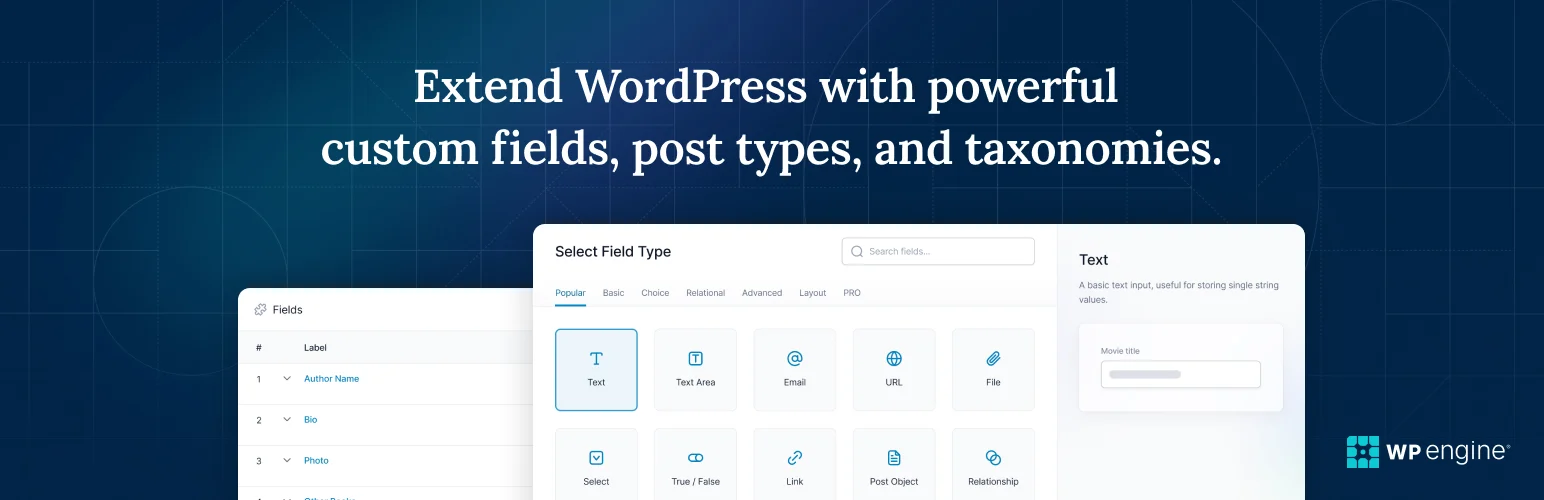
ACF remains the default reference point for WordPress custom fields because the ecosystem understands it. Themes, page builders, admin tools, importers, and developer workflows commonly provide direct ACF support.
The free plugin handles the core field-building experience, while ACF PRO adds advanced field types and tools such as repeaters, flexible content, galleries, options pages, and other premium capabilities. Current versions also support creating post types and taxonomies, which reduces the need for a separate CPT registration plugin in many builds.
Core capabilities
- Visual field group builder
- Large range of common field types
- Conditional logic and location rules
- Custom post type and taxonomy registration
- Strong third-party builder/plugin ecosystem
- PRO repeaters, flexible content, galleries, and advanced tools
Pros: Largest integration ecosystem and easy handoff between WordPress developers.
Cons: Advanced site architecture can become dependent on premium features and external display/template logic.
Pricing: Free; ACF PRO Personal is $49/year for one website.
Best for: Most professional WordPress builds that need reliable structured metadata.
2. Meta Box — Best Modular Developer Toolkit
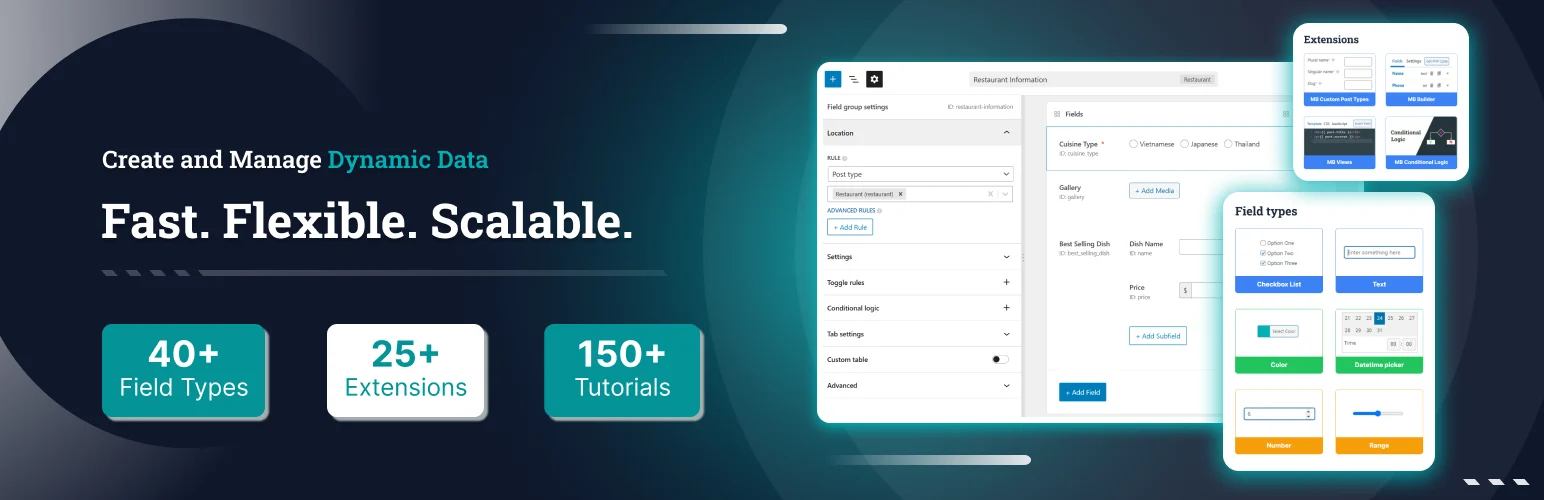
Meta Box is a flexible framework with more than 40 field types and native WordPress metadata storage. It supports fields on posts, pages, custom post types, taxonomies, users, comments, and settings pages.
I like its modular approach: you can keep the free core lightweight or add visual builders, relationships, custom tables, blocks, front-end submission, settings pages, and other extensions only when the project needs them. Meta Box also added WordPress 7-era Block Bindings support in 2026.
Custom field features
- 40+ field types
- Fields for posts, terms, users, comments, and settings
- Repeatable/clonable field support
- Native WordPress storage with custom-table options
- Visual Meta Box Lite workflow
- Premium relationships, blocks, front-end submission, and more
Pros: Flexible, developer-friendly, modular, and strong for complex data architectures.
Cons: The extension ecosystem can take more planning than an all-in-one package.
Pricing: Free core; Basic Bundle starts at $49/year for one site, Ultimate at $99/year for three sites.
Best for: Developers who want granular control over fields, storage, and extensions.
3. Pods — Best Free Content Framework
Pods is more than a custom field plugin. It can create and extend content types, add fields, create custom taxonomies and settings pages, define relationships, and output structured content through blocks, shortcodes, and Pods templates.
The most compelling part is that the core framework is free. For sites that need a lot of structured content but do not want a premium field license for every project, Pods is one of the strongest options.
Framework features
- Create and extend custom post types
- Custom taxonomies and settings pages
- Custom fields on WordPress objects
- One-to-one, one-to-many, and many-to-many relationships
- Conditional field logic
- Blocks, shortcodes, templates, and Advanced Content Types
Pros: Very broad free feature set with relationships and content-type management built in.
Cons: The interface and mental model can feel heavier than a simple field-group plugin.
Pricing: Free.
Best for: Budget-conscious dynamic sites that want fields, relationships, and content types in one framework.
4. Toolset — Best No-Code Structured Site Package
Toolset treats custom fields as one layer of a complete dynamic WordPress build. Its package combines custom post types, fields, taxonomies, relationships, templates, archives, searches, forms, maps, and access controls.
That makes it attractive when the real goal is not “add fields” but “build a directory, listing site, membership experience, or data-driven frontend without writing PHP.” The tradeoff is that you are buying a larger system than a focused field plugin.
Dynamic-site features
- Custom fields, post types, and taxonomies
- Post relationships
- Block-based templates and archives
- Custom searches and filters
- Front-end forms
- Maps and access-control tools in the package
Pros: Integrated no-code workflow from data structure to frontend output.
Cons: Overkill for a few simple fields and creates more platform dependency than a lightweight field framework.
Pricing: Paid plans start from €69.
Best for: Non-developers and agencies building complete structured sites without custom PHP.
5. CMB2 — Best Code-First Field Framework
CMB2 is a developer toolkit rather than a visual site builder. You define field boxes in code and can attach metadata to posts, terms, users, comments, or option pages.
That code-first model is useful when fields belong to a plugin or theme and should travel with the codebase instead of living as database-configured admin settings. It is also open source and intentionally developer oriented.
Developer features
- Developer API for custom fields and metaboxes
- Fields for posts, terms, users, comments, and options
- Broad set of field types
- Can be bundled inside themes or plugins
- Open-source GitHub workflow
- No required visual configuration layer
Pros: Excellent for portable, version-controlled developer implementations.
Cons: Not appropriate for non-technical editors who expect a drag-and-drop field builder.
Pricing: Free.
Best for: Plugin/theme developers who want fields defined and versioned in code.
6. JetEngine — Best for Dynamic Builder Workflows
JetEngine combines custom fields with custom post types, custom content types, taxonomies, relations, query building, listings, profile systems, REST integrations, and dynamic frontend output.
Its strength is the complete dynamic-site workflow around Elementor, Gutenberg, Bricks, and Divi. If you already use Crocoblock, JetEngine can replace several smaller structural plugins. If you only need two text fields, however, it is far more product than you need.
Dynamic content features
- Custom fields and meta boxes
- Custom post types, taxonomies, and content types
- Relations and query builder
- Dynamic listings and tables
- Profile and REST API tools
- Integrations with major builders and SEO plugins
Pros: Powerful end-to-end dynamic content system with strong builder integration.
Cons: Higher complexity and annual cost than a simple field framework.
Pricing: $75/year for one site; larger Crocoblock bundles are also available.
Best for: Builder-focused sites that need fields, relationships, queries, and dynamic listings together.
What Matters More Than the Number of Field Types
I look at storage model, portability, relationship support, display integrations, exportability, and who will maintain the site. A field system is structural infrastructure. Rebuilding hundreds of field references later is much more expensive than choosing carefully at the start.
Conclusion
ACF is still my general recommendation, Meta Box is excellent for modular developer builds, and Pods is the standout free framework. Toolset and JetEngine make sense when fields are part of a larger no-code dynamic-site system, while CMB2 remains a strong code-first choice. Pick the architecture you want to maintain—not just the field UI you like today.
Frequently Asked Questions
What is the best custom field plugin for WordPress?
ACF is the safest overall recommendation because of its mature workflow and broad ecosystem. Meta Box, Pods, Toolset, CMB2, and JetEngine are better fits for specific architectures.
Are WordPress custom fields good for SEO?
Custom fields can support SEO by structuring useful content, but search engines only see data that your theme or plugin actually outputs in crawlable HTML or structured data.
Can I create custom post types with a custom field plugin?
Some tools such as ACF, Meta Box, Pods, Toolset, and JetEngine can also create custom post types. A dedicated CPT plugin is still useful when you want a narrower responsibility.
Are custom fields stored in the WordPress database?
Most field plugins use WordPress metadata tables by default, while some tools also support custom tables or custom content types for more specialized data structures.
Can I change from ACF to another custom field plugin later?
Yes, but migration can require mapping field keys, metadata names, templates, and integrations. Test the full data and display workflow on staging before switching.

