



You do not need to pay for a page builder just to make Gutenberg useful. Several free block plugins now add better layouts, accordions, tabs, forms, testimonials, pricing sections, icons, content grids, responsive controls, and ready-made patterns without locking the whole site behind a premium license.
The real question is not which free plugin has the biggest block count. I look at what the free version can realistically build, how clean the editing experience feels, and whether the site can stay maintainable if you never upgrade. These seven plugins pass that test in different ways.
TL;DR: Best Free Gutenberg Block Plugins in 2026
- Spectra — best free all-around Gutenberg block library.
- Kadence Blocks — best free option for responsive business layouts.
- GenerateBlocks — best free lightweight design system.
- Stackable — best free choice for more visual design freedom.
- Otter Blocks — best simple free extension for everyday Gutenberg work.
- Essential Blocks — best free option for sheer block variety.
- Greenshift — best free option for advanced design and animation controls.
1. Spectra — Best Free Gutenberg Block Plugin Overall
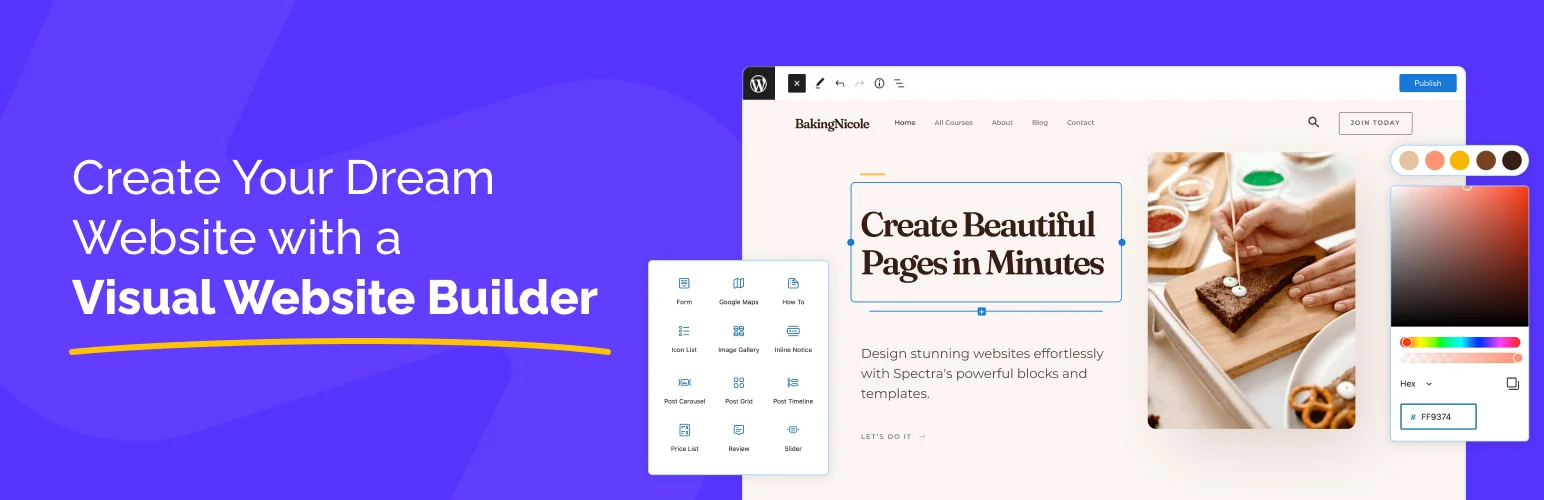
Spectra’s free version gives you enough blocks to build complete pages rather than only decorating blog posts. Containers, buttons, headings, forms, testimonials, tabs, pricing, post grids, and other practical blocks cover most normal business-site needs.
I like it when I want one free plugin that a client can understand. The controls are familiar, the pattern ecosystem is useful, and I do not need to install three smaller block packs just to finish a landing page.
Free features worth using
- Container and layout blocks
- Buttons and advanced headings
- Tabs and accordions
- Info and marketing blocks
- Basic forms and content blocks
- Responsive controls
Pros: Broad free feature set, easy to learn, strong pattern ecosystem.
Cons: Some dynamic and advanced design features are reserved for Pro.
Best for: Small businesses, bloggers, and freelancers who want one capable free block library.
Pricing: Free core plugin; optional Spectra Pro upgrade available.
2. Kadence Blocks — Best Free Responsive Layout Toolkit

Kadence Blocks gives free users strong control over sections, rows, typography, spacing, buttons, accordions, tabs, icons, and other common building blocks. I find it particularly comfortable when responsive behavior matters more than flashy effects.
A free plugin becomes frustrating when mobile fixes require custom CSS. Kadence does a better job than many competitors of exposing useful device-specific controls right where you expect them.
Free features worth using
- Row and section layouts
- Advanced headings
- Buttons and icon blocks
- Tabs and accordions
- Basic gallery/content blocks
- Responsive spacing controls
Pros: Excellent responsive controls, clean interface, good for business layouts.
Cons: Some high-end blocks and dynamic features require Kadence paid products.
Best for: Business sites where mobile control and consistent spacing matter.
Pricing: Free core plugin; premium upgrades optional.
3. GenerateBlocks — Best Free Lightweight Design System
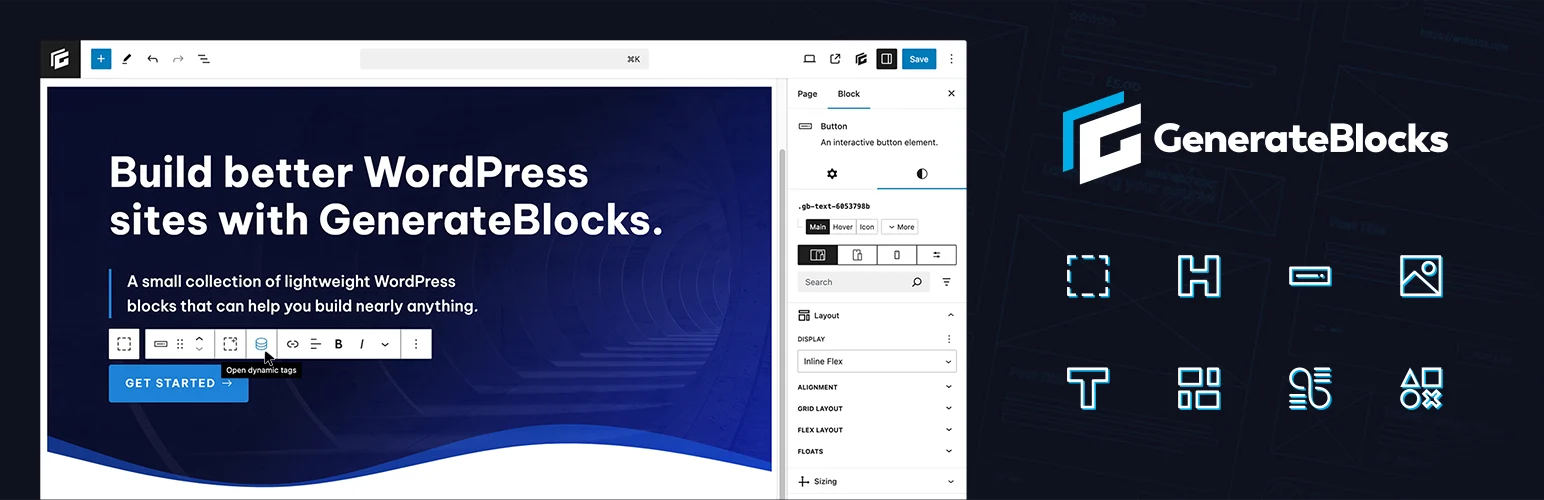
GenerateBlocks proves that a small block library can be more flexible than a huge one. Its free building primitives let you create containers, grids, headlines, buttons, images, and structured layouts without loading dozens of specialty widgets.
I like this approach for sites where I care about clean markup and consistent design rules. You spend a little more time thinking like a designer, but the result is easier to keep coherent across many pages.
Free features worth using
- Container block
- Grid layout tools
- Headline block
- Button block
- Image block
- Lightweight performance-focused CSS output
Pros: Lightweight philosophy, flexible primitives, good foundation for consistent sites.
Cons: Fewer one-click specialty blocks; beginners may need more time to build complex sections.
Best for: Performance-conscious users and developers who prefer systems over widget collections.
Pricing: Free version available; Pro adds advanced features and templates.
4. Stackable — Best Free Visual Design Blocks
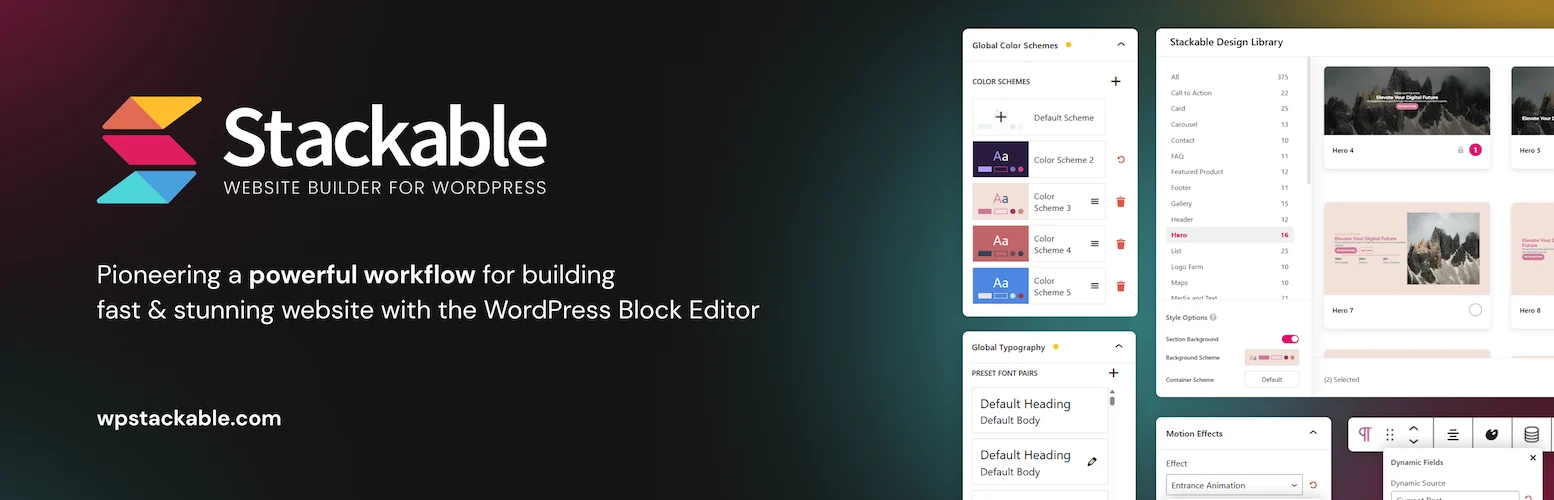
Stackable’s free version is a good choice when you want Gutenberg content to look more polished without designing every component from zero. It includes styled blocks and presets for common marketing sections, cards, feature grids, calls to action, and content layouts.
I would use it when the design needs a little more personality than core Gutenberg provides. The important part is resisting the temptation to use a different effect or style on every section.
Free features worth using
- Core visual block collection
- Ready-made UI sections
- Responsive controls
- Typography and spacing tools
- Icon and content blocks
- Free design presets
Pros: Attractive defaults, good visual variety, approachable for non-designers.
Cons: Premium contains many of the more advanced effects and dynamic tools.
Best for: Marketing pages and content sites that need stronger visual presentation for free.
Pricing: Free core plugin with optional Pro plans.
5. Otter Blocks — Best Simple Free Gutenberg Extension
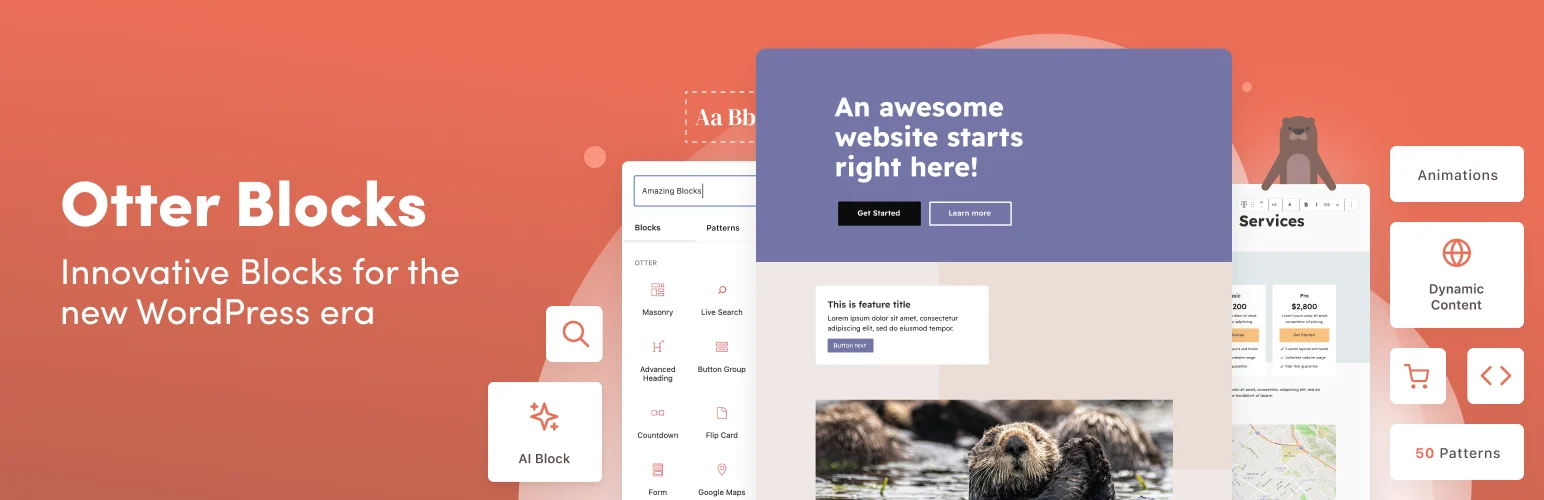
Otter Blocks adds practical features without making Gutenberg feel overloaded. The free plugin includes useful blocks and section controls for normal site-building tasks, along with visibility, animation, and layout helpers.
I like it when a project only needs a few extra capabilities beyond core WordPress. Installing a giant library for one accordion and one pricing block is unnecessary when a smaller toolkit can cover the gap.
Free features worth using
- Section and layout blocks
- Accordion and tabs
- Icon and content blocks
- Map and utility blocks
- Patterns
- Responsive design controls
Pros: Focused, easy to understand, enough variety for many small sites.
Cons: Smaller template and block ecosystem than larger suites.
Best for: Blogs and small sites that want only a modest extension to Gutenberg.
Pricing: Free version available with optional premium upgrades.
6. Essential Blocks — Best Free Variety
Essential Blocks is the choice for users who want lots of specialized components without paying immediately. Its free library spans content, creative, marketing, social, navigation, and layout use cases, with more advanced features added in Pro.
The advantage is obvious: you are less likely to need a second block pack. The downside is that a big library makes discipline more important. I only enable and use blocks that support the site’s design system.
Free features worth using
- Advanced heading and button blocks
- Accordion and tabs
- Image and gallery blocks
- Post grid blocks
- Content and call-to-action blocks
- Responsive settings
Pros: Large free library, many specialized blocks, active development.
Cons: Broad feature set can encourage unnecessary block usage; some templates/features are premium.
Best for: Users who want maximum block variety from one free plugin.
Pricing: Free plugin; premium plans optional.
7. Greenshift — Best Free Advanced Design Option
Greenshift’s free core offers more advanced design ideas than many traditional block packs. Its layout blocks and visual controls can support creative sections, and the premium ecosystem expands heavily into animations, dynamic content, WooCommerce, charts, and marketing tools.
I would choose it when I expect to grow into more advanced Gutenberg work later. The free version gives you a taste of that workflow without forcing a paid license from day one.
Free features worth using
- Flexible containers
- Animation controls
- Responsive layout tools
- Performance-focused CSS loading
- Content and utility blocks
- Advanced design controls in the free core
Pros: Ambitious free toolkit, flexible designs, clear upgrade path into advanced Gutenberg features.
Cons: Less beginner-friendly than Spectra or Kadence; the full experience spans several paid packs.
Best for: Advanced users who want a free starting point for modern Gutenberg design.
Pricing: Core plugin is free; premium packs are optional.
Which Free Gutenberg Plugin Should You Start With?
For most users, start with Spectra or Kadence Blocks. Choose GenerateBlocks if performance and a clean design system matter more than specialty widgets. Stackable is better when visual presets are the priority, while Essential Blocks gives you the widest variety. Otter stays pleasantly simple, and Greenshift is the most interesting route into advanced design.
If you already know you will pay for dynamic content, advanced templates, or animations, read the broader best Gutenberg block plugins comparison. You can also compare these native-editor tools with the best WordPress page builders.
Conclusion
Spectra offers the strongest free all-around package, while Kadence Blocks is my favorite for clean responsive business layouts. GenerateBlocks is better for lean systems, Stackable for polished marketing design, Otter for simplicity, Essential Blocks for variety, and Greenshift for users who want to push Gutenberg further without paying immediately.
Frequently Asked Questions
What is the best free Gutenberg block plugin?
Spectra is the best general-purpose free option for many users because its free library covers layouts, content, marketing, and forms without requiring several add-ons.
Are free Gutenberg block plugins enough for a business website?
Yes. A normal service or business site can often be built entirely with core WordPress plus one good free block plugin. Premium becomes more useful for dynamic data, templates, advanced effects, or agency workflows.
Which free block plugin is the lightest?
GenerateBlocks is a strong choice when you prefer a small set of flexible building primitives rather than a large collection of specialty blocks.
Should I install multiple free block plugins?
Only when a second plugin fills a specific gap. I avoid stacking large overlapping libraries because editors end up with duplicate buttons, cards, tabs, and layout controls that make maintenance harder.

