



Gutenberg is far more capable than the block editor WordPress launched years ago, but the core blocks still do not cover every layout, marketing section, dynamic query, animation, form, pricing table, or advanced design control people expect from a modern site. That is where block plugins become useful.
I have built sites with both page builders and the native block editor, and I prefer a Gutenberg add-on that extends WordPress without turning every paragraph into a proprietary layout system. The seven plugins below offer different balances of design freedom, performance, patterns, dynamic content, and free features.
TL;DR: Best Gutenberg Block Plugins for WordPress in 2026
- Spectra — best overall Gutenberg block plugin for most business sites.
- Kadence Blocks — best for polished responsive layouts and practical design controls.
- GenerateBlocks — best for performance-focused design systems.
- Stackable — best for visually rich Gutenberg pages.
- Otter Blocks — best easy everyday extension for core Gutenberg.
- Essential Blocks — best for a large feature-rich block library.
- Greenshift — best for animation, interaction, and dynamic Gutenberg design.
1. Spectra — Best Overall Gutenberg Block Plugin
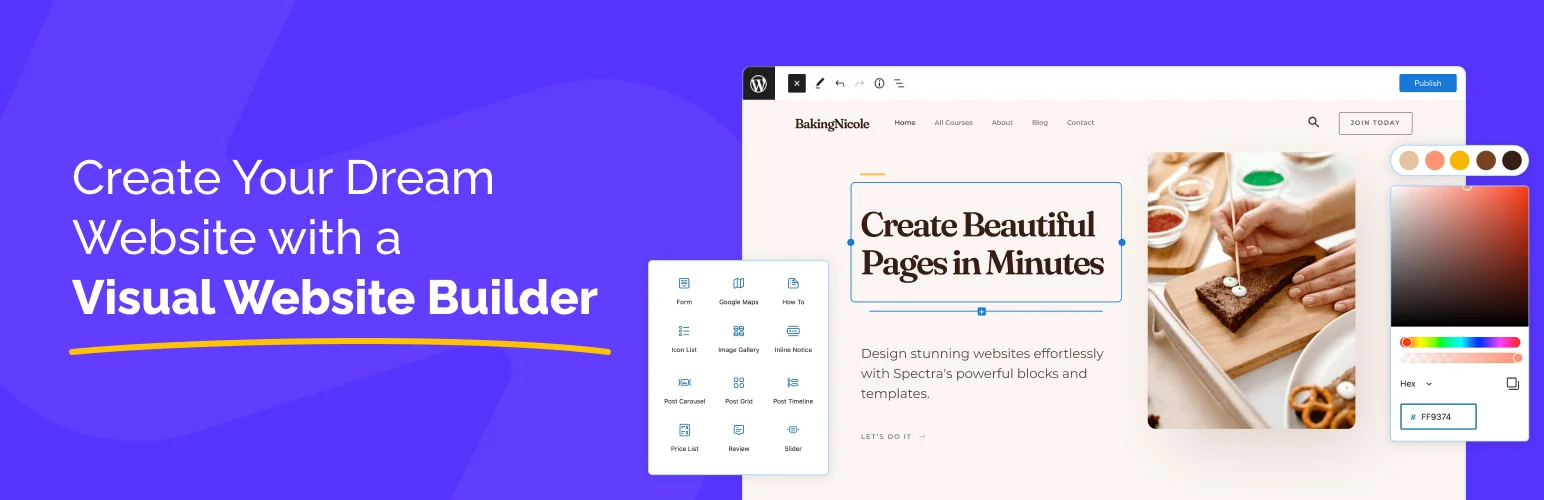
Spectra is a strong all-around choice because it gives Gutenberg enough extra layout and marketing tools to build complete business sites without immediately reaching for a separate page builder. Its block collection covers containers, headings, buttons, forms, testimonials, tabs, pricing, content grids, and other common sections.
What I like most is the ecosystem around the blocks. Patterns, starter designs, responsive controls, and Astra integration make it easier to move from a blank page to something usable without fighting the editor.
Key features
- Container and layout blocks
- Buttons, headings, tabs, and accordions
- Forms and marketing blocks
- Post and content grids
- Responsive design controls
- Patterns and starter layouts
Pros: Broad library, easy for beginners, useful templates, strong free version.
Cons: Large feature set can be more than a minimal site needs; advanced features are paid.
Best for: Business sites, freelancers, and users who want to build most pages inside Gutenberg.
Pricing: Free version available; Spectra Pro plans are listed at Spectra.
2. Kadence Blocks — Best for Polished Business Layouts

Kadence Blocks has always felt practical rather than flashy. Its Row Layout/section tools, advanced headings, buttons, forms, galleries, tabs, accordions, icons, and content blocks cover the pieces I use most often on business and service websites.
I particularly like the responsive controls and spacing workflow. A block library becomes frustrating when a desktop layout looks good but mobile adjustments require custom CSS. Kadence gives you useful device-level controls without leaving the editor.
Key features
- Row and section layout tools
- Advanced heading and button blocks
- Tabs and accordions
- Form blocks
- Gallery and content blocks
- Responsive spacing and typography controls
Pros: Polished controls, good mobile workflow, strong for client and business sites.
Cons: Some high-value blocks and dynamic features require paid products.
Best for: Agencies and business-site builders who want a reliable Gutenberg design toolkit.
Pricing: Free version available with paid Kadence bundles and block features.
3. GenerateBlocks — Best for Performance-Focused Design Systems
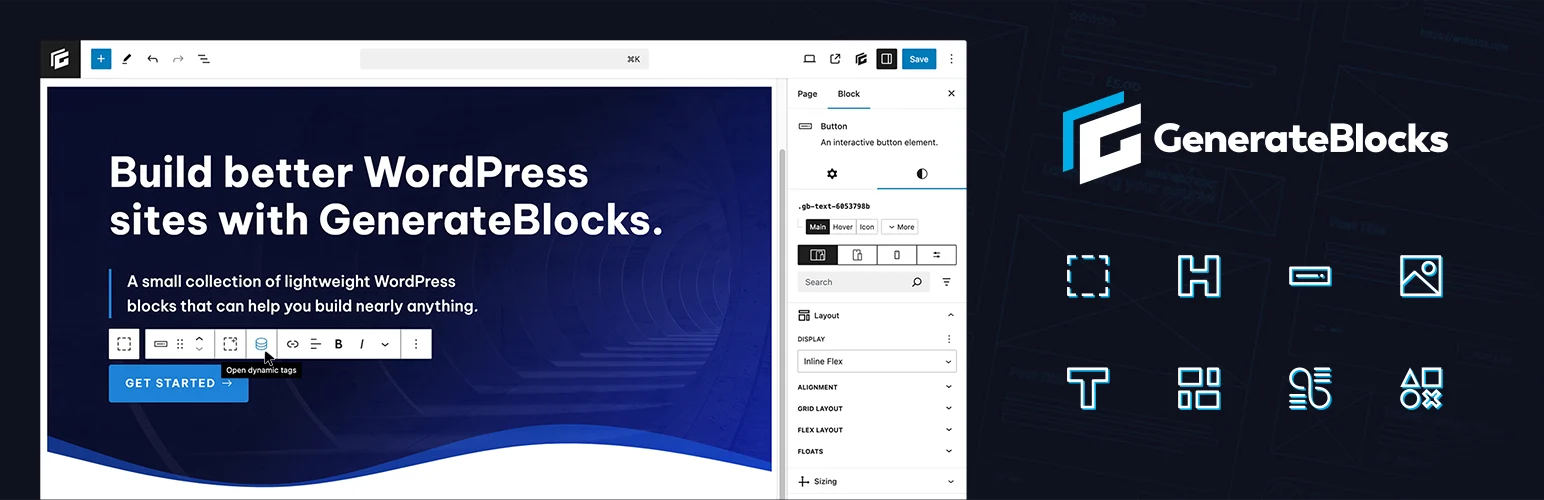
GenerateBlocks takes the opposite approach from giant widget libraries. Instead of giving you a special block for every possible section, it gives you flexible building primitives for containers, grids, headlines, buttons, images, queries, shapes, and related layout work.
That philosophy matches how I prefer to build performance-sensitive sites. A smaller set of reusable primitives can create almost anything when the spacing, typography, classes, and components are planned properly.
Key features
- Container and grid system
- Headline block
- Button block
- Image block
- Query and dynamic layout options depending on version/plan
- Performance-focused output
Pros: Lean approach, excellent for design systems, strong performance reputation.
Cons: Less instant variety than a huge block library; best results require understanding layout fundamentals.
Best for: Developers, performance-focused builders, and users who prefer reusable systems over dozens of one-purpose widgets.
Pricing: Free core plugin with GenerateBlocks Pro sold as an annual subscription.
4. Stackable — Best for Design-Heavy Gutenberg Pages
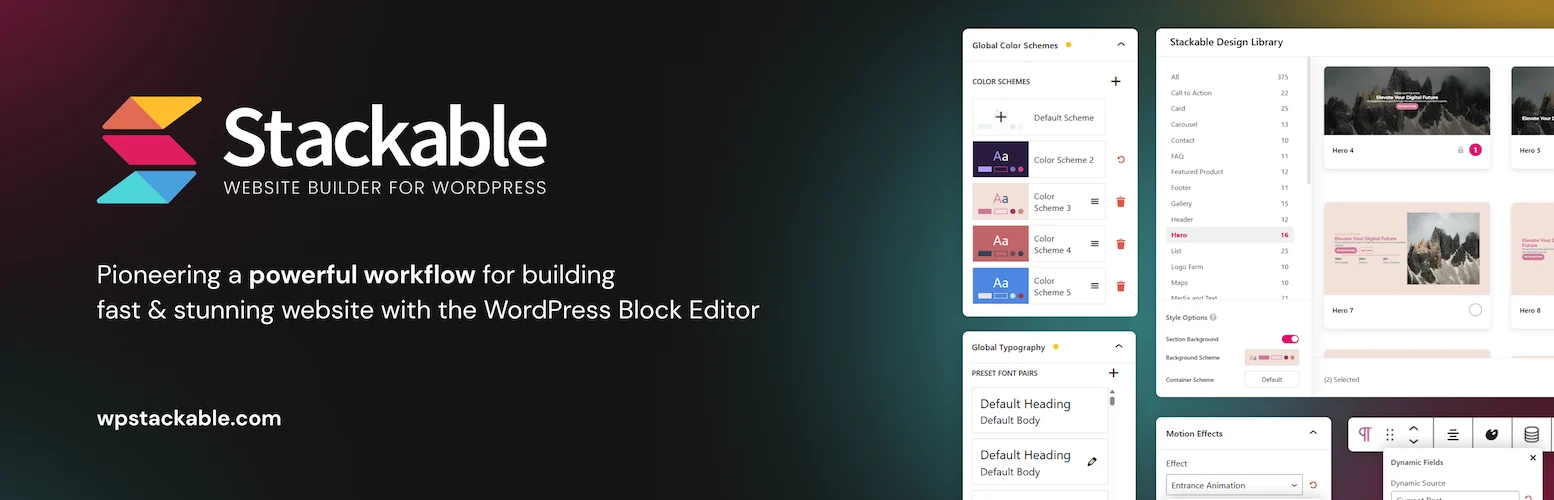
Stackable is a good fit when you want Gutenberg to feel closer to a visual page-design tool. It includes a large collection of marketing and content blocks, design presets, effects, responsive controls, and prebuilt layouts.
I would use it on landing pages or visually expressive business sites where the editor needs more creative options than core Gutenberg provides. The trade-off is that the design system can become more complex if every block uses different local styling.
Key features
- Large collection of Gutenberg blocks
- UI kits and design templates
- Responsive design controls
- Advanced typography and spacing
- Dynamic content features in paid plans
- Visual effects and interactions
Pros: Creative design freedom, polished presets, strong landing-page potential.
Cons: More styling choices can create inconsistency if a site lacks design rules.
Best for: Marketing sites and users who want more visual design freedom inside Gutenberg.
Pricing: Free version with paid plans available from Stackable.
5. Otter Blocks — Best Easy Everyday Toolkit
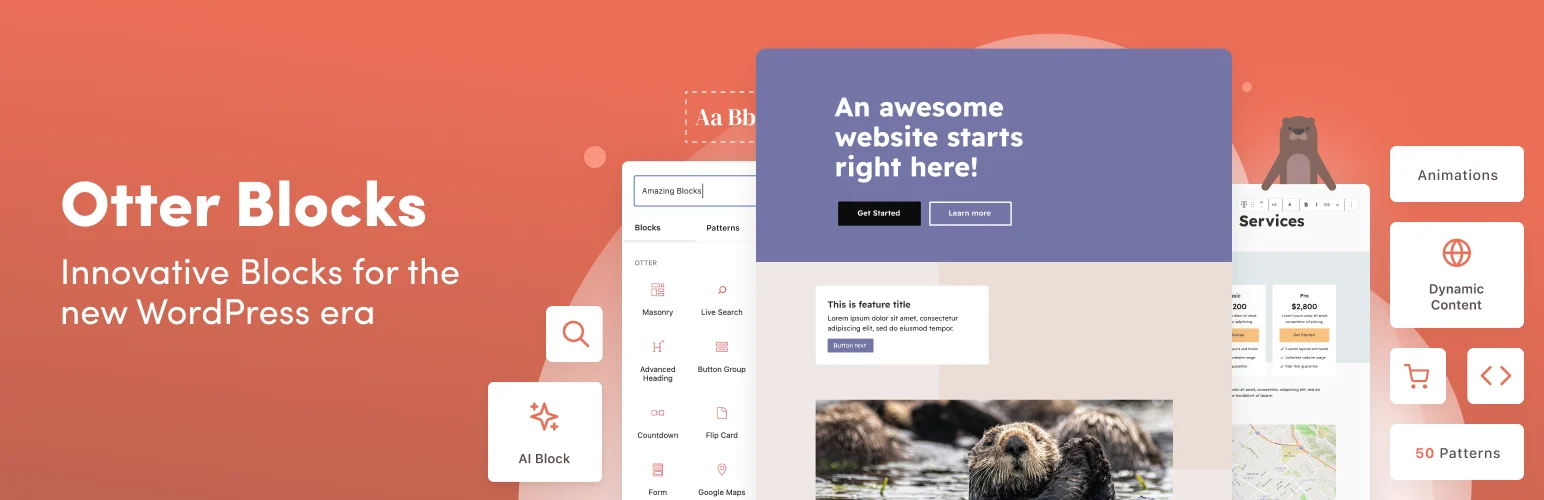
Otter Blocks by Themeisle sits in a comfortable middle ground. It adds practical blocks, section controls, visibility conditions, animations, forms, and other everyday features without making the editor feel like an entirely different product.
I like it for smaller sites where the core editor is almost enough but needs a few missing pieces. You can extend Gutenberg without committing to a huge block ecosystem.
Key features
- Section and layout blocks
- Accordion and tab blocks
- Icon and content blocks
- Pattern library
- Visibility and design controls depending on plan
- Useful extensions for everyday Gutenberg pages
Pros: Approachable, useful free set, does not feel excessively heavy.
Cons: Smaller ecosystem than Spectra or Stackable for users who want hundreds of design assets.
Best for: Blogs and small business sites that only need a practical Gutenberg extension.
Pricing: Free plugin with premium plans available through Themeisle.
6. Essential Blocks — Best Large Feature-Rich Library
Essential Blocks has grown into one of the larger Gutenberg collections, with blocks spanning content, marketing, social, forms, dynamic data, WooCommerce, navigation, and creative layouts. It is a strong option when you want many specialized blocks available from one vendor.
I would choose it when a project genuinely needs that variety. More blocks do not automatically create a better site, so I still disable or avoid components that are not part of the design system.
Key features
- Large free block collection
- Post grid and content blocks
- Accordion and tab blocks
- Image and gallery blocks
- Responsive design controls
- Templates and ready-made sections
Pros: Huge range of components, useful free library, strong template selection.
Cons: Easy to install more functionality than a simple site really needs.
Best for: Users who want one large Gutenberg library covering many page types.
Pricing: Free version available; premium plans start from vendor-published annual licenses at Essential Blocks.
7. Greenshift — Best for Animation and Dynamic Gutenberg Design
Greenshift pushes Gutenberg further into advanced visual development. The free core includes useful blocks, while paid packs add GSAP animation, dynamic queries, WooCommerce tools, charts, marketing blocks, Figma workflows, and other experimental design features.
This is the plugin I would explore when standard block libraries feel too conservative. It can create impressive interactions, but motion should support the content. A site full of scroll effects is not automatically better than a fast, quiet layout.
Key features
- Animation and interaction blocks
- Flexible containers and layouts
- Dynamic content options
- Query and listing tools
- Responsive controls
- Performance-conscious asset loading
Pros: Unusually advanced Gutenberg features, strong animation capability, dynamic content options.
Cons: Steeper learning curve; advanced effects can be overused and hurt clarity or performance.
Best for: Advanced Gutenberg users who want animation, dynamic layouts, and experimental design tools.
Pricing: Free core plugin; paid packs start from the vendor’s current plans at Greenshift.
How I Choose a Gutenberg Block Plugin
Do not choose only by block count. Start with the layout system, responsive controls, global styling, dynamic-data needs, and how easily another editor can maintain the page six months later. If Gutenberg still does not fit the project, compare our best WordPress page builders before forcing the block editor into a workflow it does not suit.
If cost is the priority, I also created a dedicated comparison of the best free Gutenberg block plugins, because several tools in this list offer very different free-to-paid boundaries.
Conclusion
Spectra is the safest all-around choice for most users. Kadence Blocks is excellent for polished business layouts, GenerateBlocks is my pick for lean design systems, and Stackable works well for visually rich marketing pages. Otter is a practical smaller toolkit, Essential Blocks wins on sheer variety, and Greenshift is the most interesting option for advanced animation and dynamic Gutenberg work.
Frequently Asked Questions
What is the best Gutenberg block plugin?
Spectra is the best general-purpose option for many users because it combines a broad block library, responsive controls, and a large pattern ecosystem. GenerateBlocks may be better for performance-focused developers.
Do Gutenberg block plugins slow down WordPress?
They can if they load excessive CSS, JavaScript, fonts, or unused features. Well-built block plugins generally load assets more selectively, but page design and the number of features you use still matter.
Can Gutenberg replace Elementor or other page builders?
For many blogs, business sites, and landing pages, yes. Complex animation, theme-building, dynamic data, or client workflow requirements may still make a dedicated page builder more convenient.
Can I use two Gutenberg block plugins together?
Yes, but I prefer one primary block system plus occasional specialized blocks. Large overlapping libraries create inconsistent controls and make future maintenance harder.

