



White labeling WordPress only works when it makes the client experience clearer. Replacing the WordPress logo while leaving twenty irrelevant menus, plugin upsells, and confusing dashboard widgets behind is branding without usability.
For agency sites, I care more about the complete handoff experience: a branded login, a focused dashboard, sensible admin menus, useful support links, and enough protection that a non-technical client is less likely to break something by accident.
These five plugins take different approaches to that job. If you want a broader backend redesign rather than specifically white labeling, compare our WordPress admin dashboard customization plugins. For login-only styling, our custom login page plugin guide is more focused.
TL;DR
- Branda: best overall free white-label toolkit for branding login, dashboard, admin bar, emails, and maintenance screens.
- White Label CMS: best free option for simplifying WordPress before handing a site to a client.
- White Label: best for granular client-facing admin and plugin branding controls.
- WP Adminify: best paid all-in-one option when white labeling is part of a larger admin customization stack.
- Ultimate Dashboard: best for agencies that want a branded client dashboard with custom widgets and pages.
Quick Comparison
| Plugin | Best for | Free version | Paid pricing |
|---|---|---|---|
| Branda | Broad white labeling and branding | Yes | Pro via WPMU DEV plans |
| White Label CMS | Simple client handoff | Yes | Free |
| White Label | Granular client admin controls | Yes | Pro available |
| WP Adminify | White label plus admin toolkit | Yes | From $79/year |
| Ultimate Dashboard | Branded client dashboard | Yes | From $58/year |
How I Chose These Plugins
I focused on client handoff quality, current maintenance, role and menu control, branding depth, and whether the plugin can improve usability rather than only swap logos. Pricing was checked against current public vendor pages in September 2026 and can change.
1. Branda – Best Overall Free White Label Toolkit
Branda is one of the most complete free white-label tools because it goes beyond login-page branding. It can change the admin bar, footer, menus, color schemes, dashboard widgets, system emails, maintenance pages, and other WordPress-facing elements.
I like Branda when the goal is consistency. Instead of combining a login customizer, admin branding plugin, maintenance plugin, and email template tool, you can activate only the Branda modules that fit the site.
Key features
- Custom login screen and branding
- Admin bar and footer customization
- Admin menu controls by role
- Dashboard widgets and color schemes
- System email customization
- Maintenance and coming-soon screens
Pros: Strong free feature set, modular design, multisite support, and broad coverage beyond the dashboard.
Cons: The number of modules can feel heavy if you only need a small branding change.
Best for: Agencies that want one white-label toolkit covering most client-facing WordPress screens.
Pricing: The core plugin is free. Branda Pro is included in WPMU DEV Pro plans; current yearly promotional pricing starts around $36 per year for one site.
2. White Label CMS – Best Free Plugin for Client Handoffs
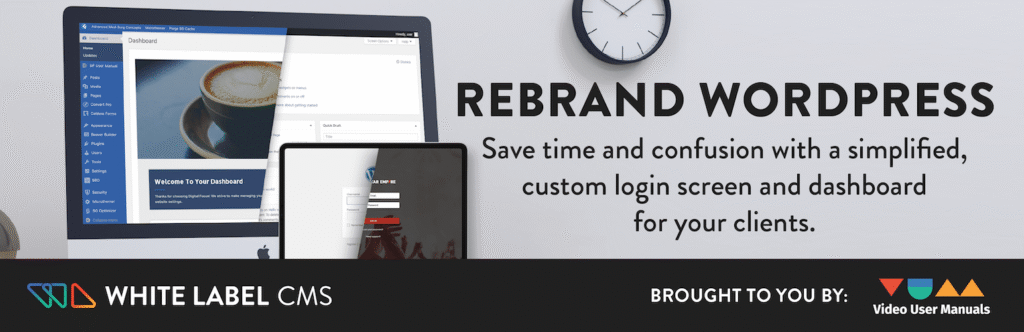
White Label CMS is built around a practical agency problem: clients do not need to see everything an administrator sees. It can brand the login and admin area, remove dashboard clutter, add a custom welcome panel, and hide menus from client users.
The setup wizard is the reason I would still consider it in 2026. You can get a sensible handoff configuration quickly without turning the project into a backend-design exercise.
Key features
- Login-page branding
- Admin header and footer branding
- Custom dashboard panel
- Hide dashboard widgets
- Client-specific menu visibility
- Quick setup wizard
Pros: Free, straightforward, focused on real client handoff needs, and widely used.
Cons: It is less ambitious than newer admin interface builders and is mainly about simplification rather than a full redesign.
Best for: Freelancers and small agencies that want a professional client backend without paying for a large suite.
Pricing: Free.
3. White Label – Best for Granular Client Admin Controls
White Label by Link Software combines branding with detailed admin controls. It can customize the login page, dashboard, menu, admin bar, and color scheme, while also hiding plugins or themes from client users.
That makes it useful for agencies that want to reduce accidental maintenance changes after handoff. I would still use real role and capability controls for security, but the interface restrictions make the backend much easier for clients to understand.
Key features
- Custom login page
- Custom dashboard and widgets
- Hide or rename admin menu items
- Admin bar and footer customization
- Hide plugins and themes from selected users
- Import and export settings
Pros: Good balance of branding and client restrictions, plus a useful free version.
Cons: Some advanced third-party plugin white-label features are reserved for Pro.
Best for: Agencies that want tighter client-facing admin controls without rebuilding the whole WordPress backend.
Pricing: Free core plugin. A Pro upgrade is available for additional third-party plugin branding and advanced controls; check the vendor for current pricing.
4. WP Adminify – Best White Label Plugin with a Bigger Admin Toolkit
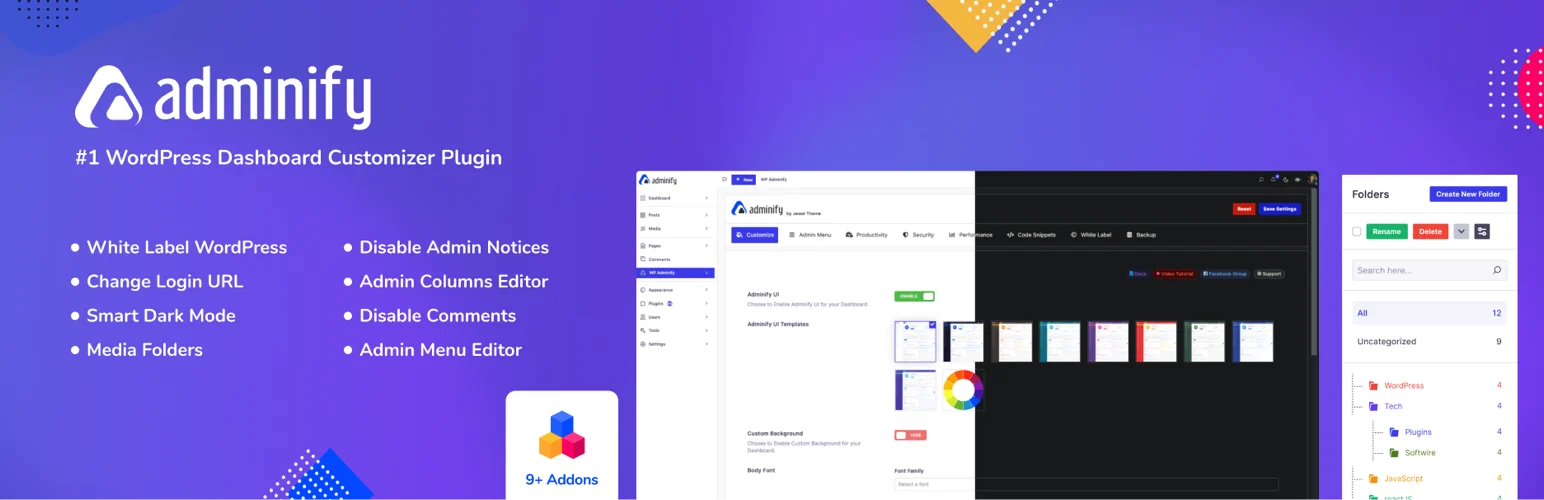
WP Adminify makes sense when white labeling is only one piece of the project. Alongside branding, it includes admin menu editing, dashboard widgets, login customization, media organization, admin columns, and other backend productivity tools.
For agencies maintaining many sites, that can reduce the number of small plugins you install on every project. The trade-off is that it is a broader tool than a pure white-label plugin.
Key features
- WordPress branding removal
- Custom dashboard widgets
- Admin menu editor
- Login-page customization
- Admin bar and interface tweaks
- Multiple productivity modules
Pros: Strong agency fit and broad backend customization in one package.
Cons: Overkill if you only need a branded login and logo swap.
Best for: Agencies that want white labeling plus ongoing WordPress admin workflow tools.
Pricing: Free version available. Pro currently starts at $79 per year for one site.
5. Ultimate Dashboard – Best for a Branded Client Dashboard
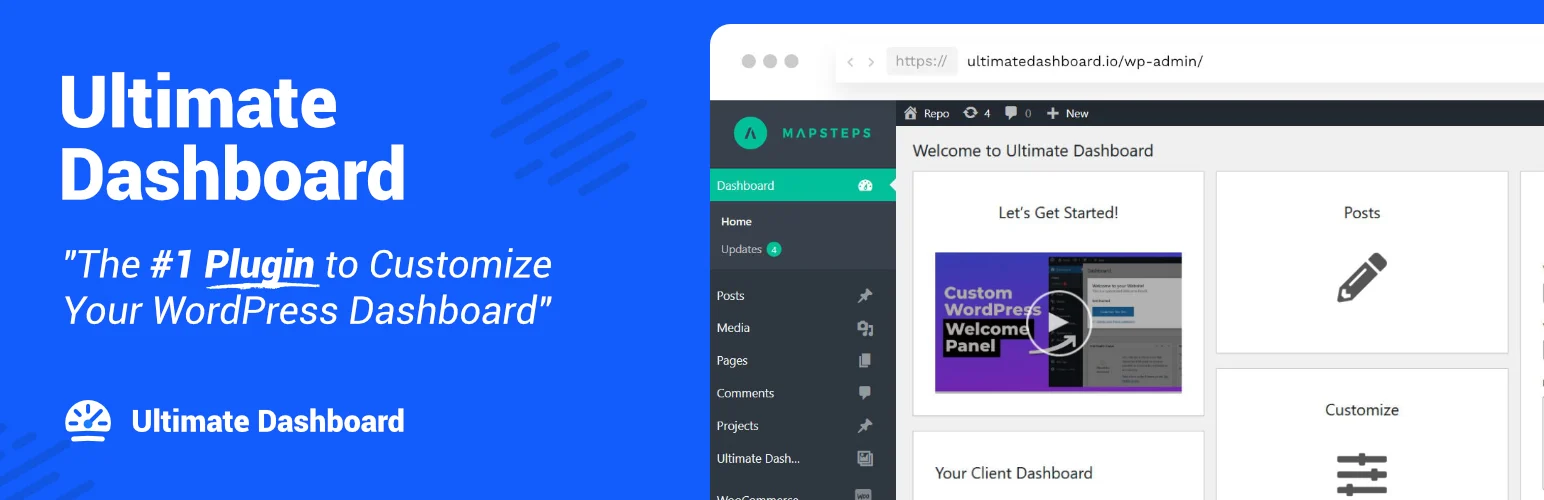
Ultimate Dashboard is the plugin I would choose when the handoff experience starts at the dashboard. You can remove default widgets, create your own text or icon widgets, add admin pages, customize login, redirect users, and apply white-label settings.
It works especially well when you want a client to log in and immediately see only the links and information relevant to maintaining their site.
Key features
- Custom text and icon dashboard widgets
- Custom admin pages
- White-label settings
- Login customizer
- Role-based widget visibility
- Login redirects and custom CSS
Pros: Focused client-dashboard experience and easy way to surface support links or editing shortcuts.
Cons: Less comprehensive than Branda for system-wide branding and email customization.
Best for: Agencies that want a simple, branded dashboard as the client’s main WordPress home screen.
Pricing: Free version available. Pro currently starts at $58 per year for one site.
Which One Should You Choose?
Start by deciding what you are actually trying to white label. For many client sites, a custom login, a clean dashboard, and a trimmed menu are enough. Removing every mention of WordPress can add maintenance work without improving the client’s day-to-day experience.
I also avoid hiding critical functionality from myself. Keep an administrator account with full access, document what the white-label plugin changes, and test updates on staging if your setup heavily modifies wp-admin.
Conclusion
White labeling should make WordPress easier to use, not simply hide its name. Branda is the best free all-rounder here, White Label CMS is excellent for quick client handoffs, and White Label offers more granular admin controls. WP Adminify and Ultimate Dashboard make more sense when white labeling is part of a larger agency workflow.
Frequently Asked Questions
What is the best white label WordPress plugin?
Branda is the strongest free all-round option in this list. WP Adminify is better when you also want a broader suite of admin productivity and customization tools.
Can I completely remove WordPress branding from wp-admin?
You can replace or hide many visible WordPress elements, but complete white labeling depends on the plugin and the screens your other plugins add. Test the exact client workflow rather than assuming every screen will be rebranded.
Is white labeling WordPress safe for client sites?
Yes, when it is used for presentation and usability. Do not treat hidden menus as a security control. Set proper user roles and capabilities for anything the client should not be allowed to change.
What should I include in a client dashboard?
Keep it practical: links to edit important content, support information, documentation, analytics or store shortcuts, and any maintenance actions the client is expected to handle.
Do I need a paid white label plugin?
Not always. White Label CMS and Branda cover many common agency handoff needs for free. Paid tools become more useful when you need deeper role controls, multi-site workflows, or broader admin customization.

