



WordPress admin can become messy fast. Add WooCommerce, SEO, forms, backups, analytics, and a few client tools, and the dashboard starts looking more like a control room than a publishing interface. That is manageable for an experienced site owner, but it can be confusing for editors and clients who only need a small part of the backend.
I prefer admin customization plugins that solve a workflow problem instead of hiding everything behind a decorative skin. A useful setup should make navigation faster, reduce accidental clicks, and keep important information visible. It should also be easy to reverse if the site changes later.
For this 2026 comparison, I picked four tools with clearly different strengths. If your main problem is managing list-table columns rather than the whole backend, see our WordPress admin column plugins roundup.
TL;DR
- uiXpress: best for a modern, app-like WordPress admin with search, analytics, role tools, and workflow improvements.
- WP Adminify: best all-in-one admin enhancement toolkit for agencies that want many backend controls in one plugin.
- Ultimate Dashboard: best for replacing the default dashboard with focused widgets, links, and client-facing admin pages.
- Admin Menu Editor: best when the main goal is reorganizing menus and controlling what different users can see.
Quick Comparison
| Plugin | Best for | Free option | Starting paid price |
|---|---|---|---|
| uiXpress | Modern admin interface and productivity | No current free plan highlighted | From $39/year |
| WP Adminify | Broad admin customization suite | Yes | $79/year |
| Ultimate Dashboard | Custom dashboards and client widgets | Yes | $58/year |
| Admin Menu Editor | Menu structure and role visibility | Yes | $49/year |
How I Chose These Plugins
I focused on current maintenance, practical fit, clear differentiation, and whether the plugin solves the admin problem without duplicating tools that do the same job. Pricing was checked against current public vendor pages in September 2026 and can change.
1. uiXpress – Best for a Modern WordPress Admin
uiXpress is the option I would look at when the default WordPress admin itself feels dated or inefficient. It focuses on the full working experience rather than one isolated menu. The current product includes a modern interface, dashboard analytics, global search, plugin management, media tools, role editing, an activity log, and remote-site features.
The biggest reason to choose it is workflow. If you spend hours inside wp-admin every day, faster navigation and better information density can matter more than cosmetic branding. It is a larger change than a simple menu editor, so I would test it on staging before rolling it out to a team.
Key features
- Modernized WordPress admin interface
- Customizable dashboard and analytics cards
- Global admin search
- Role editor and activity logging
- Plugin, media, and database management tools
- White-label options on paid plans
Pros: Broad productivity improvements, polished interface, and strong fit for developers or teams that live inside WordPress.
Cons: Changes more of the admin experience than a focused utility, so it needs careful testing with complex plugin stacks.
Best for: Agencies, developers, and content teams that want WordPress admin to feel more like a modern web application.
Pricing: Yearly plans currently start around $39 for one site. The vendor also shows lifetime options on its current pricing pages, so check the live checkout before buying.
2. WP Adminify – Best All-in-One Admin Enhancement Suite
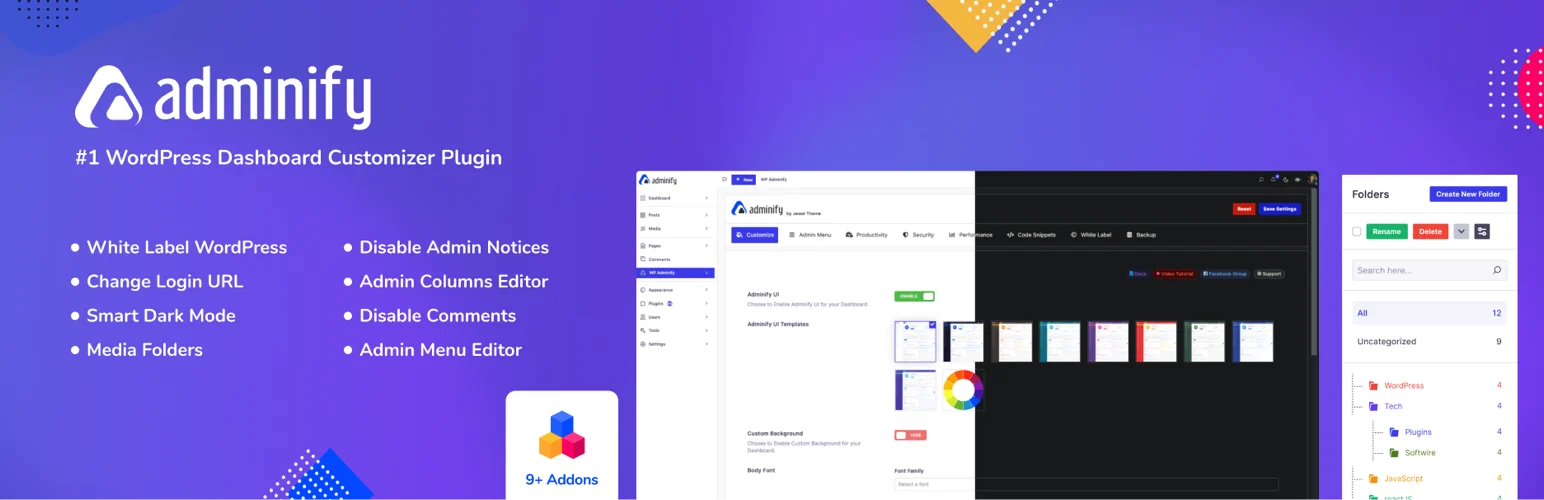
WP Adminify bundles a long list of backend tools into one plugin. It can handle dashboard widgets, admin menu editing, branding, login customization, media organization, admin columns, and other workflow tweaks that would otherwise require several separate plugins.
I like this approach when I know a client site needs more than one admin change. The trade-off is scope: with so many modules, I would enable only what the site actually needs instead of turning every feature on.
Key features
- Custom dashboard widgets
- Admin menu editor
- White-label and branding controls
- Login page customization
- Admin columns and media organization
- Modular feature controls
Pros: One plugin can replace several small admin utilities, and the modular approach works well for agency setups.
Cons: The feature set can feel excessive if you only need one simple dashboard change.
Best for: Agencies that want a reusable admin-customization stack across multiple client sites.
Pricing: Free version available. WP Adminify Pro currently starts at $79 per year for one website.
3. Ultimate Dashboard – Best for Client Dashboards and Focused Widgets
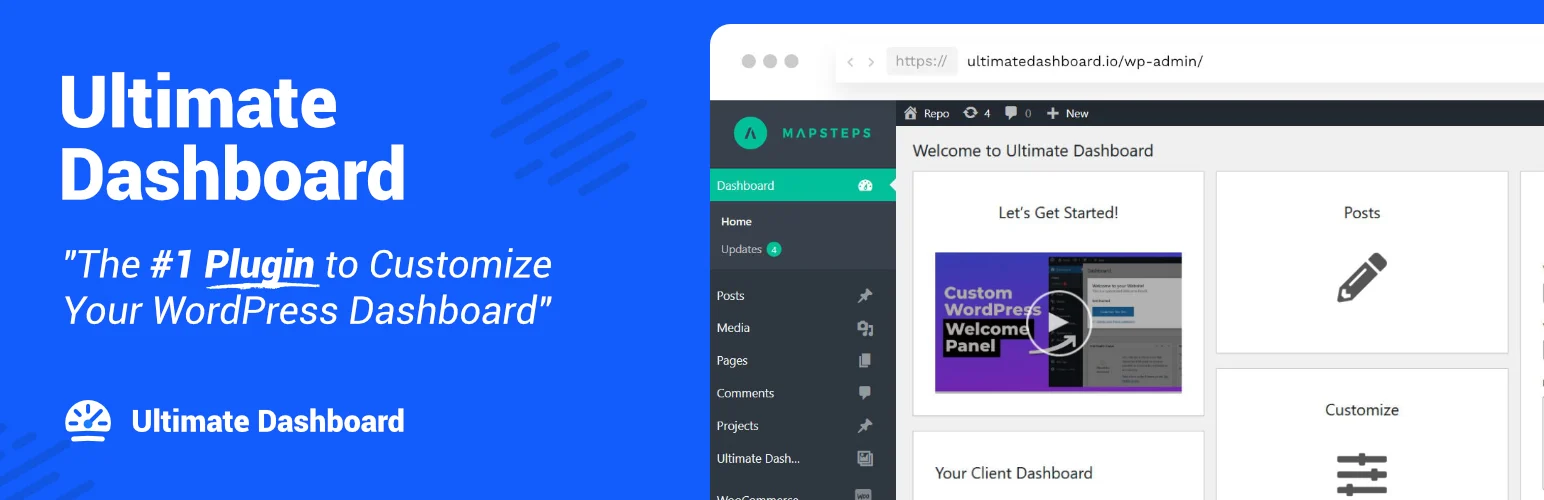
Ultimate Dashboard is more focused than WP Adminify. Its strength is replacing the default WordPress dashboard clutter with custom widgets, links, admin pages, and client-friendly content. That makes it useful when the goal is not to redesign every backend screen but to give users a clean starting point.
For handoff sites, this is the type of plugin I would use to put support links, editing shortcuts, documentation, and project-specific actions directly in front of the client.
Key features
- Custom dashboard widgets
- Text and icon widgets
- Custom admin pages
- Login customizer
- Login redirects
- Custom CSS and white-label controls
Pros: Focused feature set, straightforward client-dashboard use case, and a useful free version.
Cons: It does not replace every part of wp-admin, so deeper workflow customization may need another tool.
Best for: Freelancers and agencies that want a clean client landing dashboard after login.
Pricing: Free version available. Ultimate Dashboard Pro currently starts at $58 per year for one site.
4. Admin Menu Editor – Best for Menu Control and Role-Based Navigation
Admin Menu Editor is the most focused plugin in this list. It lets you reorder, rename, move, hide, and create admin menu items, with deeper permission controls in Pro. That sounds simple, but menu cleanup can solve a large part of the usability problem on plugin-heavy sites.
I reach for a menu editor when users already understand WordPress but are wasting time scanning irrelevant screens. It is also safer than trying to rebuild the entire backend when navigation is the only real problem.
Key features
- Drag-and-drop admin menu organization
- Rename and reorder menu items
- Move items between menu levels
- Role and user visibility controls
- Create custom menu items
- Import and export menu configurations
Pros: Focused, mature, easy to understand, and useful on almost any admin-heavy site.
Cons: It is not a complete dashboard builder or admin theme.
Best for: Sites that mainly need cleaner navigation and role-specific menu visibility.
Pricing: Free version available. Admin Menu Editor Pro currently starts at $49 for one site with one year of updates.
Which One Should You Choose?
Choose the smallest tool that fixes the actual problem. If users cannot find things, start with Admin Menu Editor. If the dashboard itself is the problem, Ultimate Dashboard is cleaner. If you need a reusable agency toolkit, WP Adminify covers more ground. If you want a broad modern admin experience, uiXpress is the more transformative option.
Also keep permissions separate from appearance. Hiding a menu item is not always the same as removing the underlying capability. For sensitive actions, configure WordPress roles and capabilities correctly instead of relying only on visual hiding.
Conclusion
A cleaner WordPress admin is less about making wp-admin look impressive and more about removing friction. For a full interface upgrade I would start with uiXpress. For a reusable multi-tool setup, WP Adminify is stronger. Ultimate Dashboard is excellent for client handoffs, while Admin Menu Editor is the simplest choice when navigation is the real problem.
Frequently Asked Questions
What is the best WordPress admin dashboard customization plugin?
For a broad modern admin experience, uiXpress is the strongest fit. WP Adminify is better when you want many separate admin tools in one modular package.
Can I customize the WordPress dashboard for different user roles?
Yes. Several plugins in this list can hide menus, restrict widgets, or change what different roles see. For real security, also review the users’ WordPress capabilities.
Will an admin customization plugin slow down my website?
Most of these tools mainly affect wp-admin, so frontend impact is usually limited. Still, large admin suites can add backend scripts and database work, so enable only the modules you need.
Should I use a dashboard plugin or an admin menu plugin?
Use a dashboard plugin when you want a custom landing area with widgets and links. Use a menu editor when the main problem is navigation clutter.

