



WordPress roles look simple until a site has editors, shop managers, support staff, contractors, clients, or custom post types. At that point, giving everyone Administrator access is convenient but risky. A good role plugin lets you give people exactly the access they need without turning permissions into a coding project.
I prefer role tools that make capabilities understandable and reversible. The best ones help you clone roles, compare permissions, recover from mistakes, and keep plugin-specific capabilities under control. I also avoid using menu hiding as a substitute for real permissions. If a user should not be able to do something, the capability itself needs to be restricted.
These five plugins cover the main approaches in 2026. If your main goal is cleaning up what users see rather than changing what they can actually do, compare our WordPress admin dashboard customization plugins. For auditing changes after access is granted, see our WordPress activity log plugins.
TL;DR
- User Role Editor: best overall for straightforward role and capability editing on most WordPress sites.
- Members: best free option when you want a clean role editor plus multiple-role and content-permission features.
- PublishPress Capabilities: best for teams that want role editing plus backups, editor restrictions, admin controls, and multisite tools.
- Advanced Access Manager: best for deeper access governance across users, roles, content, APIs, and backend resources.
- WPFront User Role Editor: best lightweight alternative for creating, cloning, restoring, and assigning roles.
Quick Comparison
| Plugin | Best for | Free version | Paid option |
|---|---|---|---|
| User Role Editor | General role and capability editing | Yes | Pro available |
| Members | Simple role editing and multiple roles | Yes | Core plugin is free |
| PublishPress Capabilities | Permissions plus backups and admin restrictions | Yes | PublishPress bundle from $129/year |
| Advanced Access Manager | Detailed access governance | Yes | Premium options available |
| WPFront User Role Editor | Lightweight role management | Yes | Free core plugin |
How I Chose These Plugins
I focused on current maintenance, support for modern WordPress capabilities, recovery options, usability, custom role support, and whether the plugin handles real permissions instead of only hiding interface elements. Plugin status and public pricing were checked in September 2026.
1. User Role Editor – Best Overall for Most WordPress Sites

User Role Editor is one of the most established tools in this category. It gives you a capability matrix for each role, lets you create or clone roles, assign multiple roles, and manage both core and plugin-added capabilities without writing code.
What I like about it is the directness. If I need to create a custom content editor who can publish posts but cannot manage plugins or site settings, the workflow is easy to understand. The current 4.66.x releases are compatible with WordPress 7.1 and include several security and PHP compatibility updates.
Key features
- Edit WordPress roles and capabilities
- Create and clone custom roles
- Assign multiple roles to users
- Manage plugin-added capabilities
- Restore roles and default permissions
- Additional restrictions and multisite features in Pro
Pros: Mature, widely used, direct capability editor, and a good fit for both simple and complex role setups.
Cons: The capability matrix can feel technical if you do not already understand WordPress permission names.
Best for: Site owners and developers who want reliable role and capability editing without a larger access-control suite.
Pricing: Free core plugin. A Pro edition is available from the developer for additional restrictions, multisite, and advanced controls; check the current vendor price before purchasing.
2. Members – Best Free Role Editor for a Cleaner Workflow
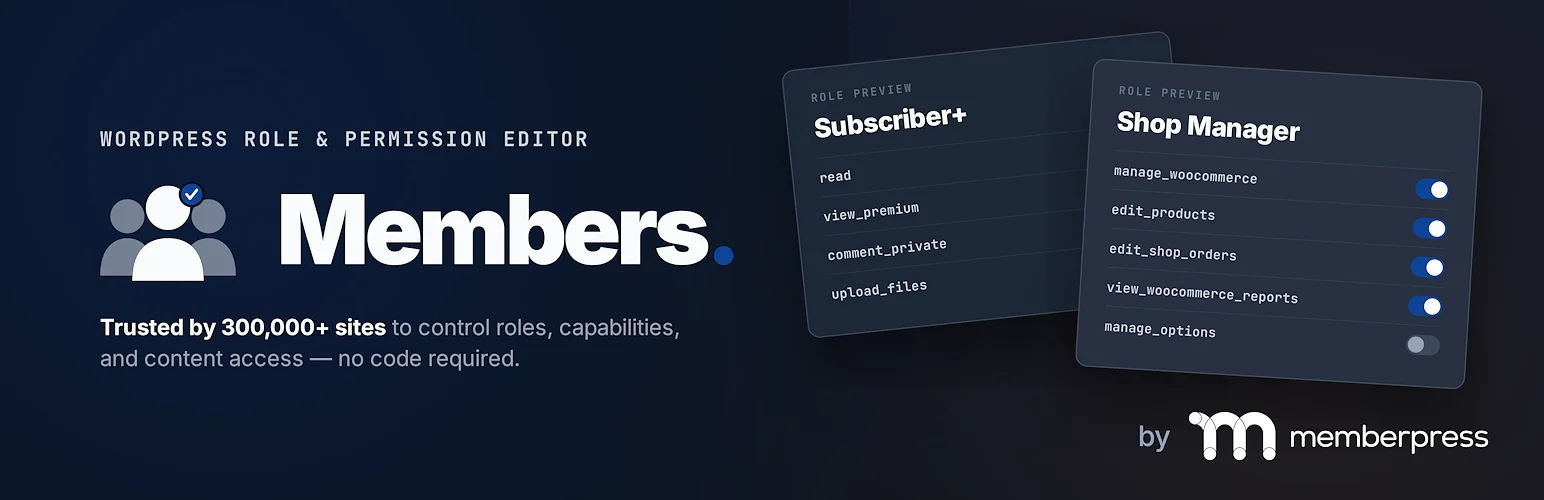
Members combines role editing with a few useful membership-style permission features. You can create and edit roles, explicitly allow or deny capabilities, assign multiple roles, and restrict content based on permissions.
The interface is easier to approach than some capability-heavy tools, which is why I like it for editors and site managers who need role control but do not want a full access-governance platform. The current 3.2.26 release is tested with WordPress 7.1 and includes fixes for multi-role editing.
Key features
- Create, edit, and delete roles
- Allow or explicitly deny capabilities
- Assign multiple roles to one user
- Content permission controls
- Role-based access features
- Works with the native WordPress roles API
Pros: Free, approachable, actively maintained, and useful when role editing and content permissions need to live together.
Cons: It is not as deep as Advanced Access Manager for highly granular resource-level governance.
Best for: Blogs, editorial sites, and small teams that want a strong free role editor with a clean workflow.
Pricing: Free.
3. PublishPress Capabilities – Best for Teams and Permission Recovery
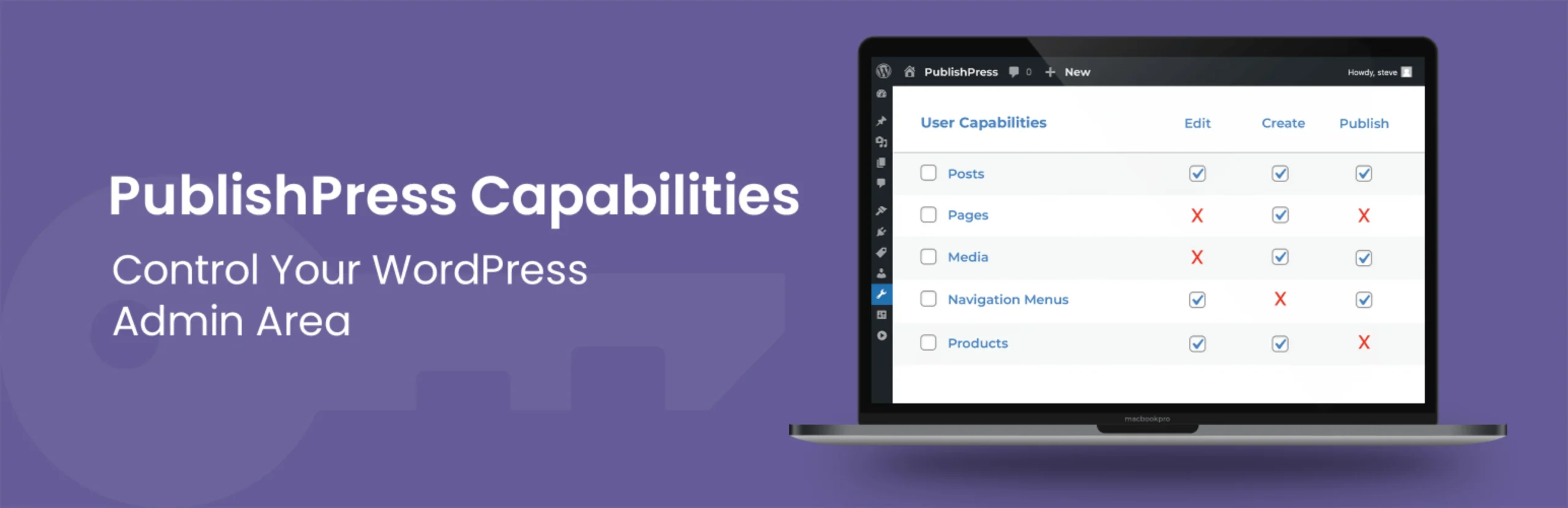
PublishPress Capabilities does more than edit capability checkboxes. It can create and copy roles, manage taxonomy and WooCommerce capabilities, restrict editor features, hide admin features, control navigation visibility, and back up permission changes.
The backup system is the feature I value most. Permission mistakes can lock a role out of important screens, so having automatic rollback points makes experimentation much safer. It is also a stronger fit than basic role editors when a site has multisite or several custom workflows.
Key features
- Create, copy, and edit user roles
- Automatic permission backups and restore
- Editor and admin feature restrictions
- Taxonomy and WooCommerce permissions
- Navigation and profile feature controls
- Multisite synchronization options
Pros: Excellent recovery tools, broad permission coverage, and good fit for teams with complex editorial or WooCommerce roles.
Cons: The broader interface has more settings than a simple role editor, and some advanced controls require Pro.
Best for: Agencies, editorial teams, multisite networks, and WooCommerce sites that need safer permission management.
Pricing: Free version available. PublishPress currently sells its full Pro plugin bundle from $129 per year for one site, which includes Capabilities Pro.
4. Advanced Access Manager – Best for Detailed Access Governance

Advanced Access Manager is better thought of as an access-governance platform than a basic role editor. It can work with roles and individual users, backend resources, content access, API routes, login behavior, and other permission layers.
I would choose AAM when the requirement sounds like a policy rather than a simple role. For example, when one team should access a specific content type and another team needs a separate backend experience, the broader model can be more flexible than toggling capabilities alone.
Key features
- Role and individual-user access controls
- Content and backend resource restrictions
- API and endpoint access controls
- Login and redirect policies
- Capability and menu governance
- Advanced policy-oriented extensions
Pros: Very flexible access model and stronger than a basic role editor for complex governance requirements.
Cons: More complex to learn, and it is easy to over-engineer access rules on a small site.
Best for: Membership platforms, internal portals, and complex sites where access depends on more than one WordPress role.
Pricing: Free core plugin with paid premium features and services available from AAM. Check the current vendor pricing for the exact package you need.
5. WPFront User Role Editor – Best Lightweight Alternative

WPFront User Role Editor covers the standard role-management jobs without turning the site into a larger membership or access platform. You can create, edit, clone, restore, and delete roles, manage capabilities, assign multiple roles, and adjust the default role.
I like it as a lightweight alternative when the site owner wants a familiar WordPress admin experience and does not need a long list of policy engines or content-restriction add-ons.
Key features
- Create and edit custom roles
- Clone existing roles
- Add and remove capabilities
- Assign multiple roles
- Restore role settings
- Basic navigation menu permissions
Pros: Focused, free, straightforward, and enough for many normal WordPress role-management tasks.
Cons: Less advanced than PublishPress Capabilities or AAM for deeper admin, content, and workflow restrictions.
Best for: Small business and editorial sites that need simple custom roles and capability management.
Pricing: Free core plugin.
Which One Should You Choose?
For most sites, User Role Editor or Members is enough. If you want automatic permission backups and broader editor restrictions, PublishPress Capabilities is the safer team-oriented choice. Advanced Access Manager makes more sense when access rules span content, APIs, users, and backend resources. WPFront is a solid lightweight alternative.
Before changing an Administrator or Shop Manager role, take a full backup and create a separate administrator account you know still works. Role changes are persistent in WordPress, so deleting the role plugin later does not automatically undo every permission change.
Conclusion
The right WordPress permission plugin depends on how complicated your access model really is. I would start with User Role Editor or Members for normal sites, move to PublishPress Capabilities when recovery and team controls matter, and use Advanced Access Manager only when the project genuinely needs deeper governance. The safest permission setup is usually the simplest one that gives each person only the access required for their work.
Frequently Asked Questions
What is the best WordPress user role plugin?
User Role Editor is the best general-purpose choice for most sites. PublishPress Capabilities is stronger when you also need backups, editor restrictions, and broader permission controls.
Can I create custom WordPress user roles without code?
Yes. Every plugin in this list can create or manage custom roles without requiring PHP code.
Is hiding an admin menu the same as removing permission?
No. A hidden menu only changes what the user sees. Real access control should remove or restrict the underlying WordPress capability or resource permission.
Can role plugins work with WooCommerce?
Yes. WooCommerce registers its own capabilities, and role editors can manage many of them. PublishPress Capabilities also includes WooCommerce-specific permission tools.
Will deleting a user role plugin restore default permissions?
Not necessarily. Role and capability changes are stored in WordPress. Use the plugin’s restore or backup tools before removal if you want to return to an earlier permission state.

