



WooCommerce already includes basic percentage and fixed coupons. The limitations show up when a promotion needs real marketing logic: auto-apply links, BOGO offers, store credit, gift cards, bulk codes, purchase-history rules, scheduled campaigns, or coupons tied to affiliates and customer segments.
I use coupon plugins when the promotion should still behave like a coupon campaign. If the price should change automatically because of quantity, role, or cart logic, I usually prefer a dynamic pricing plugin instead. Keeping those two jobs separate makes discount behavior easier to explain and troubleshoot.
These six options cover advanced coupons, official WooCommerce tooling, URL campaigns, and coupon-led affiliate workflows. Always test how coupons interact with taxes, shipping, subscriptions, and other discounts before launching a promotion.
TL;DR: Best WooCommerce Coupon Plugins
- Power Coupons for WooCommerce: best overall free-first option for automatic cart incentives.
- Advanced Coupons: best for BOGO, store credit, loyalty, and broader promotion workflows.
- Smart Coupons for WooCommerce by WebToffee: best for bulk codes, gift cards, BOGO, and advanced restrictions.
- WooCommerce Smart Coupons: best official extension for store credit, gift cards, and bulk coupon management.
- URL Coupons for WooCommerce: best for shareable campaign links and QR-code coupon activation.
- Coupon Affiliates: best when coupon codes also need to track affiliate referrals and commissions.
1. Power Coupons for WooCommerce – Best Overall Free-First Coupon Plugin
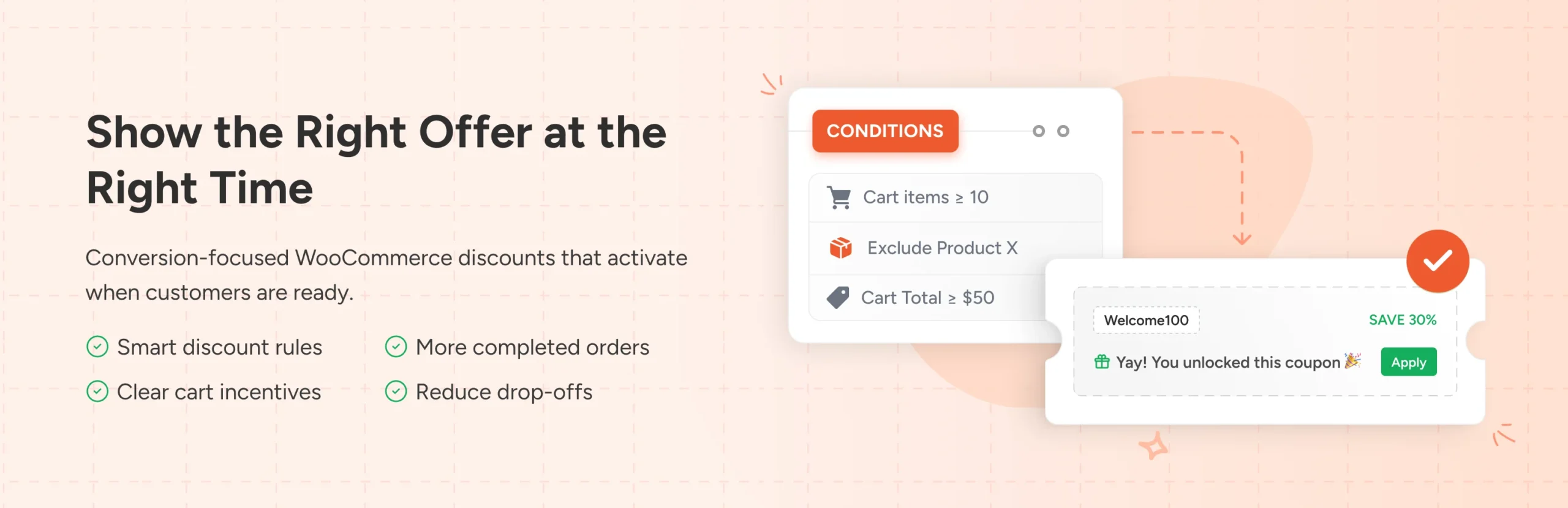
Power Coupons for WooCommerce focuses on automatic discounts and cart incentives that do not force shoppers to remember a code. It can apply promotions when cart conditions are met and surface discount opportunities directly inside the purchase flow.
What I like about an auto-apply approach is the reduction in friction. If the offer is already advertised on the landing page, making the customer copy a code, open the coupon field, and paste it again creates unnecessary work.
Key features
- Automatic WooCommerce coupon application
- Cart-condition based incentives
- Dynamic discount messaging
- Threshold and promotion rules
- WooCommerce-native coupon compatibility
- Free core with additional premium capabilities depending on current edition
Pros: Removes coupon-entry friction, useful free core, clear promotion focus, and good fit for cart-based campaigns.
Cons: Less focused on gift cards and store-credit management than dedicated smart-coupon suites.
Best for: Stores that want discounts to activate automatically when shoppers meet campaign conditions.
Pricing: Free plugin available; check the current product page for any premium plan.
2. Advanced Coupons – Best for Promotion Depth

Advanced Coupons extends WooCommerce coupons with BOGO rules, cart conditions, URL coupons, auto-apply behavior, store credit, scheduling, role restrictions, and optional loyalty and gift-card products.
I like it when coupons are a recurring marketing channel rather than an occasional 10% code. The ability to build conditions around cart contents and customer behavior makes promotions more intentional than blanket sitewide discounts.
Key features
- BOGO coupon rules
- Cart-condition targeting
- URL and auto-apply coupons
- Coupon scheduling
- Store credit and loyalty integrations
- Role, product, and cart restrictions
Pros: Broad campaign controls, useful free version, strong BOGO logic, and a clear upgrade path into loyalty and gift cards.
Cons: Full functionality can involve multiple products or premium tiers, increasing cost and complexity.
Best for: Stores that run frequent promotional campaigns and need more than basic coupon restrictions.
Pricing: Free version available; premium pricing varies by product bundle and site count.
3. Smart Coupons for WooCommerce by WebToffee – Best for Bulk Codes and Gift Cards
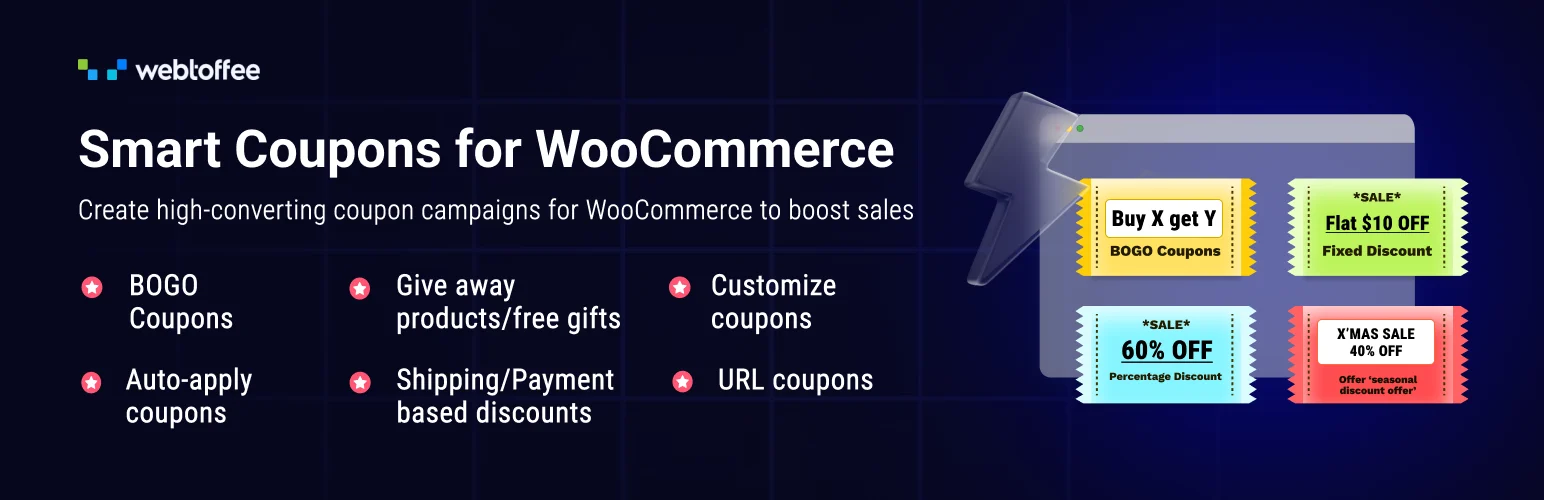
Smart Coupons for WooCommerce by WebToffee adds BOGO offers, advanced restrictions, auto-apply rules, URL sharing, store credits, gift cards, signup coupons, abandoned-cart coupons, and bulk code generation.
The feature I find especially useful for campaign teams is bulk generation. When a promotion needs hundreds of unique codes for partners, events, printed material, or segmented email campaigns, generating and exporting them is much cleaner than creating codes one by one.
Key features
- BOGO and giveaway coupons
- Bulk coupon generation and CSV workflows
- Store credits and gift cards
- Auto-apply and URL coupons
- Purchase-history and signup conditions
- Abandoned-cart coupon campaigns in premium versions
Pros: Deep coupon toolkit, good bulk management, useful gift-card features, and strong promotion restrictions.
Cons: Some features overlap with separate marketing-automation tools, so plan the stack before enabling everything.
Best for: Stores managing many campaign codes, gift cards, store credit, and advanced coupon conditions.
Pricing: Free version available. Current premium single-site pricing is around $89 per year.
4. WooCommerce Smart Coupons – Best Official Extension
WooCommerce Smart Coupons is the official marketplace extension for advanced coupons, gift certificates, store credit, bulk coupon generation, scheduled codes, and customer-facing vouchers.
I consider it when the merchant wants coupon and credit features under the official WooCommerce support umbrella. It is particularly sensible when store credit and gift certificates are operationally important, not just seasonal extras.
Key features
- Store credit and gift certificates
- Bulk coupon generation
- Coupon scheduling
- Auto-apply and URL coupon capabilities
- Customer coupon account display
- Official WooCommerce product integration
Pros: Official support, strong store-credit model, mature coupon management, and useful bulk tools.
Cons: Premium only and not the cheapest path if you mainly need simple auto-apply codes.
Best for: Stores that want official WooCommerce support for gift certificates, credits, and large coupon programs.
Pricing: Paid annual license through WooCommerce.com.
5. URL Coupons for WooCommerce – Best for Campaign Links and QR Codes
URL Coupons for WooCommerce turns a coupon into a shareable URL that can apply the discount automatically, redirect the visitor to a chosen page, add products to the cart, and generate QR codes for offline campaigns.
I like URL coupons for partnerships, email campaigns, printed flyers, and event materials. The shopper clicks or scans once and the campaign logic follows them into the store without asking them to type a code correctly.
Key features
- Shareable auto-apply coupon URLs
- QR code generation
- Custom redirect destinations
- Add selected products to cart from the coupon link
- Custom campaign URL structures
- Compatibility with WebToffee Smart Coupons
Pros: Excellent campaign usability, removes code-entry friction, supports offline QR campaigns, and is easy to explain to marketers.
Cons: Narrower scope than an all-in-one coupon suite and adds another plugin if URL behavior is the only missing feature.
Best for: Email, influencer, print, event, and partnership campaigns that need one-click coupon activation.
Pricing: Current single-site price is around $49 per year.
6. Coupon Affiliates – Best for Coupon-Based Affiliate Tracking
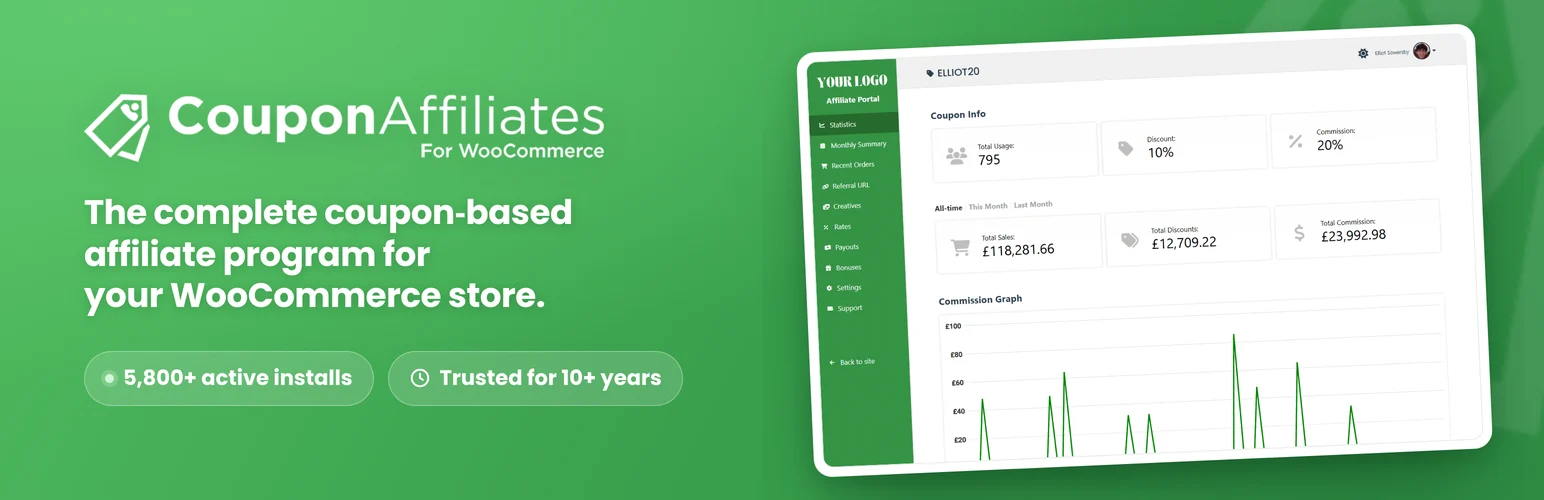
Coupon Affiliates connects WooCommerce coupons with affiliate tracking, dashboards, referrals, commission calculations, and partner reporting. The coupon becomes both a customer incentive and a referral identifier.
I would use this model when creators, ambassadors, or partners promote memorable coupon codes instead of standard affiliate links. It can be much easier for a podcast, video, or offline mention where clicking a tracking link is not guaranteed.
Key features
- Coupon-linked affiliate referrals
- Affiliate dashboards
- Commission calculations
- Referral and order reporting
- Partner registration and management tools
- Premium payout and automation features
Pros: Connects coupon marketing with affiliate attribution, easy for creators to share verbally, and includes a free starting point.
Cons: It is an affiliate system rather than a general smart-coupon suite, so it is unnecessary for stores without partners.
Best for: Influencer, ambassador, podcast, and partner programs centered on unique discount codes.
Pricing: Free version available; Pro plans add more affiliate-management and payout features.
Coupon Rules I Follow
- Decide whether coupon codes can stack before the campaign launches.
- Set expiration dates for time-limited promotions.
- Use automatic application when asking customers to type a code adds no value.
- Protect margins with minimum spends, product exclusions, and usage limits.
- Test coupons with shipping, tax, subscriptions, and guest checkout.
Conclusion
Power Coupons is a strong free-first choice for automatic incentives, Advanced Coupons is better for deep promotional logic, and WebToffee Smart Coupons stands out for bulk codes, gift cards, and broad coupon management. The official WooCommerce Smart Coupons extension makes sense when store credit and support consistency matter most.
Coupons work when they make an offer easier to understand and act on. They become harmful when customers learn to delay every purchase until another code appears. Build promotions around a clear business reason, not simply because WooCommerce makes it easy to create one.
Frequently Asked Questions
What is the best WooCommerce coupon plugin?
Advanced Coupons and Smart Coupons for WooCommerce by WebToffee are the strongest broad coupon suites. Power Coupons is a good free-first choice when automatic cart incentives are the main requirement.
Can WooCommerce coupons apply automatically?
Yes. Several plugins can auto-apply coupons based on URLs, cart conditions, customer behavior, or campaign rules so shoppers do not need to type a code manually.
Can WooCommerce generate hundreds of unique coupon codes?
Yes. Smart-coupon plugins can bulk generate codes and often export them to CSV, which is useful for email campaigns, events, partners, and single-use promotions.
Are coupons better than automatic discounts?
Neither is always better. Coupons are useful when the code itself is part of the campaign or attribution. Automatic pricing is better when every qualifying customer should receive the same discount without entering a code.

