
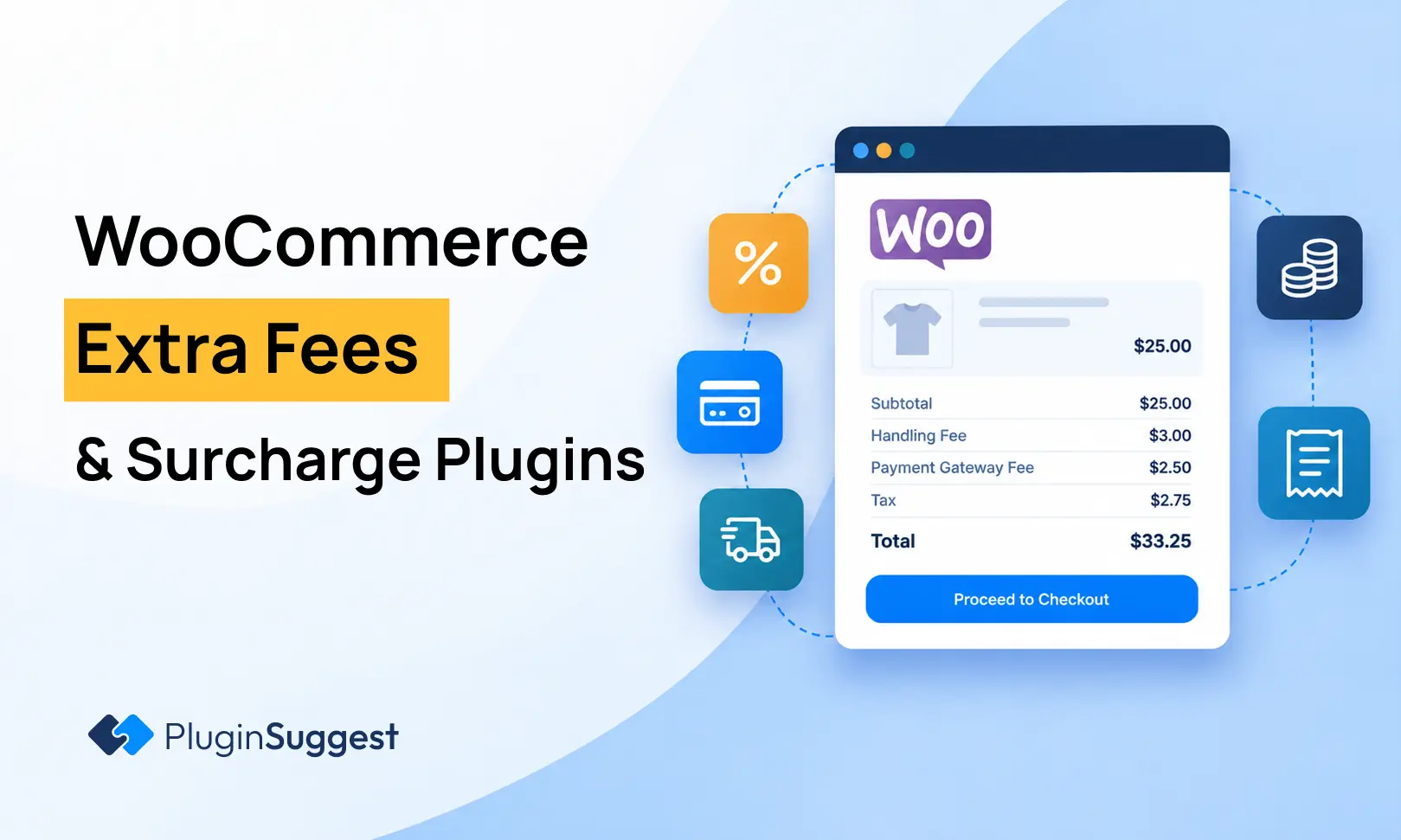


A store can lose margin even when product prices are correct. Cash-on-delivery handling, fragile packaging, express fulfillment, heavy carts or a small-order service may create a real cost that only applies to certain orders. Hard-coding those charges into every product price makes the catalog less accurate and can overcharge customers who do not trigger the cost.
WooCommerce extra-fee plugins solve that by adding a transparent charge when defined conditions are met. This article is only about added fees and surcharges. It is not about discount rules or dynamic product pricing.
TL;DR
Extra Fees for WooCommerce by Dotstore is the strongest established free-first choice, with 7,000+ active installs and deep conditional rules. Conditional Cart Fee by PI Web Solution is excellent for complex checkout conditions and optional fees. Multiple Cart Fee is a simpler newer option for handling and service surcharges. Plusero focuses on a guided rule-building experience. Payment Gateway Based Fees and Discounts for WooCommerce is the strongest specialist choice when the charge depends specifically on the selected payment method. It currently has 30,000+ active installs and a very recent 2026 maintenance trail.
Quick Comparison
| Plugin | Best for | Pricing |
|---|---|---|
| Extra Fees for WooCommerce by Dotstore | Established stores with many conditional fee rules | Free core with a commercial Pro upgrade. |
| Conditional Cart Fee / Extra Charge Rule for WooCommerce by PI Web Solution | Complex checkout logic and optional service fees | Free core with a Pro version. |
| Multiple Cart Fee for WooCommerce | Simple handling, service and packaging surcharges | Free plugin with premium add-ons from the developer. |
| Plusero – Extra Fees for WooCommerce | Guided rule building for non-technical store owners | Free on WordPress.org with the developer’s commercial ecosystem available separately. |
| Payment Gateway Based Fees and Discounts for WooCommerce | Payment-method-specific fees or discounts | Free core with a Pro upgrade. |
How I Chose These Plugins
I prioritized rule conditions that match real fee use cases: cart subtotal, quantity, weight, product/category, shipping method, payment gateway, user role and location. I also checked fixed versus percentage fees, tax handling, optional customer-selected fees, current WooCommerce compatibility and whether the plugin supports the modern checkout experience.
1. Extra Fees for WooCommerce by Dotstore — Best for Established stores with many conditional fee rules
Best for: Established stores with many conditional fee rules
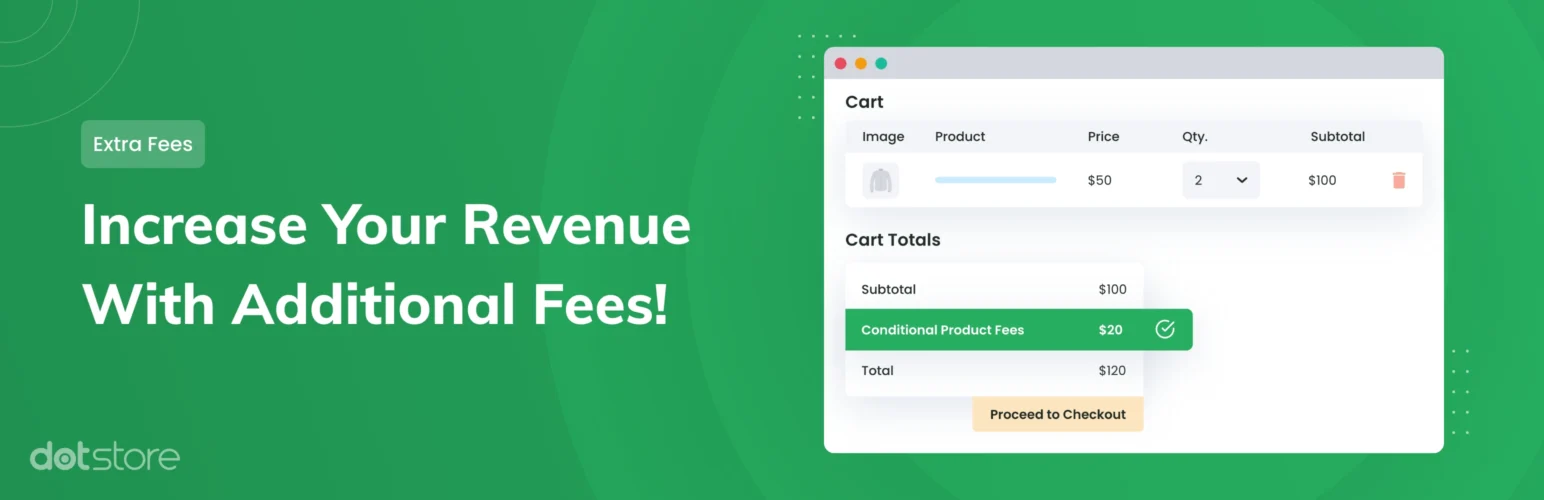
Dotstore’s Extra Fees plugin has the largest established free-plugin footprint in this group. WordPress.org lists version 4.4.0, 7,000+ active installs, a recent update and testing through WordPress 7.0.4. It can target fees by geography, product, cart, quantity, role, coupon, weight, shipping class, payment gateway and more.
Key Features
- Fixed or conditional WooCommerce fees
- Product, category and tag conditions
- Cart subtotal, quantity and weight conditions
- Payment gateway and shipping method rules
- Geographic rules by country, state, postcode or zone
- Tax options and optional-fee controls
Pros
- Deep rule coverage and meaningful adoption
- Good fit for stores with multiple fee scenarios
Cons
- Advanced rule sets can become difficult to audit
- Some capabilities require Pro
Pricing: Free core with a commercial Pro upgrade.
2. Conditional Cart Fee / Extra Charge Rule for WooCommerce by PI Web Solution — Best for Complex checkout logic and optional service fees
Best for: Complex checkout logic and optional service fees
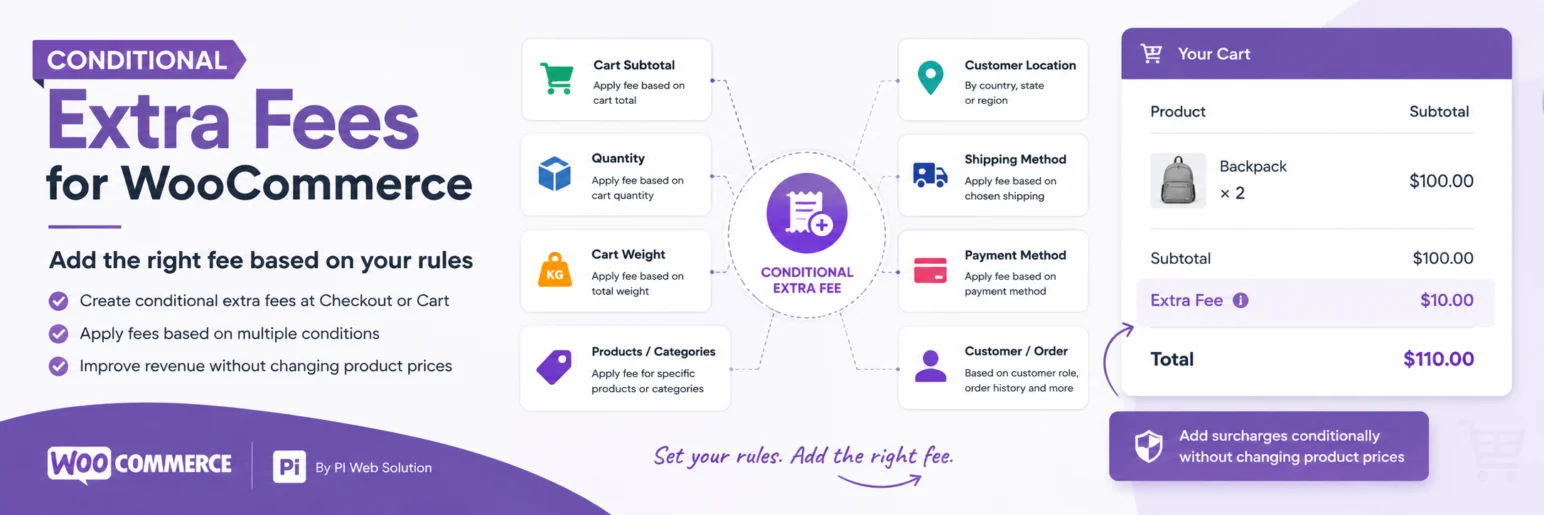
PI Web Solution’s plugin is actively maintained and currently shows version 1.1.66, 2,000+ active installs, testing through WordPress 7.1 and a recent update. It supports multiple fee rules and can make fees optional, which is useful for assembly, gift wrapping or other customer-selected services.
Key Features
- Multiple named fee rules
- Fixed and percentage fee options
- Cart quantity, subtotal and weight conditions
- Product, attribute and user-role conditions
- Optional customer-selectable fees
- Shipping, payment, postcode and currency conditions in supported tiers
Pros
- Very broad conditional logic
- Optional fee workflow handles add-on services cleanly
Cons
- Some gateway and advanced conditions are Pro-only
- Complex rules require careful priority/conflict testing
Pricing: Free core with a Pro version.
3. Multiple Cart Fee for WooCommerce — Best for Simple handling, service and packaging surcharges

Best for: Simple handling, service and packaging surcharges
Multiple Cart Fee is a newer option aimed at stores that need several checkout charges without a heavy rules interface. It supports unlimited conditional fees for use cases such as handling, service, packaging and product-based surcharges.
Key Features
- Unlimited fee rules
- Handling and service charges
- Packaging fees
- Product-based surcharges
- Conditional cart logic
- WooCommerce checkout integration
Pros
- Straightforward fee-focused scope
- Useful when you do not need a large pricing suite
Cons
- Shorter public track record
- Fewer mature integrations than Dotstore or PI Web Solution
Pricing: Free plugin with premium add-ons from the developer.
4. Plusero – Extra Fees for WooCommerce — Best for Guided rule building for non-technical store owners

Best for: Guided rule building for non-technical store owners
Plusero approaches fee setup as a guided flow: where the charge applies, when it applies, how much it costs, what the customer sees and whether the rule reads correctly. It can place fees on products, cart, checkout, shipping methods or payment gateways and supports conditions such as subtotal, quantity, product, category, role and billing country.
Key Features
- Product, cart and checkout fee placement
- Shipping-method fees
- Payment-gateway fees
- Subtotal and quantity conditions
- Product/category and customer-role conditions
- Fixed and percentage charge models
Pros
- Rule builder is easier to reason about than raw condition tables
- Covers common operational surcharges
Cons
- Newer plugin with limited review history
- Advanced enterprise edge cases are less proven publicly
Pricing: Free on WordPress.org with the developer’s commercial ecosystem available separately.
5. Payment Gateway Based Fees and Discounts for WooCommerce — Best for Payment-method-specific surcharges
Best for: Stores that only need fees or discounts tied to the customer’s chosen payment method
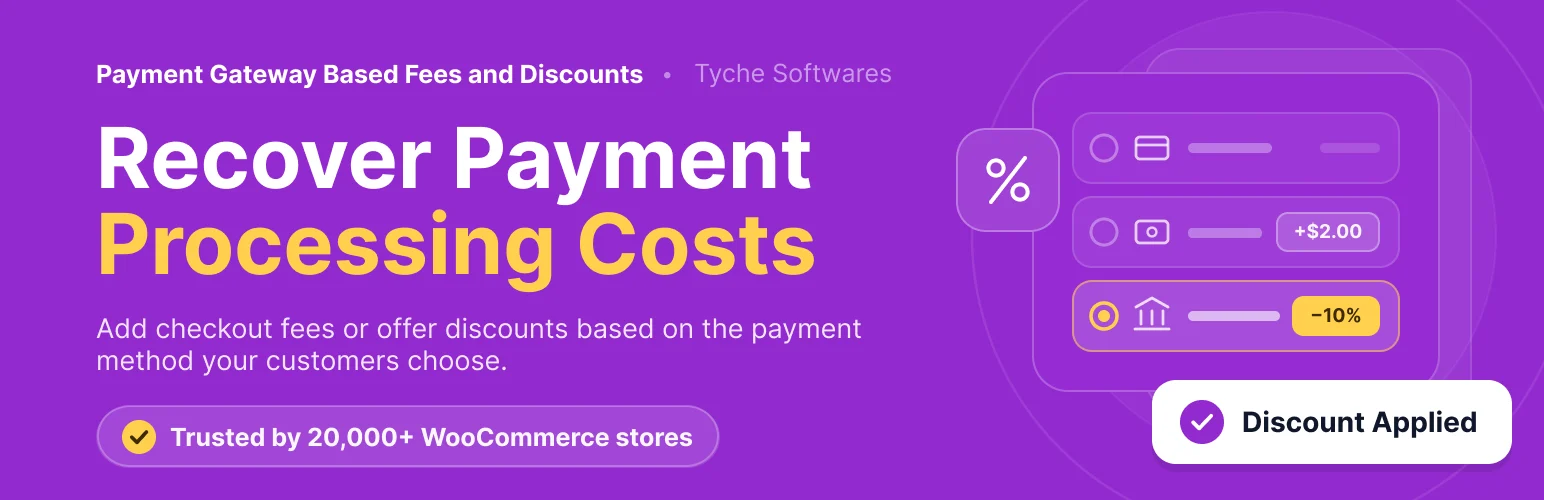
This Tyche Softwares plugin is a much stronger specialist recommendation than a generic gateway-fee category. WordPress.org currently lists version 3.3.0, 30,000+ active installations, testing through WordPress 7.1, and a September 2026 update. It can add a fixed or percentage fee—or a discount—when the shopper selects gateways such as Cash on Delivery, bank transfer, PayPal, or supported third-party gateways.
Key Features
- Fixed or percentage payment-gateway fees
- Payment-method discounts as well as surcharges
- Minimum and maximum fee or discount values
- Optional inclusion or exclusion of shipping in calculations
- Tax and rounding controls for gateway fees
- Pro rules for product, category, location, shipping method, and card attributes
Pros
- Large active install base and very recent WooCommerce maintenance
- Cleaner than a general fee engine when payment method is the only trigger
Cons
- Too narrow if you also need product, weight, shipping, or customer-role fee logic in the free tier
- Card and payment surcharges may be restricted by law or processor agreements
Pricing: Free core with a commercial Pro upgrade.
How to Choose the Right Plugin
Write the fee policy in plain language before building conditions. If staff cannot explain why a customer received a surcharge, the rule is too opaque. Show the charge before the final order button whenever possible.
Be careful with payment-method surcharges. The ability to configure a card fee does not mean the fee is lawful or permitted by your processor. Check local regulation and your payment agreement.
Keep this separate from dynamic pricing. A small-order fee or COD handling charge should appear as a fee line, not silently change the product price, because transparent order totals are easier to support and reconcile.
Related reading on PluginSuggest: WooCommerce dynamic pricing plugins, WooCommerce payment gateway plugins, WooCommerce shipping plugins.
Design Fees Around Real Costs
A fee should map to a cost or service the customer can understand. “Fragile packaging,” “Cash on Delivery handling,” and “small order handling” are clearer than a generic “processing fee.” Transparent labels reduce disputes and make it easier for support staff to explain the total.
Avoid stacking several rules onto the same order unless that is intentional. A cart could qualify for a small-order fee, remote-area surcharge and payment-method fee simultaneously. Test rule priority and document combinations so customers are not surprised by a checkout total that changes several times.
Tax, Shipping and Payment Interactions
Decide whether each fee is taxable and which tax class applies. The answer can vary by jurisdiction and by what the fee represents. A taxable packing service may need different treatment from a government fee or payment surcharge. Your plugin can calculate the configured tax, but your accountant or tax adviser should define the rule.
Shipping and payment methods are selected late in checkout, so fees tied to those choices must update immediately when the customer changes methods. Test switching from standard to express shipping and from card to Cash on Delivery without reloading the page. The old fee should disappear when its condition is no longer true.
Compliance and Customer Experience
Payment surcharges deserve extra caution. Some countries restrict card surcharges, and card networks or payment processors can impose additional rules. Do not copy a competitor’s fee policy without checking the rules that apply to your merchant account.
Optional fees should be genuinely optional. Preselecting gift wrap, insurance or donations can create customer-trust and regulatory problems. If the customer chooses an add-on service, show the choice and amount clearly in cart, checkout, order confirmation and the final invoice.
Fee Rule Maintenance
Review fee rules after shipping-rate, gateway or tax changes. A surcharge tied to a payment method slug or shipping method can quietly stop matching after configuration changes. Keep a short internal list of each fee, its business reason and its conditions so future site maintenance does not leave obsolete charges running.
Conclusion
Dotstore is the strongest general-purpose extra-fee plugin for stores that need many rule types, while PI Web Solution is particularly attractive for optional services and complex checkout conditions. Lighter plugins can be better when the requirement is only a packaging or handling fee. If the only condition is the selected gateway, Payment Gateway Based Fees and Discounts is more focused than a broad conditional-fee engine. Keep the fee logic visible, test tax behavior and checkout blocks, and review local surcharge rules before adding payment-method charges.
Frequently Asked Questions
Can WooCommerce add an extra fee at checkout?
Yes. Extra-fee plugins can add a fixed or percentage charge when conditions such as cart value, product, shipping method or payment gateway are met.
Is an extra fee the same as dynamic pricing?
No. Dynamic pricing changes the product price or discount. An extra fee appears as an additional order charge such as handling, packaging or a service fee.
Can I charge a Cash on Delivery fee?
Many fee plugins support gateway-based conditions, including COD. Check local laws and clearly disclose the fee before order submission.
Can customers choose an optional fee?
Some plugins support optional checkboxes for services such as assembly, gift wrapping or premium handling.
Are credit-card surcharges allowed?
Rules vary by country, card network and payment processor. A plugin can technically add the charge, but you must confirm that your business is allowed to do so.


