



Selling flooring, fabric, cable, glass, blinds or mulch by a normal WooCommerce quantity creates the wrong buying experience. Customers think in square feet, metres, weight or volume, while your catalog may be priced per box, roll or unit. The store needs to convert measurements into a price or required quantity before the product reaches the cart.
This roundup is about measurement-based product pricing. It is not a generic calculator list. Every pick can turn customer-entered dimensions or measurements into a WooCommerce product price or purchasable quantity.
TL;DR
WooCommerce Measurement Price Calculator is the most established specialized extension and supports dimensions, area, volume, weight and quantity-based modes. Price Calculator for WooCommerce by Addify is a simpler commercial alternative for real-time size pricing. PriceWise is the best flexible formula-based free option. Measurement-Based Pricing by PluginSpark is a newer WooCommerce Marketplace choice with live calculations and support for common metric and imperial units.
Quick Comparison
| Plugin | Best for | Pricing |
|---|---|---|
| WooCommerce Measurement Price Calculator | Established stores selling by area, volume, weight or dimension | $149/year when checked. |
| Price Calculator for WooCommerce by Addify | Straightforward size-based pricing with commercial support | $79/year when checked. |
| PriceWise – Measurement Price Calculator & Price by Formula | Flexible formulas and free custom measurement logic | Free formula calculator; Pro adds dedicated measurement fields, price tables and more controls. |
| Measurement-Based Pricing for WooCommerce by PluginSpark | Modern live calculation with common measurement units | $59/year when checked. |
How I Chose These Plugins
I tested the category around two workflows: user-defined pricing, where the customer enters a measurement and the price changes, and quantity calculation, where measurements determine how many boxes or units are needed. I also looked at unit support, minimums/maximums, pricing tables, variable products and whether the calculation survives correctly into cart and order data.
1. WooCommerce Measurement Price Calculator — Best for Established stores selling by area, volume, weight or dimension
Best for: Established stores selling by area, volume, weight or dimension
This is the most mature purpose-built measurement option in the WooCommerce ecosystem. The current Marketplace listing shows version 3.24.1, 6,000+ active installs, a $149/year one-site plan, and testing with WordPress 7.1 and WooCommerce 11.0.1. It supports both quantity-based and user-defined calculator modes, which makes it useful for products such as tiles by the box and fabric by the yard.
Key Features
- Dimension, area, surface area, perimeter, volume and weight calculators
- User-defined measurement pricing
- Quantity-based calculations for packaged products
- Minimum price and measurement controls
- Pricing tables by measurement range
- Cart and Checkout Blocks compatibility
Pros
- Deep measurement-specific feature set
- Handles both price calculation and required-quantity workflows
Cons
- Paid extension
- Complex configurations need careful product-by-product testing
Pricing: $149/year when checked.
2. Price Calculator for WooCommerce by Addify — Best for Straightforward size-based pricing with commercial support
Best for: Straightforward size-based pricing with commercial support
Addify’s Price Calculator is designed for products sold by size such as blinds, rope, fencing, wallpaper, liquids and tiles. The Marketplace lists version 1.2.3 and 200+ active installs. Customers enter measurements and the product price updates in real time.
Key Features
- Customer-entered dimensions
- Real-time price calculation
- Pricing by metre, square foot, square metre and other units
- Simple measurement fields on product pages
- Support for made-to-size products
- WooCommerce cart and order integration
Pros
- Simpler mental model than a formula engine
- Commercial WooCommerce Marketplace support
Cons
- Smaller install base than the long-established Measurement Price Calculator
- Less flexible than formula-based tools for unusual pricing rules
Pricing: $79/year when checked.
3. PriceWise – Measurement Price Calculator & Price by Formula — Best for Flexible formulas and free custom measurement logic
Best for: Flexible formulas and free custom measurement logic
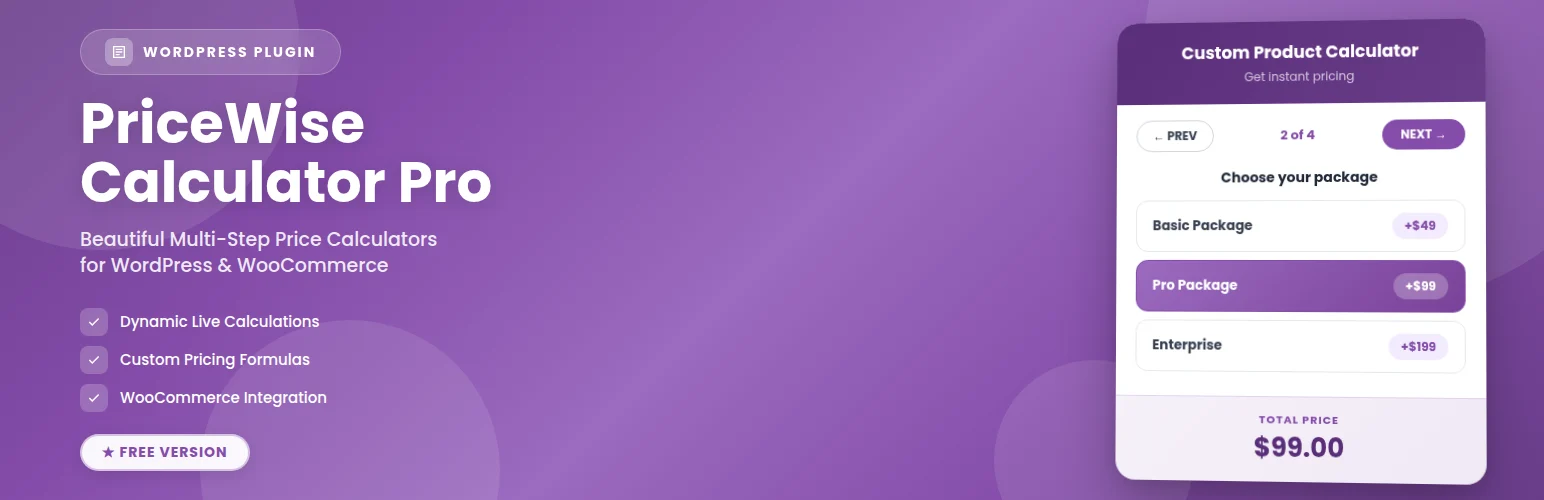
PriceWise is useful when your pricing rule does not fit a fixed calculator template. The free version lets you create number fields and a formula such as length × width × rate, then recalculates the price server-side when the item is added to cart. Pro adds measurement units, waste percentages, box/roll rounding and richer fields.
Key Features
- Formula-based price calculation
- Number fields for length, width, weight, quantity and other inputs
- Functions such as round, ceil, floor, min and max
- Server-side recalculation at add-to-cart
- Pro measurement units and waste percentage
- Pro price tables and PDF quotes
Pros
- Flexible enough for unusual manufacturing or print formulas
- Useful free version for formula-driven pricing
Cons
- Formula setup requires more logic than a guided measurement calculator
- Pro is needed for the most polished measurement-specific workflow
Pricing: Free formula calculator; Pro adds dedicated measurement fields, price tables and more controls.
4. Measurement-Based Pricing for WooCommerce by PluginSpark — Best for Modern live calculation with common measurement units
Best for: Modern live calculation with common measurement units
PluginSpark’s extension is newer but closely aligned with this intent. Customers enter required measurements and the plugin updates total measurement, unit price and final price without a page refresh. It supports simple and variable products and common metric and imperial units.
Key Features
- Live price calculation from customer measurements
- Meters, centimeters, square units, inches, feet and yards
- Custom unit support
- Minimum and maximum pricing controls
- Preset measurement values
- Simple and variable product compatibility
Pros
- Clear user-facing live calculation flow
- Lower current annual price than several commercial alternatives
Cons
- Newer product with a shorter public track record
- Fewer long-term compatibility references than the established SkyVerge extension
Pricing: $59/year when checked.
How to Choose the Right Plugin
Use a quantity calculator when the customer buys packaged inventory such as boxes of tile: they enter the area, and the plugin calculates how many boxes are required. Use user-defined pricing when you sell an open-ended measurement such as fabric per metre or glass cut to size.
Test rounding, waste/overage and minimum charges before going live. Small math differences become real fulfillment and margin problems when a product is sold thousands of times.
If your pricing formula includes shape, service options or conditional coefficients, a formula-based tool such as PriceWise may fit better than a rigid length × width calculator.
Related reading on PluginSuggest: WordPress calculator plugins, WooCommerce dynamic pricing plugins.
Write the Measurement Formula on Paper First
Before installing a plugin, write one real order as a formula. A blind might be width × drop × rate plus a minimum charge. Flooring might be required area plus 10% waste, rounded up to full boxes. Cable may simply be metres × unit price. If the pricing cannot be described clearly on paper, configuring it inside WooCommerce will be harder to audit later.
Separate customer input from sellable inventory. A customer may enter 23.4 square metres, but your warehouse may sell only boxes covering 1.8 square metres each. In that case the plugin needs quantity mode and rounding, not just a price-per-square-metre field.
Rounding, Waste and Minimums
Rounding rules have direct margin consequences. For materials cut from stock, you may charge exact measurement, round to the next fixed increment or add waste automatically. Test boundary values such as 0.99 versus 1.01 metres and measurements just below the next box threshold. Customers notice when a calculator behaves differently from the explanation on the product page.
Minimum charges solve a different problem from minimum measurements. You may allow a tiny custom size but still charge a $30 setup minimum. Confirm the plugin can express the rule you need rather than approximating it with a minimum dimension that blocks legitimate small orders.
Order Data and Fulfillment
The measurement should remain visible in cart, checkout, order emails and the admin order screen. A correct total is not enough if the production team cannot see the dimensions that generated it. Place a test order and follow it all the way to the packing or manufacturing workflow.
For variable products, test whether each variation can use its own rate or calculator rules. Material grade, thickness and finish often change the price per unit, so a single global formula may not represent the real catalog.
Measurement UX on Mobile
Measurement fields need unusually good mobile UX because customers may be standing in a room, workshop or job site while ordering. Use clear unit labels beside every field, sensible numeric keyboards, examples for width versus length, and immediate validation when a value is outside the allowed range. Avoid hiding the unit in hint text that disappears as soon as the customer starts typing.
Returns and Production Risk
Custom-sized products are often non-returnable once cut or manufactured. That makes calculator accuracy part of the returns policy. Show the entered measurements again in cart and checkout and consider a confirmation message for made-to-order items. A customer should have a final chance to catch “12 cm” entered where “12 in” was intended.
SEO and Product Page Clarity
Measurement-priced products can be difficult to compare in search results because the final total depends on customer input. Show a meaningful base unit price such as “from $4.50 per sq ft” where accurate, explain the unit beside the field, and avoid schema prices that imply every customer pays the same fixed total.
For production teams, include measurement units in order exports as well as the numeric value. A line that says “12 × 8” is ambiguous without inches, centimetres or metres, and that ambiguity can create expensive cutting or manufacturing mistakes.
Conclusion
WooCommerce Measurement Price Calculator remains the strongest all-around option for stores that live and die by measurement accuracy. Addify is easier to evaluate for straightforward size pricing, while PriceWise is better when the pricing rule is genuinely formula-driven. PluginSpark is a credible newer option for live unit-based pricing. Before choosing, write down exactly whether you are calculating a price, a purchasable quantity, or both.
Frequently Asked Questions
What is a WooCommerce measurement price calculator?
It lets a customer enter dimensions or another measurement and uses that input to calculate the product price or the quantity required.
Can WooCommerce price products by square foot or square metre?
Yes. Measurement plugins can calculate area from length and width and then apply a per-area price.
What is the difference between quantity mode and calculated-price mode?
Quantity mode works out how many sellable units or boxes are required. Calculated-price mode changes the product price directly from the customer’s measurement.
Can I add a minimum charge?
Several measurement-pricing plugins support minimum prices or minimum measurements, which is useful for setup and cutting costs.
Is this the same as a generic WordPress calculator plugin?
No. These plugins feed the measurement result into WooCommerce product pricing, cart data and order handling rather than just displaying a calculation.


