



WordPress traditionally relies on Gravatar for profile images, but many sites need local uploads, Media Library avatars, generated initials, or more privacy control. Avatar plugins make those options available without requiring every contributor or community member to manage a separate Gravatar account.
TL;DR
One User Avatar and Simple Local Avatars are the strongest choices when profile pictures should live on your WordPress site. Simple User Avatar is a narrower Media Library option. Leira Letter Avatar is useful when automatic initials are preferable to uploaded photos, while Gravatar Enhanced suits sites that want to stay in the Gravatar ecosystem with richer profile controls.
Quick Comparison
| Plugin | Best for | Pricing starting point |
|---|---|---|
| One User Avatar | Media Library profile pictures | Free version on WordPress.org |
| Simple Local Avatars | locally uploaded user avatars | Free version on WordPress.org |
| Simple User Avatar | basic Media Library avatar selection | Free version on WordPress.org |
| Leira Letter Avatar | automatic initials-based avatars | Free version on WordPress.org |
| Gravatar Enhanced | Gravatar profiles with privacy controls | Free version on WordPress.org |
How I Chose These Plugins
I compared how each plugin sources and stores avatars, who can change them, whether images stay local, what happens when a user has no image, and whether the plugin adds broader profile functionality. I treated Gravatar-based and fully local approaches separately because they have different privacy and workflow implications.
1. One User Avatar

Best for: Media Library profile pictures.
Lets users choose a custom avatar or profile picture from the WordPress Media Library and can also define a custom default avatar.
Key features
- Media Library avatars
- user profile pictures
- custom default avatar
Pros
- Large install base
- simple WordPress-native workflow
Limitations
- Best for local images rather than a broader profile system
Pricing: this WordPress Avatar Plugins option has a free WordPress.org version. Check the current developer listing before buying an optional upgrade, especially if the paid tier changes limits, integrations, or support.
2. Simple Local Avatars

Best for: Locally uploaded user avatars.
Adds an avatar upload field to WordPress user profiles and generates requested image sizes locally in a Gravatar-like workflow.
Key features
- Local avatar uploads
- user-profile field
- on-demand avatar sizes
Pros
- Keeps avatar files on the WordPress site
- established plugin
Limitations
- Local media storage and moderation remain the site owner’s responsibility
Pricing: this WordPress Avatar Plugins option has a free WordPress.org version. Check the current developer listing before buying an optional upgrade, especially if the paid tier changes limits, integrations, or support.
3. Simple User Avatar
Best for: Basic Media Library avatar selection.
Allows users to add or remove their avatar using images from the WordPress Media Library.
Key features
- Add/remove user avatar
- Media Library integration
- profile-based setup
Pros
- Small, focused feature set
Limitations
- Less suitable when you need community-profile features beyond the avatar
Pricing: this WordPress Avatar Plugins option has a free WordPress.org version. Check the current developer listing before buying an optional upgrade, especially if the paid tier changes limits, integrations, or support.
4. Leira Letter Avatar

Best for: Automatic initials-based avatars.
Automatically creates user avatars based on initials, giving sites a visual fallback without requiring uploaded profile photos.
Key features
- Initial-based avatars
- automatic generation
- no user image required
Pros
- Useful for communities with many users who never upload photos
Limitations
- Generated initials are less personal than real profile images
Pricing: this WordPress Avatar Plugins option has a free WordPress.org version. Check the current developer listing before buying an optional upgrade, especially if the paid tier changes limits, integrations, or support.
5. Gravatar Enhanced
Best for: Gravatar profiles with privacy controls.
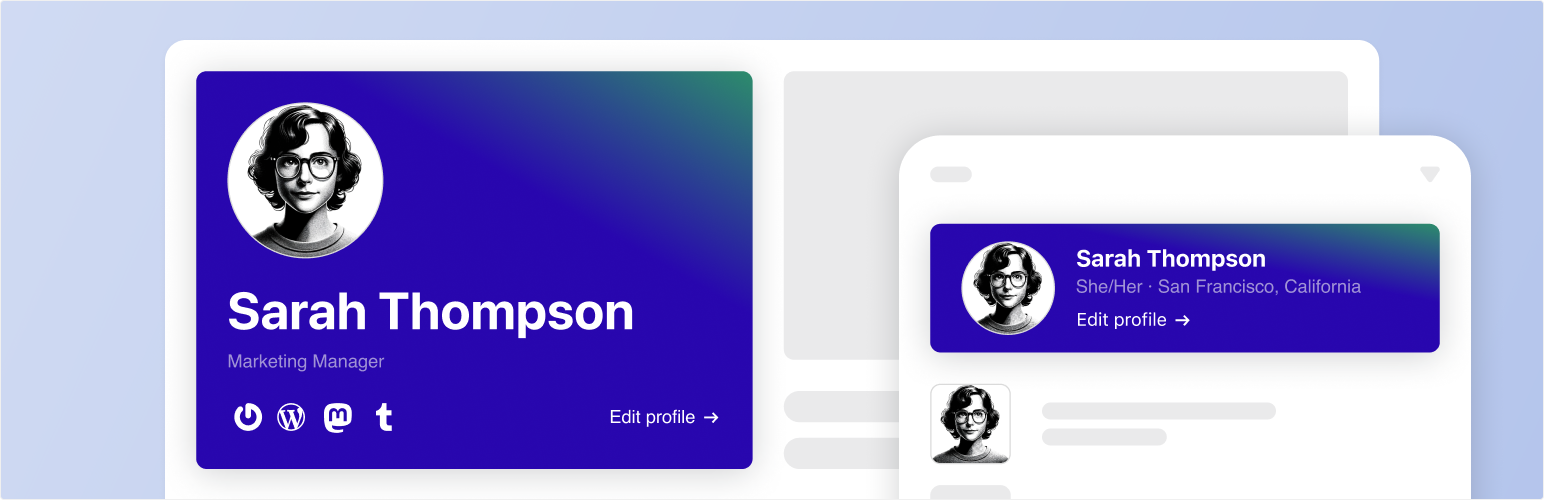
The official Gravatar plugin adds avatar/profile features, privacy-focused settings, profile updates, and Gravatar Profile blocks.
Key features
- Gravatar integration
- privacy settings
- profile updates
- profile blocks
Pros
- Official Gravatar integration
- useful for sites already using Gravatar identities
Limitations
- Still depends on the Gravatar ecosystem rather than fully local avatars
Pricing: this WordPress Avatar Plugins option has a free WordPress.org version. Check the current developer listing before buying an optional upgrade, especially if the paid tier changes limits, integrations, or support.
Avatar privacy, permissions, and moderation
The avatar source affects more than appearance. Local uploads keep files inside WordPress but add storage, permissions, and moderation responsibilities. Gravatar reduces local file management but depends on an external identity service. Generated initials avoid both problems, but they give users less personal control over how they appear.
For communities and membership sites, define who can upload an avatar, what file types and sizes are accepted, and whether administrators can remove inappropriate images. If account creation and profile management are central to the site, review avatar behavior together with your WordPress user registration workflow rather than treating the profile image as an isolated feature.
How to Choose
For private communities, intranets, or sites that do not want external profile-image lookups, local avatars are usually the cleaner model. For large public communities, decide whether users may upload arbitrary files, whether admins need moderation, and what fallback should appear when no image exists. Initials-based avatars reduce storage and moderation overhead, while Gravatar is convenient when users already maintain identities there.
Final Take
Use a local-avatar plugin when WordPress should own the image and workflow. Use generated initials when consistency matters more than personal photos. Choose Gravatar Enhanced when Gravatar is already part of the site identity system and you want to improve that experience rather than replace it.
FAQs
Can WordPress use local avatars instead of Gravatar?
Yes. Local-avatar plugins can store or select profile images from your own WordPress installation.
Are local avatars better for privacy?
They can reduce reliance on an external avatar service, but uploaded profile images still require your own privacy, storage, and moderation policies.
Can users upload their own profile pictures?
Several local-avatar plugins add upload or Media Library controls to user profiles. Permissions differ by plugin.
What happens when a user has no avatar?
Plugins may fall back to Gravatar, a default image, or generated initials depending on the selected tool.
Are initials-based avatars useful for membership sites?
Yes. They provide a consistent visual identity without requiring every user to upload a photo.

