



A booking plugin is easy to underestimate. The calendar may look fine in a demo, but real businesses also need staff schedules, buffers, time zones, payments, reminders, rescheduling, group appointments, resources, cancellations, recurring sessions, and a booking flow customers will actually finish on mobile.
For this roundup, I focused on practical appointment workflows rather than counting every toggle. The best choice for a salon is not automatically the best one for a consultant, medical practice, coaching team, or WooCommerce rental business.
If your site sells access rather than appointments, compare our best WordPress membership plugins. For event-first scheduling, our event calendar plugin guide is more relevant.
TL;DR: Best WordPress Booking Plugins in 2026
Amelia is the strongest all-round booking plugin for service businesses that need staff, locations, payments, resources, and polished customer flows. Simply Schedule Appointments is easier for consultants and small teams. FluentBooking is excellent for meeting-style scheduling, while WooCommerce Bookings is best when bookings need to behave like WooCommerce products.
- Amelia – best overall for service businesses and teams.
- Bookly – best for modular appointment setups.
- Simply Schedule Appointments – best for simple professional scheduling.
- FluentBooking – best for meetings, teams, and calendar scheduling.
- BookingPress – best value all-in-one booking option.
- WooCommerce Bookings – best for booking products inside WooCommerce.
1. Amelia
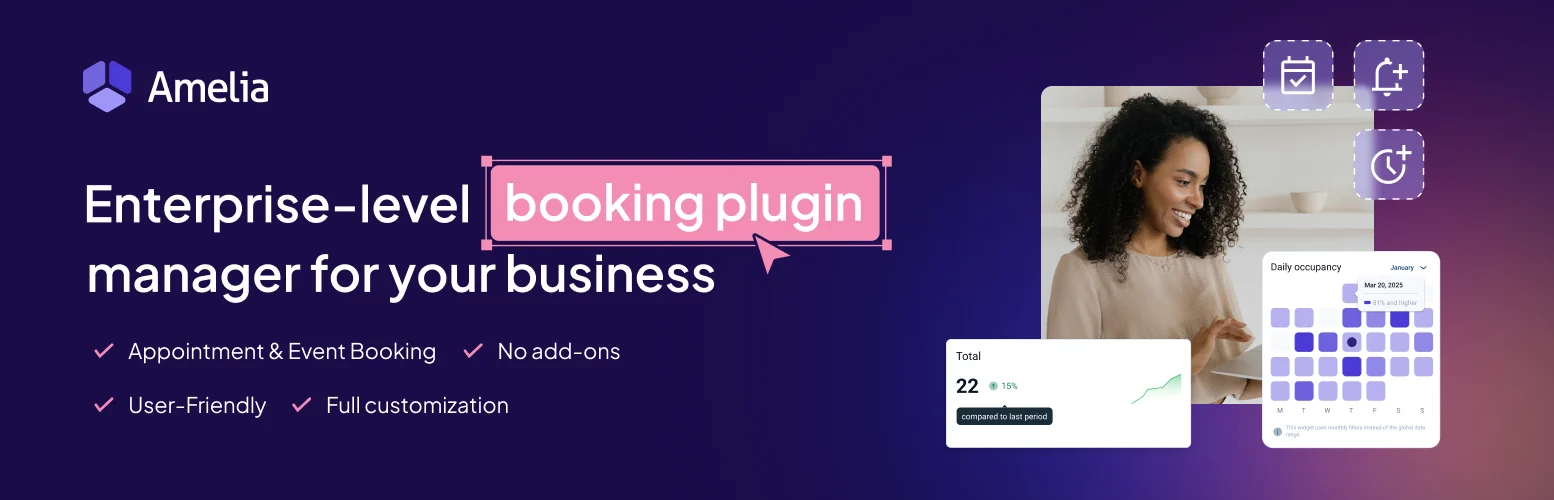
Amelia is my overall pick because it handles the operational side of appointment businesses, not just the public calendar. Services, employees, locations, packages, recurring appointments, resources, group bookings, payments, events, and customer management can live in one booking system.
The interface is more polished than many traditional booking plugins, and the customer flow works well for businesses where several staff members or services share the same schedule.
Key features
- Employee, service, and location management.
- Recurring and group appointments.
- Packages, deposits, coupons, taxes, and invoices.
- Google and other supported calendar/meeting sync.
- Resource management and booking cart on supported plans.
- Payments, events, customer panel, and REST API features.
Pros: Strong all-in-one workflow; polished booking forms; suitable for multi-staff and multi-location businesses.
Cons: More settings than a solo consultant needs; advanced features depend on plan level.
Best for: Salons, clinics, spas, trainers, consultants, agencies, and service teams.
Pricing: Free version available. Current paid pricing shows Standard from about $89/year during the displayed promotion, with Pro and Elite tiers above it and lifetime options available. See Amelia pricing.
2. Bookly
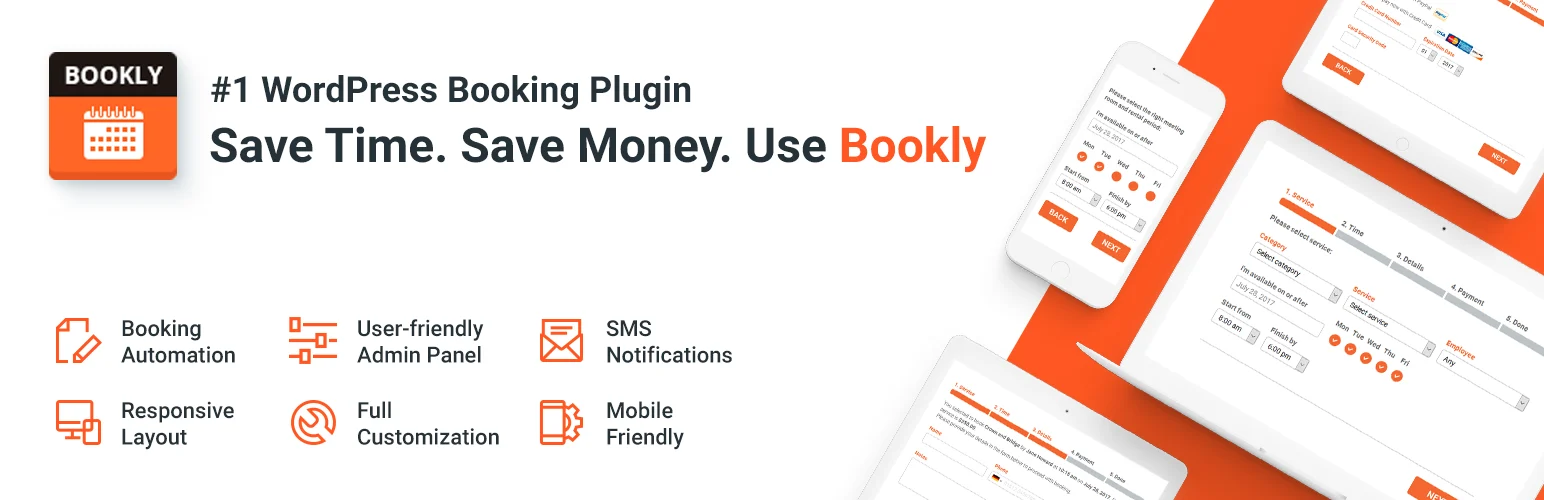
Bookly has been a popular WordPress booking option for years, largely because the core scheduling system can be expanded through a large add-on ecosystem. That works well when you want to build a booking setup around specific requirements instead of paying for every advanced feature from day one.
The trade-off is cost visibility. Once a business needs several premium add-ons, I always total the complete stack before comparing it with an all-in-one competitor.
Key features
- Responsive appointment booking forms.
- Staff schedules and service management.
- Email and notification workflows.
- Customer and appointment management.
- Payments and calendar features through Pro/add-ons.
- Large add-on ecosystem for specialized booking needs.
Pros: Mature product; highly extensible; flexible for specialized appointment businesses.
Cons: Add-on costs can accumulate; advanced setup can become fragmented.
Best for: Businesses that need a modular booking system with specific extensions.
Pricing: A free version is available, with Bookly Pro and additional paid add-ons sold separately. Check current Bookly options.
3. Simply Schedule Appointments
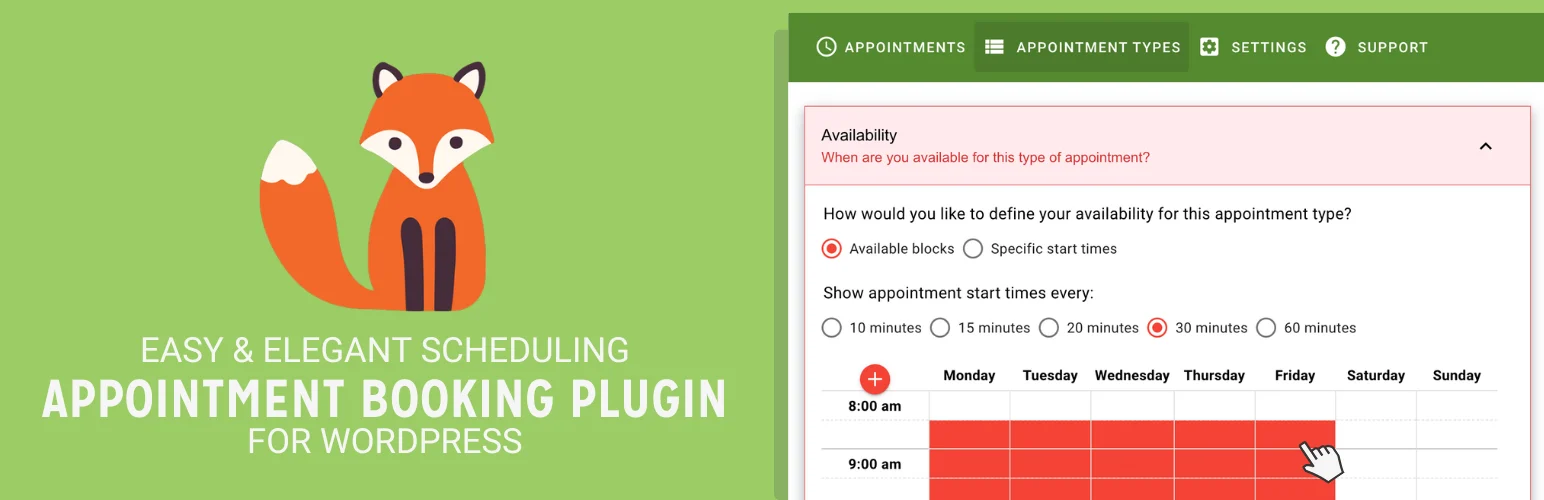
Simply Schedule Appointments is the plugin I would recommend to a consultant, coach, or small professional team that wants a straightforward booking experience without a heavy back-office system. The setup wizard is excellent, and the interface keeps appointment types and availability easy to understand.
It becomes more capable on higher editions with payments, SMS, webhooks, team scheduling, resources, and meeting integrations, but the basic workflow stays approachable.
Key features
- Unlimited appointment types in the free Basic edition.
- Google Calendar and meeting integrations on paid plans.
- Custom booking fields and group bookings.
- Stripe and PayPal payments on Professional.
- SMS reminders and webhooks on supported plans.
- Team and resource scheduling on Business.
Pros: Very easy setup; clean user experience; excellent fit for professional services.
Cons: Team and resource features require higher plans; less focused on complex salon-style operations than Amelia.
Best for: Consultants, coaches, service professionals, and small teams.
Pricing: Free Basic edition. Current introductory annual pricing is $99 for Plus, $199 for Professional, and $399 for Business on one site; renewals are higher. See SSA pricing.
4. FluentBooking

FluentBooking is particularly strong for meeting-style scheduling: one-to-one calls, team calendars, round-robin meetings, event calendars, availability, meeting links, and integrations with the wider Fluent ecosystem.
I would choose it over a salon-style booking system when the workflow feels more like Calendly inside WordPress than a service counter with employees, treatments, and equipment.
Key features
- Unlimited calendars and hosts on paid plans.
- One-to-one and team meeting types.
- Google Calendar and meeting integrations.
- Availability, buffers, and scheduling rules.
- Payment and automation integrations.
- Annual and lifetime licensing.
Pros: Excellent meeting workflow; strong value; integrates naturally with FluentCRM and other Fluent products.
Cons: Less focused on resource-heavy appointment businesses; best ecosystem value appears when you already use Fluent tools.
Best for: Sales calls, agencies, consultants, recruiting, support meetings, and team scheduling.
Pricing: Current introductory Solo pricing is $63/year for one site, with Small Business and Agency plans above it; lifetime plans are also available. See FluentBooking pricing.
5. BookingPress
BookingPress is a strong value option for users who want many appointment features under one product rather than assembling a large add-on stack. It covers staff, services, schedules, payments, notifications, customer management, and integrations.
The free version makes it easy to test the workflow first. I would pay close attention to which gateways, integrations, and advanced features are included in the specific Pro license you choose.
Key features
- Service and staff scheduling.
- Customer booking and account management.
- Email notifications and reminders.
- Payment gateway integrations on Pro.
- Calendar, meeting, and marketing integrations.
- Multiple add-ons bundled with premium editions.
Pros: Good feature value; free version; broad premium bundle.
Cons: Interface and ecosystem are less mature than some long-established competitors; verify add-on coverage for your exact workflow.
Best for: Small and midsize service businesses looking for a feature-rich booking plugin at a competitive price.
Pricing: Free version available with paid Pro plans and bundled add-ons. Check BookingPress pricing.
6. WooCommerce Bookings
WooCommerce Bookings is the right tool when the booking itself needs to behave like a WooCommerce product. You can sell time slots, rentals, reservations, or appointments while using the WooCommerce cart, checkout, customer accounts, taxes, extensions, and payment ecosystem.
That commerce integration is the advantage. I would not choose it for a simple consultation calendar, but it makes sense when booking and ecommerce operations need to share one order system.
Key features
- Bookable WooCommerce products.
- Flexible availability and booking duration.
- Pricing rules for booking periods.
- Customer bookings through WooCommerce checkout.
- Resource and capacity concepts for supported setups.
- Compatibility with the wider WooCommerce extension ecosystem.
Pros: Native WooCommerce order and payment workflow; excellent for rentals and bookable products.
Cons: More commerce-focused than appointment-focused; total cost can rise with additional WooCommerce extensions.
Best for: Rentals, accommodations, classes, tours, and businesses already operating through WooCommerce.
Pricing: WooCommerce Bookings is a paid annual extension. Check the current WooCommerce price before purchase.
How I choose a WordPress booking plugin
I map the calendar rules before looking at the front-end design: staff, locations, resources, duration, buffer time, capacity, recurring sessions, payments, cancellation, time zones, reminders, and who can change a booking. Those rules expose limitations quickly.
Then I test the complete booking flow on a phone. A booking plugin can be powerful in wp-admin and still lose customers if selecting a service, time, and payment takes too many steps.
Conclusion
Amelia is the best overall WordPress booking plugin in 2026 for service businesses that need a complete appointment operation. Simply Schedule Appointments is easier for smaller professional teams, while FluentBooking is excellent for meeting-centric scheduling.
Choose WooCommerce Bookings when bookings are products and the store already runs on WooCommerce. That architectural fit is more important than a long feature comparison.
Frequently Asked Questions
What is the best WordPress booking plugin in 2026?
Amelia is the best overall choice in this comparison for service businesses with staff, services, locations, payments, and advanced scheduling needs.
What is the best free WordPress booking plugin?
Simply Schedule Appointments Basic, Amelia Lite, BookingPress, and other options provide free entry points. The best free choice depends on whether you need simple appointments, multiple staff, payments, or integrations.
Can WordPress booking plugins accept payments?
Yes. Most premium booking plugins support one or more payment gateways, but the gateway and feature may depend on the plan or add-on you purchase.
Which booking plugin is best for consultants?
Simply Schedule Appointments and FluentBooking are both excellent for consultants and meeting-based businesses because their scheduling flows are simpler than a full salon or clinic management system.
Should I use WooCommerce for bookings?
Use WooCommerce Bookings when the booking needs to share WooCommerce products, orders, checkout, taxes, accounts, and extensions. For a simple appointment calendar, a dedicated booking plugin is usually easier.

