



Dark mode sounds like a simple color inversion, but a good implementation needs to handle logos, images, backgrounds, form fields, page builders, and visitors who already have a system-level preference.
The plugins below focus on site-wide dark-mode behavior rather than general theme customization. If you are redesigning navigation or layout, see our WordPress page builder comparison instead.
TL;DR
DarkMySite is the best balance of presets, scheduling, exclusions, and page-builder support. Darkify is another strong frontend and admin dark-mode option with clear yearly and lifetime pricing. WP Dark Mode remains a popular name when available in your environment, while Dracula Dark Mode is worth considering for sites that want automatic color transformation and admin controls.
Quick Comparison
| Plugin | Best for | Free option |
|---|---|---|
| DarkMySite | customizable frontend dark mode | Yes |
| Darkify | frontend and admin dark mode | Yes |
| WP Dark Mode | established dark-mode workflows | Yes/availability varies |
| Dracula Dark Mode | automatic color transformation | Yes/availability varies |
How I Chose These Plugins
I prioritized frontend switching, operating-system preference detection, custom colors, image handling, exclusions, admin dark mode, compatibility with page builders, current maintenance, and whether the plugin provides manual control when automatic conversion gets a brand color wrong.
1. DarkMySite — Best for customizable frontend dark mode

DarkMySite provides ready-made color schemes plus custom presets, a floating toggle, operating-system awareness, scheduled dark mode, page exclusions, and custom CSS for dark and light states.
Key features
- Floating dark-mode switch
- Custom and preset color schemes
- OS-aware automatic mode
- Time-based dark mode
- Page, element, post-type, and selector exclusions
- Dark/light custom CSS and image controls
Pros
- Strong control over exceptions
- Works across many page builders
Cons
- Complex sites still need visual QA in both modes
- Some advanced controls require Pro
Pricing
A free version is available. DarkMySite currently lists its Personal plan at $39/year for two sites, with larger yearly and lifetime plans available.
2. Darkify — Best for frontend and admin dark mode
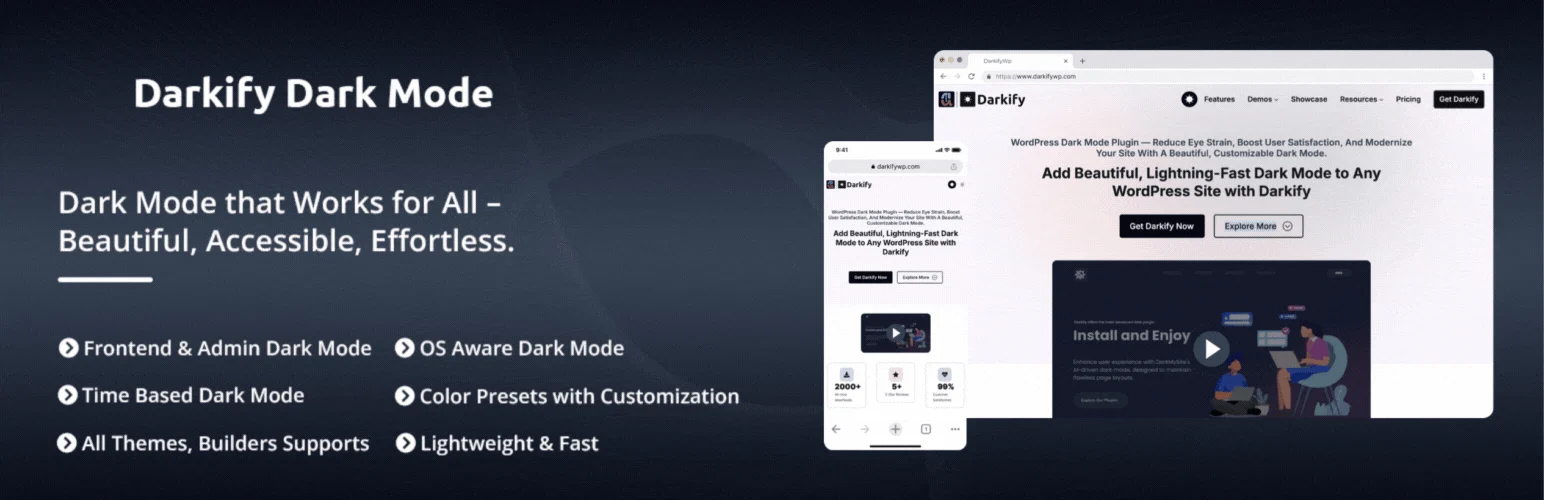
Darkify provides dark-mode controls for the public site and WordPress admin, with theme customization, switching options, and premium licenses for users who need broader control.
Key features
- Frontend dark mode
- Admin dark mode
- Dark/light theme controls
- Manual switch options
- Responsive compatibility
- Premium styling and exclusion controls
Pros
- Covers both visitors and administrators
- Clear yearly and lifetime licensing
Cons
- Automatic conversion still needs testing on branded pages
- Smaller install base than older competitors
Pricing
Darkify offers a free version. Its pricing page currently shows a $39/year single-site list price, with discounted checkout offers and lifetime licenses also available.
3. WP Dark Mode — Best for established dark-mode workflows
WP Dark Mode is one of the better-known WordPress dark-mode products and has historically offered frontend switching, OS-aware behavior, admin dark mode, and customization controls.
Key features
- Frontend dark-mode switch
- System-preference detection
- Color presets and customization
- Admin dark-mode options
- Page and content exclusions in premium tiers
Pros
- Recognizable product with a broad feature set
- Suitable for sites that want frontend and backend controls
Cons
- Plugin availability and packaging can change, so verify the current official listing
- Premium feature boundaries depend on the current plan
Pricing
WP Dark Mode has offered free and paid editions. Verify the current official plugin listing and pricing before installing because product packaging can change.
4. Dracula Dark Mode — Best for automatic color transformation
Dracula Dark Mode is designed to transform WordPress sites into a dark theme with automated color handling and user switching. It can be useful when you want a quick dark-mode layer without rebuilding the theme.
Key features
- Automatic dark-mode transformation
- Visitor toggle
- Color adjustment controls
- Admin dark-mode capabilities depending on edition
- Compatibility options for common WordPress layouts
Pros
- Fast way to add a dark experience
- Useful for sites without a native dark theme
Cons
- Automatic color conversion can mis-handle complex brand assets
- Verify current compatibility and licensing before production use
Pricing
A free edition has been available, with premium features sold separately. Check the current vendor listing for active pricing and plan details.
Which One Should You Choose?
Start with DarkMySite when you want detailed frontend control and exclusions. Darkify is a good alternative if admin dark mode matters too. For WP Dark Mode or Dracula Dark Mode, confirm the current official package and maintenance status before standardizing them across client sites.
Conclusion
Dark mode should be treated as a second visual theme, not a checkbox. Test logos, charts, form fields, hover states, error messages, and third-party embeds in both modes, then exclude elements that should keep their original colors.
Frequently Asked Questions
What is the best WordPress dark mode plugin?
DarkMySite is the strongest all-round choice in this list because it combines custom schemes, OS awareness, scheduling, exclusions, and page-builder support.
Can WordPress follow a visitor’s system dark-mode setting?
Yes. Several dark-mode plugins can detect the operating-system preference and switch automatically.
Does dark mode improve SEO?
Not directly. It is a user-experience feature, so any SEO effect would be indirect through usability or engagement.
Can I use different logos in dark mode?
Some premium dark-mode plugins support image replacement or custom styling so logos remain readable on dark backgrounds.
Should I enable dark mode in wp-admin too?
Only if it helps your editors. Frontend visitor dark mode and admin dark mode are separate needs.

