



A document library is more than a page full of PDF links. Once a site has policies, manuals, reports, forms, product documents, client files, or internal resources, people need search, categories, filters, previews, access rules, and a consistent way to find the right file.
I separate document-library plugins from download managers. A download manager focuses on file delivery and tracking. A document library focuses on organizing, browsing, searching, previewing, and sometimes restricting a collection of documents.
These five cover the strongest distinct workflows. For tracked file delivery, see our WordPress download manager plugins. For backend file organization, compare our WordPress media library plugins.
TL;DR
- Document Library Lite: best overall for searchable, sortable document tables with a clear upgrade path to a full document-management system.
- FileBird Document Library: best for sites already organizing media with FileBird folders and wanting front-end document lists from that structure.
- CatFolders Document Gallery & PDF Library: best for folder-based grid or list libraries with strong visual browsing.
- Document Embedder: best when visitors should read Word, Excel, PowerPoint, PDF, and other files directly on the page.
- Filr: best for private or password-protected document libraries where access control matters more than public browsing.
Quick Comparison
| Plugin | Best for | Library style | Free version |
|---|---|---|---|
| Document Library Lite | General searchable libraries | Table / grid | Yes |
| FileBird Document Library | Folder-driven libraries | List / folder based | Yes |
| CatFolders Document Gallery | Visual document galleries | Grid / list | Yes |
| Document Embedder | Inline document viewing | Embedded viewer / library | Yes |
| Filr | Private document access | Secure library | Yes |
How I Chose These Plugins
I compared current maintenance, search and filter tools, folder or taxonomy organization, front-end layouts, document previews, file-type support, privacy controls, bulk management, and whether the plugin solves a true library problem rather than only adding a download button.
1. Document Library Lite – Best Overall
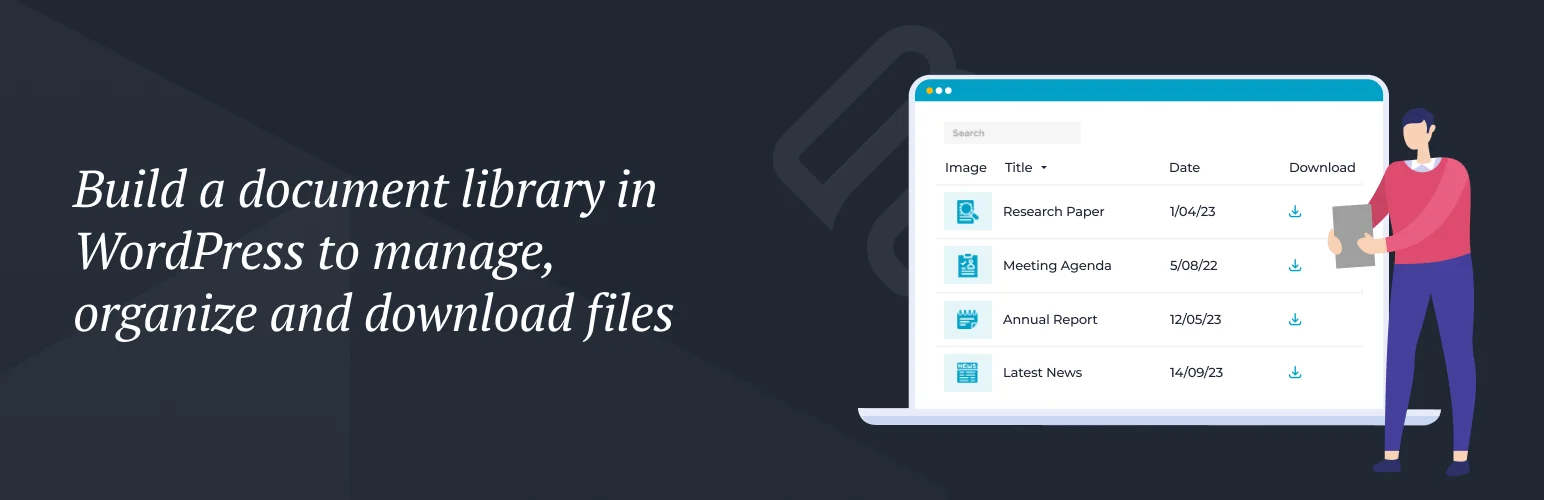
Document Library Lite by Barn2 is the most balanced option in this list. It creates a dedicated document system and displays files in searchable, sortable tables or grids.
I like it because the content model is clear. Documents can have titles, descriptions, dates, categories, images, and download links, so the library behaves more like structured content than a folder dumped onto a page.
Key features
- Dedicated document post type
- Searchable and sortable document tables
- Grid layout
- Document categories and status filtering
- Custom document data and images
- Pro features for advanced filters, folders, and private libraries
Pros: Clean structured-content model, good searchability, active development, and a clear Pro path for larger libraries.
Cons: Advanced access, layout, and library-management features require paid plans.
Best for: Policies, resources, manuals, public-sector documents, product files, and knowledge libraries.
Pricing: Free Lite version available with commercial Document Library Pro plans.
2. FileBird Document Library – Best for FileBird Folder Workflows

FileBird Document Library is a natural fit if the site already uses FileBird to organize media into virtual folders.
Instead of rebuilding document categories separately, you can turn that existing folder structure into front-end document lists. I would choose it for editorial teams that already think in folders and want the same organization model in both wp-admin and the public library.
Key features
- Build document libraries from FileBird folders
- Front-end file lists
- Gutenberg and page-builder placement
- Folder-driven organization
- Support for multiple file types
- Works alongside FileBird media organization
Pros: Excellent workflow continuity for FileBird users and easy for editors who already organize assets by folder.
Cons: Less attractive if you do not already use FileBird or prefer taxonomy-driven document metadata.
Best for: Agencies and content teams already managing a large Media Library with FileBird.
Pricing: Free plugin; FileBird itself has free and premium editions depending on the folder workflow you need.
3. CatFolders Document Gallery & PDF Library – Best for Visual Browsing
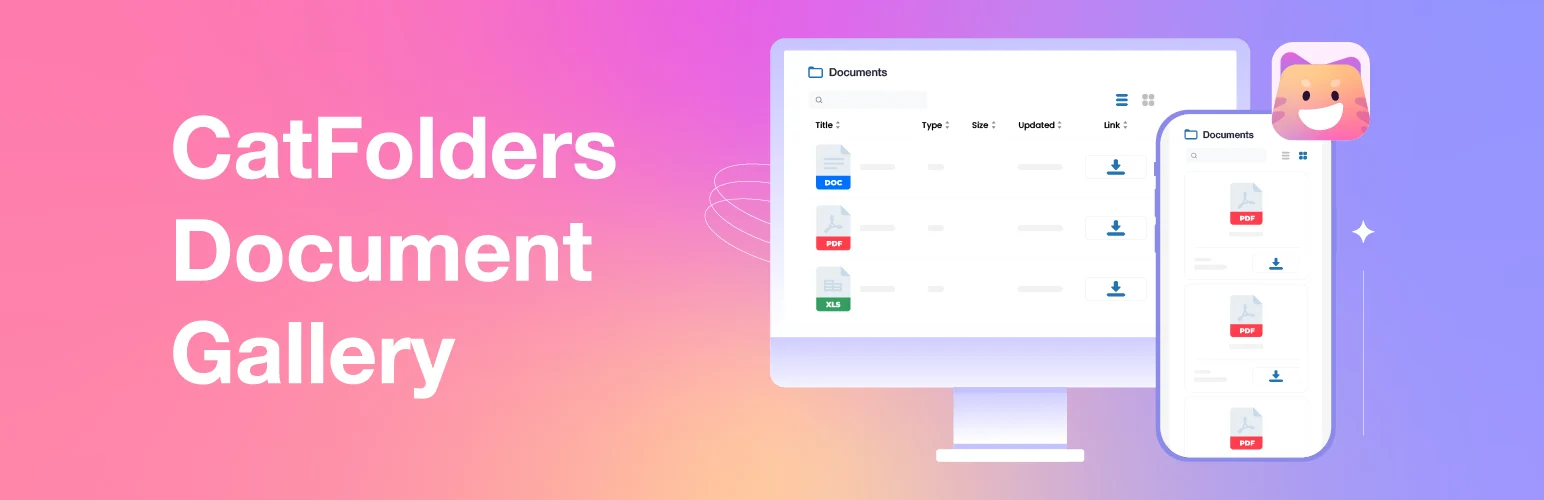
CatFolders Document Gallery & PDF Library focuses on turning folder-organized media into clean front-end document galleries.
I would use it when visitors need to browse visually rather than work through a dense table. Searchable and sortable list/grid layouts make it useful for brochures, reports, forms, certificates, and resource hubs.
Key features
- Folder-based document libraries
- Grid and list layouts
- Search and sorting
- PDF and general file galleries
- Front-end browsing controls
- Integration with CatFolders organization
Pros: Strong visual presentation, current WordPress compatibility, and a simple folder-to-library workflow.
Cons: Less suited to complex document metadata or granular private-access workflows.
Best for: Public resource libraries, brochures, reports, certificates, and document galleries.
Pricing: Free version available with commercial upgrades.
4. Document Embedder – Best for Reading Files Without Downloading

Document Embedder solves a different library problem: visitors need to open documents directly in the browser rather than download every file first.
It supports PDF, Word, Excel, PowerPoint, and many other formats with responsive viewing and document-library features. I would use it when previewing or reading the document is central to the experience.
Key features
- Inline document viewer
- Support for PDF, Word, Excel, PowerPoint, and more
- Responsive document display
- FlipBook-style viewing options
- Download controls
- Document-library layouts
Pros: Broad file-format viewing and useful when visitors need previews instead of raw download links.
Cons: It is more viewer-centric than Barn2 for structured document metadata and filtering.
Best for: Manuals, reports, presentations, spreadsheets, and document-heavy pages where inline reading matters.
Pricing: Free core plugin with commercial upgrades available.
5. Filr – Best for Secure Document Libraries
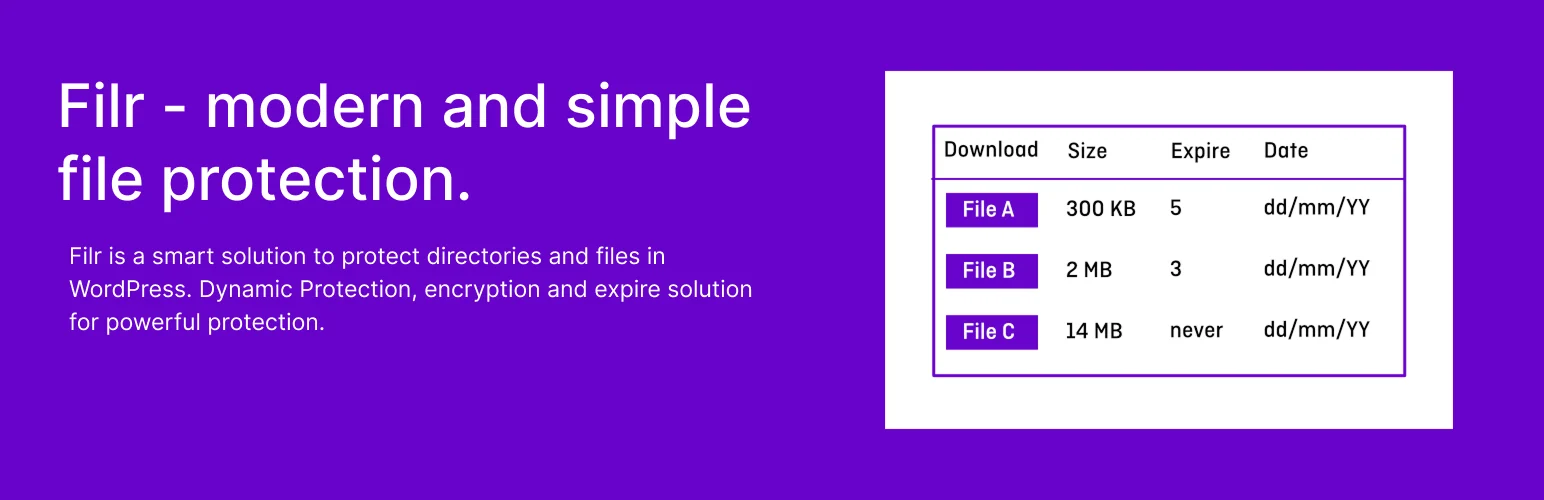
Filr is the option I would consider when the library is private and access control is the main requirement.
It can create protected file libraries, restrict access, and support secure document sharing workflows. That makes it more appropriate for client resources, internal files, member downloads, and sensitive documents than a purely public gallery plugin.
Key features
- Secure document libraries
- Access restrictions
- Protected file downloads
- Front-end file lists
- Private sharing workflows
- Commercial features for deeper protection and management
Pros: Strongest privacy-oriented option in this comparison and useful for client/member document delivery.
Cons: Less focused on rich public search/filter experiences than Document Library Lite.
Best for: Client portals, internal resources, member files, and private document libraries.
Pricing: Free version available with a commercial Pro edition.
Which WordPress Document Library Plugin Should You Choose?
Document Library Lite is the best general-purpose starting point. FileBird Document Library and CatFolders are better when your workflow already revolves around media folders. Document Embedder is stronger for inline reading, while Filr is the better fit for protected libraries.
Before choosing, decide whether the library is public or private, whether users browse by search or by folder, and whether files need to be previewed or simply downloaded. Those three decisions usually narrow the plugin choice quickly.
Conclusion
The best document library is the one that matches how people actually find and consume files. Document Library Lite gives the strongest balanced workflow, folder-based plugins are easier for media-heavy teams, Document Embedder improves on-page reading, and Filr handles private access better. Start with the library model, not the plugin brand.
Frequently Asked Questions
What is the best WordPress document library plugin?
Document Library Lite is the strongest general-purpose option here. Filr is better for private libraries, while Document Embedder is stronger when visitors need inline previews.
What is the difference between a document library and a download manager?
A document library emphasizes organization, search, filters, browsing, and metadata. A download manager focuses more on delivery, tracking, access rules, and download workflows.
Can WordPress document libraries be private?
Yes. Plugins such as Filr and premium document-library tools can restrict access by login, password, user, or role depending on the setup.
Can visitors preview documents without downloading them?
Yes. Document Embedder is specifically designed for inline viewing of PDFs and many Office document formats.
Can I organize a document library by folders?
Yes. FileBird Document Library and CatFolders are especially well suited to folder-driven organization.

